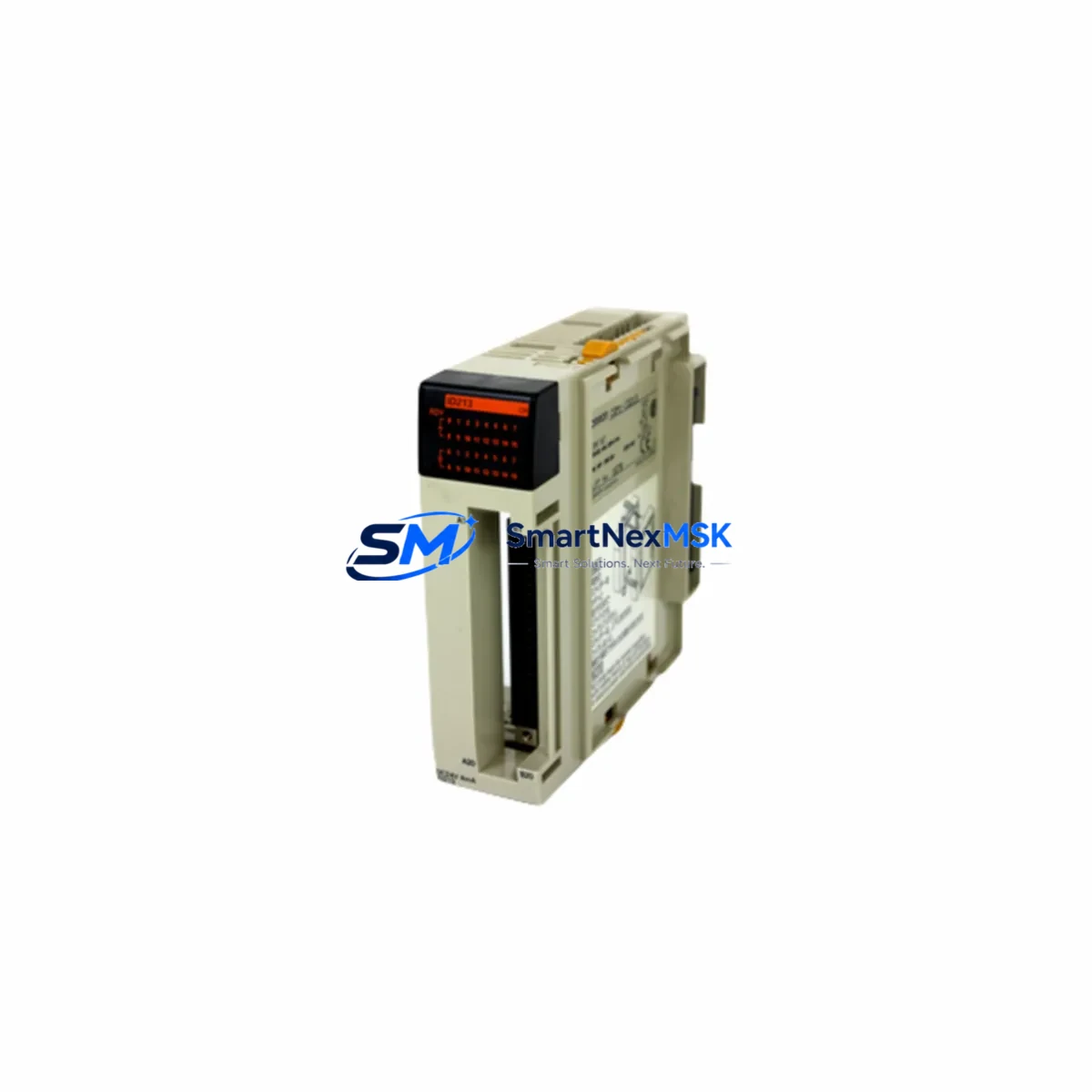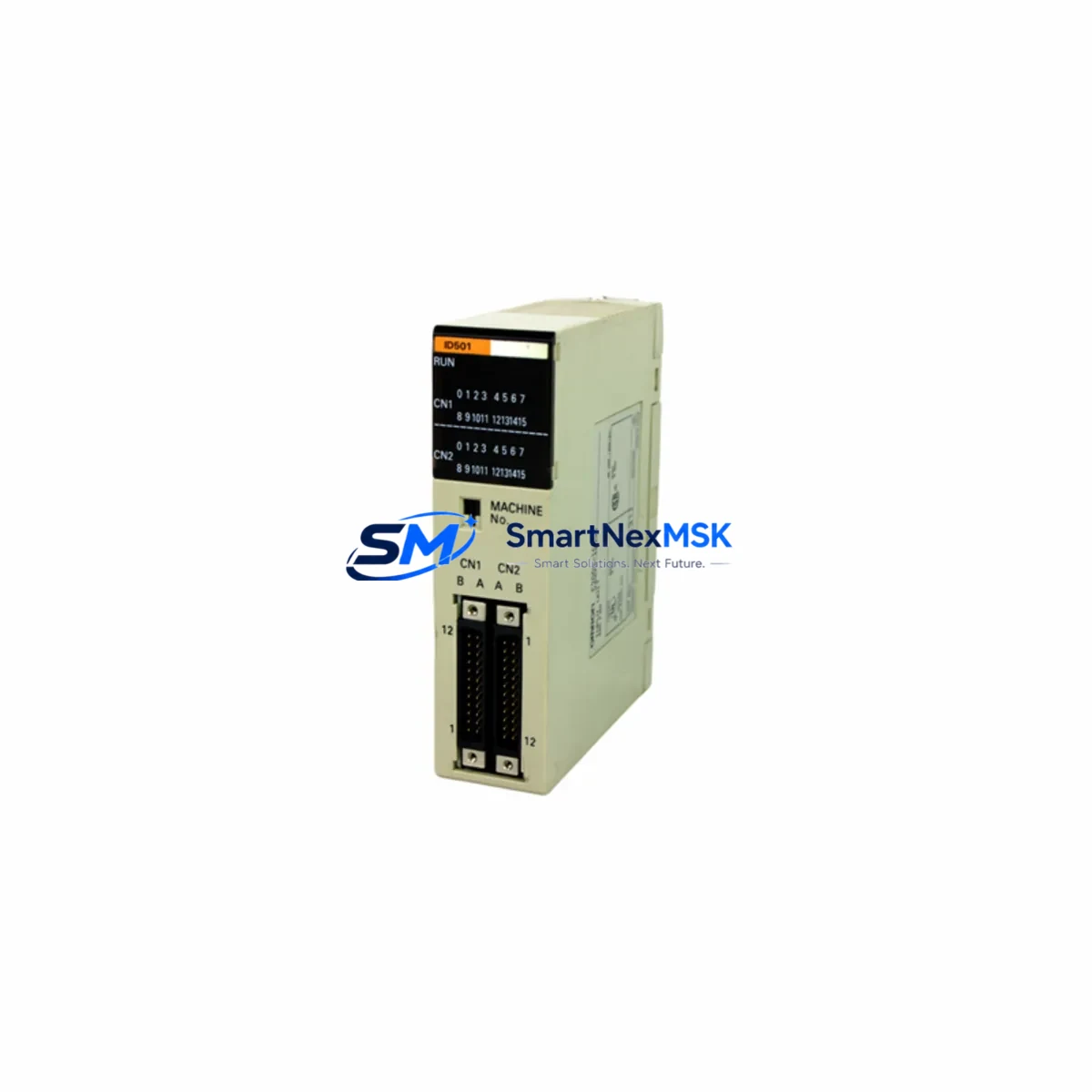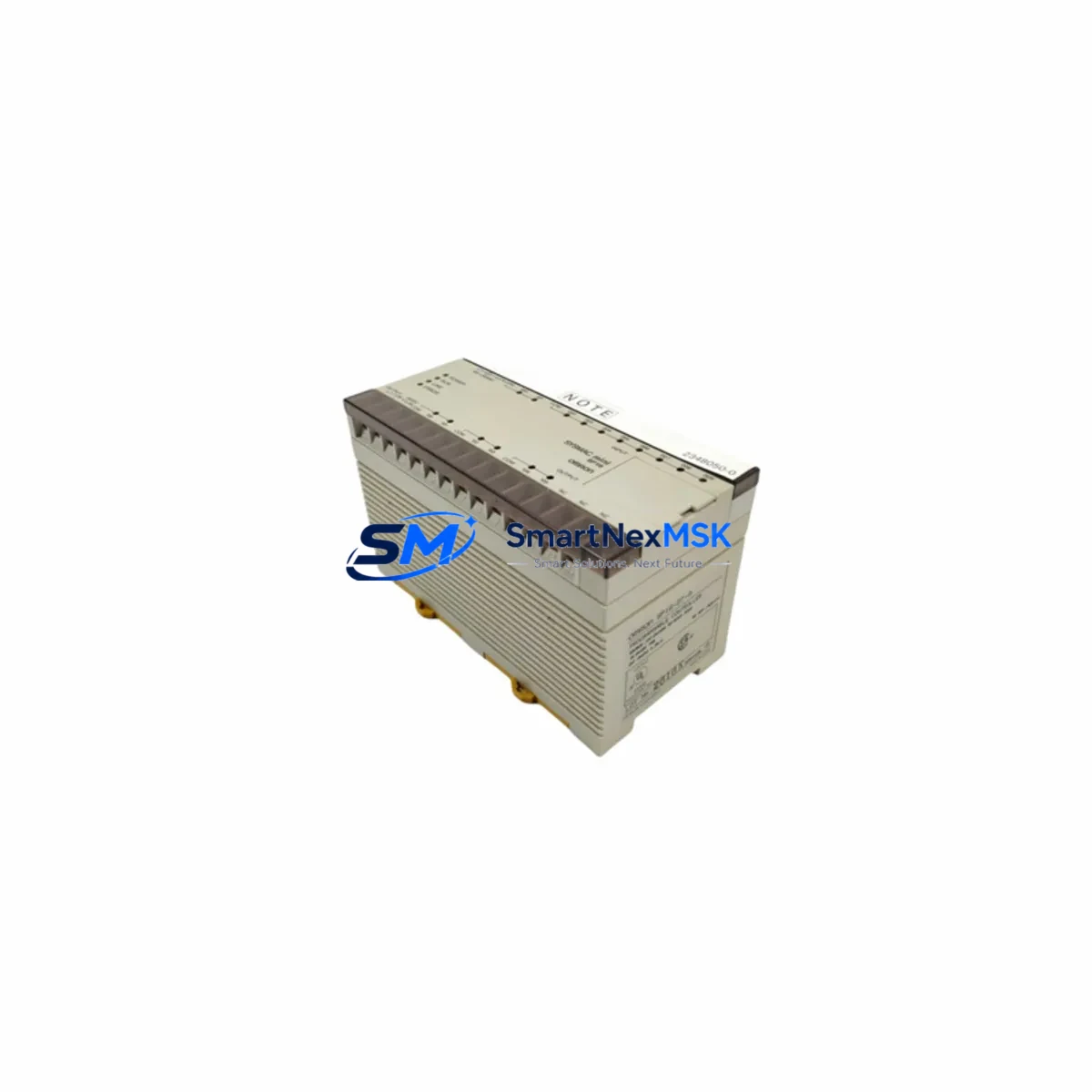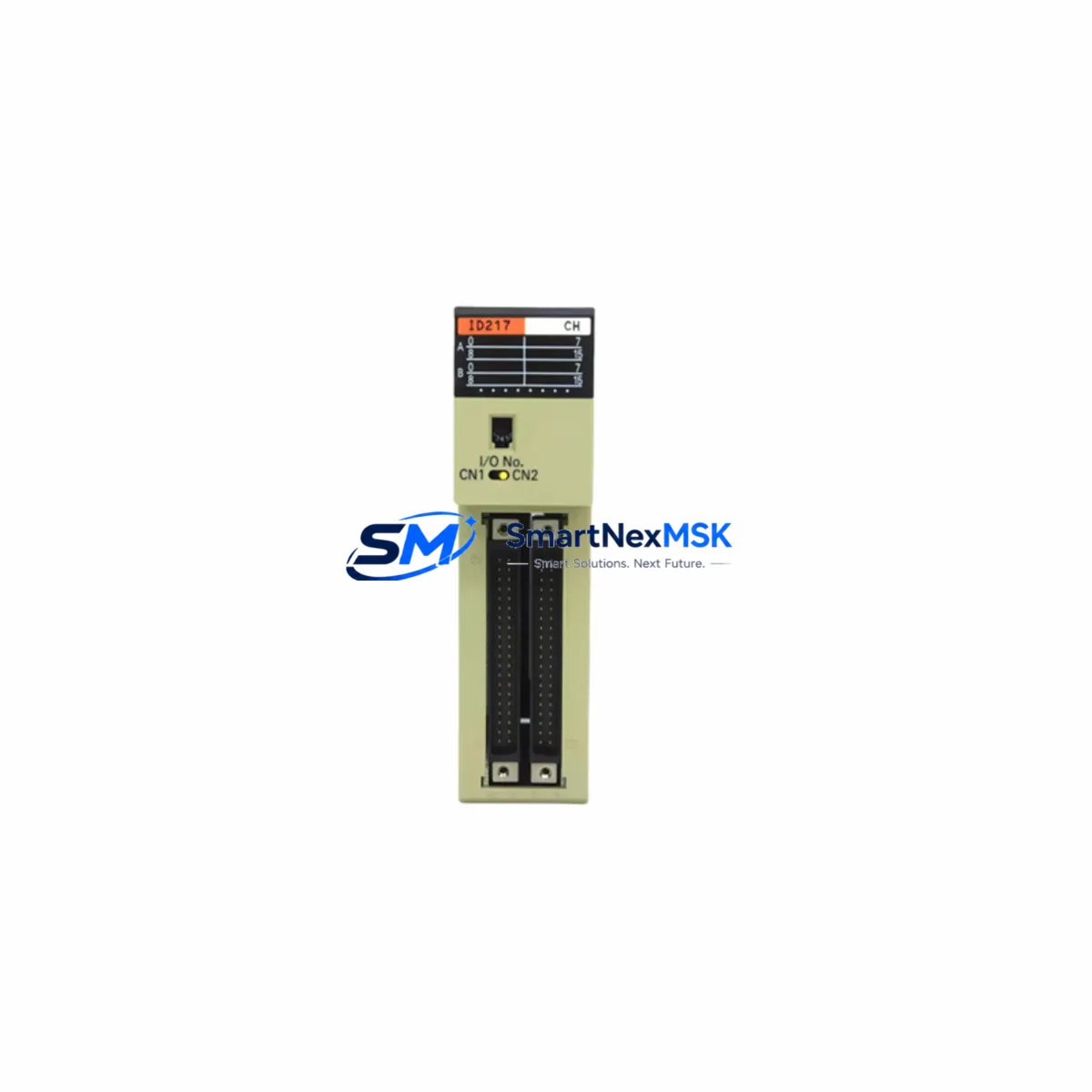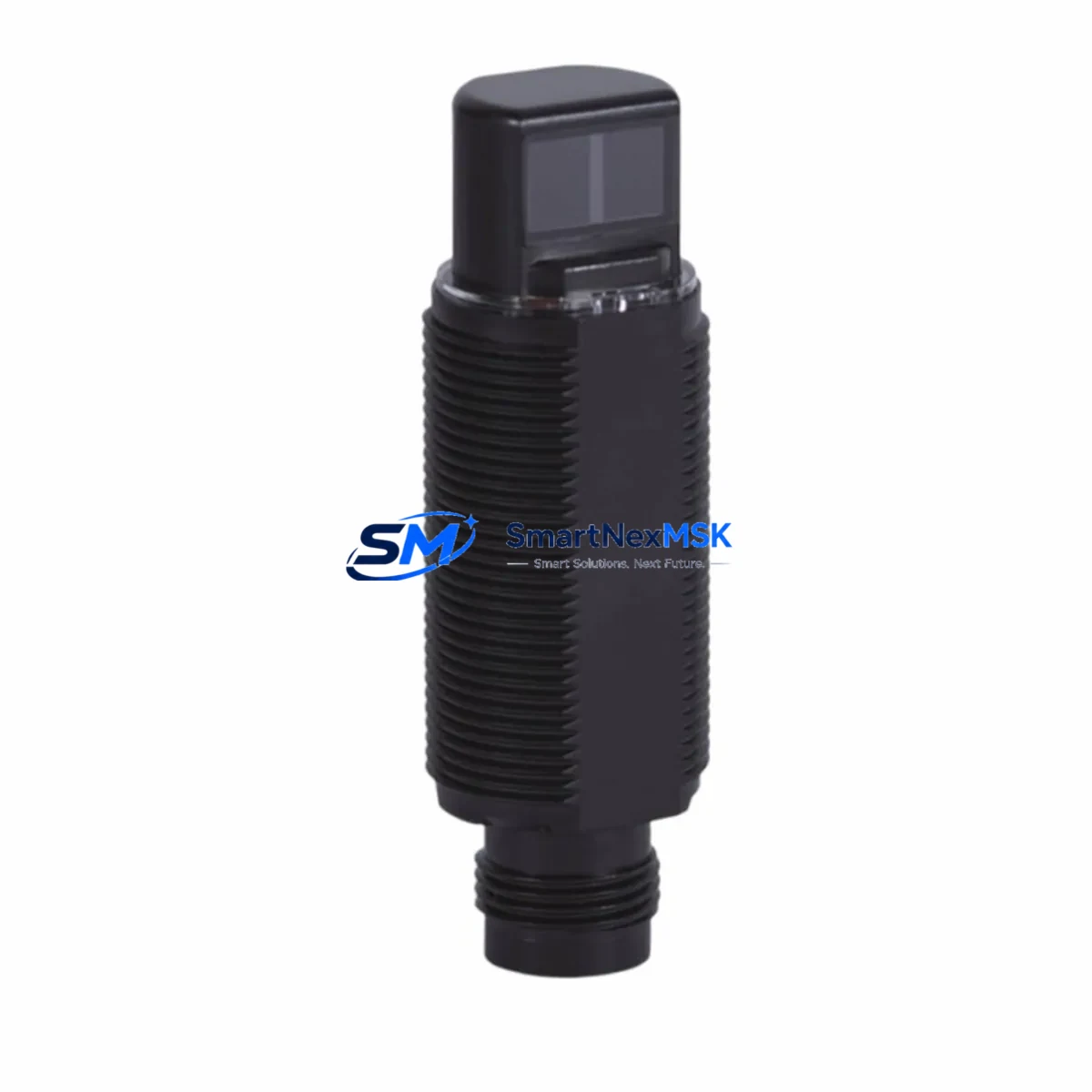
OMRON E3RA-DP22 Retrofit-Ready Diffuse Sensor for E3RA Series Control Systems
The OMRON E3RA-DP22 is a diffuse-reflective photoelectric sensor engineered for seamless integration into existing E3RA Series automation architectures. Whether you are replacing an end-of-life unit on a legacy production line, upgrading a control cabinet to meet new safety standards, or migrating from an older OMRON sensing platform, the E3RA-DP22 delivers a verified drop-in solution that minimizes engineering risk and reduces unplanned downtime. With NPN open-collector output, a compact M18 barrel housing, and a sensing distance of up to 200 mm, this sensor is purpose-built for industrial environments where reliability and backward compatibility are non-negotiable.
Procurement teams and maintenance engineers working on retrofit projects consistently cite three priorities: confirmed electrical compatibility, available stock, and a credible warranty. The E3RA-DP22 addresses all three. Units are sourced from verified supply channels, pre-shipment tested against OMRON factory specifications, and covered by a 12-month warranty from the date of delivery. Same-day dispatch is available for in-stock orders, supporting tight maintenance windows and emergency replacement scenarios.
Upgrade Compatibility Table
| Parameter | E3RA-DP22 Specification | Retrofit Notes |
|---|---|---|
| Detection Mode | Diffuse Reflective | Direct replacement for E3RA-DP11 / E3RA-DP21 in diffuse-mode applications |
| Output Type | NPN Open Collector | Compatible with OMRON CJ2M, CP1H, CP1E PLC input modules (NPN sink wiring) |
| Supply Voltage | 12–24 V DC ±10% | Verify PSU capacity; OMRON S8VS-06024 or equivalent 24 VDC rail recommended |
| Sensing Distance | Up to 200 mm (white paper) | Confirm target reflectivity; adjust mounting bracket if replacing longer-range model |
| Housing / Thread | M18 Barrel, IP67 | Fits standard M18 sensor brackets; no panel cutout modification required |
| Connector / Cable | Pre-wired 2 m PVC cable (Brown/Blue/Black) | Match terminal block wiring to existing I/O card pinout on OMRON CJ1W-ID211 or similar |
| Communication Protocol | Discrete I/O (ON/OFF signal) | No protocol migration required; integrates directly with existing ladder logic |
| Installation | Standard M18 mounting nut | Torque to 20 N·m; verify alignment with reflective target after installation |
| Commissioning | Sensitivity potentiometer (front-face) | Adjust sensitivity under live conditions; confirm stable ON/OFF transition before handover |
| Warranty | 12 Months | Covers manufacturing defects; DOA replacement dispatched within 48 hours |
Retrofit Planning for Existing Automation Systems
A successful E3RA-DP22 retrofit begins well before the sensor arrives on-site. Start by auditing the existing control cabinet wiring diagram to confirm the I/O card type — most legacy lines running OMRON hardware will have a CJ1W-ID211 or CJ1W-ID261 digital input module handling the sensor signal. Verify that the 24 VDC supply rail, typically fed by an OMRON S8VS-06024 or S8VK-G06024 power supply unit, can sustain the additional inrush current during sensor power-up without tripping the circuit breaker or causing voltage sag on adjacent devices.
Terminal block wiring is the most common source of commissioning errors during sensor replacement. The E3RA-DP22 uses a standard three-wire NPN configuration: Brown (24 V+), Blue (0 V), Black (signal output). Cross-reference these against the existing terminal strip labels before disconnecting the old unit. If the legacy sensor was wired with a PNP output — common in older European-specification lines — you will need to reconfigure the corresponding input channel on the PLC I/O module or swap to a PNP-output variant. This is also the right moment to inspect the terminal block itself; corroded or loose terminals are a frequent cause of intermittent faults that are misdiagnosed as sensor failure.
For lines where the E3RA Series sensor feeds a counting or positioning function, open the ladder logic program in OMRON CX-Programmer or Sysmac Studio and locate the input address mapped to the sensor channel. Document the current address assignment before any hardware change. If the replacement sensor is installed on a different I/O slot or rack position — for example, when migrating from a CS1 Series rack to a CJ2 Series rack — the input address will change and the program must be updated accordingly. Confirm that the OMRON CJ2M-CPU31 or equivalent controller is in PROGRAM mode before making any address edits, and perform a full I/O force test after the change.
Where the sensor signal feeds an HMI display — such as an OMRON NB7W-TW01B or NS Series panel — verify that the corresponding bit address on the HMI screen matches the updated PLC input address. Mismatched addresses will cause the HMI to display incorrect status, which can mislead operators during the first production run after the retrofit. Update the HMI project file in OMRON NB-Designer or CX-Designer, download the revised screen to the panel, and confirm the live status indicator responds correctly before releasing the line.
If the retrofit is part of a broader I/O expansion — for instance, adding additional sensing points alongside the E3RA-DP22 replacement — consider whether the existing backplane has available slots. A CJ Series CPU rack with a CJ1W-BC083 backplane supports up to eight I/O modules; if slots are exhausted, an expansion rack connected via a CJ1W-EXT01 expansion cable may be required. Plan the rack layout before ordering additional CJ1W-ID211 input modules to avoid a second maintenance window.
Downtime Control During System Migration
Minimizing production downtime during a sensor replacement requires a structured pre-work checklist completed before the maintenance window opens. Confirm that the replacement E3RA-DP22 unit has been bench-tested and verified functional. Prepare a printed copy of the terminal wiring diagram and the PLC I/O address map. Stage all tools — including a flat-head screwdriver for the terminal block, an M18 spanner, and a laptop loaded with CX-Programmer or Sysmac Studio — at the work location before the line stops.
During the maintenance window, follow a strict sequence: isolate the sensor supply circuit at the control cabinet (do not power down the entire PLC if avoidable), remove the old sensor, install and wire the E3RA-DP22, restore power to the sensor circuit only, and verify the output signal at the PLC input channel using the I/O monitor function in CX-Programmer before resuming automatic mode. This approach preserves the existing program logic in memory and avoids a full PLC restart, which would interrupt any other running processes on the same controller.
For critical lines where even a brief interruption is unacceptable, consider using the PLC’s I/O force function to hold the sensor input at its last known state while the physical swap is performed. Document the forced address, complete the replacement, verify the live signal, and release the force before returning to automatic mode. Always record the start and end time of the maintenance window and log the replacement in the equipment maintenance register, referencing the new sensor’s serial number and the 12-month warranty start date.
Retrofit Support FAQ
Q1: Is the E3RA-DP22 a direct drop-in replacement for the E3RA-DP11?
Yes. Both models share the same M18 housing, three-wire NPN output, and 12–24 V DC supply range. The DP22 offers an extended sensing distance compared to the DP11. No mechanical or electrical modification is required for a direct swap; however, you should re-verify the sensitivity setting under live conditions after installation, as the improved sensing range may require a slight potentiometer adjustment to avoid false triggers.
Q2: What pre-shipment testing is performed on each unit?
Every E3RA-DP22 unit undergoes functional output verification, supply voltage range testing, and IP67 seal inspection before dispatch. A test report is available upon request for customers requiring incoming inspection documentation. Units are individually packaged in anti-static protective packaging to prevent transit damage.
Q3: How do I confirm wiring compatibility with my existing PLC input module?
Identify the input module model number on the I/O rack (e.g., CJ1W-ID211, CJ1W-ID261, or CP1W-16DI). Check the module’s datasheet for input circuit type (NPN sink or PNP source). The E3RA-DP22 NPN output is compatible with NPN-sink input modules. If your module requires PNP source input, contact our technical team before ordering to confirm the correct output variant.
Q4: What does the 12-month warranty cover, and how is a claim processed?
The 12-month warranty covers manufacturing defects and functional failures under normal operating conditions. It does not cover damage caused by incorrect wiring, supply voltage outside the specified range, or physical impact. To initiate a warranty claim, contact [email protected] with the order number, unit serial number, and a description of the fault. A replacement unit will be dispatched within 48 hours of claim verification, with return shipping instructions provided for the defective unit.
© 2026 SMARTNEXMSK. All rights reserved.
Original Source: https://smartnexmsk.com
Contact: [email protected] | +86 18259474341