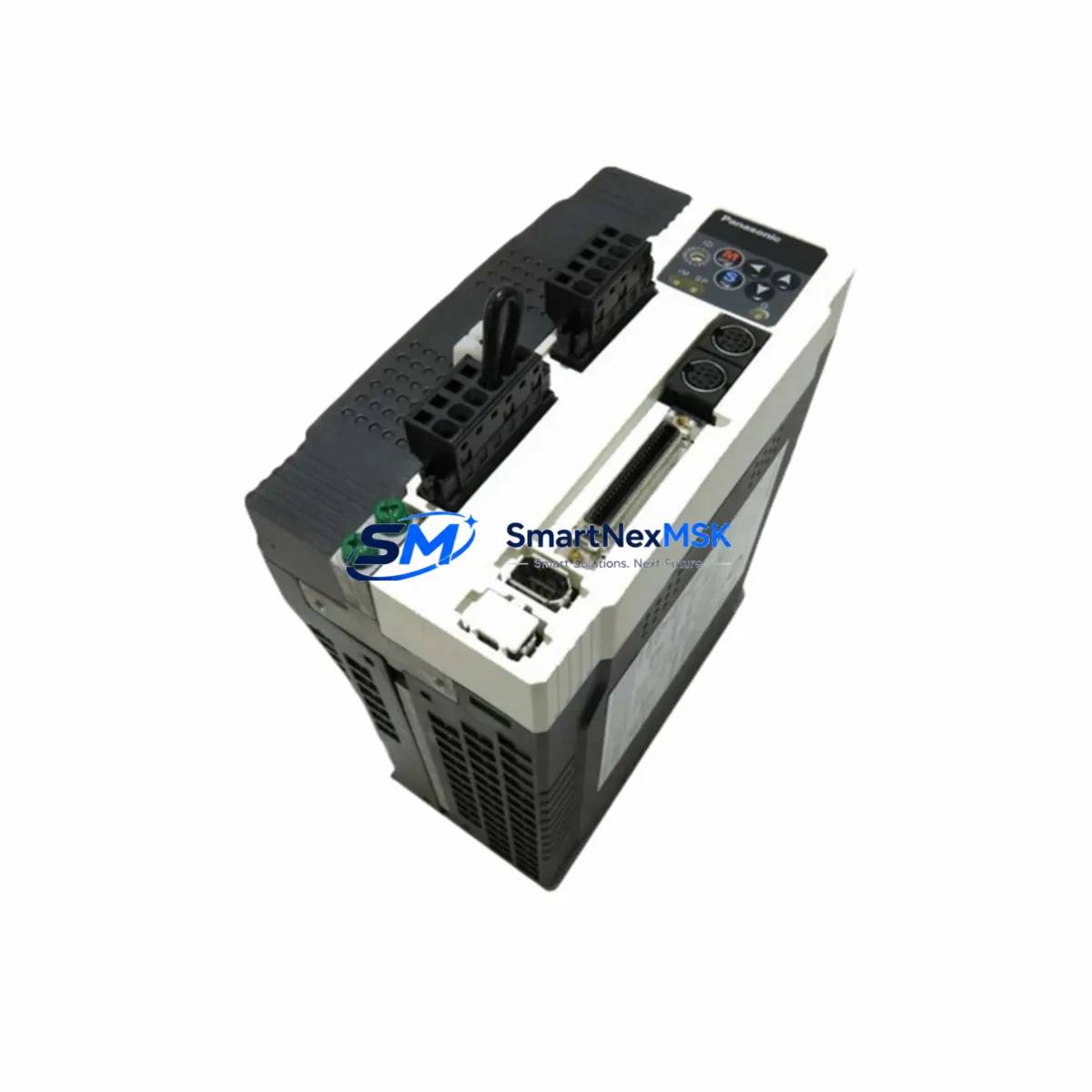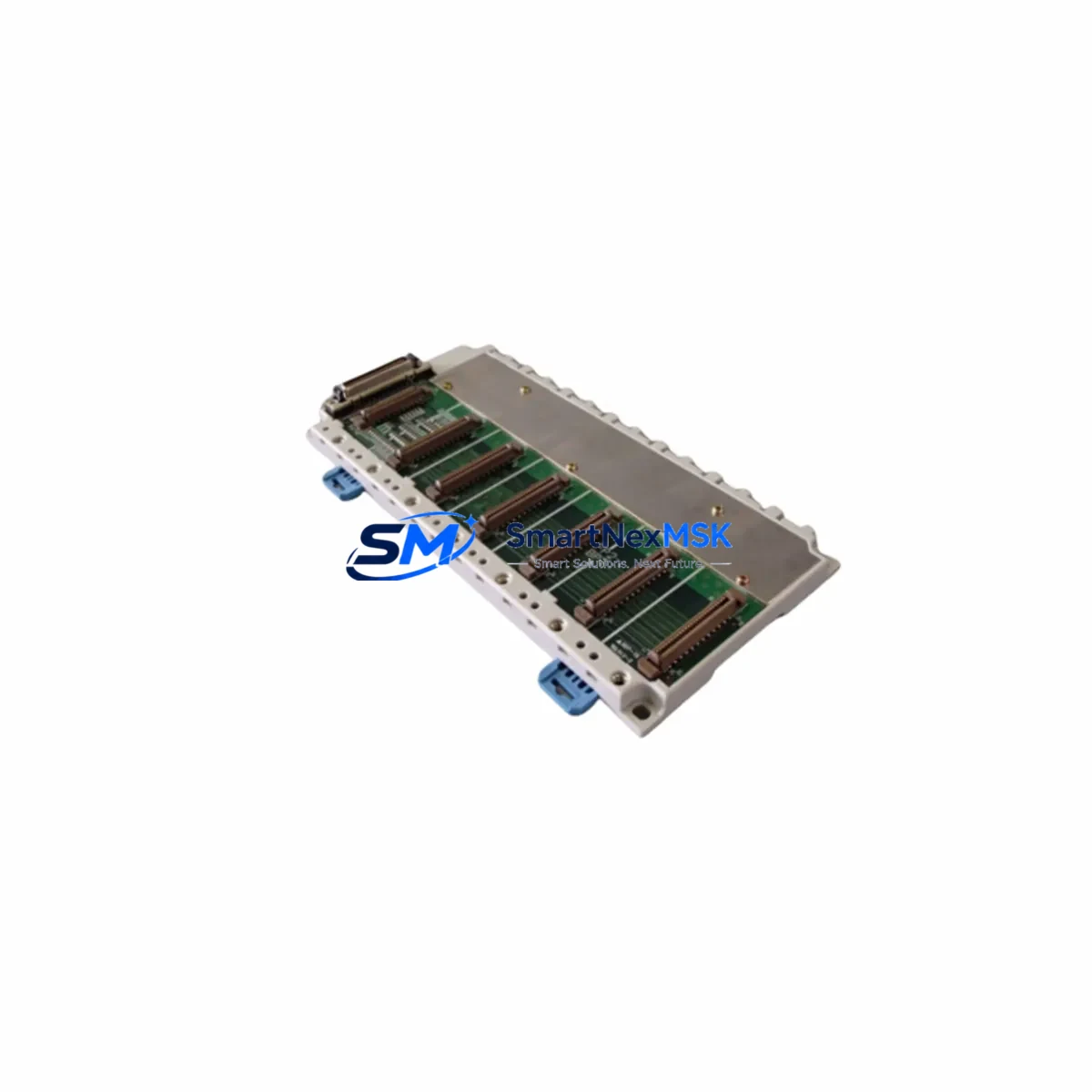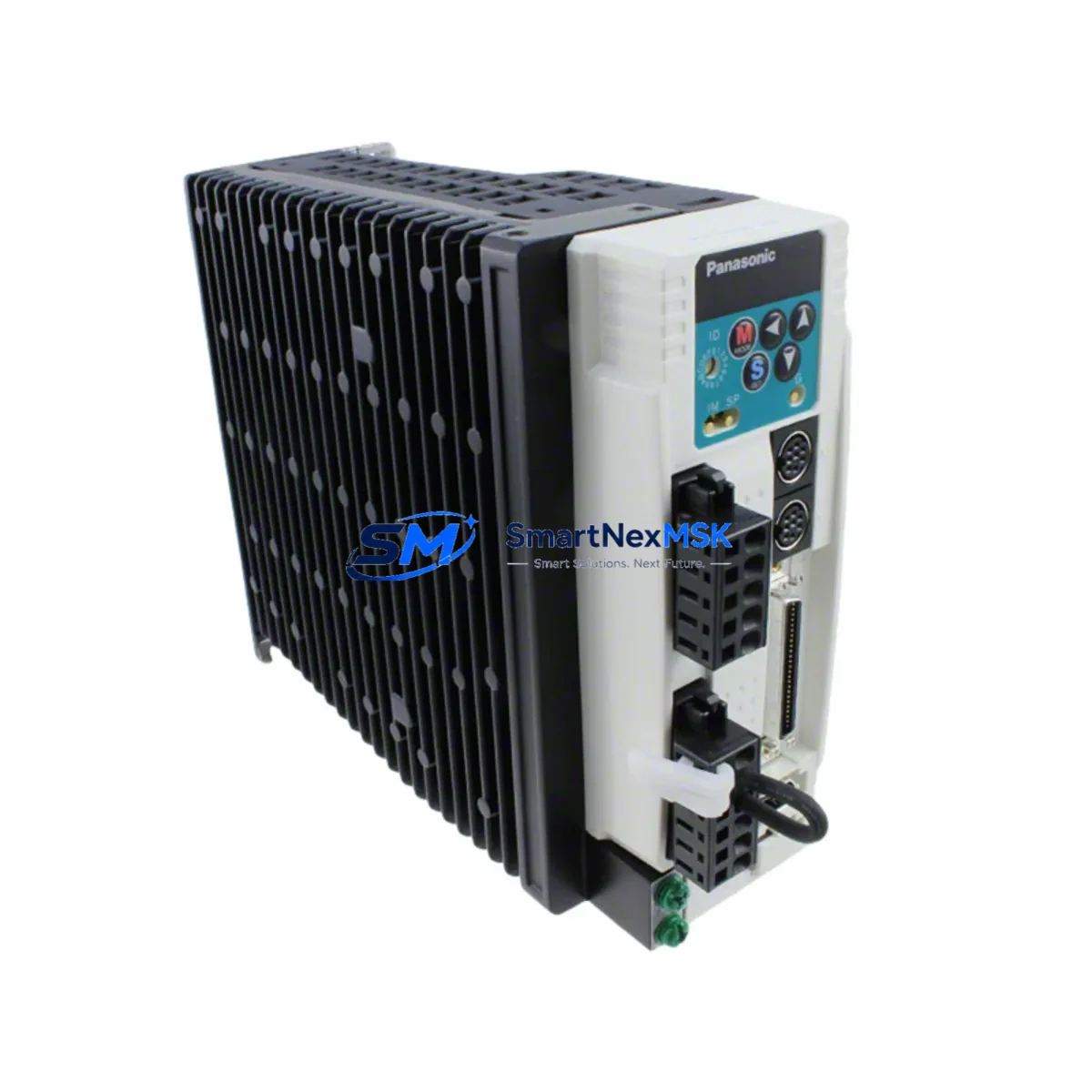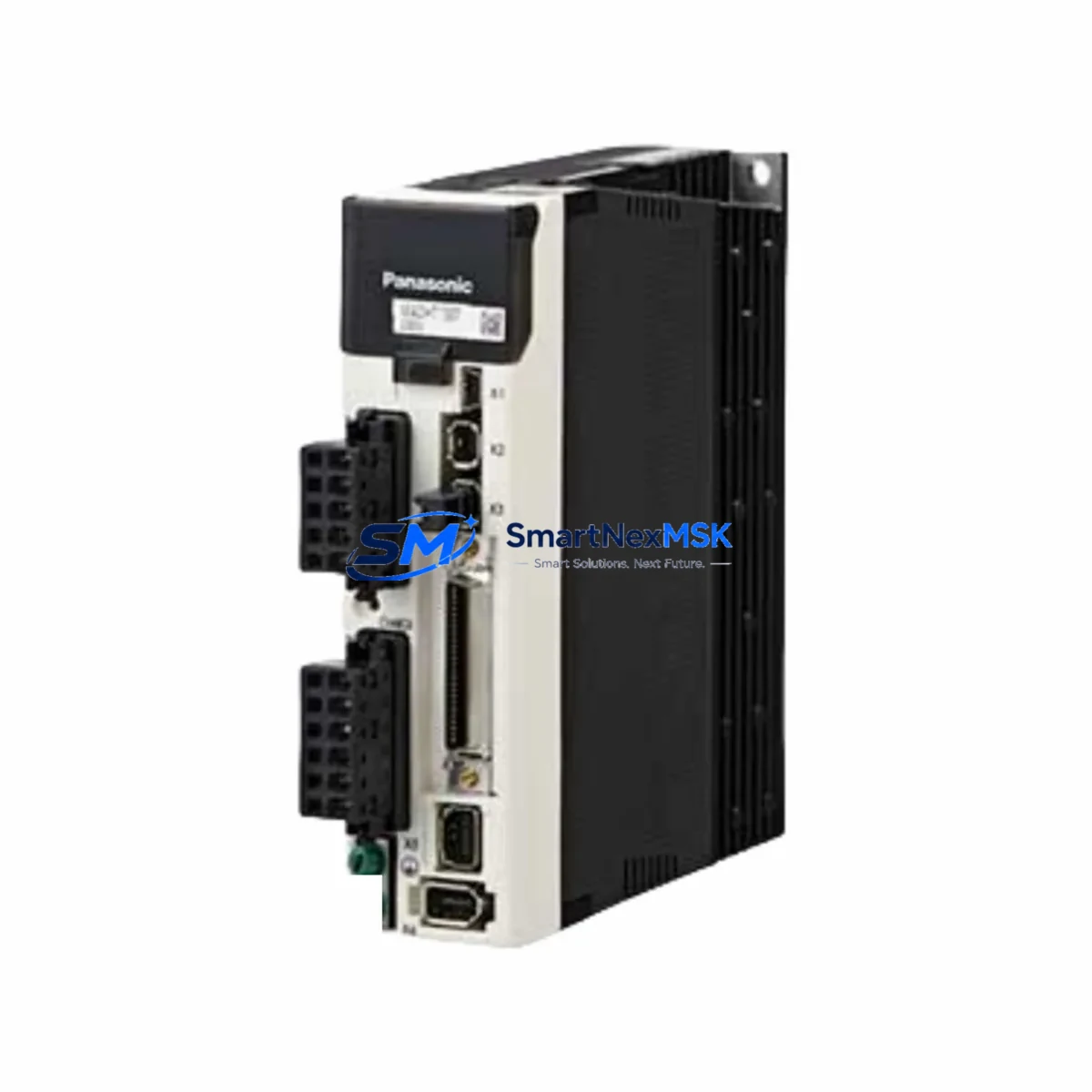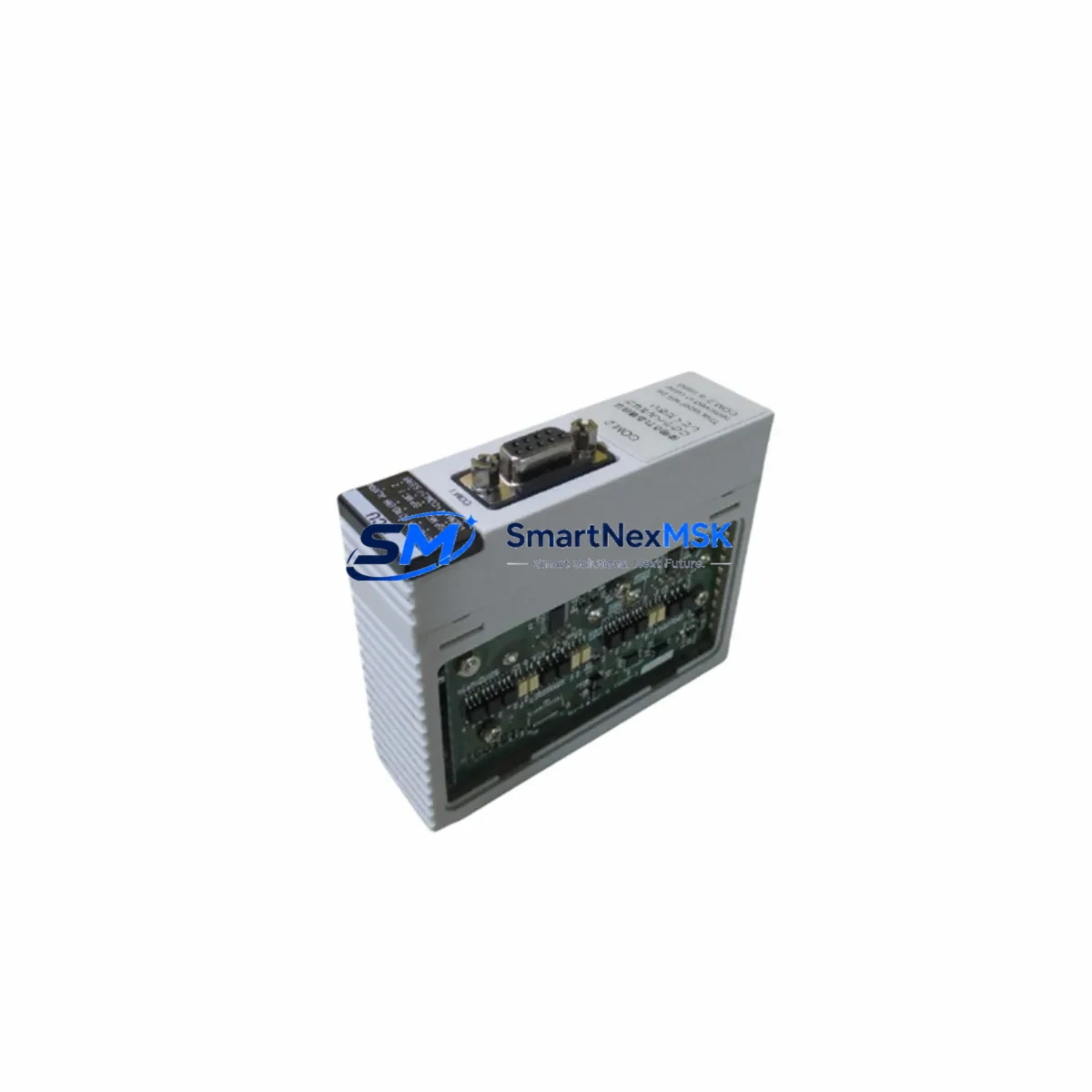
Panasonic AFP2465 Maintenance-Ready Spare for FP2 Automation
The Panasonic AFP2465 (FP2-MCU) is an original communication unit designed for the FP2 Series programmable logic controller platform — one of Panasonic’s most widely deployed mid-range PLC families in industrial automation. For maintenance engineers managing aging control systems, production lines, or multi-axis motion cells, the AFP2465 represents a critical spare: its failure directly interrupts PLC-to-host communication, halts SCADA data acquisition, and can trigger unplanned downtime across an entire production segment.
Sourced as an original Panasonic component, each AFP2465 unit shipped by SMARTNEXMSK undergoes pre-shipment functional verification. The unit is supplied with a 12-month warranty covering manufacturing defects and operational failures under normal industrial use conditions. Fast worldwide dispatch ensures your maintenance team can restore system communication with minimal delay.
Spare Maintenance Table
| Parameter | Specification / Detail |
|---|---|
| Part Number | AFP2465 |
| Model Designation | FP2-MCU |
| Brand | Panasonic Industrial Devices |
| Series | FP2 PLC Series |
| Module Type | Communication Unit (Master Communication Module) |
| Compatible Backplane | FP2 Series main backplane (AFP2800 / AFP2802 series) |
| Communication Interface | RS-232C / RS-485 (model-dependent port configuration) |
| Applicable PLC CPU | FP2 CPU units (AFP2211, AFP2212, AFP2431, AFP2432 series) |
| Origin | Japan |
| Condition | Original New / Verified Surplus |
| Operating Temperature | 0°C to 55°C |
| Storage Temperature | -20°C to 70°C |
| Mounting | Backplane slot insertion (FP2 rack) |
| Warranty | 12 Months — covers manufacturing defects and operational failure under normal use |
| Pre-Shipment Test | Functional verification performed before dispatch |
| Shipping | Fast worldwide dispatch; DHL / FedEx / EMS available |
Maintenance Planning for Continuous Operation
When the AFP2465 FP2-MCU fails or is flagged during a scheduled control cabinet inspection, experienced maintenance engineers know that communication module faults rarely occur in isolation. A thorough site assessment should extend to the surrounding electrical environment before the replacement unit is commissioned.
Begin by inspecting the FP2 Series power supply module (such as the AFP2802 or AFP2803) — an unstable or aging power supply is a leading cause of communication module degradation. Verify output voltage stability under load before inserting the new AFP2465. Next, check the FP2 CPU module (AFP2211 / AFP2431 series) for firmware version compatibility with the replacement MCU, as mismatched firmware can prevent the communication unit from initializing correctly.
Inspect all RS-232C and RS-485 field wiring connected to the MCU port. Corroded terminals, loose ferrules, or shielding breaks on communication cables are common root causes of repeated module failures. If the AFP2465 is used in a SCADA or HMI integration role, verify the HMI communication settings (baud rate, parity, station address) on the connected panel — Panasonic GT series HMI or third-party operator panels may require parameter re-entry after module swap.
For systems using FP2 I/O expansion modules (digital input/output units such as AFP2432 or AFP2140 series), confirm that the backplane bus communication remains stable after the MCU replacement. A faulty backplane connector or oxidized slot contact can cause intermittent I/O errors that are misdiagnosed as communication module failures. Similarly, if FP2 analog I/O modules are present in the rack, re-verify signal scaling and channel configuration after the swap.
In control cabinets where the AFP2465 interfaces with signal isolators or signal conditioners on 4–20 mA loops, inspect isolator output integrity — degraded isolators can inject noise into the RS-485 bus and cause CRC errors. Check terminal blocks and DIN rail wiring for loose connections, especially in high-vibration environments. If surge protection devices or communication line fuses are installed on the MCU port wiring, verify they have not been blown by a transient event that may have also damaged the original AFP2465.
For older FP2 installations approaching end-of-life, consider stocking a secondary AFP2465 unit alongside the FP2 CPU module and power supply module as a minimum critical spare set. This three-component kit covers the most common failure points in an aging FP2 rack and enables same-day restoration of PLC functionality without waiting for international shipment.
Site Replacement Workflow
Step 1 — Pre-Replacement Verification: Before powering down, document the current communication parameters (baud rate, protocol, station ID) from the existing AFP2465 using FPWIN Pro or the connected HMI. Back up the PLC program from the CPU module if not already stored offline.
Step 2 — Safe Isolation: De-energize the FP2 rack following your site LOTO (Lockout/Tagout) procedure. Disconnect all field communication cables from the MCU port, labeling each connector for correct re-termination.
Step 3 — Module Extraction: Release the AFP2465 from the backplane slot using the module locking lever. Inspect the backplane connector pins for damage or contamination before inserting the replacement unit.
Step 4 — Replacement Installation: Insert the new AFP2465 firmly into the designated backplane slot until the locking lever engages. Re-connect all field communication cables in the correct sequence.
Step 5 — Parameter Restore and Commissioning: Power up the rack and restore communication parameters via FPWIN Pro. Verify that the CPU module recognizes the AFP2465 and that communication with the host SCADA or HMI is re-established. Confirm I/O status across all connected expansion modules before returning the system to production.
This workflow minimizes downtime to under 30 minutes for a prepared maintenance team and ensures full system compatibility is maintained without requiring PLC program modification.
Spare Parts Support FAQ
Q1: Is the AFP2465 still available as a new original part, or only as surplus?
SMARTNEXMSK supplies AFP2465 units sourced as original Panasonic components — both new-old-stock (NOS) and verified surplus condition units are available depending on current inventory. Each unit is individually tested before shipment. Contact our sales team for current stock status and condition details.
Q2: How do I confirm compatibility between the AFP2465 and my existing FP2 CPU module?
The AFP2465 FP2-MCU is designed for use within the FP2 Series backplane ecosystem. Compatibility depends on the CPU firmware version and the specific FP2 rack configuration. Provide your CPU model number (e.g., AFP2211, AFP2431) and current firmware version to our technical team, and we will confirm compatibility before shipment.
Q3: What does the 12-month warranty cover, and how is a warranty claim handled?
The 12-month warranty covers manufacturing defects and operational failures under normal industrial operating conditions. If the AFP2465 fails within the warranty period, SMARTNEXMSK will arrange replacement or repair. Claims require the original order reference and a brief fault description. Warranty does not cover damage caused by incorrect installation, overvoltage, or physical impact.
Q4: Can SMARTNEXMSK supply multiple AFP2465 units for a planned maintenance stock program?
Yes. We support bulk spare parts procurement for planned maintenance programs and long-term inventory strategies. Volume pricing is available for orders of 3 or more units. Contact [email protected] with your required quantity and delivery schedule for a dedicated quotation.
© 2026 SMARTNEXMSK. All rights reserved.
Original Source: https://smartnexmsk.com
Contact: [email protected] | +86 18259474341