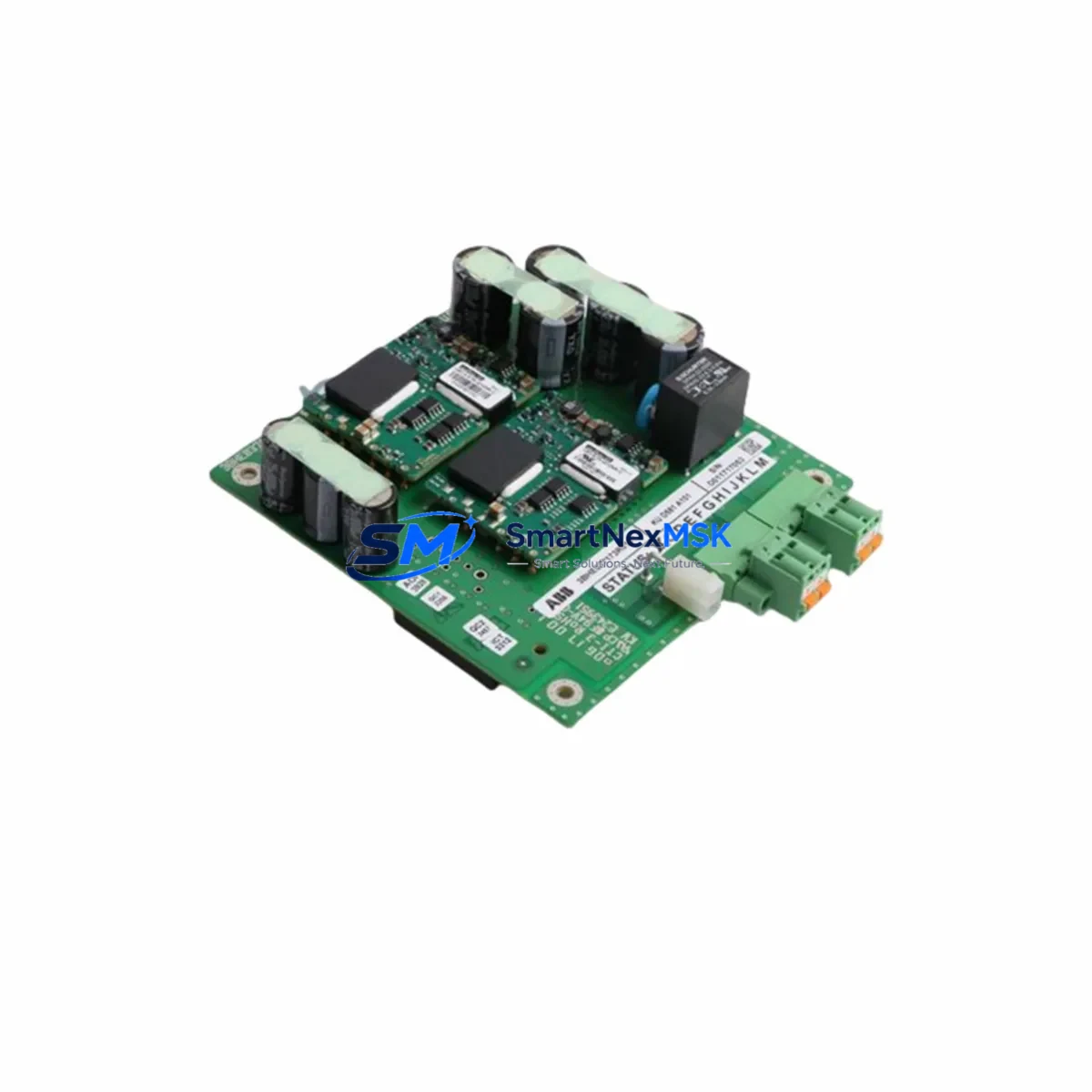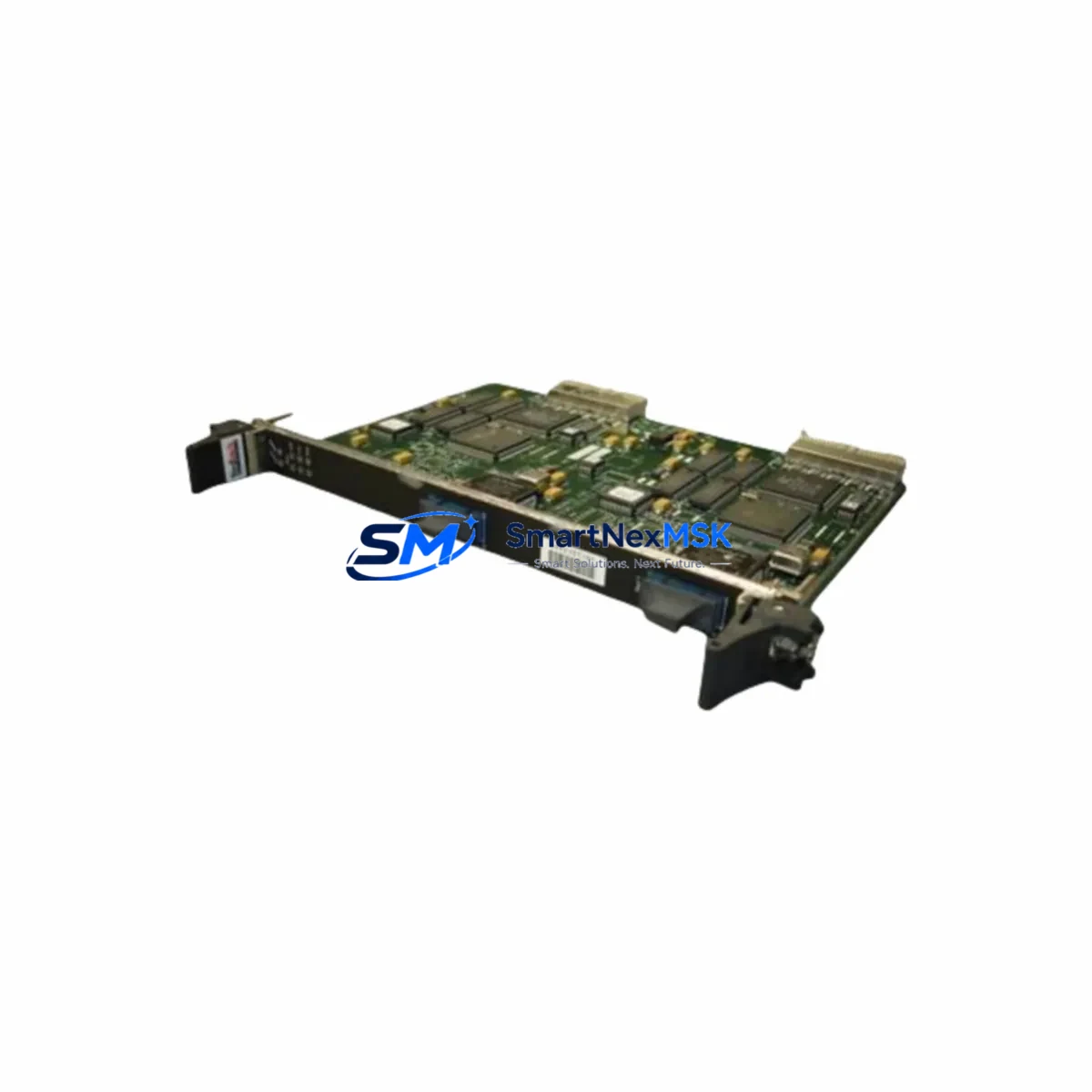
Redback Networks ATMDS-3-600-0103 REV03 Retrofit-Ready Controller Card for SMS1000 Control Systems
The Redback Networks ATMDS-3-600-0103 REV03 (VAC1DD0AAA) is a retrofit-ready controller card engineered for seamless integration into legacy SMS1000 broadband access platforms. As Redback Networks equipment reaches end-of-life and original spare parts become increasingly scarce, this module provides a verified, drop-in replacement path that preserves existing rack infrastructure, backplane wiring, and software configurations — minimizing both capital expenditure and operational disruption during system modernization.
Sourced from controlled inventory and subjected to full functional testing prior to dispatch, each unit ships with a 12-month warranty covering hardware defects and operational failures under normal service conditions. Whether you are managing a planned upgrade cycle, responding to an unplanned card failure, or executing a phased migration away from end-of-support hardware, the ATMDS-3-600-0103 REV03 delivers the reliability and compatibility assurance that mission-critical broadband access networks demand.
Upgrade Compatibility Table
| Parameter | Details |
|---|---|
| Part Number | ATMDS-3-600-0103 REV03 / VAC1DD0AAA |
| Compatible Platform | Redback Networks SMS1000 Broadband Access System |
| Form Factor | Modular controller card — standard SMS1000 chassis slot |
| Backplane Interface | Proprietary SMS1000 mid-plane connector; no adapter required |
| Communication Compatibility | ATM, DSL subscriber management protocols native to SMS1000 |
| Power Requirements | Supplied via chassis backplane; verify chassis PSU capacity before hot-swap |
| Installation Requirement | Standard ESD precautions; chassis power-down recommended for first installation |
| Replacement Recommendation | Direct replacement for failed or end-of-life ATMDS-3-600-0103 REV03 units |
| Commissioning Notes | Restore configuration from backup; verify subscriber line assignments post-swap |
| Warranty | 12 months — hardware defects and operational failure under normal use |
Retrofit Planning for Existing Automation Systems
Successful integration of the ATMDS-3-600-0103 REV03 into an operational SMS1000 environment requires systematic pre-installation planning. Engineers should begin by auditing the existing chassis configuration: confirm that the SMS1000 shelf has available slot capacity and that the installed SMS1000 power supply modules can sustain the additional load introduced by the replacement card. Chassis power budgets are frequently overlooked during reactive replacements and can cause cascading failures if the aggregate draw exceeds the rated output of the installed PSU pair.
Terminal and backplane wiring should be documented before card extraction. The SMS1000 mid-plane connector is keyed, but physical inspection of the backplane pins for corrosion or mechanical damage is recommended — particularly in installations that have operated in high-humidity or industrial environments for extended periods. If the chassis also houses SMS1000 line cards or ATM uplink modules, their slot assignments and logical addresses must be recorded to avoid address conflicts after the controller card is reseated and the system reinitializes.
For sites running mixed-generation hardware — for example, environments where the SMS1000 coexists with newer Redback SmartEdge 800 or SmartEdge 1200 aggregation routers — protocol compatibility across the ATM-to-IP boundary must be validated. Subscriber management configurations stored on the outgoing controller card should be exported via the SMS1000 CLI before removal. If the original card is non-functional, configuration recovery from a TFTP backup server or network management system archive is the recommended fallback path.
Sites that have integrated the SMS1000 with external RADIUS authentication servers or DHCP relay agents should verify that MAC address bindings and session state tables are flushed and re-learned after the controller swap, as stale entries can prevent subscriber re-authentication. Additionally, any SNMP management modules or element management system (EMS) agents polling the SMS1000 should be temporarily suspended during the swap window to prevent false alarm escalation and to allow the replacement card to complete its initialization sequence without interference.
Where the retrofit scope extends beyond a single card replacement — for instance, when upgrading an entire control shelf or migrating subscriber capacity to a parallel SMS10000 platform — a phased cutover plan should be developed. This plan should sequence the migration of subscriber groups in blocks, with rollback checkpoints defined at each stage. Optical distribution frames (ODF) and patch panel labeling should be updated concurrently to reflect the new card slot assignments, preventing misidentification during future maintenance events.
Downtime Control During System Migration
Minimizing service interruption during controller card replacement on the SMS1000 begins with preparation, not execution. The single most effective downtime-reduction measure is maintaining a pre-tested spare unit — such as this ATMDS-3-600-0103 REV03 — in local inventory, eliminating the lead time that typically accounts for the majority of outage duration in reactive maintenance scenarios.
Where the SMS1000 chassis supports redundant controller configurations, the replacement procedure should exploit the standby controller to maintain subscriber sessions during the active card swap. Engineers should initiate a controlled switchover to the standby SMS1000 controller module, confirm that all subscriber sessions have migrated cleanly, and then proceed with the physical replacement of the failed active card. This approach reduces subscriber-impacting downtime to the switchover interval — typically measured in seconds rather than minutes.
For single-controller chassis configurations, the outage window is unavoidable but can be compressed by pre-staging the replacement card with the correct firmware version, pre-loading the configuration backup, and coordinating the swap during a scheduled maintenance window. Post-swap, the priority sequence should be: power-on self-test confirmation, backplane link establishment, configuration restore, subscriber line re-authentication, and finally, EMS alarm clearance. Deviating from this sequence — particularly by restoring subscriber lines before configuration is confirmed — risks generating a second outage event that extends the total impact window.
All units supplied by SMARTNEXMSK undergo pre-shipment functional testing to confirm that the card initializes correctly and passes self-diagnostics before dispatch. This testing step eliminates the risk of receiving a non-functional replacement unit and discovering the fault only after the original card has been removed from service — a scenario that can convert a planned maintenance window into an extended unplanned outage.
Retrofit Support FAQ
Q1: Is the ATMDS-3-600-0103 REV03 a direct replacement for all SMS1000 controller card variants?
The ATMDS-3-600-0103 REV03 (VAC1DD0AAA) is designed as a direct replacement for units sharing the same part number and revision. Compatibility with earlier revisions (REV01, REV02) depends on firmware and backplane interface parity — contact our technical team with your existing card’s full part number and chassis serial for a confirmed compatibility assessment before ordering.
Q2: What commissioning steps are required after installing the replacement card?
After physical installation, restore the SMS1000 configuration from your most recent CLI backup or NMS archive. Verify that all line card slot assignments, subscriber profiles, and uplink port configurations are correctly loaded. Confirm backplane link status via the SMS1000 management interface, then re-enable SNMP polling and EMS monitoring. A full subscriber re-authentication cycle should be allowed to complete before declaring the system in-service.
Q3: How do I verify wiring and terminal compatibility before swapping the card?
The SMS1000 mid-plane connector is keyed and polarized, preventing incorrect insertion. Before extraction, photograph the existing card’s front-panel indicator state and document any active alarm conditions. Inspect the backplane connector on the chassis for bent pins or contamination. No external terminal rewiring is required for a like-for-like controller card replacement — all subscriber line connections are managed through the line card slots, not the controller card itself.
Q4: What does the 12-month warranty cover, and what is the claims process?
The 12-month warranty covers hardware defects and operational failures arising under normal operating conditions within the SMS1000 chassis environment. It does not cover damage resulting from incorrect installation, overvoltage events, or physical mishandling. To initiate a warranty claim, contact [email protected] with your order reference, a description of the fault symptom, and photographic evidence of the installation. Replacement or repair will be arranged within the warranty period at no additional cost.
© 2026 SMARTNEXMSK. All rights reserved.
Original Source: https://smartnexmsk.com
Contact: [email protected] | +86 18259474341