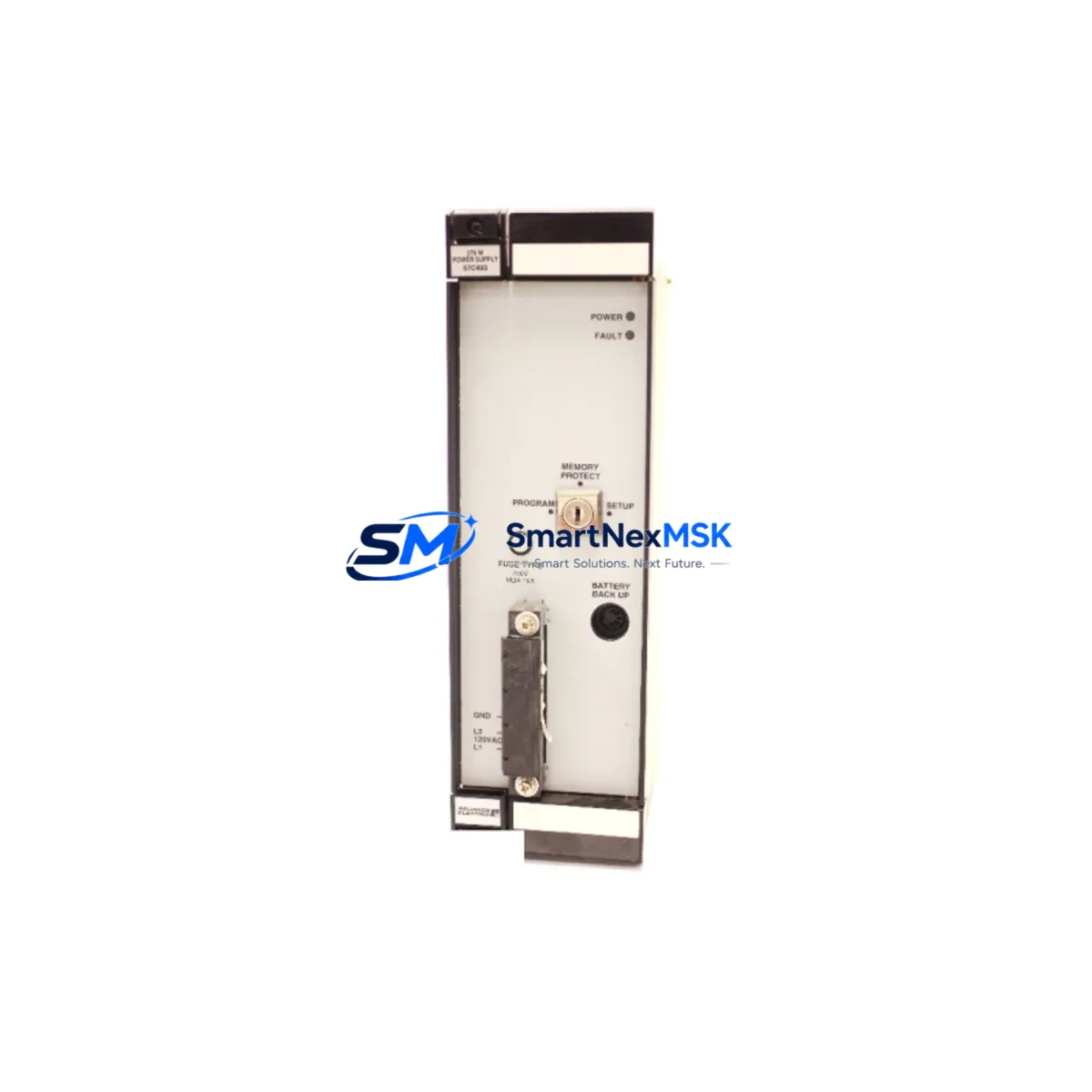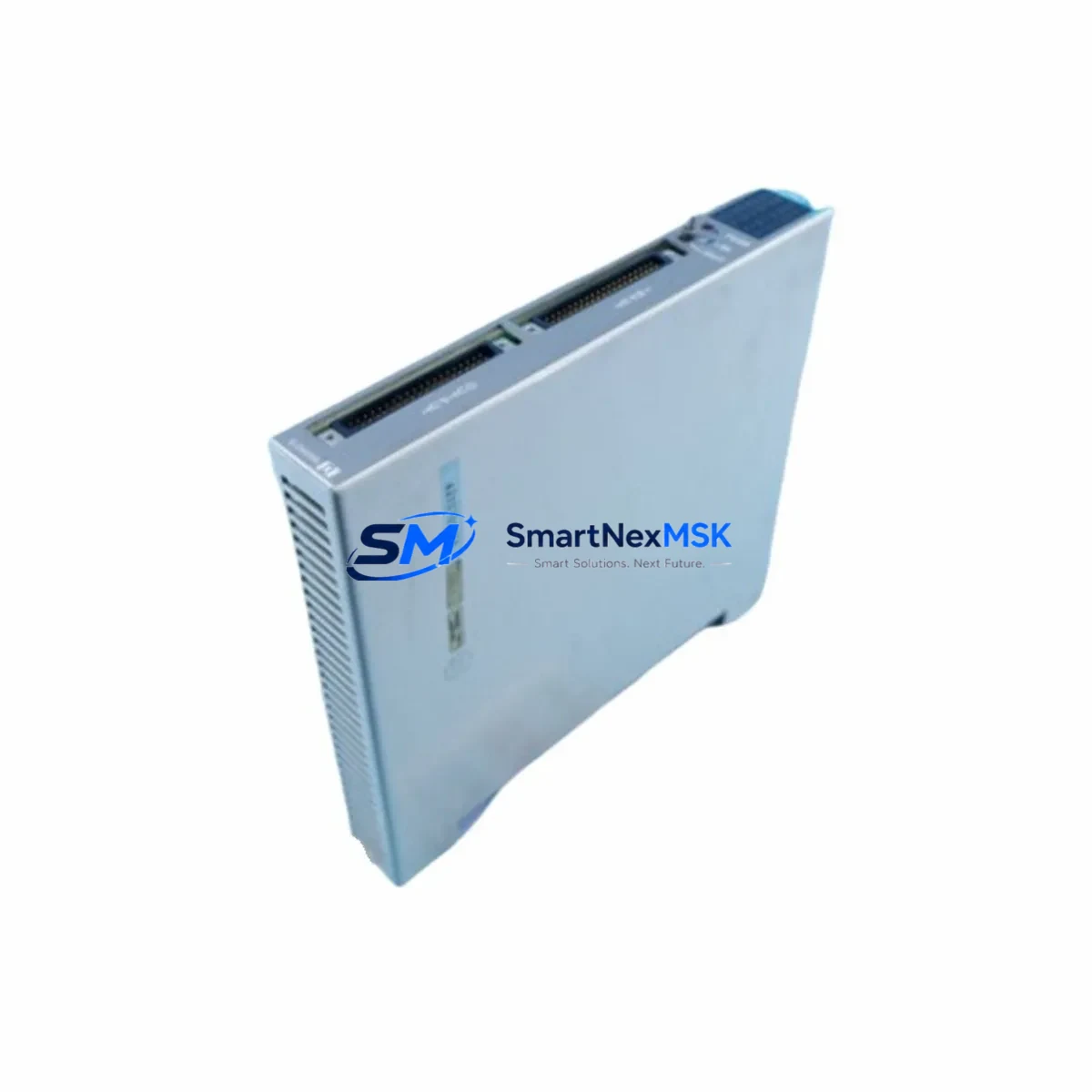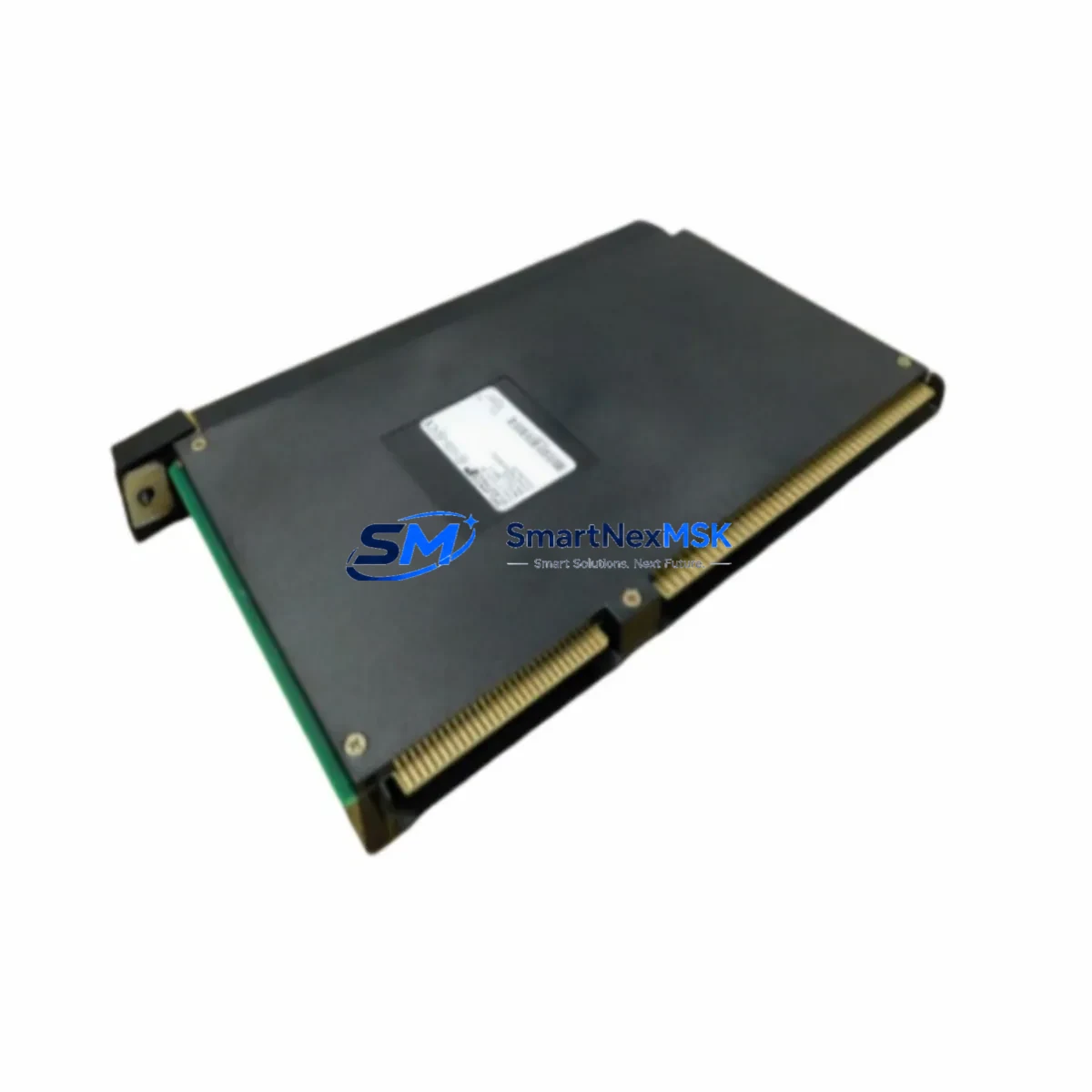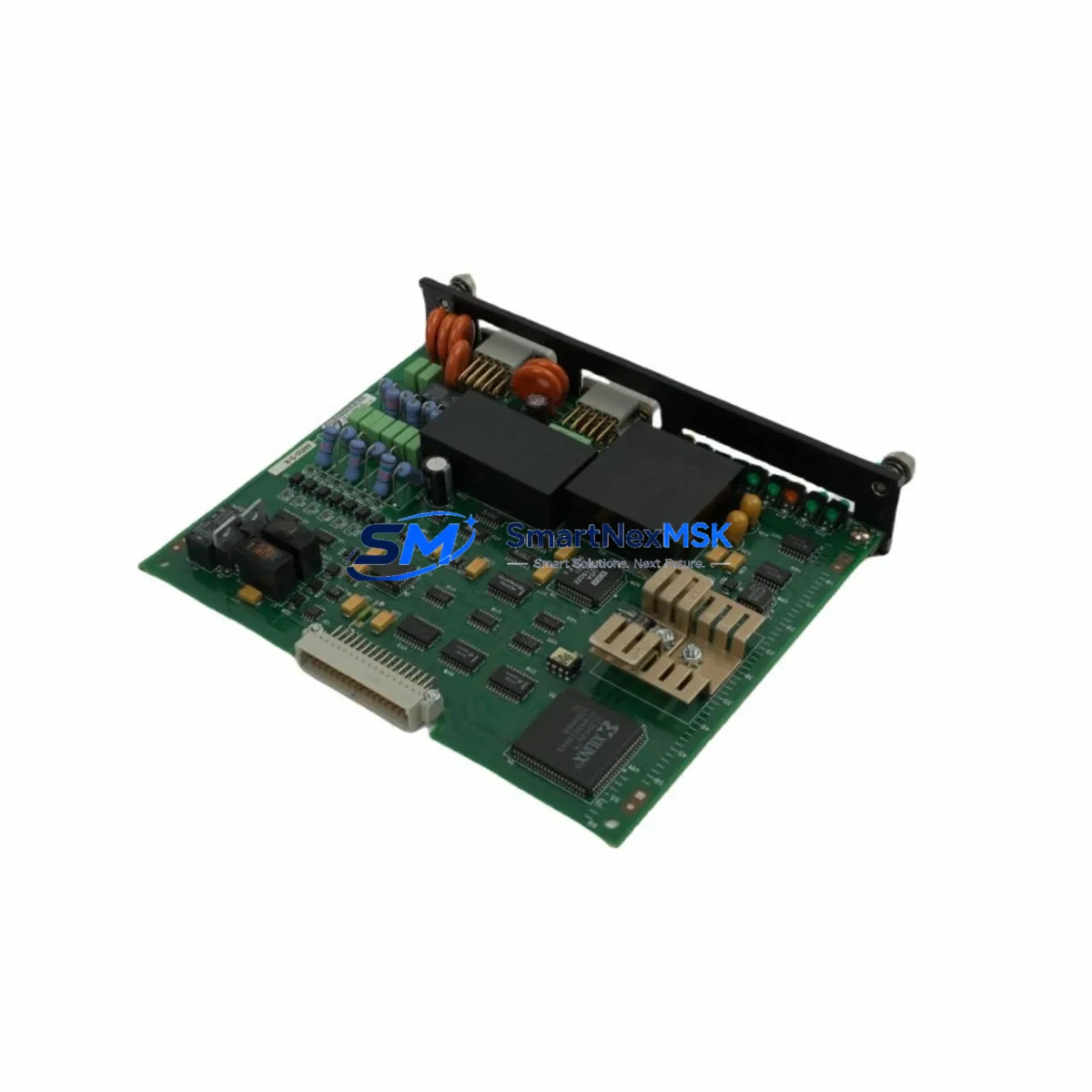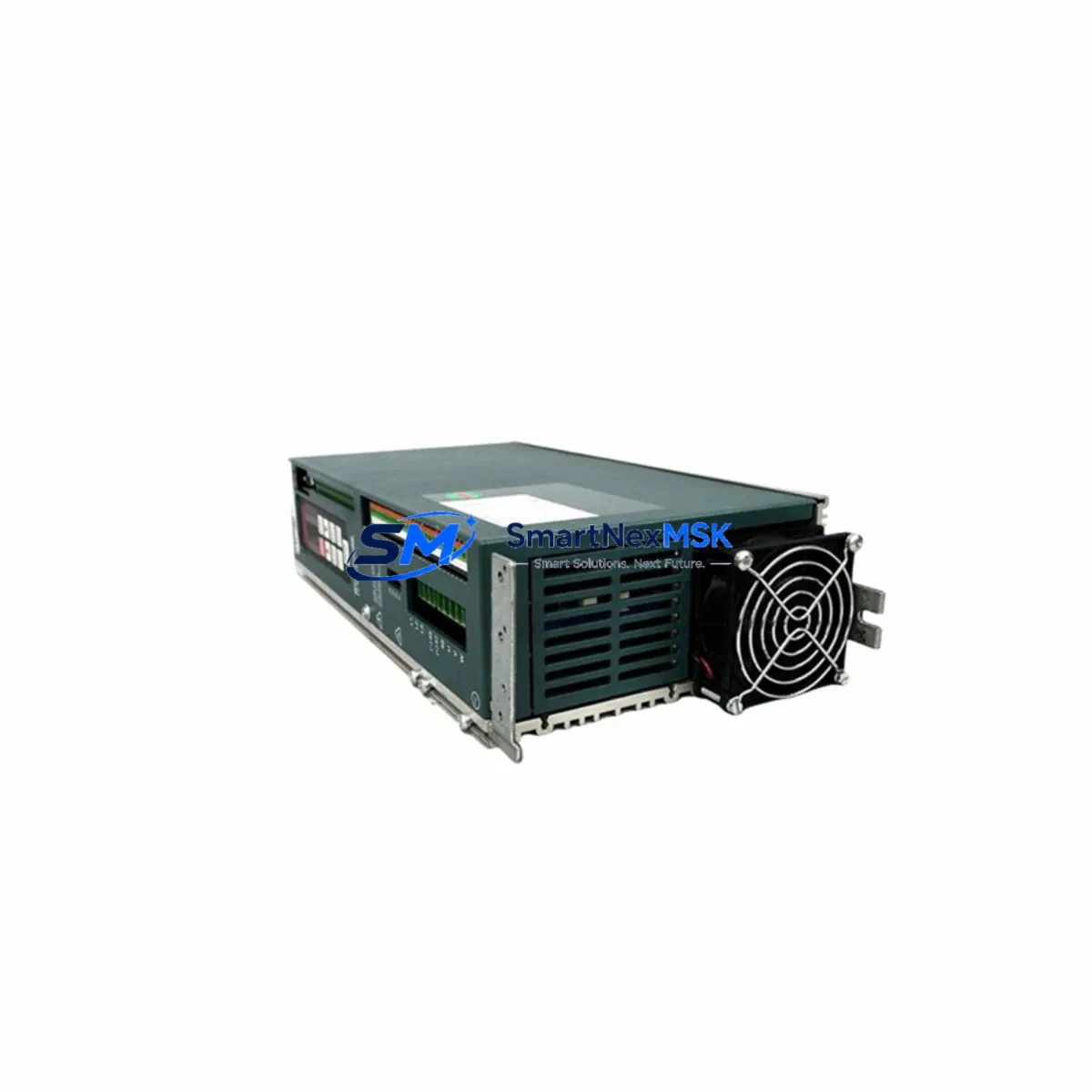
Reliance GV3000E-AC003-AA-DBU-RFI Retrofit-Ready AC Drive for GV3000E Control Systems
The Reliance GV3000E-AC003-AA-DBU-RFI is a retrofit-ready AC variable frequency drive engineered for seamless integration into legacy GV3000E Series control systems. As Reliance Electric’s GV3000E platform reaches end-of-life and spare parts become increasingly scarce, this unit provides a verified drop-in replacement path that preserves existing wiring infrastructure, terminal layouts, and communication protocols — minimizing engineering rework and unplanned downtime on the production floor.
Designed for industrial environments where control continuity is non-negotiable, the GV3000E-AC003-AA-DBU-RFI supports the dynamic braking unit (DBU) and RFI filter configurations native to the GV3000E platform. Engineers migrating from discontinued drives can retain their existing motor cable routing, maintain compatibility with upstream PLC logic, and avoid costly panel redesigns. Every unit shipped by SMARTNEXMSK undergoes functional load testing and is backed by a 12-month warranty.
Upgrade Compatibility Table
| Parameter | GV3000E-AC003-AA-DBU-RFI | Notes / Retrofit Guidance |
|---|---|---|
| Output Power | 0.3 HP (0.25 kW) | Verify motor nameplate rating before swap |
| Input Voltage | 115–230 V AC, Single Phase | Confirm panel supply voltage and phase configuration |
| DBU (Dynamic Braking Unit) | Integrated | External braking resistor wiring must be verified for ohm rating |
| RFI Filter | Integrated | Eliminates need for external EMC filter in most panel layouts |
| Communication Protocol | Analog / Digital I/O (native GV3000E) | Compatible with existing GV3000E wiring harness; verify RS-232/RS-485 adapter if network-connected |
| Terminal Block Layout | Matches GV3000E Series standard | No re-termination required for direct replacement |
| Mounting / Footprint | GV3000E panel-mount standard | DIN rail or chassis mount; confirm enclosure depth clearance |
| Parameter Compatibility | GV3000E parameter set | Back up existing drive parameters before replacement; re-enter manually or via programming tool |
| Replacement Candidates | GV3000E-AC003-AA, GV3000E-AC003-AA-DBU | Confirm DBU and RFI suffix requirements with site engineer |
| Warranty | 12 Months | Covers manufacturing defects; functional test certificate included |
Retrofit Planning for Existing Automation Systems
A successful GV3000E-AC003-AA-DBU-RFI retrofit begins well before the drive arrives on site. Start by auditing the existing control cabinet: document the current GV3000E drive’s parameter file using a Reliance GV3000/SE Drive Configuration Software session or a compatible handheld programming terminal. If the panel also houses a Reliance AutoMax PLC or a Rockwell Automation PLC-5 as the upstream controller, verify that the analog speed reference signal (typically 0–10 V DC or 4–20 mA) is correctly mapped to the new drive’s AI terminal before powering up.
For panels integrating a GV3000E Remote Operator Panel (ROP) or a third-party HMI communicating over RS-232, confirm that the baud rate, parity, and station address settings in the replacement drive match the original configuration. In multi-drive systems where several GV3000E units share a common DC bus or a GV3000E Common Bus Supply, the DBU resistor network must be re-evaluated to ensure the aggregate braking energy budget is not exceeded after the swap.
Terminal wiring for the GV3000E-AC003-AA-DBU-RFI follows the standard GV3000E I/O map: digital inputs for Run/Stop, Fault Reset, and Speed Preset selection; relay outputs for Drive Ready and Fault status; and the analog reference input. If the existing panel uses a Reliance GV3000E I/O Expansion Board for additional discrete I/O, verify that the expansion board firmware revision is compatible with the replacement drive’s base firmware. Similarly, if a GV3000E Encoder Feedback Board is installed for closed-loop vector control, the encoder PPR setting and feedback polarity must be re-confirmed after installation.
Power supply integrity is critical. Measure the incoming AC line voltage under load conditions and confirm that the panel’s control power transformer — often a 120 V AC or 24 V DC unit feeding the drive’s control board — is within specification. Undersized control power is a common cause of nuisance faults during commissioning of replacement drives. If the panel includes a Reliance GV3000E Line Reactor on the input side, inspect it for signs of overheating or insulation degradation before reusing it with the new drive.
For sites running SCADA or DCS platforms — such as a Honeywell Experion PKS or an Emerson DeltaV system — that poll the drive’s status via a fieldbus gateway, coordinate with the controls engineer to update the gateway’s device profile or EDS file if the replacement drive firmware version differs from the original. This step is often overlooked and can result in communication timeouts that appear as drive faults in the SCADA historian.
Downtime Control During System Migration
Minimizing production downtime during a GV3000E-AC003-AA-DBU-RFI swap requires a structured pre-outage checklist. Before the scheduled maintenance window, complete the following: export and archive the existing drive’s full parameter set; photograph all terminal wiring connections; label every conductor with its terminal designation; and confirm that the replacement unit has been bench-tested and powered up in a safe environment.
During the outage, follow a strict sequence: isolate and lock out the incoming AC supply; discharge the DC bus capacitors per the GV3000E safety procedure (minimum 5-minute wait after power removal); remove the old drive; install the GV3000E-AC003-AA-DBU-RFI using the original mounting hardware; re-terminate all control and power wiring per the archived photographs and terminal labels; and restore the parameter file before applying power.
On first power-up, run the drive in local keypad mode at low speed (5–10 Hz) with the motor uncoupled from the load if possible. Verify rotation direction, speed reference tracking, and fault relay output states before transferring control back to the PLC or DCS. This staged commissioning approach protects the original program logic in the upstream controller and ensures that the HMI operator screens — which typically display drive speed, current, and fault codes via the SCADA link — reflect accurate data before the system is returned to automatic mode. Keep the original drive on-site as a reference unit until the replacement has completed at least one full production cycle without fault.
Retrofit Support FAQ
Q1: Is the GV3000E-AC003-AA-DBU-RFI a direct drop-in replacement for the GV3000E-AC003-AA?
Yes, with one important distinction: the DBU-RFI suffix confirms that this unit includes both the integrated dynamic braking unit and the RFI filter. If your original drive did not have these options, the replacement is still electrically compatible, but you should cap or leave unconnected the DBU braking resistor terminals (BR+ / BR−) if no external braking resistor is installed. The RFI filter is passive and requires no additional configuration.
Q2: Can I reuse my existing GV3000E parameter file on this replacement drive?
In most cases, yes. Parameters are stored in the drive’s non-volatile memory and can be re-entered manually via the keypad or downloaded using a compatible programming cable connected to the drive’s RS-232 port. Verify that the firmware revision of the replacement unit supports all parameter numbers used in your original configuration — particularly any application-specific parameters set by the original commissioning engineer. SMARTNEXMSK can provide firmware revision documentation upon request.
Q3: What wiring changes are required when replacing a failed GV3000E drive with this unit?
For a like-for-like replacement, no wiring changes should be necessary. The GV3000E-AC003-AA-DBU-RFI uses the same terminal block layout and I/O pin assignments as the standard GV3000E-AC003-AA platform. Re-terminate each conductor to its original terminal number, confirm that the motor cable shield is bonded to the drive chassis ground, and verify that the control cable screen is grounded at the drive end only to prevent ground loops.
Q4: What does the 12-month warranty cover, and is a test certificate included?
Every GV3000E-AC003-AA-DBU-RFI unit shipped by SMARTNEXMSK is functionally tested under load prior to dispatch. The 12-month warranty covers manufacturing defects and component failures under normal operating conditions. A functional test certificate is included with each shipment. Warranty claims are processed via [email protected] with a description of the fault condition and the unit’s serial number. Physical damage resulting from incorrect installation or overvoltage events is not covered under the standard warranty terms.
© 2026 SMARTNEXMSK. All rights reserved.
Original Source: https://smartnexmsk.com
Contact: [email protected] | +86 18259474341