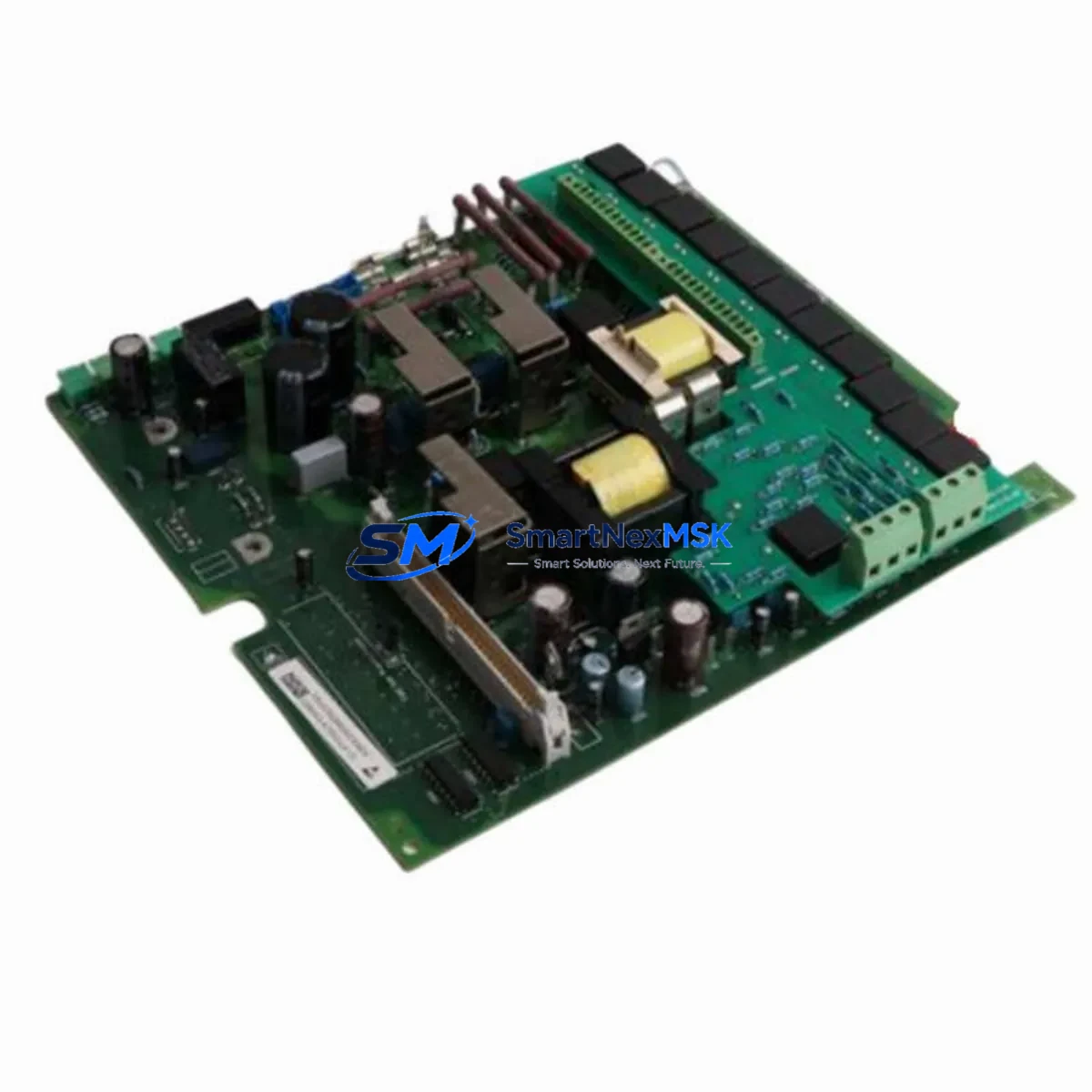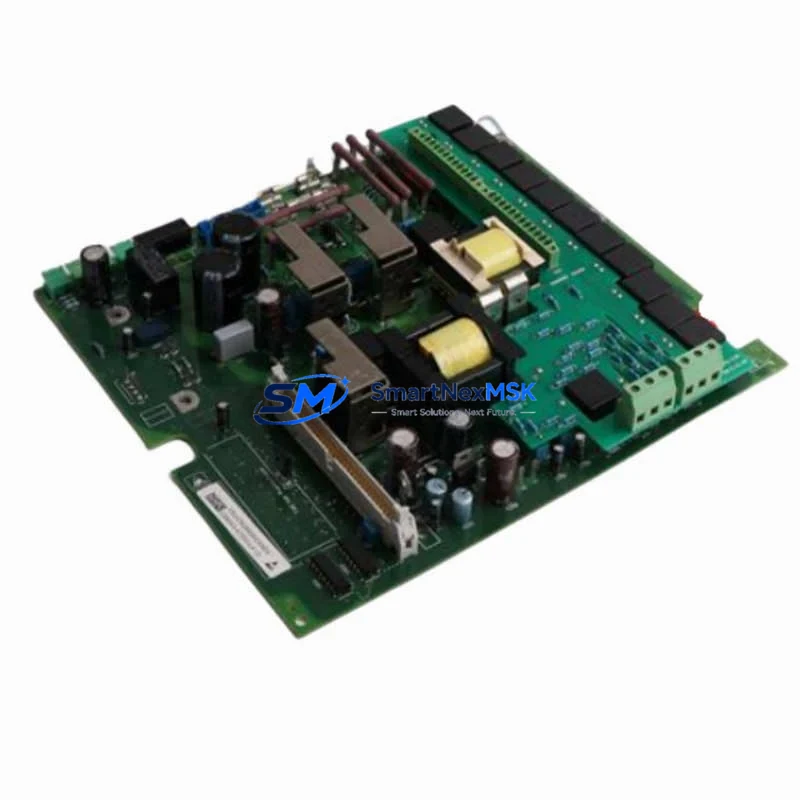
RITTAL SCM17EG1-R Retrofit-Ready Display Interface for SM Series Control Systems
The RITTAL SCM17EG1-R (part number 6450.160) is a retrofit-ready RGB-to-DVI display interface module engineered for seamless integration into RITTAL SM Series control enclosures and industrial panel PC systems. As legacy display interface solutions reach end-of-life or become increasingly difficult to source, the SCM17EG1-R provides a verified drop-in upgrade path that preserves existing wiring infrastructure, minimises panel modification, and eliminates the need for full HMI replacement. Whether you are modernising a production line, recovering from a failed display interface, or executing a planned control cabinet upgrade, this module delivers the signal conversion reliability and physical compatibility that industrial retrofit projects demand.
Upgrade Compatibility Table
| Parameter | Detail |
|---|---|
| Part Number | SCM17EG1-R / 6450.160 |
| Signal Conversion | RGB (VGA) → DVI-D |
| Compatible Series | RITTAL SM Series Panel PCs & Control Enclosures |
| Mounting Interface | SM Series backplane slot — no bracket modification required |
| Power Supply | Supplied via SM Series internal bus; verify PSU headroom before installation |
| Communication Compatibility | Passive signal conversion; no firmware or protocol configuration required |
| Replacement Recommendation | Direct replacement for discontinued SM Series RGB interface cards |
| Commissioning Notes | Confirm DVI display resolution settings match source controller output after swap |
| Installation Requirement | Power-down enclosure before module swap; re-seat backplane connector firmly |
| Warranty | 12 Months — covers manufacturing defects and signal integrity failures |
| Origin | Germany |
| Weight | 2,920 g (packaged) |
Retrofit Planning for Existing Automation Systems
Successful integration of the SCM17EG1-R into an existing control system begins well before the module arrives on-site. Engineers undertaking SM Series cabinet retrofits should first audit the enclosure’s internal power budget. The SM Series power supply unit — typically a RITTAL SV 9340.000 or equivalent regulated DC supply — must have sufficient residual capacity to support the interface module alongside existing I/O cards, communication modules, and fan assemblies. If the power budget is marginal, a supply upgrade or load redistribution across the backplane should be completed before the display interface swap.
Terminal wiring from the legacy RGB source — usually originating at the VGA output of an embedded controller or a RITTAL PC 6030.000 series industrial PC — should be documented and photographed before disconnection. The SCM17EG1-R accepts the same RGB connector pinout as its predecessor, but verifying signal ground continuity with a multimeter before powering up prevents display artefacts and protects downstream DVI-connected panels. If the target display is a RITTAL SM 6480.000 series flat panel monitor, confirm that the DVI-D input is set to auto-detect or manually forced to DVI mode in the OSD menu.
For systems where the SM Series enclosure also houses a RITTAL SV 9673.000 UPS module or a RITTAL CMC III monitoring unit, ensure that the monitoring bus is not disrupted during the backplane slot swap. The CMC III sensor bus is independent of the display interface slot, but physical handling of adjacent modules during installation can loosen sensor probe connectors if care is not taken. Similarly, if the enclosure contains a RITTAL SK 3105.100 cooling unit with its own controller interface, verify that the cooling unit’s status display — which may share the same DVI output chain — continues to receive a valid signal after the SCM17EG1-R is seated.
In multi-enclosure installations where several SM Series cabinets share a common HMI network, the display interface upgrade should be staged one cabinet at a time. This allows the control team to validate signal quality, screen resolution, and HMI screen layout integrity on the first upgraded unit before proceeding. If the HMI software — whether running on a RITTAL PC 6035.000 embedded controller or an external SCADA workstation — uses fixed display resolution profiles, those profiles may need to be updated to match the DVI output characteristics of the SCM17EG1-R. Coordinate with the HMI programmer to export and back up all screen configurations before the upgrade window begins.
Where the retrofit also involves migrating communication protocols — for example, transitioning from legacy RS-232 HMI links to Ethernet-based SCADA connections — the SCM17EG1-R installation can be combined with the addition of a RITTAL SV 9340.100 communication interface card or a third-party Modbus TCP gateway. Bundling these changes into a single planned outage reduces total downtime and avoids repeated enclosure openings. Always update the as-built wiring diagram and cabinet layout drawing to reflect the new module position and any revised cable routing before closing the enclosure.
Downtime Control During System Migration
Minimising production downtime during a display interface retrofit requires a structured pre-outage preparation protocol. Before the maintenance window opens, the engineering team should complete a full backup of the PLC program — including all data blocks, function blocks, and hardware configuration files — using the appropriate programming software connected via the controller’s programming port or Ethernet interface. If the SM Series enclosure hosts a controller with onboard program memory, such as a compact PLC sharing the backplane, confirm that the program backup is stored on an external medium and verified as readable before any hardware is touched.
The actual module swap for the SCM17EG1-R is a cold-swap procedure: the enclosure must be de-energised, locked out, and tagged before the backplane slot is accessed. With the enclosure powered down, the legacy RGB interface card is removed by releasing the retention screws, the SCM17EG1-R is inserted into the same slot, and the backplane connector is pressed firmly until the module seats fully. Total physical swap time is typically under ten minutes for a prepared technician. Power restoration, display signal verification, and HMI screen validation can be completed within thirty minutes, making the SCM17EG1-R one of the lowest-disruption upgrade options available for SM Series systems.
To protect original program logic during the migration, do not modify any PLC program files during the hardware swap window. If the HMI display resolution changes after the DVI upgrade, adjust only the display driver settings at the operating system level — not the HMI project configuration — unless a full HMI re-commissioning has been planned and approved. Field control continuity is maintained by ensuring that all I/O modules, communication links, and safety relay circuits remain energised and operational throughout the display interface swap, since the SCM17EG1-R affects only the visual output path and has no interaction with the control logic or field wiring.
Retrofit Support FAQ
Q1: Is the SCM17EG1-R a direct replacement for the original SM Series RGB interface card?
Yes. The SCM17EG1-R (6450.160) is designed as a form-fit-function replacement for the original RITTAL SM Series RGB-to-DVI interface. It occupies the same backplane slot, uses the same connector, and requires no enclosure modification. Verify that your SM Series backplane revision is compatible by checking the enclosure’s type plate against RITTAL’s SM Series compatibility matrix.
Q2: What commissioning steps are required after installation?
After seating the module and restoring power, confirm that the connected DVI display detects the signal automatically. If the display shows no signal, check that the DVI cable is fully seated, the display input is set to DVI, and the source controller’s video output resolution is within the module’s supported range. No firmware upload or address configuration is required for the SCM17EG1-R.
Q3: Can the SCM17EG1-R be used with non-RITTAL DVI displays?
Yes, provided the display accepts a standard DVI-D single-link signal. The module outputs a standard DVI-D signal and is not restricted to RITTAL-branded monitors. Confirm the display’s maximum supported resolution and refresh rate before connecting to avoid signal compatibility issues.
Q4: What does the 12-month warranty cover?
The 12-month warranty covers manufacturing defects and signal integrity failures under normal operating conditions. It does not cover damage resulting from incorrect installation, overvoltage, or use outside the specified environmental ratings. All units are function-tested before shipment. For warranty claims or technical support, contact [email protected].
© 2026 SMARTNEXMSK. All rights reserved.
Original Source: https://smartnexmsk.com
Contact: [email protected] | +86 18259474341