SaierNico S8029-10 Maintenance-Ready Spare S8029 Automation
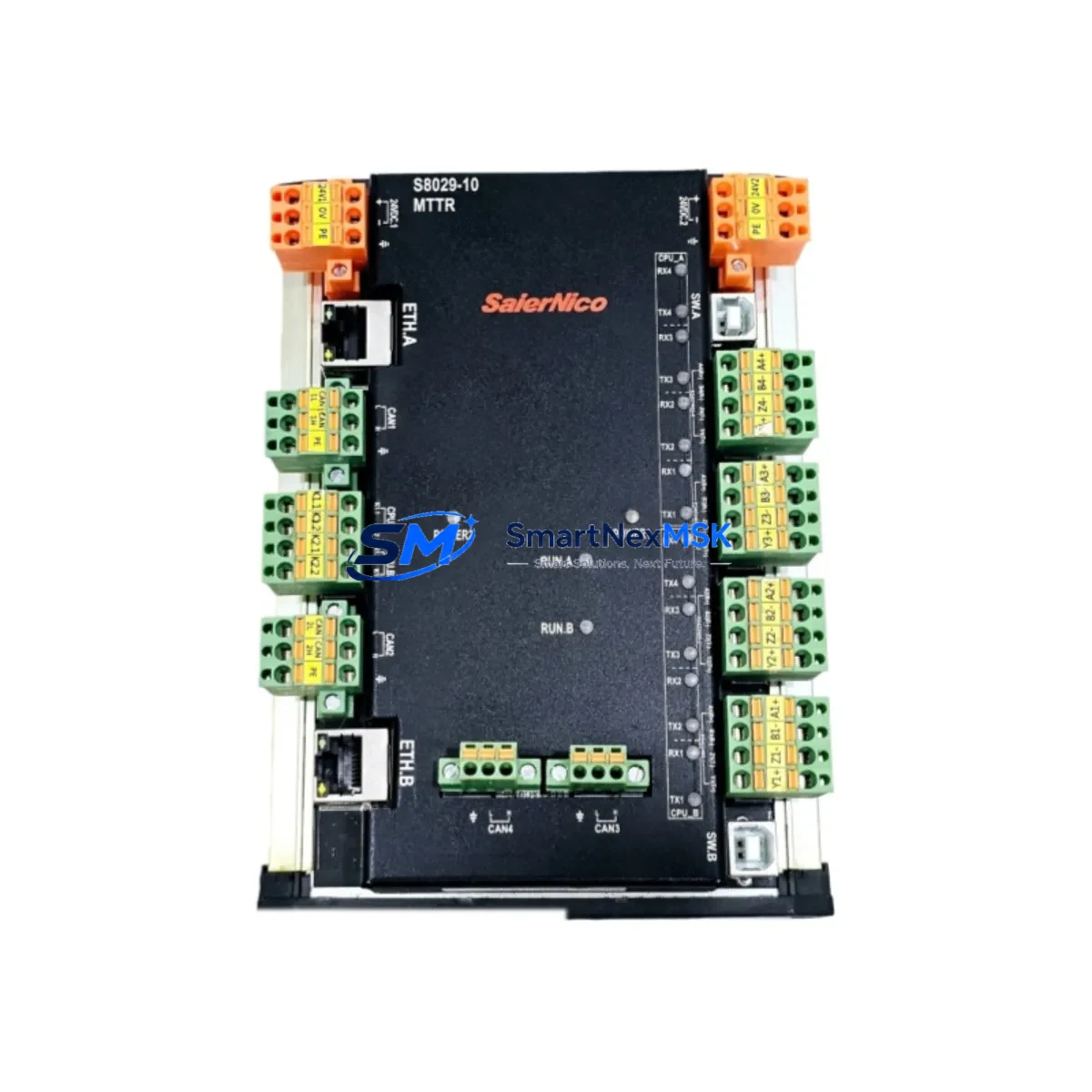
The SaierNico S8029-10 is an original industrial protocol converter designed for mission-critical automation environments where unplanned downtime carries significant operational and financial risk. As a core communication gateway in the S8029 Series, the S8029-10 bridges Modbus TCP/RTU and CAN Bus networks — enabling seamless data exchange between PLCs, DCS controllers, SCADA systems, and field devices. For maintenance engineers managing aging control architectures or expanding multi-protocol production lines, holding a verified spare S8029-10 in the local parts cabinet is a fundamental risk-reduction strategy.
Industrial facilities running continuous processes — chemical plants, water treatment stations, power substations, and discrete manufacturing lines — cannot afford extended communication failures at the gateway layer. When the S8029-10 fails, the entire data path between the CAN Bus field network and the Modbus TCP supervisory layer is severed, triggering alarms, halting automated sequences, and forcing manual intervention. A pre-tested, shelf-ready replacement unit eliminates the multi-day lead time associated with emergency procurement and allows technicians to restore normal operation within a single maintenance window.
Every S8029-10 unit shipped by SMARTNEXMSK undergoes functional verification prior to dispatch, including protocol handshake testing, baud rate configuration checks, and power-on diagnostics. Units are supplied with a 12-month warranty covering manufacturing defects and functional failures under normal operating conditions. Long-term supply continuity is maintained through established sourcing channels, ensuring that facilities with multi-year maintenance contracts can plan spare parts budgets with confidence.
Spare Maintenance Table
| Parameter | Specification |
|---|---|
| Model / SKU | S8029-10 |
| Brand | SaierNico |
| Series | S8029 |
| Product Type | Industrial Protocol Converter / Gateway |
| Protocol Support | Modbus TCP, Modbus RTU, CAN Bus |
| Communication Interface | Ethernet (RJ45), RS-485, CAN |
| Power Supply | DC 24V (typical industrial rail supply) |
| Operating Temperature | -20°C to +70°C |
| Mounting | DIN Rail |
| Enclosure / Protection | Industrial-grade housing, suitable for control cabinet installation |
| Weight | 560 g |
| Origin | China (CN) |
| Compatibility | S8029 Series; compatible with standard Modbus TCP/RTU masters and CAN Bus networks |
| Application Environment | PLC/DCS control cabinets, SCADA integration, field bus bridging, industrial automation panels |
| Maintenance Recommendation | Inspect communication LEDs and connector integrity during scheduled cabinet inspections; replace if packet loss or timeout errors are logged |
| Pre-shipment Testing | Protocol handshake, baud rate, power-on diagnostics |
| Warranty | 12 Months |
Maintenance Planning for Continuous Operation
Replacing the S8029-10 in a live control system is rarely an isolated task. Experienced maintenance engineers treat a gateway swap as an opportunity to audit the surrounding electrical and communication infrastructure, reducing the probability of a secondary failure shortly after restart. When pulling the S8029-10 from service, the following components and subsystems should be inspected or tested concurrently.
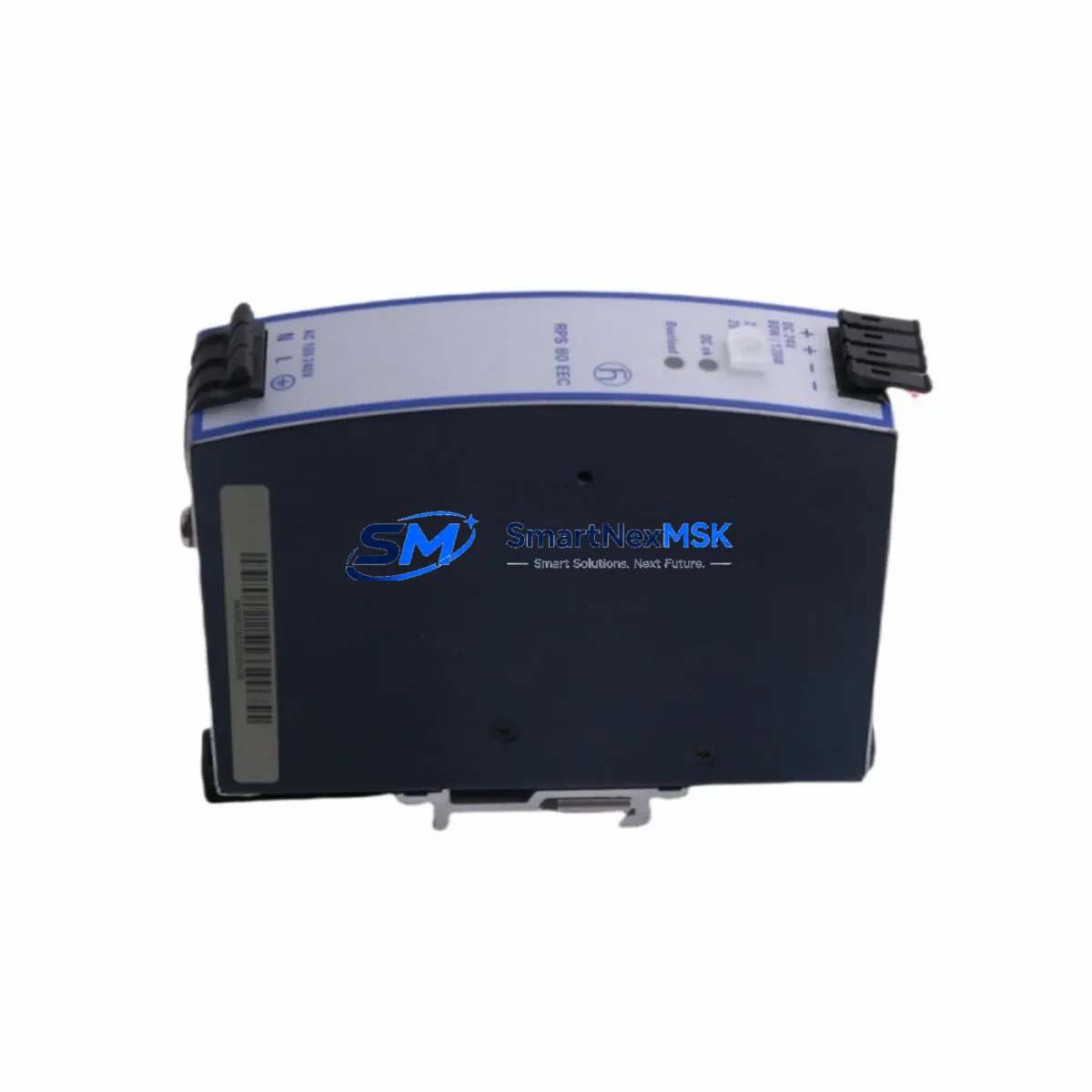
The DC 24V power supply module feeding the gateway rail should be load-tested; a degraded power supply is a common root cause of intermittent gateway resets that are often misdiagnosed as firmware or protocol issues. Inspect the DIN rail terminal blocks on the power input side for signs of oxidation, loose ferrules, or thermal discoloration — these are early indicators of high-resistance connections that stress downstream electronics. The RS-485 communication cable connecting the gateway to Modbus RTU field devices should be checked for correct termination resistance (typically 120 Ω at each end of the bus) and shielding continuity.
On the CAN Bus side, verify the integrity of the CAN Bus termination resistors and inspect the twisted-pair cable for damage or improper routing near high-voltage conductors. If the S8029-10 interfaces with a Siemens S7-series PLC or similar controller via Modbus TCP over Ethernet, confirm that the managed switch port assigned to the gateway is operating at the correct speed and duplex setting, and check for excessive CRC errors in the switch log. For systems where the gateway feeds data to a SCADA HMI panel or operator workstation, validate the Modbus register map configuration after replacement to ensure tag addresses remain consistent.
If the control cabinet also houses signal isolators or loop-powered transmitter barriers on analog I/O channels that feed into the same PLC rack, inspect these for drift or failure — a simultaneous analog signal fault can mask a successful gateway replacement during commissioning. Check any 24V DC fuse holders or miniature circuit breakers protecting the gateway circuit; replace fuses that show signs of thermal stress even if they have not blown. For facilities running older Profibus DP or DeviceNet segments alongside the CAN Bus network, confirm that repeaters and bus couplers in adjacent segments are functioning correctly, as a gateway replacement sometimes exposes latent network topology issues.
Finally, if the S8029-10 is part of a larger remote I/O expansion architecture, verify that the I/O modules downstream of the gateway — including digital input modules, digital output modules, and analog input cards — are responding correctly after the new unit is commissioned. Document the replacement in the site maintenance log with the serial number of the new unit, the date of installation, and the firmware version, to support future audits and warranty claims.
Site Replacement Workflow
Step 1 — Preparation: Before removing the failed S8029-10, export or photograph the current configuration parameters, including IP address, subnet mask, gateway address, Modbus slave ID, baud rate, parity, and CAN Bus bit rate. If the unit is unresponsive, retrieve these settings from the site documentation or SCADA configuration backup.
Step 2 — Safe Isolation: Isolate the gateway circuit at the 24V DC supply breaker. Do not rely solely on software shutdown. Verify zero voltage at the power input terminals with a calibrated multimeter before disconnecting any wiring.
Step 3 — Physical Replacement: Label all wiring before disconnection. Remove the failed unit from the DIN rail. Mount the replacement S8029-10, reconnect wiring in the documented order, and verify terminal torque to manufacturer specification.
Step 4 — Configuration Restore: Apply the saved configuration to the new unit via the web interface or configuration software. Confirm that the Modbus TCP/RTU and CAN Bus parameters match the original settings exactly. Assign the same IP address to avoid SCADA tag remapping.
Step 5 — Commissioning Verification: Restore power and monitor the communication status LEDs. Confirm that the SCADA system is receiving live data from all Modbus registers within the expected scan cycle. Check the CAN Bus traffic with a diagnostic tool if available. Log the successful replacement and update the spare parts inventory to trigger reorder of a replacement spare unit.
This workflow is applicable whether the S8029-10 is replacing an identical failed unit or substituting an older S8029 Series variant that has reached end-of-service life. The S8029-10 is backward-compatible within the S8029 product family, minimizing reconfiguration effort during like-for-like replacements in legacy systems.
Spare Parts Support FAQ
Q1: What is the expected service life of the S8029-10, and when should I plan a proactive replacement?
The S8029-10 is designed for continuous industrial operation. In high-vibration or high-temperature environments, proactive replacement is recommended at 5–7 years of service or at the first sign of intermittent communication errors, increased packet loss, or abnormal heat generation. Maintaining one spare unit per installed gateway is a standard practice for facilities with uptime SLAs.
Q2: How do I verify compatibility before installing the S8029-10 as a replacement for an older S8029 Series unit?
Confirm that the replacement unit supports the same protocol modes (Modbus TCP master/slave, Modbus RTU, CAN Bus) and that the firmware version is compatible with your SCADA or PLC configuration software. SMARTNEXMSK provides pre-shipment functional testing and can supply compatibility confirmation based on your existing system documentation upon request.
Q3: What does the 12-month warranty cover, and how is a warranty claim processed?
The 12-month warranty covers manufacturing defects and functional failures under normal operating conditions, including protocol communication failures, power input faults attributable to the unit, and hardware component failures. To initiate a claim, contact SMARTNEXMSK with the unit serial number, purchase date, and a description of the fault. Replacement or repair is coordinated within the warranty period without additional charge for the unit itself.
Q4: Can SMARTNEXMSK support long-term supply of the S8029-10 for multi-year maintenance contracts?
Yes. SMARTNEXMSK maintains established sourcing relationships for the SaierNico S8029 Series and can support blanket purchase orders, scheduled delivery programs, and consignment stock arrangements for facilities requiring guaranteed spare parts availability over multi-year horizons. Contact the sales team to discuss volume pricing and supply agreement terms.
© 2026 SMARTNEXMSK. All rights reserved.
Original Source: https://smartnexmsk.com
Contact: [email protected] | +86 18259474341