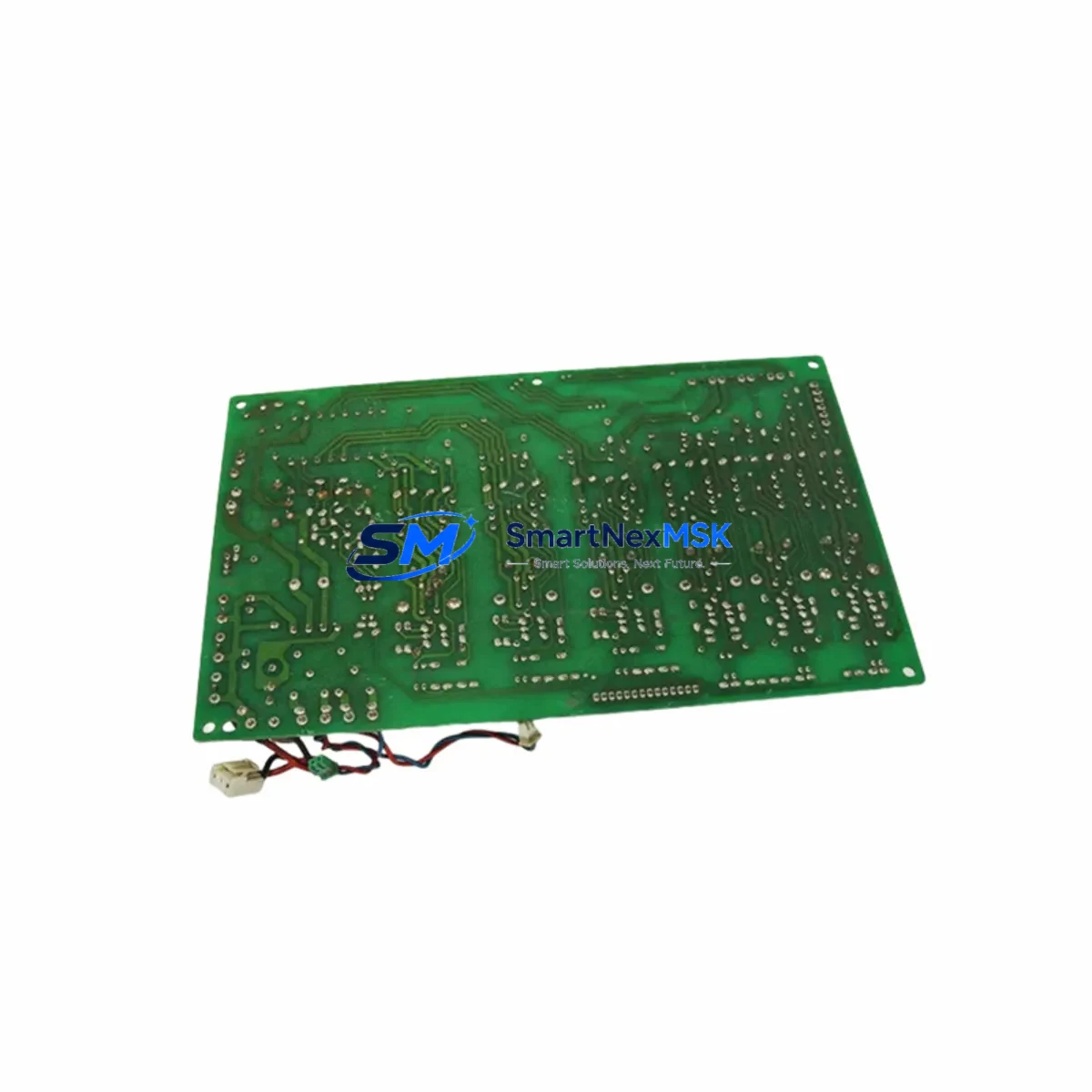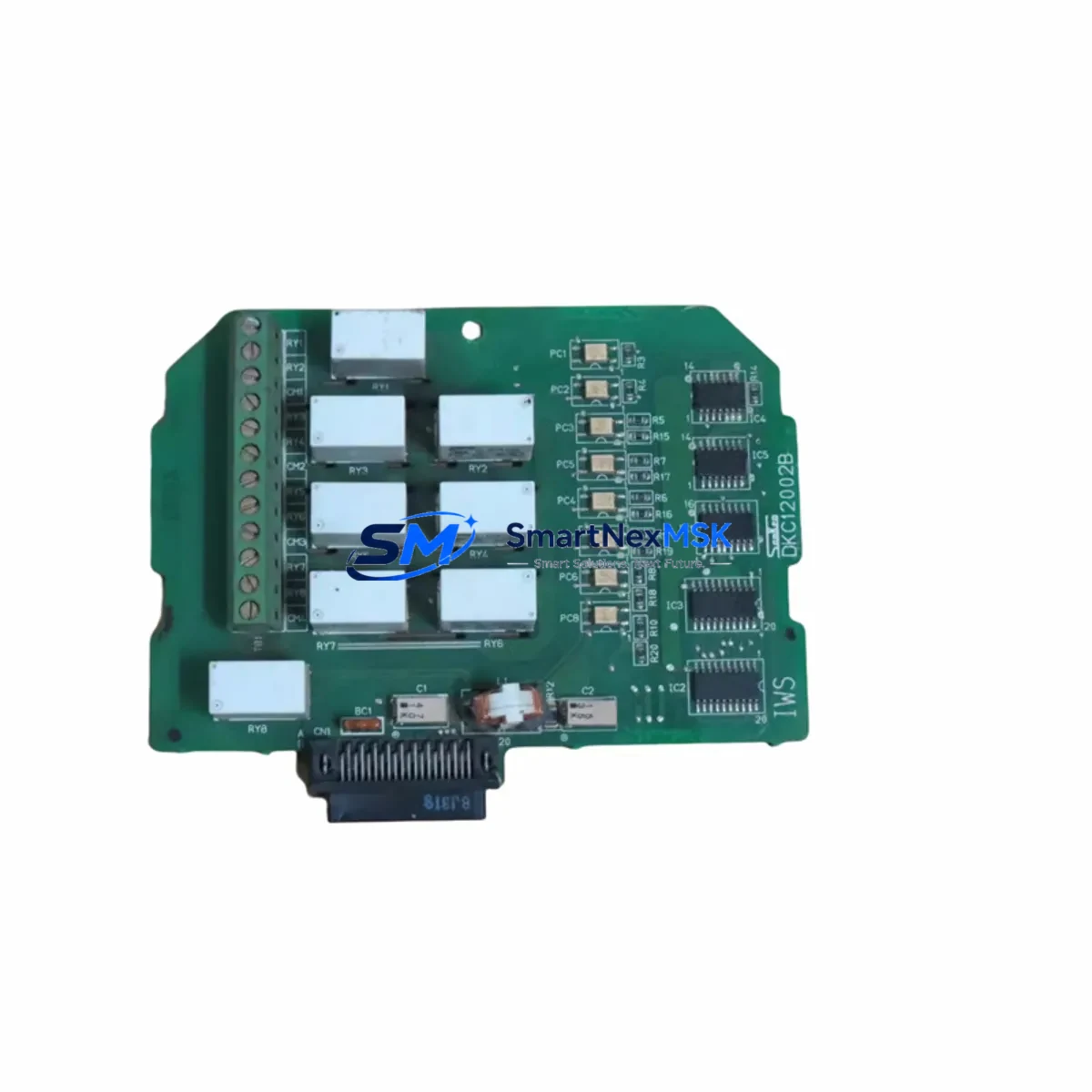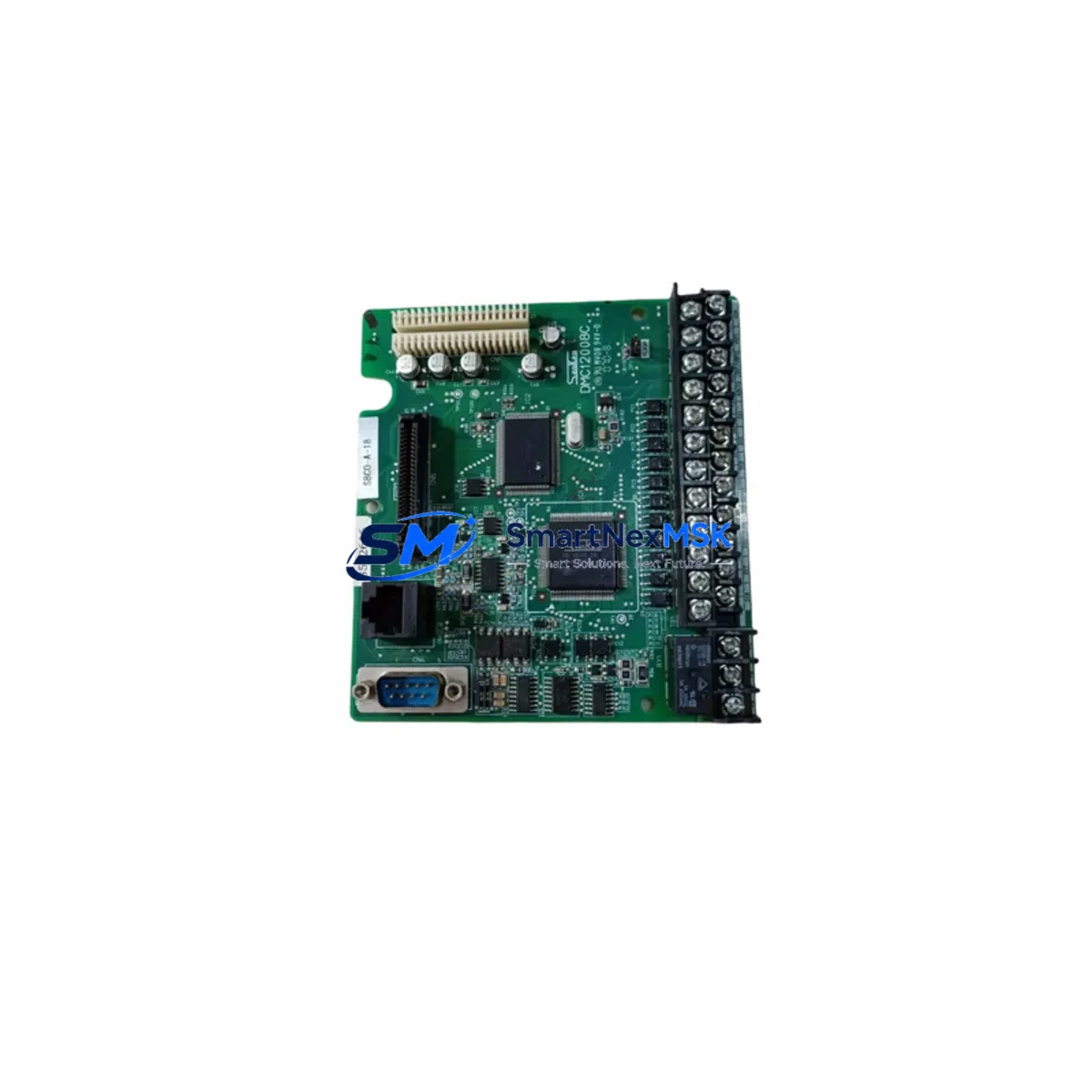
SanKen DMC12008 Maintenance-Ready Spare for DMC Series Automation
The SanKen DMC12008 is an original PLC CPU module designed for the DMC Series industrial automation platform. For maintenance engineers managing aging control systems, this module represents a critical spare that directly determines whether a production line resumes within hours or remains offline for days. Sourced from verified supply channels, each DMC12008 unit is inspected and tested prior to shipment, ensuring it arrives ready for immediate installation without the uncertainty that often accompanies aftermarket alternatives.
In industrial environments — from discrete manufacturing and process control to utilities and infrastructure — the DMC12008 CPU module serves as the computational core of the DMC Series control cabinet. Its failure typically manifests as a complete system halt: no scan cycle, no I/O response, no communication with HMI or SCADA. Rapid access to a verified original spare is therefore not a convenience but a maintenance imperative. Keeping a DMC12008 in your on-site spare parts inventory is the single most effective measure against extended unplanned downtime on DMC Series installations.
Spare Maintenance Table
| Parameter | Specification / Detail |
|---|---|
| Part Number / SKU | DMC12008 |
| Brand | SanKen |
| Series | DMC Series |
| Module Type | PLC CPU Module |
| Origin | Japan |
| Compatibility | SanKen DMC Series control systems; replaces legacy DMC CPU variants |
| Installation | DIN-rail or backplane slot mount per DMC Series cabinet standard |
| Power Supply Requirement | 24 VDC nominal (verify with DMC Series power module rating) |
| Communication Interface | DMC Series proprietary bus; RS-232/RS-485 programming port |
| Operating Temperature | 0 °C to 55 °C (storage: -20 °C to 70 °C) |
| Relative Humidity | 5% to 95% non-condensing |
| Application Environment | Industrial automation, process control, discrete manufacturing, utilities |
| Pre-shipment Testing | Function-verified before dispatch |
| Warranty | 12 Months |
| Condition | Original / New |
Maintenance Planning for Continuous Operation
Replacing a DMC12008 CPU module is rarely an isolated task. Experienced maintenance engineers know that a CPU failure often signals broader stress within the control cabinet, and a thorough replacement procedure should include inspection of all interdependent components. Before returning the system to service, verify the condition of the DMC Series power supply module — a degraded power rail is a common root cause of CPU faults and will damage a replacement module if left unaddressed.
Check all I/O expansion modules connected to the DMC backplane. A failed CPU may have been masking latent I/O faults; with the new DMC12008 online, previously hidden errors can surface immediately. Inspect the DMC Series communication module (typically handling Modbus RTU, PROFIBUS, or proprietary network protocols) to confirm bus integrity before re-enabling SCADA or DCS communication. Loose or corroded terminal blocks and field wiring connectors on the I/O side should be re-torqued and visually inspected during the same maintenance window.
If the installation includes a DMC Series analog input/output module, recalibrate signal references after CPU replacement, as some configurations store calibration offsets in CPU memory. For cabinets with relay output modules, verify coil continuity and contact condition — relay wear is often accelerated in systems that have experienced power anomalies. Where signal isolators are used between field instruments and the DMC I/O bus, confirm isolation resistance has not degraded. Review the 24 VDC auxiliary power distribution feeding field devices; a failing power supply can cause intermittent CPU resets that mimic software faults.
For systems with an operator interface, reconnect and test the HMI panel (touch screen or operator terminal linked to the DMC CPU via RS-232 or Ethernet) to confirm communication is re-established and all screen pages load correctly. Finally, check the battery backup module or supercapacitor retention circuit responsible for preserving CPU program memory during power loss — if this component is near end-of-life, replace it concurrently with the DMC12008 to prevent program loss on the next power cycle.
Stocking the DMC12008 alongside these associated components — power module, I/O modules, communication module, relay outputs, and HMI interface cables — constitutes a complete DMC Series emergency spare kit and is the recommended approach for facilities operating multiple DMC Series installations or running 24/7 production schedules.
Site Replacement Workflow
Step 1 — Safety Isolation: De-energize the control cabinet following site LOTO (Lockout/Tagout) procedures. Confirm all field devices are in a safe state before opening the cabinet.
Step 2 — Program Backup: If the existing DMC12008 is still partially functional, connect a programming terminal and perform a full program upload to a laptop or USB drive. Retain this backup regardless of whether the program is already archived.
Step 3 — Module Removal: Disconnect all cables from the CPU module (power, communication, programming port). Release the backplane locking mechanism and slide the DMC12008 out of its slot. Note the slot position and any jumper or DIP switch settings before removal.
Step 4 — Replacement Installation: Insert the new DMC12008 into the same backplane slot. Replicate all jumper/DIP switch settings from the removed unit. Reconnect all cables in the original configuration. Torque terminal screws to specification.
Step 5 — Program Download and Verification: Re-energize the cabinet. Connect the programming terminal and download the backed-up program to the new DMC12008. Verify program checksum and confirm all I/O addresses map correctly.
Step 6 — Functional Test: Run the system in manual or test mode before returning to automatic operation. Confirm all I/O points respond, communication links are active, and HMI displays are operating normally. Document the replacement in the site maintenance log.
This workflow minimizes downtime, preserves system configuration integrity, and ensures the replacement DMC12008 is fully validated before production resumes. For legacy DMC Series installations where original documentation is incomplete, our technical team can assist with compatibility verification prior to shipment.
Spare Parts Support FAQ
Q1: Is the DMC12008 compatible with all DMC Series control systems?
The DMC12008 is designed for the SanKen DMC Series platform. Compatibility depends on the specific DMC Series generation and backplane configuration in your installation. We recommend providing your full system model number or cabinet nameplate data when ordering so our team can confirm compatibility before shipment. Where minor hardware revisions exist within the DMC Series, we will advise on any configuration differences.
Q2: How is the DMC12008 tested before shipment?
Each unit undergoes functional verification on a DMC Series test bench prior to dispatch. Basic power-on, CPU scan cycle, and communication port tests are performed. A test report is available on request. Units that do not pass verification are not shipped. This process ensures you receive a module that is ready for installation, not simply a unit pulled from storage.
Q3: What does the 12-month warranty cover?
The 12-month warranty covers manufacturing defects and functional failures under normal operating conditions as specified in the DMC Series technical documentation. It does not cover damage resulting from incorrect installation, overvoltage, physical impact, or use outside the rated environmental parameters. Warranty claims are processed with return authorization; replacement or repair is completed within an agreed lead time. Contact [email protected] to initiate a warranty claim.
Q4: Can you supply multiple DMC12008 units for a planned spare parts inventory build?
Yes. We support both single-unit emergency orders and bulk spare parts procurement for facilities building structured maintenance inventories. Lead times for quantity orders are confirmed at the time of inquiry. For customers managing multiple DMC Series installations across sites, we can discuss consignment stock or scheduled delivery arrangements to ensure continuous availability without excessive on-site capital commitment.
© 2026 SMARTNEXMSK. All rights reserved.
Original Source: https://smartnexmsk.com
Contact: [email protected] | +86 18259474341