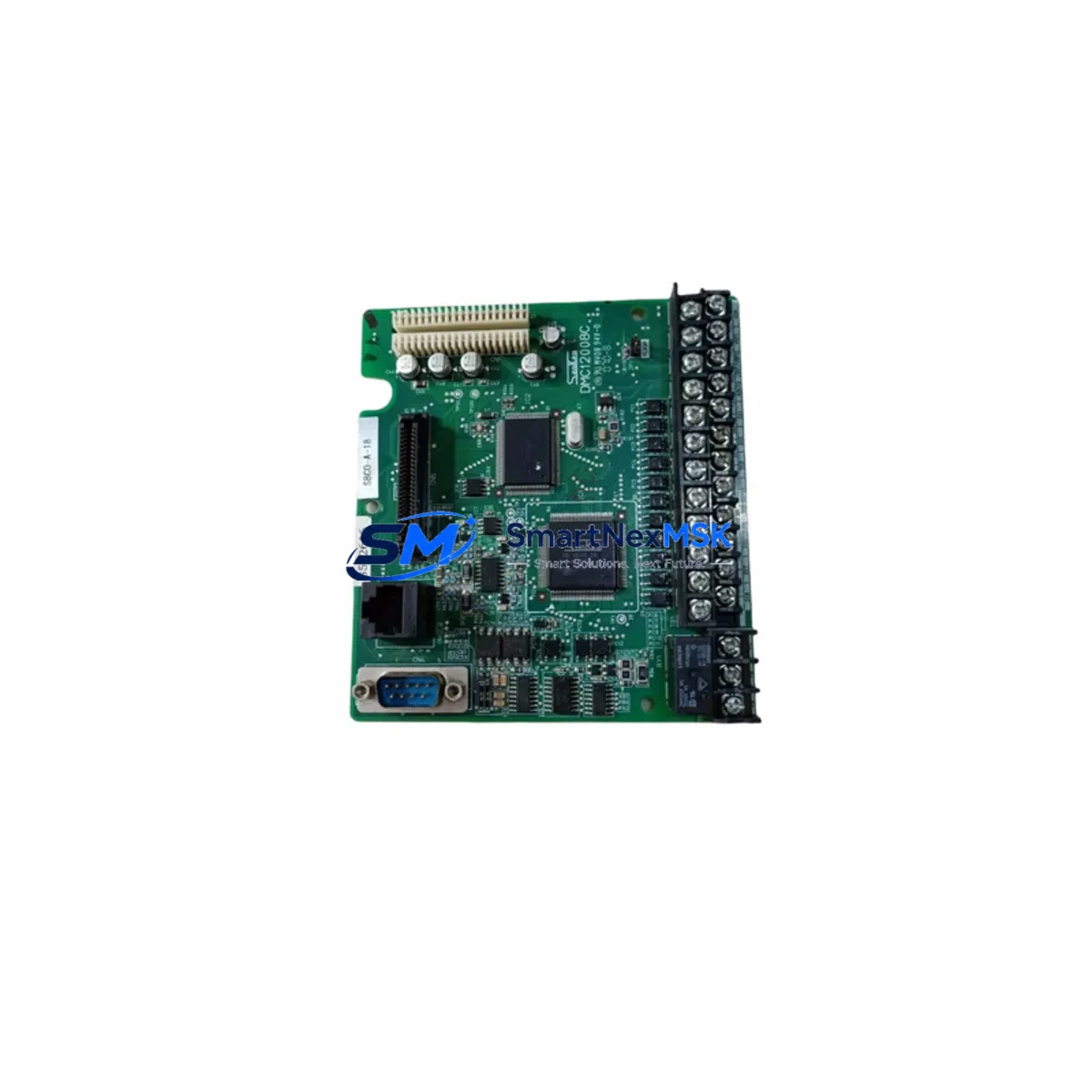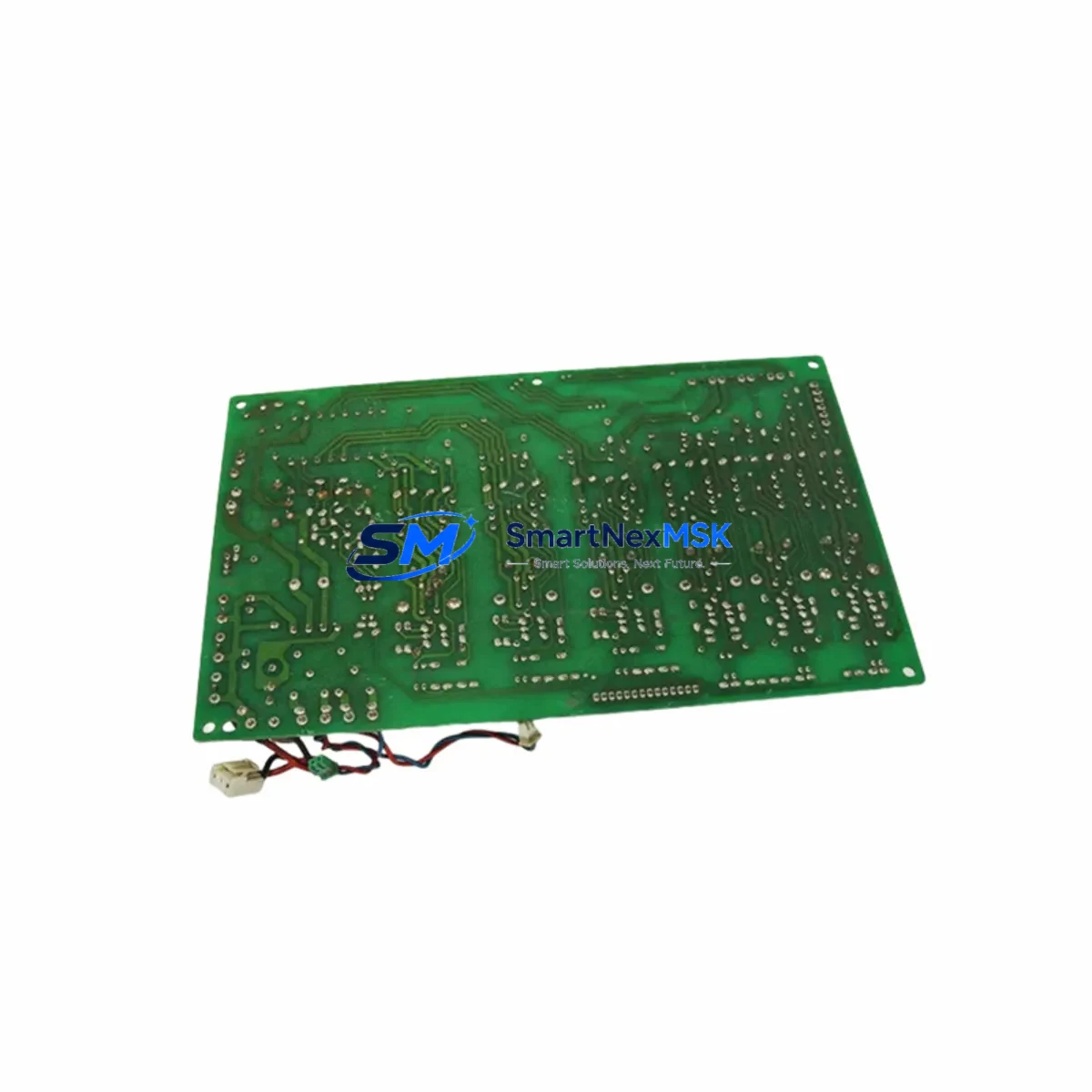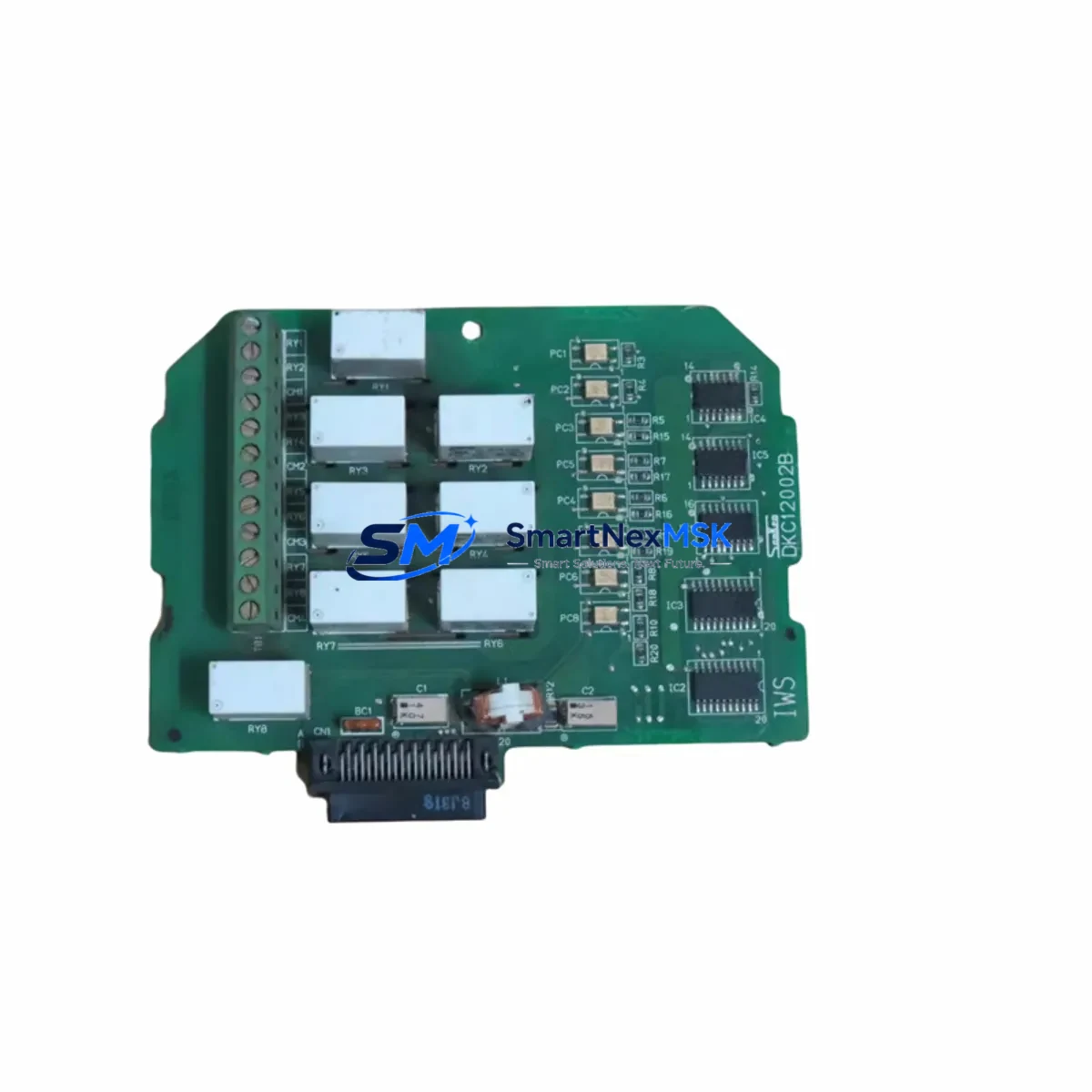
SanKen DKC12002B IWS Maintenance-Ready Spare for IWS Automation
Unplanned HMI downtime in industrial automation environments carries significant operational risk. The SanKen DKC12002B IWS is an original-grade HMI touch screen panel engineered for the IWS series control architecture, providing maintenance engineers and procurement teams with a reliable, drop-in spare that eliminates extended lead times and costly production stoppages. Whether you are executing a planned shutdown, responding to an emergency fault, or building out your critical spare inventory, the DKC12002B IWS delivers the compatibility, build quality, and supply continuity that IWS-based systems demand.
For facilities running SanKen IWS series automation — including multi-axis motion controllers, servo drive cabinets, and integrated PLC/HMI panels — the operator interface is the single point of human interaction with the control loop. A failed or degraded touch screen panel can halt an entire production line. Stocking the DKC12002B IWS as a certified spare ensures that your maintenance team can restore full operator visibility and control within the shortest possible window, without waiting on factory lead times or navigating obsolescence challenges.
Spare Maintenance Table
| Parameter | Specification / Detail |
|---|---|
| Part Number | DKC12002B IWS |
| Brand | SanKen |
| Series | IWS Series |
| Product Type | HMI Touch Screen Panel |
| Origin | Japan |
| Compatibility | SanKen IWS Series PLC/HMI Control Systems |
| Panel Weight | 4,460 g (approx.) |
| Installation | Drop-in replacement; matches original mounting footprint and connector pinout |
| Application Environment | Industrial control cabinets, machine tool panels, process automation HMI stations |
| Pre-Shipment Testing | Function-tested and inspected before dispatch |
| Maintenance Recommendation | Replace at first sign of touch drift, display degradation, or communication fault; inspect backlight and connector integrity during planned shutdowns |
| Warranty | 12 Months |
Maintenance Planning for Continuous Operation
When a DKC12002B IWS panel is flagged for replacement during a scheduled inspection or emergency fault response, experienced maintenance engineers treat the HMI swap as the starting point — not the endpoint — of a thorough control cabinet audit. The IWS series architecture integrates the HMI panel tightly with downstream control components, and a degraded panel often signals stress on adjacent hardware.
Begin by verifying the 24 VDC panel power supply feeding the DKC12002B IWS; a marginal supply voltage is a common root cause of touch screen instability and display flicker. Inspect the IWS series communication cable connecting the HMI to the main CPU module — connector corrosion or cable fatigue at the strain relief point frequently accompanies panel faults in high-vibration environments. While the cabinet is open, check the IWS CPU/controller module for fault codes that may have been masked by the failed display, and review the I/O expansion modules for any latched error states.
For cabinets with relay output cards, inspect the IWS relay output module contact condition and coil voltage — relay wear is often concurrent with HMI degradation in systems that have been in service for five or more years. The terminal block assemblies on the I/O rail should be checked for loose connections and discoloration indicating thermal stress. If the system includes a signal isolator or analog input conditioner, verify isolation integrity, as ground loop issues can manifest as erratic HMI behavior before causing outright panel failure.
Communication integrity between the HMI and any upstream SCADA or DCS gateway module should be confirmed after panel replacement — re-initialize the communication parameters if the replacement unit requires a fresh configuration load. Where the IWS system interfaces with a servo drive or inverter via the HMI, confirm that drive parameter screens display correctly and that all axis status data is being received. Finally, check the cabinet fuse block and miniature circuit breakers protecting the HMI power circuit; a nuisance trip history often points to an intermittent short that contributed to the original panel failure.
Site Replacement Workflow
The DKC12002B IWS is designed as a direct replacement for the original SanKen IWS series HMI panel, preserving the mechanical footprint, connector layout, and communication protocol compatibility that allow maintenance teams to complete a swap without system re-engineering.
Step 1 — Isolation: De-energize the control cabinet following your site LOTO procedure. Confirm zero-voltage on the HMI power terminals before disconnecting any cables.
Step 2 — Documentation: Photograph the existing cable routing and connector positions. Note any parameter settings or screen configurations that may need to be reloaded on the replacement unit.
Step 3 — Removal: Disconnect the communication cable, power connector, and any grounding straps from the existing panel. Remove the panel from the mounting cutout, retaining all hardware.
Step 4 — Installation: Seat the DKC12002B IWS into the mounting cutout. Reconnect all cables in the documented sequence. Verify connector locking tabs are fully engaged.
Step 5 — Power-up and Verification: Re-energize the cabinet. Confirm the HMI boots to the correct project screen, touch calibration is accurate, and all communication links to the CPU and I/O modules are established. Run a brief functional test of all operator screens before returning the system to production.
This workflow minimizes downtime exposure and ensures system compatibility is maintained without requiring specialist commissioning support.
Spare Parts Support FAQ
Q1: Is the DKC12002B IWS a direct drop-in replacement for the original SanKen IWS panel?
Yes. The DKC12002B IWS matches the original mechanical dimensions, connector pinout, and communication protocol of the IWS series HMI panel. No hardware modification or software re-engineering is required for a standard replacement.
Q2: How is the unit tested before shipment?
Every DKC12002B IWS unit undergoes functional testing prior to dispatch, covering power-on behavior, touch response, display integrity, and communication port operation. A test report is available on request.
Q3: What does the 12-month warranty cover?
The 12-month warranty covers manufacturing defects and functional failures under normal operating conditions. It does not cover damage resulting from incorrect installation, overvoltage, or physical impact. Warranty claims are supported with direct technical assistance from our team.
Q4: Can you support long-term or repeat procurement for IWS series spare parts?
Yes. We maintain ongoing stock of DKC12002B IWS panels and related IWS series components to support planned maintenance programs, annual spare parts budgets, and emergency replenishment. Contact our team to discuss blanket order arrangements or priority stock reservation.
© 2026 SMARTNEXMSK. All rights reserved.
Original Source: https://smartnexmsk.com
Contact: [email protected] | +86 18259474341