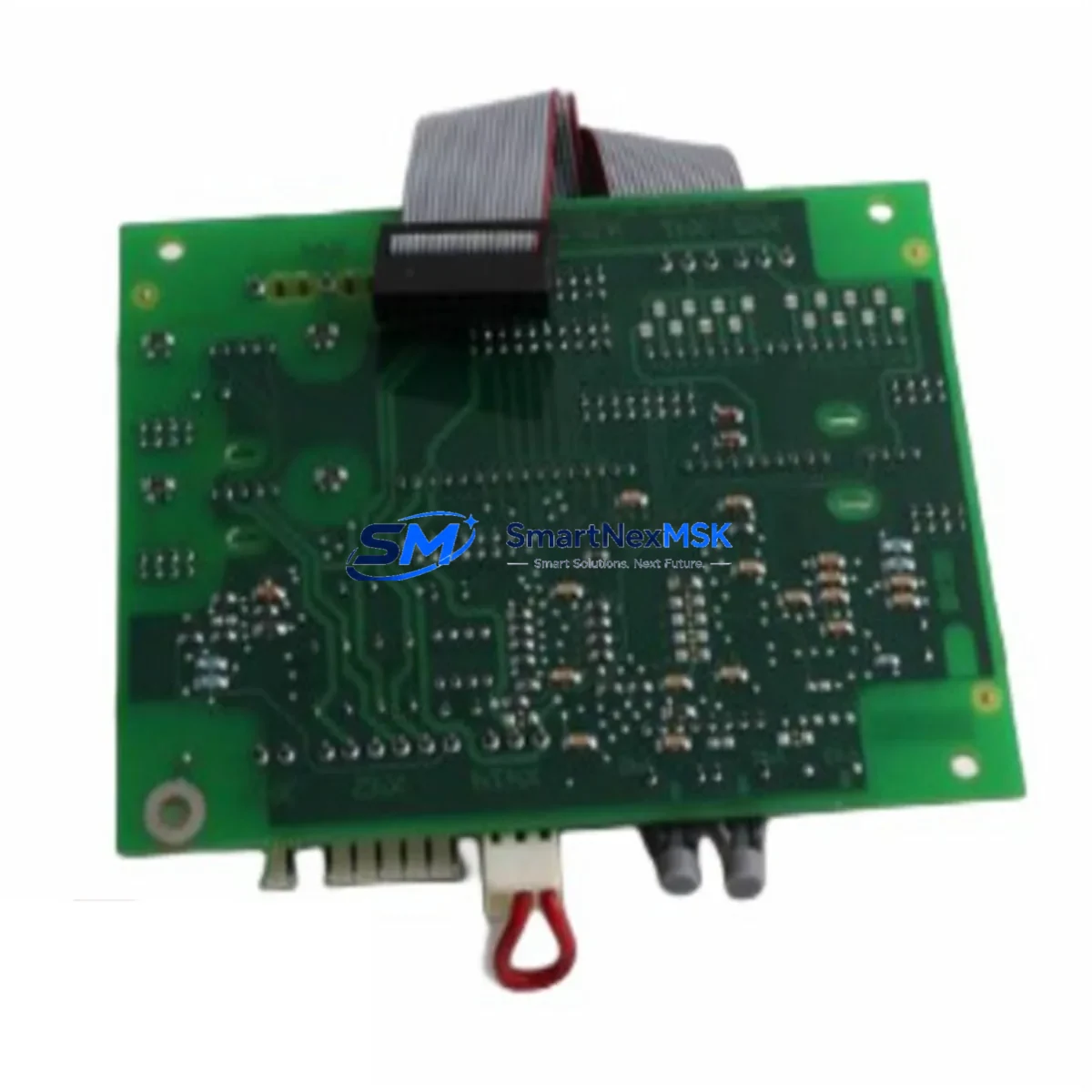
SANSHO FPBA RECHARGEABLE: Retrofit-Ready Backup Battery for FP Series Control Systems
The SANSHO FPBA RECHARGEABLE is a lithium-ion rechargeable backup battery module engineered for seamless retrofit integration into Panasonic FP Series programmable logic controller platforms. As legacy FP0, FP1, FP-e, FP-X, and FP2 control systems age beyond their original battery service cycles, the FPBA RECHARGEABLE provides a verified drop-in replacement path that eliminates the need for full controller replacement. This module is the preferred solution for maintenance engineers managing aging automation infrastructure in manufacturing lines, packaging equipment, HVAC control panels, and process automation cabinets where program retention and real-time clock accuracy are mission-critical.
When a PLC loses its backup battery, the consequences extend far beyond a simple power interruption. Stored ladder logic programs, data registers, retentive timers, counter values, and real-time clock settings are all at risk. For facilities running continuous production, an unplanned program loss event can mean hours of downtime while technicians reload programs from backup media — assuming current backups exist. The FPBA RECHARGEABLE is designed to prevent exactly this scenario, providing sustained memory backup voltage within the FP controller’s specified retention range throughout planned maintenance windows, power outages, and controller reconfigurations.
Procurement teams sourcing this module as a stocked spare should note that the FPBA RECHARGEABLE is compatible across multiple FP platform generations. Engineers retrofitting an FP1-C14 or FP1-C24 controller will find the same battery interface as those working on FP-X C14R or FP-X C30R compact controllers. This cross-generation compatibility simplifies spare parts inventory management and reduces the number of unique battery SKUs that a maintenance department needs to stock. When combined with other FP platform consumables such as the FP-X Expansion I/O Unit (FP-XH series), FP0R-E8X input expansion modules, and FP-X COM5 communication cassette for PROFIBUS-DP migration projects, the FPBA RECHARGEABLE fits naturally into a consolidated FP platform spare parts kit.
Upgrade Compatibility Table
| Parameter | Details |
|---|---|
| Compatible Controller Series | Panasonic FP0, FP0R, FP1, FP-e, FP-X, FP2, FP2SH |
| Battery Chemistry | Rechargeable Lithium-Ion (Li-Ion) |
| Mounting Interface | Direct plug-in to FP Series battery connector — no adapter required |
| Communication Compatibility | No impact on RS232C, RS485, MEWTOCOL, Modbus RTU, or PROFIBUS-DP links |
| Replacement Recommendation | Replace every 3–5 years or upon low-battery alarm on FP controller status LED |
| Installation Requirement | Controller power ON during swap recommended to prevent program loss; verify retentive memory after replacement |
| Commissioning Check | Confirm RTC time/date, retentive data registers (DT), and program checksum after installation |
| Warranty | 12 Months from date of shipment — covers manufacturing defects and premature capacity loss |
Retrofit Planning for Existing Automation Systems
A successful FPBA RECHARGEABLE retrofit begins well before the technician opens the control cabinet. The first step is a full audit of the existing FP platform configuration. Identify the exact controller model — whether it is an FP-X C60T high-speed transistor output unit, an FP2-C2 CPU module on a multi-slot backplane, or a compact FP0R-C32T — and confirm the battery compartment location and connector type in the hardware manual. For systems using the FP2 Backplane (AFP2802) with multiple I/O slots populated by analog input modules such as the FP2-AD4 4-channel analog input unit or digital output modules like the FP2-Y32T 32-point transistor output module, the battery replacement procedure must account for the full rack being powered during the swap to protect all resident module configurations.
Communication continuity is a key concern during any FP platform battery service. Systems using the FP-X COM1 RS232C cassette or FP-X COM3 RS485 cassette for MEWTOCOL-COM master-slave polling must remain online throughout the battery exchange. Confirm that the SCADA host or HMI — commonly a Panasonic GT series touch panel or a third-party HMI mapped to FP internal relays and data registers — does not generate spurious alarms during the brief battery connector swap. Pre-load the HMI operator screen with a maintenance mode page that suppresses non-critical alarms for the duration of the procedure.
For sites migrating from older non-rechargeable FP battery types to the FPBA RECHARGEABLE, verify that the controller firmware supports the rechargeable chemistry’s charge management circuit. Most FP-X and FP0R controllers manufactured after 2008 include the necessary charging circuit. Older FP1 units may require a firmware version check via FPWIN GR7 or FPWIN Pro 7 programming software before the rechargeable module is installed. Document the program version, I/O comment file, and system register settings using the programming software’s project backup function before beginning any hardware work.
Downtime Control During System Migration
Minimizing unplanned downtime during a battery retrofit requires a structured hot-swap protocol. The FPBA RECHARGEABLE is designed to be exchanged while the FP controller remains energized, provided the swap is completed within the controller’s specified capacitor hold-up time — typically 30 seconds for most FP-X and FP0R models. To execute a safe hot-swap: first, use FPWIN GR7 to upload and verify the current ladder program to a laptop; second, note all current values in retentive data registers (DT0–DT8999 range as applicable) and retentive timers; third, swap the FPBA RECHARGEABLE module within the hold-up window; fourth, confirm the RTC clock value and reset if necessary; fifth, perform a forced I/O check to verify all output modules — including any FP-X Y16T transistor output cassette — are responding correctly before returning the system to automatic mode.
For systems where a hot-swap is not feasible due to safety interlocks or process constraints, schedule the battery replacement during a planned maintenance window. Coordinate with the production scheduler to align the outage with a shift changeover or scheduled cleaning stop. Pre-stage the FPBA RECHARGEABLE, programming laptop with verified program backup, and a copy of the I/O wiring diagram. After power restoration, reload the program if required, verify the FP-X COM5 PROFIBUS-DP cassette or RS485 network re-establishes master polling within the configured timeout, and confirm the HMI tag database is reading live values before releasing the line to production.
Retrofit Support FAQ
Q1: Is the FPBA RECHARGEABLE a direct drop-in replacement for the original non-rechargeable FP battery?
A: Yes. The FPBA RECHARGEABLE uses the same physical connector and voltage specification as the original FP series backup battery. No wiring modification or adapter is required. Confirm your controller model against the compatibility table above before ordering.
Q2: Will replacing the battery erase the PLC program?
A: If the swap is performed while the controller is powered ON and completed within the capacitor hold-up time (typically 30 seconds), the program and retentive data will be preserved. Always upload a verified program backup via FPWIN GR7 or FPWIN Pro 7 before beginning the procedure as a precaution.
Q3: How do I verify the battery replacement was successful?
A: After installation, check the battery status LED or system register (SR) battery flag in the FP controller. Use the programming software to confirm the RTC time/date is correct, retentive data registers hold their pre-swap values, and the program checksum matches the uploaded backup. Cycle power once and re-verify all values.
Q4: What warranty coverage is included with the FPBA RECHARGEABLE?
A: Each FPBA RECHARGEABLE ships with a 12-month warranty covering manufacturing defects and premature capacity loss under normal operating conditions. Units are function-tested prior to shipment. Warranty claims are processed via [email protected] with proof of purchase and a description of the fault condition.
© 2026 SMARTNEXMSK. All rights reserved.
Original Source: https://smartnexmsk.com
Contact: [email protected] | +86 18259474341