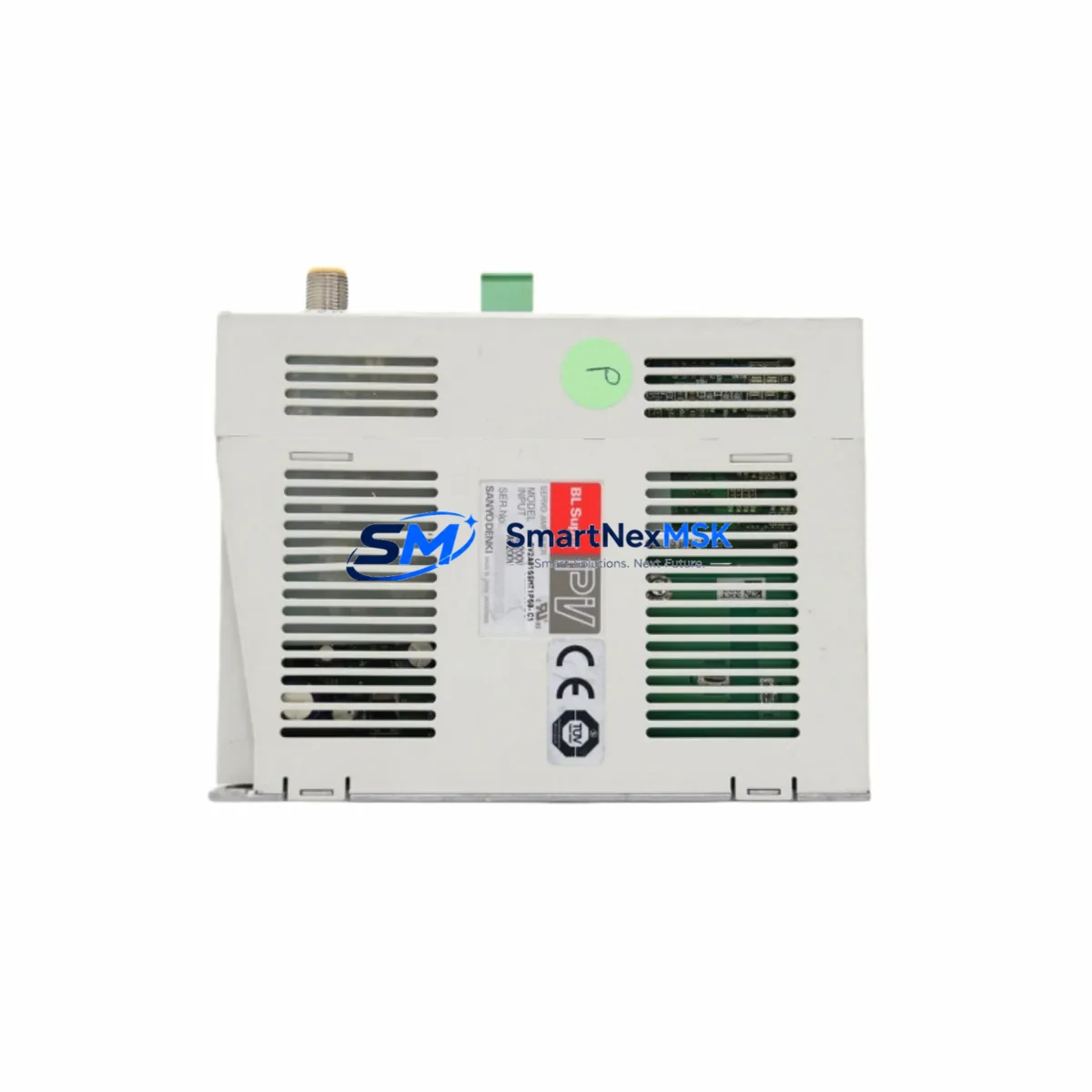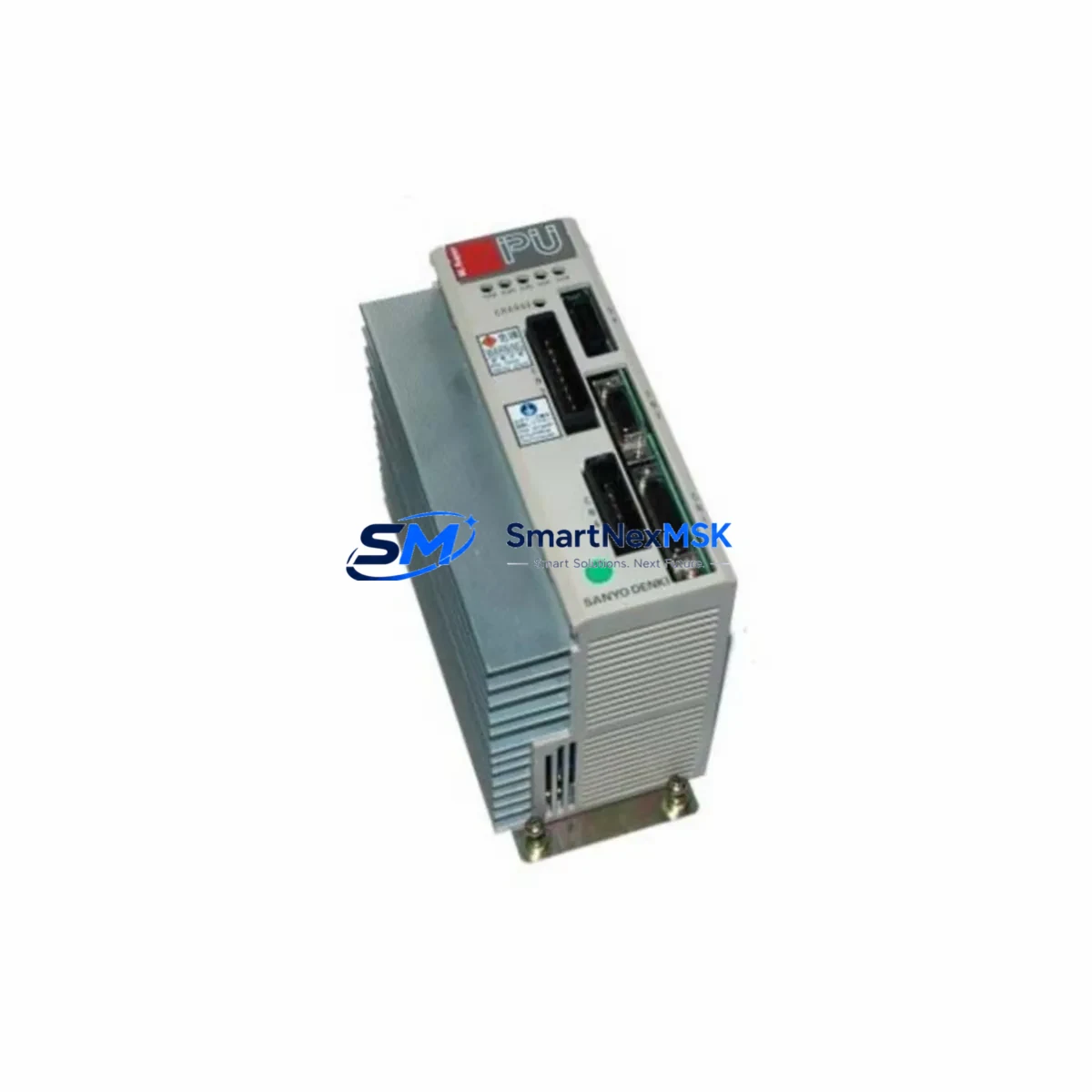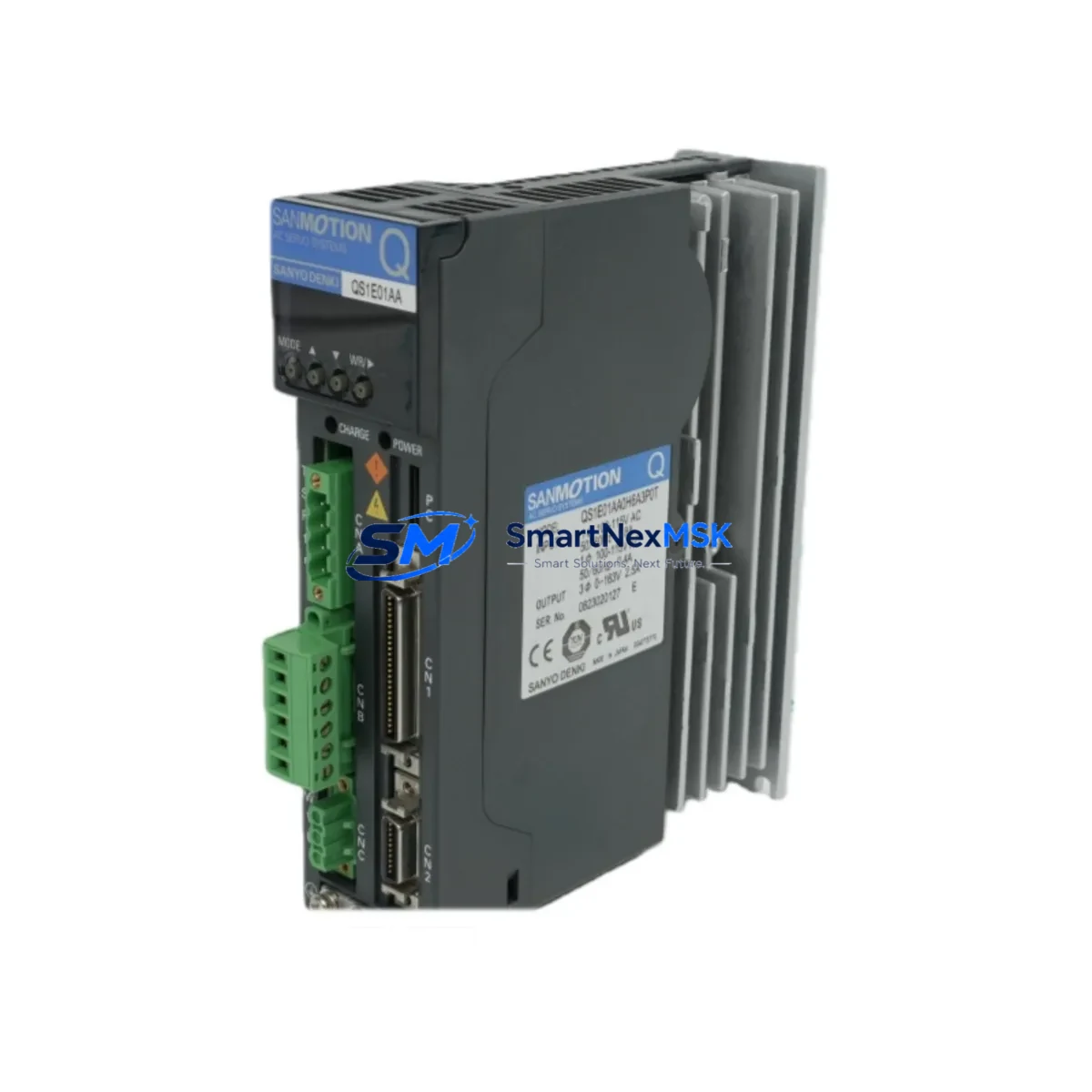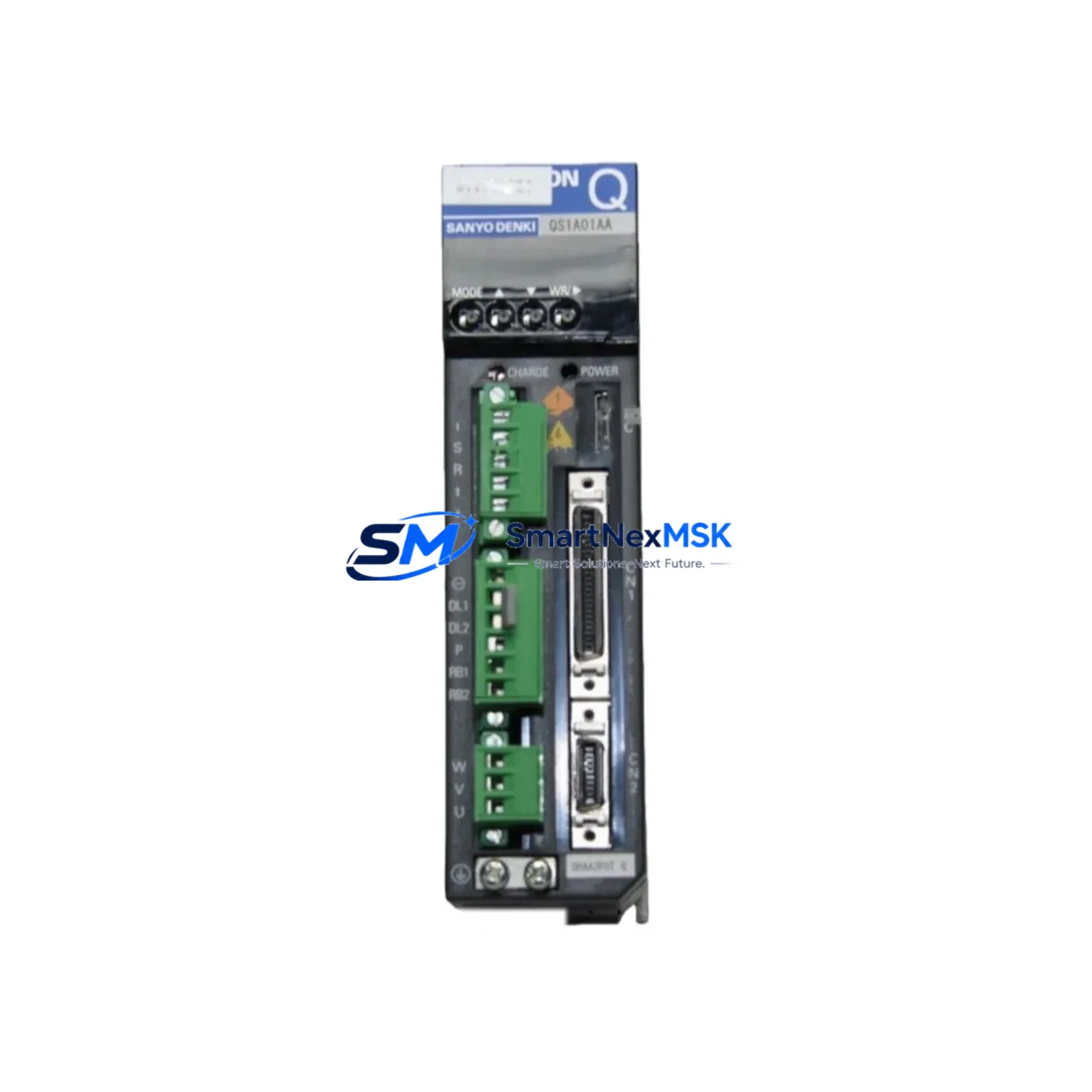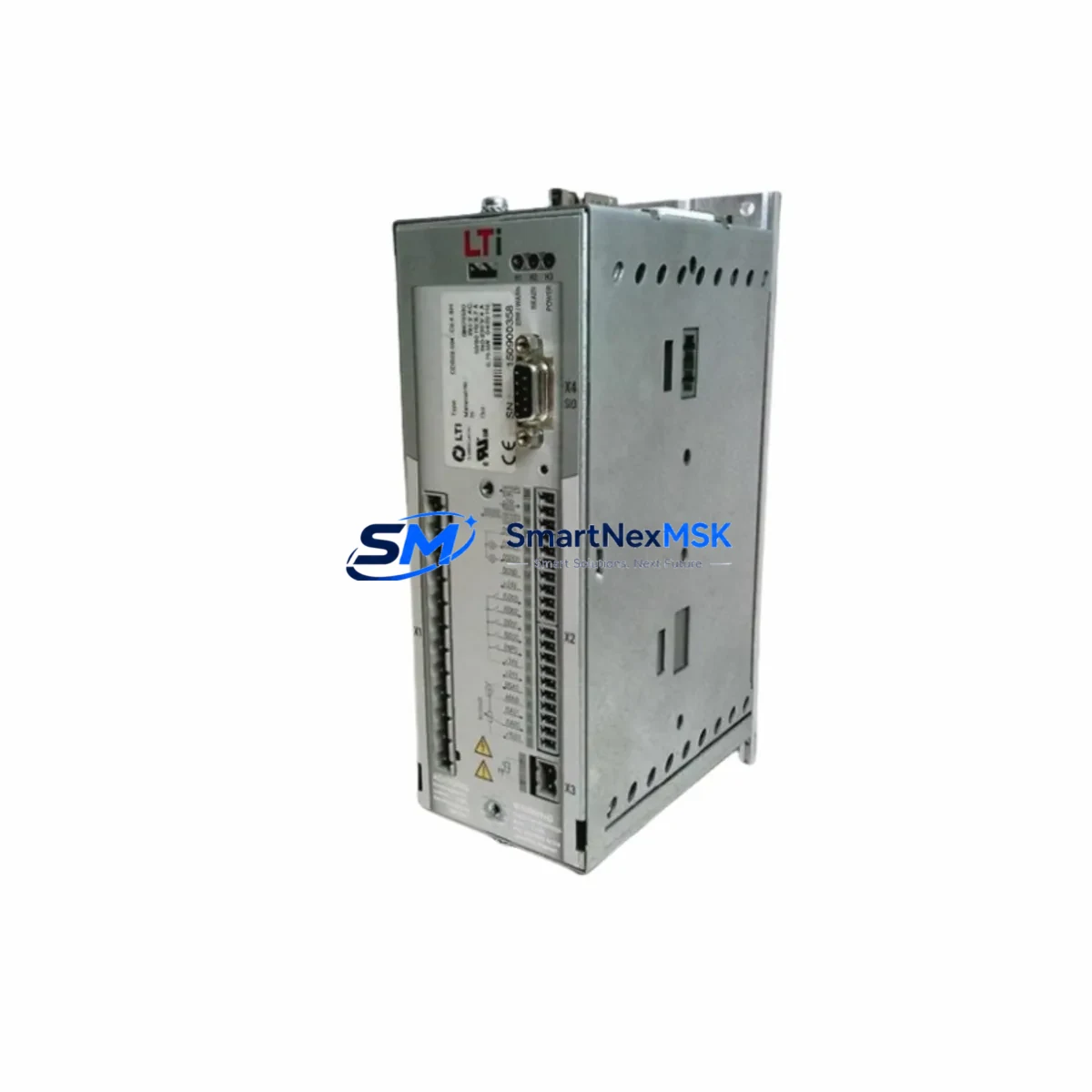
SANYO DENKI PQM0A030EXXYST0 Spare for PQM Automation: Precision Replacement for Industrial Downtime Control
The SANYO DENKI PQM0A030EXXYST0 is an original AC servo driver from the PQM Series, engineered for high-precision motion control in demanding industrial automation environments. When this unit fails or reaches end-of-service life, every minute of unplanned downtime translates directly into production loss. Sourcing a verified, tested replacement from a reliable spare parts supplier is the fastest path to system recovery — and that is exactly what this listing provides.
This spare is stocked as an original SANYO DENKI unit, inspected and tested before shipment, and backed by a 12-month warranty. Whether you are executing a planned maintenance swap, responding to an emergency fault, or building out your critical spare inventory, the PQM0A030EXXYST0 is ready for immediate dispatch.
Spare Maintenance Table
| Parameter | Specification |
|---|---|
| Part Number | PQM0A030EXXYST0 |
| Alternate SKU | PQM0PA7R801 |
| Brand | SANYO DENKI |
| Series | PQM Series |
| Product Type | AC Servo Driver |
| Origin | Japan |
| Rated Output Current | 3.0 A (continuous) |
| Input Voltage | Single/Three-phase 200–240 VAC, 50/60 Hz |
| Control Mode | Position / Speed / Torque (via parameter selection) |
| Encoder Interface | Compatible with SANYO DENKI PQM-series incremental/absolute encoders |
| Communication | RS-232C / RS-485 (parameter configuration) |
| Ambient Temperature | 0–55 °C (operating); −20–65 °C (storage) |
| Protection Class | IP20 (panel-mount installation) |
| Weight | Approx. 4.1 kg |
| Compatibility | SANYO DENKI PQM Series servo motors; drop-in replacement for PQM0A030 variants |
| Warranty | 12 Months — tested before shipment |
| Condition | Original spare, new or refurbished-to-spec |
Maintenance Planning for Continuous Operation
Replacing the PQM0A030EXXYST0 is rarely an isolated task. Experienced maintenance engineers know that a servo driver fault often signals stress across adjacent components in the same electrical circuit or control cabinet. Before returning the axis to service, a thorough inspection of the surrounding system is strongly recommended.
Start with the power supply module feeding the servo driver. Voltage fluctuations or ripple on the DC bus are a leading cause of premature driver failure; verify that the 24 VDC control power rail and the main AC input are within specification. Check the input fuses and circuit breakers on the servo drive’s power line — a blown fuse is often a symptom, not the root cause.
Inspect the encoder cable and feedback connector between the PQM0A030EXXYST0 and the servo motor. Damaged shielding, loose pins, or excessive cable length without proper grounding can introduce noise that triggers fault codes even after a driver swap. If the motor has been in service for several years, consider scheduling a SANYO DENKI PQM-series servo motor inspection alongside the driver replacement.
Review the I/O wiring at the driver’s CN1 connector. Verify that enable signals, alarm reset lines, and position command inputs from the upstream PLC or motion controller are correctly wired and within voltage tolerance. A common oversight is a degraded 24 VDC relay or optocoupler output card on the PLC side that intermittently drops the servo enable signal — this can mimic a driver fault.
For systems using RS-485 or RS-232C communication for parameter management, confirm that the communication cable is intact and that the host controller (HMI or PC-based SCADA) can re-establish a connection after the driver is replaced. Re-upload the saved parameter file to the new unit before running the axis. If no parameter backup exists, this is the moment to create one.
In multi-axis cabinets, also inspect the terminal blocks and DIN-rail mounted signal isolators that distribute analog speed or torque references. Corroded terminals or a failed signal isolation module can cause erratic axis behavior that is incorrectly attributed to the servo driver. Similarly, check any regenerative braking resistor connected to the driver’s RB terminals — an open-circuit resistor will trigger an overvoltage fault on deceleration.
Finally, if the machine uses a safety relay module or STO (Safe Torque Off) circuit, verify that the STO input to the PQM0A030EXXYST0 is correctly energized after replacement. Many commissioning delays after a driver swap are caused by a safety circuit that did not reset properly.
Site Replacement Workflow
Step 1 — Isolate and de-energize. Switch off the main circuit breaker for the servo drive panel. Confirm zero voltage on the DC bus capacitors using a multimeter before touching any terminals. Allow at least 5 minutes for capacitor discharge after power-off.
Step 2 — Document before disconnecting. Photograph all wiring connections at CN1 (I/O), CN2 (encoder), and the power terminals (L1, L2, L3, U, V, W). Label each cable if not already marked. Record the current parameter settings via the front panel keypad or communication port before removing the old unit.
Step 3 — Remove the faulty driver. Disconnect all connectors and terminal block wiring. Loosen the DIN-rail or panel mounting screws and slide the unit out. Note the mounting orientation and any spacers used for thermal clearance.
Step 4 — Install the PQM0A030EXXYST0 replacement. Mount the new unit in the same position, maintaining the manufacturer’s recommended clearance (typically 30 mm top/bottom, 10 mm sides) for adequate airflow. Reconnect all wiring in reverse order, verifying torque on terminal screws per SANYO DENKI specifications.
Step 5 — Restore parameters and test. Upload the saved parameter file or manually re-enter all axis-specific settings (electronic gear ratio, acceleration/deceleration ramps, torque limits, alarm outputs). Perform a no-load jog test at low speed before returning the axis to full production duty. Confirm that all fault indicators are clear and that the drive responds correctly to enable and command signals from the controller.
This workflow minimizes re-commissioning time and ensures system compatibility is maintained without requiring a full machine re-qualification.
Spare Parts Support FAQ
Q1: Is the PQM0A030EXXYST0 a direct drop-in replacement for older PQM Series drivers?
Yes. The PQM0A030EXXYST0 is designed as a form-fit-function replacement within the SANYO DENKI PQM Series. Mechanical mounting dimensions, connector pinouts, and parameter structures are consistent across the PQM family. Minor firmware differences may require a parameter review, but no hardware modifications are typically needed for same-series substitution.
Q2: How is the unit tested before shipment?
Each PQM0A030EXXYST0 unit undergoes a pre-shipment functional test covering power-on self-diagnostics, I/O signal verification, and communication port integrity. Units that do not pass all test criteria are not dispatched. A test report is available upon request for quality-critical procurement processes.
Q3: What does the 12-month warranty cover?
The 12-month warranty covers manufacturing defects and functional failures under normal operating conditions. It does not cover damage caused by incorrect installation, overvoltage events, or environmental conditions outside the rated specification. Warranty claims are processed through our sales team at [email protected] with proof of purchase and a fault description.
Q4: Can you support long-term or blanket spare parts orders for fleet maintenance programs?
Yes. For maintenance engineers managing multiple machines or plant-wide servo systems, we support scheduled delivery agreements, reserved stock allocation, and priority dispatch for emergency orders. Contact our team to discuss inventory planning for your specific SANYO DENKI PQM Series installation base.
© 2026 SMARTNEXMSK. All rights reserved.
Original Source: https://smartnexmsk.com
Contact: [email protected] | +86 18259474341