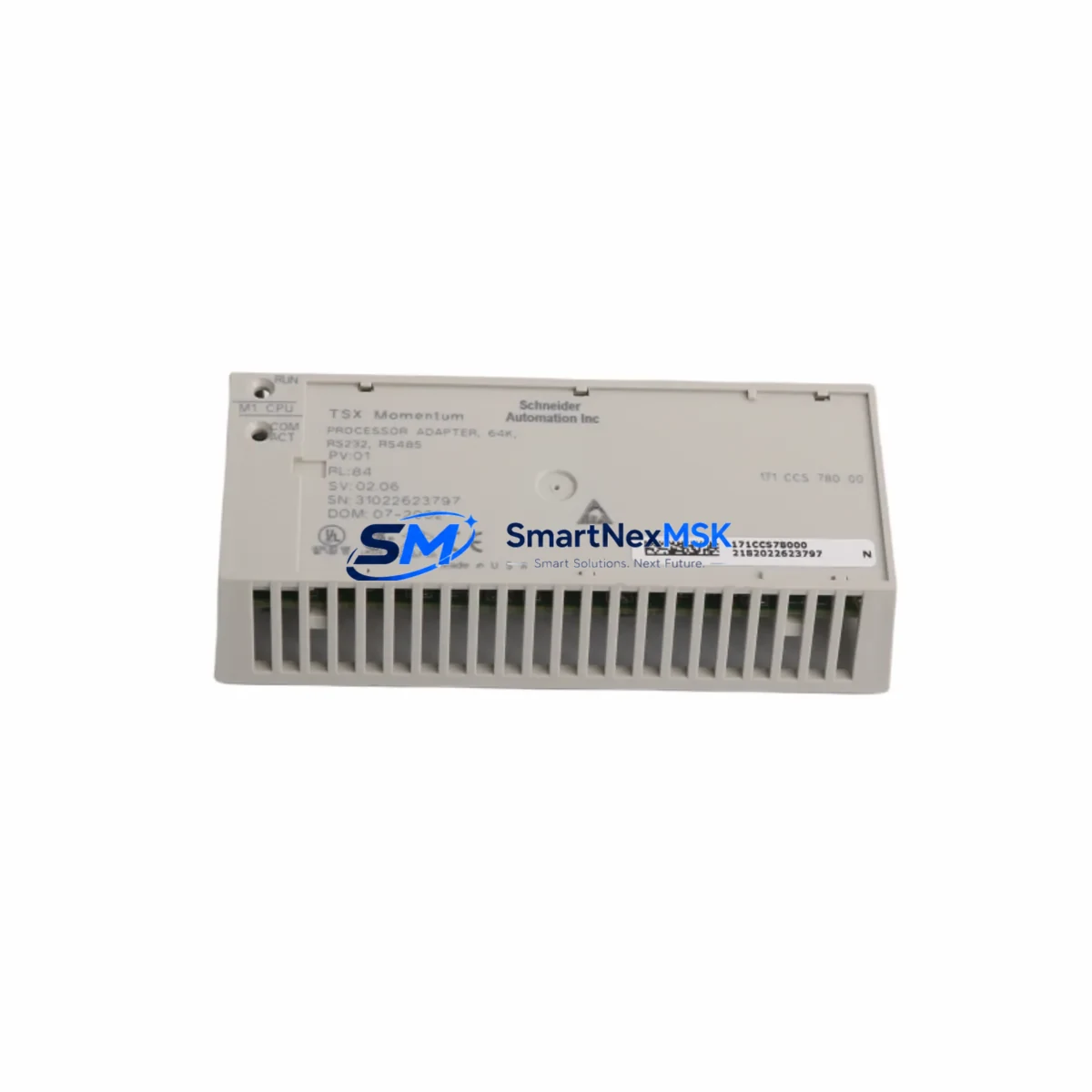
Schneider Electric 171CCS78000 Maintenance-Ready Spare for Quantum Automation
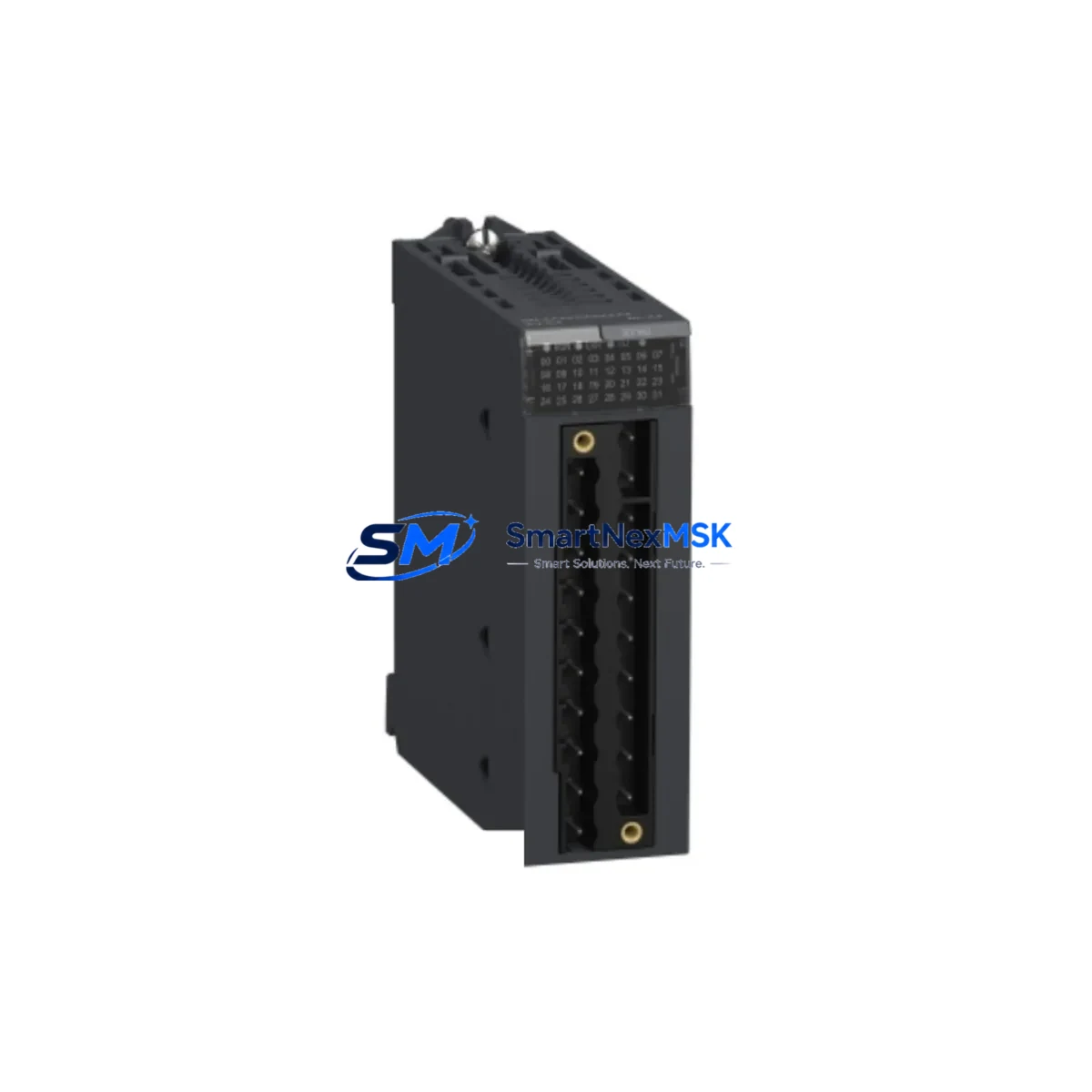
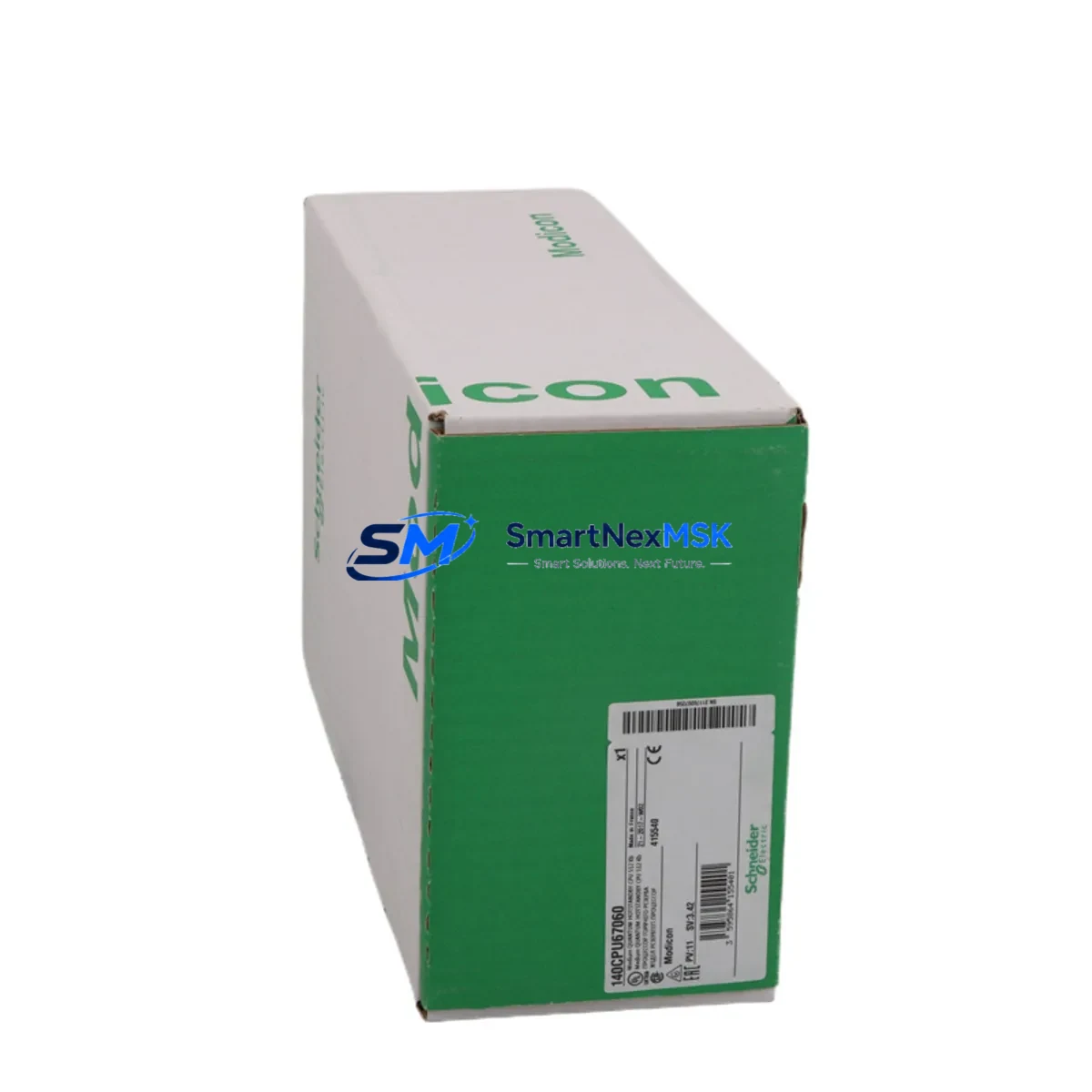
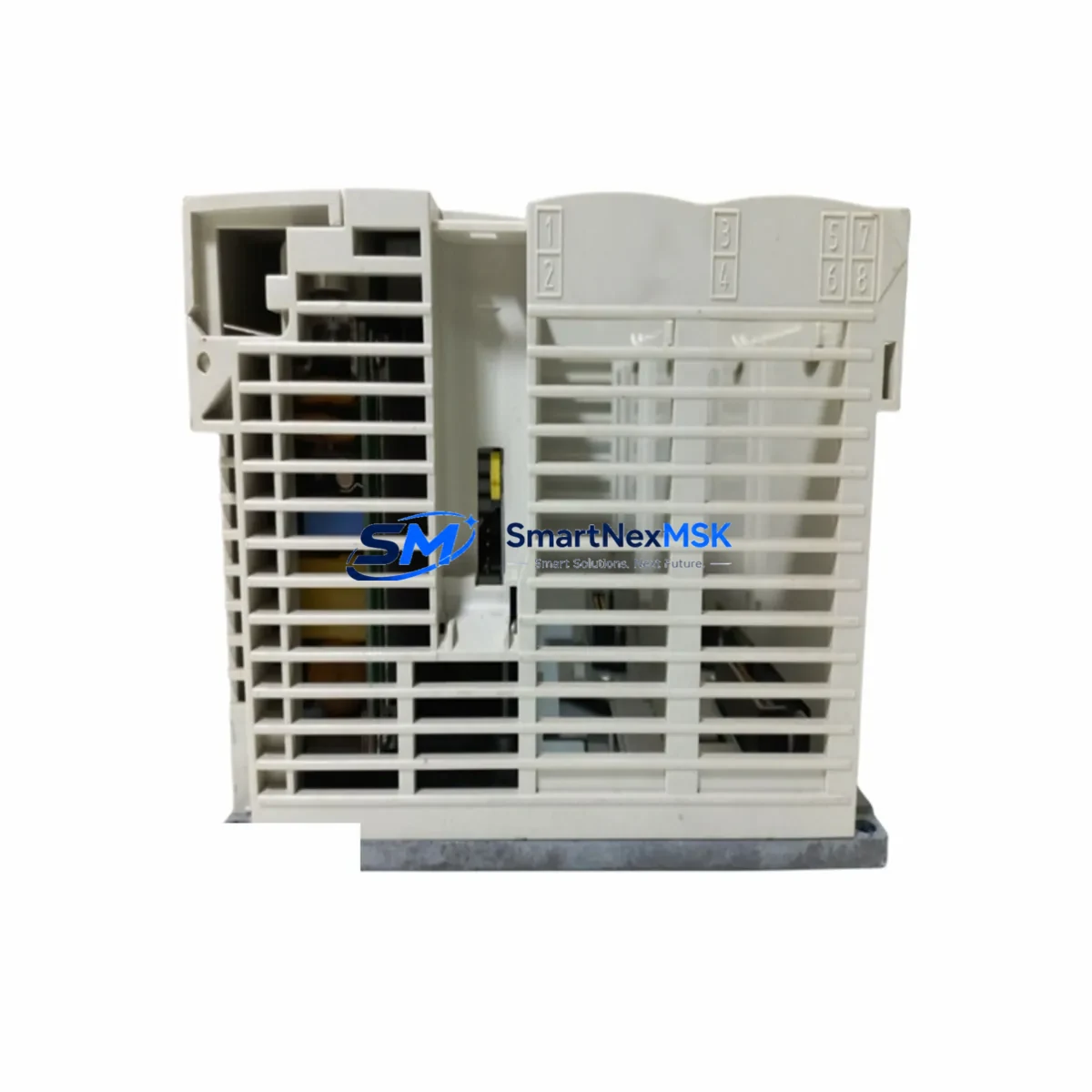
The Schneider Electric 171CCS78000 is an original Modicon Quantum series PLC Processor Adaptor designed for mission-critical industrial automation environments. As a genuine OEM spare part, it provides direct drop-in compatibility with Quantum backplane architectures, ensuring minimal reconfiguration time and maximum uptime recovery during unplanned shutdowns or scheduled maintenance windows. Maintenance engineers and procurement teams managing aging Quantum-based control systems rely on the 171CCS78000 to sustain long-term system continuity without costly platform migrations.
In process industries — including oil & gas, water treatment, power generation, and discrete manufacturing — the Modicon Quantum platform remains a backbone controller for safety-critical and high-availability loops. When a processor adaptor fails or degrades, the impact cascades across I/O scanning, communication integrity, and HMI data refresh. Stocking the 171CCS78000 as a ready-to-deploy spare eliminates the lead-time risk associated with sourcing obsolete or end-of-life components under emergency conditions.
From a maintenance planning perspective, the 171CCS78000 should be evaluated alongside the broader Quantum control cabinet ecosystem. During a planned replacement, maintenance teams are advised to simultaneously inspect the Quantum CPU module (such as the 140CPU65160 or 140CPU67160), the power supply module (140CPS11420 or 140CPS21400), and the backplane rack (140XBP01600 or 140XBP01000) for signs of capacitor aging, connector oxidation, or thermal stress. I/O modules — including 140DAI54000 digital input and 140DAO84000 digital output cards — should be verified for proper seating and terminal integrity. Communication modules such as the 140NOE77101 Ethernet network option module and 140NOM21200 Modbus Plus module warrant inspection for firmware currency and cable condition. If the system includes a 140HLI34000 high-speed counter or 140ACI04000 analog input module, these should be bench-tested before returning the cabinet to service.
For procurement engineers, the 171CCS78000 is a strategic stocking item. Its role as the physical and logical bridge between the CPU and the backplane means that a single unit failure can render an entire Quantum rack inoperable. Maintaining at least one unit in the spare parts inventory — alongside a matched 140CHS11000 cable harness set and appropriate terminal block assemblies — is consistent with best-practice MRO (Maintenance, Repair & Operations) inventory management for Quantum installations with more than five years of service life.
All units supplied by SMARTNEXMSK are tested prior to dispatch, shipped with protective packaging, and covered by a 12-month warranty. Fast worldwide shipping is available with full traceability documentation.
Spare Maintenance Table
| Parameter | Specification |
|---|---|
| Part Number / SKU | 171CCS78000 |
| Brand | Schneider Electric |
| Series | Modicon Quantum |
| Product Type | PLC Processor Adaptor |
| Origin | France |
| Backplane Compatibility | Modicon Quantum 140-series backplane racks (140XBP01600, 140XBP01000, 140XBP01600) |
| CPU Compatibility | 140CPU65160, 140CPU67160, 140CPU65150 and compatible Quantum CPU modules |
| Operating Voltage | Per Quantum backplane bus specification (5 VDC logic bus) |
| Operating Temperature | 0°C to 60°C (32°F to 140°F) |
| Storage Temperature | -40°C to 85°C |
| Humidity | 5% to 95% non-condensing |
| Installation | Direct slot insertion into Quantum backplane rack; no tools required |
| Maintenance Recommendation | Inspect connector pins for oxidation; verify backplane slot integrity before insertion |
| Warranty | 12 Months — covers manufacturing defects and functional failure under normal operating conditions |
| Pre-shipment Testing | Functional test performed on all units prior to dispatch |
| Condition | Original / Genuine OEM |
Maintenance Planning for Continuous Operation
Replacing the 171CCS78000 in a live Quantum cabinet is rarely an isolated task. A disciplined maintenance engineer will use the replacement event as an opportunity to audit the full control cabinet. The Quantum power supply module — typically a 140CPS11420 (115/230 VAC input) or 140CPS21400 (24 VDC input) — should be checked for output voltage stability and ripple, as power quality directly affects processor adaptor longevity. The backplane rack itself (140XBP01600 or 140XBP01000) should be inspected for bent connector pins and slot damage before the new adaptor is seated.
I/O integrity is equally critical. Digital input modules such as the 140DAI54000 and digital output modules like the 140DAO84000 should be verified for correct LED status and wiring terminal torque. Analog modules including the 140ACI04000 (analog current input) should be checked for signal drift using a calibrated loop calibrator. If the system uses a 140NOE77101 Ethernet network option module for SCADA or DCS integration, verify that the module firmware is current and that the RJ45 connectors are free of corrosion.
For systems using Modbus Plus, the 140NOM21200 communication module and its associated trunk cable and drop cable assemblies should be inspected for continuity and termination resistance. Fuse holders and miniature circuit breakers within the cabinet should be tested for correct rating and contact integrity. Terminal blocks — particularly Phoenix Contact or Weidmüller-style DIN rail assemblies — should be re-torqued to manufacturer specification. If the system includes a Magelis or XBT-series HMI panel, verify that the communication cable to the Quantum CPU is undamaged and that the HMI firmware is compatible with the current CPU version.
Signal isolators and surge protection devices on analog input loops are often overlooked during processor adaptor replacements but are a common root cause of recurring faults. A complete cabinet inspection at the time of the 171CCS78000 replacement significantly reduces the probability of a secondary failure within the next maintenance cycle.
Site Replacement Workflow
Step 1 — Pre-replacement verification: Confirm the failed or degraded adaptor is the 171CCS78000 by checking the part number label on the module face. Document the current system status, active alarms, and I/O states before initiating any shutdown procedure.
Step 2 — Safe isolation: Follow site-specific lockout/tagout (LOTO) procedures. De-energize the Quantum rack via the cabinet main isolator. Allow capacitors in the power supply module to discharge (minimum 30 seconds after power-off).
Step 3 — Module extraction: Release the ejector levers on the 171CCS78000 and withdraw the module from the backplane slot. Inspect the backplane connector for damage or contamination before proceeding.
Step 4 — New module installation: Insert the replacement 171CCS78000 into the correct backplane slot. Ensure the module is fully seated and the ejector levers are locked. Do not force the module — misalignment will damage the backplane connector.
Step 5 — Power-up and verification: Re-energize the rack and observe the CPU module status LEDs. Confirm that the processor adaptor is recognized by the CPU and that all I/O modules resume normal scan operation. Verify HMI data refresh and SCADA communication integrity.
Step 6 — Documentation: Record the replacement in the site maintenance log, including the new module serial number, installation date, and technician name. Update the spare parts inventory to reflect the consumed unit and initiate a replenishment order to maintain minimum stock levels.
This workflow is compatible with both hot-standby and simplex Quantum configurations. For redundant CPU systems, consult the Modicon Quantum Hot Standby User Guide before initiating any replacement to avoid unintended failover events.
Spare Parts Support FAQ
Q1: Is the 171CCS78000 still available as a new original part?
The Modicon Quantum series has reached end-of-active-production for some sub-components, but original and tested units of the 171CCS78000 remain available through authorized industrial spare parts suppliers. SMARTNEXMSK maintains stock of genuine OEM units with full traceability. All units are pre-shipment tested and covered by a 12-month warranty.
Q2: How do I verify compatibility before ordering?
The 171CCS78000 is compatible with Modicon Quantum backplane racks in the 140XBP series and Quantum CPU modules in the 140CPU series. If you are unsure of your exact rack or CPU model, provide your system configuration details to our technical team at [email protected] and we will confirm compatibility before shipment.
Q3: What is included in the 12-month warranty?
The warranty covers manufacturing defects and functional failure under normal operating conditions for 12 months from the date of shipment. It does not cover damage resulting from incorrect installation, overvoltage events, or physical mishandling. Warranty claims are processed with a replacement unit dispatched upon receipt and inspection of the returned module.
Q4: Can I stock multiple units for a multi-rack Quantum installation?
Yes. For installations with three or more Quantum racks, we recommend stocking a minimum of one 171CCS78000 per five racks, alongside matched CPU and power supply spares. Volume pricing is available for orders of three or more units. Contact [email protected] for a formal quotation and lead-time confirmation.
© 2026 SMARTNEXMSK. All rights reserved.
Original Source: https://smartnexmsk.com
Contact: [email protected] | +86 18259474341