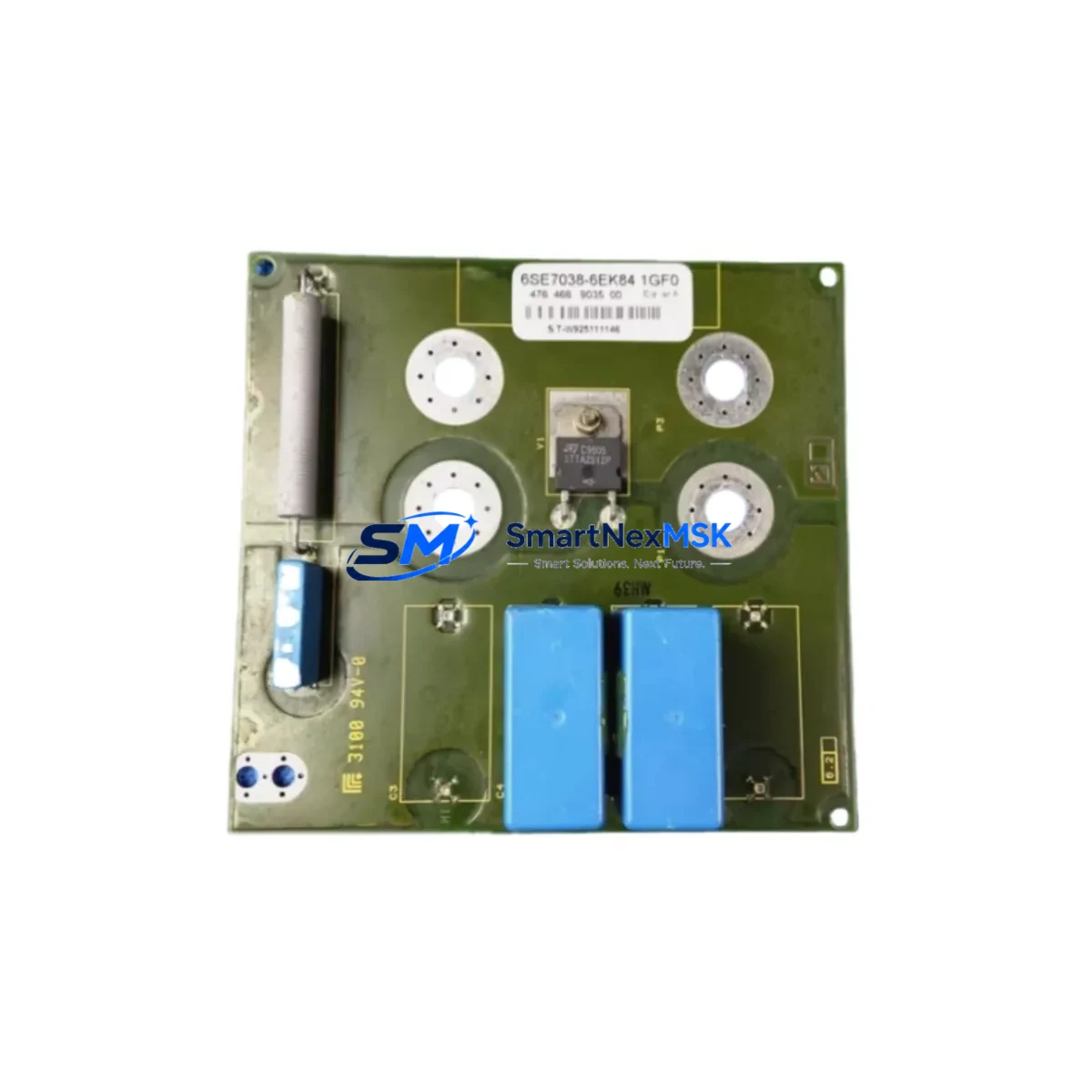
Siemens 6AV2128-3MB06-0AX1 Maintenance-Ready Spare for SIMATIC HMI Comfort Automation
The Siemens 6AV2128-3MB06-0AX1 is a 15-inch SIMATIC HMI Comfort Panel designed for demanding industrial automation environments. As a maintenance-ready spare, this unit is sourced, inspected, and dispatched to support rapid downtime recovery across process control, machine automation, and critical infrastructure applications. Whether you are managing a planned shutdown, responding to an unscheduled fault, or building a strategic spare parts inventory, the 6AV2128-3MB06-0AX1 delivers the compatibility, reliability, and documentation traceability that maintenance and procurement engineers require.
Industrial HMI panels are high-criticality components in any SIMATIC-based control architecture. A failed or degraded panel can halt an entire production line, disrupt SCADA visualization, and prevent operators from monitoring or commanding field devices. Stocking a verified replacement of the 6AV2128-3MB06-0AX1 eliminates the lead-time risk associated with OEM procurement channels and ensures your team can execute a same-shift swap when it matters most.
Each unit is tested prior to dispatch, packaged for safe transit, and supplied with a 12-month warranty covering functional defects under normal operating conditions. Our B2B supply chain supports both single-unit emergency orders and bulk procurement for multi-site maintenance programs.
Spare Maintenance Table
| Parameter | Specification |
|---|---|
| Part Number / SKU | 6AV2128-3MB06-0AX1 |
| Brand | Siemens |
| Series | SIMATIC HMI Comfort Panel |
| Display Size | 15.4″ Widescreen TFT |
| Resolution | 1280 × 800 px |
| Operating System | Windows Embedded Compact 7 |
| Interface / Communication | PROFINET, MPI/PROFIBUS DP, Ethernet, USB, SD card |
| Supply Voltage | 24 V DC (20.4–28.8 V DC) |
| Power Consumption (typical) | ≤ 30 W |
| Protection Rating | IP65 (front panel), IP20 (rear) |
| Operating Temperature | 0 °C to +50 °C |
| Storage Temperature | −20 °C to +60 °C |
| Mounting | Panel cut-out, portrait or landscape |
| Weight | Approx. 3.5 kg |
| Country of Origin | Germany |
| Compatibility | TIA Portal V13 SP1 and above; replaces 6AV2128-3MB06-0AX0 |
| Application Environment | Process automation, machine control, SCADA visualization, OEM panels |
| Maintenance Recommendation | Inspect display surface, USB ports, and PROFINET connectors every 12 months; verify firmware version against TIA Portal project |
| Warranty | 12 Months — functional defects under normal operating conditions |
Maintenance Planning for Continuous Operation
When replacing the 6AV2128-3MB06-0AX1 in the field, a disciplined maintenance engineer will treat the HMI swap as an opportunity to audit the surrounding control cabinet and electrical circuit. The panel does not operate in isolation — its performance depends on a stable 24 V DC supply, clean PROFINET or MPI/PROFIBUS DP communication, and properly terminated signal wiring.
Begin by verifying the 24 V DC power supply module (such as a Siemens SITOP PSU100S or equivalent) feeding the HMI. Voltage ripple, under-voltage events, or loose terminal connections are common root causes of HMI lockups and display faults that are incorrectly attributed to the panel itself. Inspect the terminal blocks and DIN rail connectors in the cabinet for signs of oxidation, loose ferrules, or thermal discoloration.
Check the PROFINET switch or managed Ethernet switch that connects the HMI to the PLC CPU — for example, a Siemens SCALANCE X series switch. A degraded switch port or damaged RJ45 connector can cause intermittent communication loss that manifests as HMI freeze or alarm flooding. Similarly, if the installation uses MPI or PROFIBUS DP for legacy PLC connectivity, inspect the bus cable termination resistors and connector housings at both ends of the segment.
Review the S7-300 or S7-400 CPU (or S7-1500 if the system has been partially upgraded) for any pending diagnostics or memory card faults that could affect HMI tag communication after the panel replacement. If the project uses analog or digital I/O modules — such as SM 321, SM 331, or SM 332 series — confirm that process values are updating correctly on the new panel before returning the line to production.
For installations with signal isolators or loop-powered transmitters feeding process values to the PLC, verify 4–20 mA loop integrity and check that any surge protection devices on signal cables are intact. A damaged SPD can introduce noise that corrupts analog readings displayed on the HMI.
If the control system includes a CP 343-1 or CP 443-1 communications processor for S7 routing or remote access, confirm that its IP configuration and routing tables are consistent with the new HMI’s network settings. Finally, check any UPS module (such as a Siemens SITOP UPS1600) protecting the HMI and CPU rack — a degraded battery will not sustain the panel through a power interruption, negating the benefit of the spare replacement.
Site Replacement Workflow
Step 1 — Pre-replacement verification: Confirm the replacement unit SKU (6AV2128-3MB06-0AX1) matches the installed panel’s order number, visible on the rear label. Note the firmware version and TIA Portal project version currently in use.
Step 2 — Safe isolation: Follow your site LOTO (Lockout/Tagout) procedure. Disconnect the 24 V DC supply to the HMI. Do not power down the PLC CPU unless required by your maintenance procedure — the CPU can remain in RUN mode during HMI replacement in most SIMATIC architectures.
Step 3 — Physical removal: Release the panel mounting clamps from the rear of the cabinet cutout. Disconnect PROFINET, USB, and power connectors, labeling each cable before removal. The 6AV2128-3MB06-0AX1 uses standard M12 or RJ45 PROFINET connectors depending on the installed option.
Step 4 — New unit preparation: Before installation, power the replacement unit on a bench supply and verify it boots to the Windows Embedded Compact 7 desktop. Load the TIA Portal project file from the SD card or USB drive and confirm the project transfers without error.
Step 5 — Installation and commissioning: Mount the new panel, reconnect all cables, and restore 24 V DC power. Verify PROFINET communication is established (green link LEDs on the switch port), confirm all HMI screens load correctly, and test alarm acknowledgment and operator input functions before releasing the line.
Step 6 — Documentation: Record the replacement date, new unit serial number, firmware version, and technician name in your maintenance log. Update your spare parts inventory to trigger reorder of a replacement unit, maintaining minimum stock levels.
This workflow minimizes mean time to repair (MTTR) and ensures the replacement does not introduce new faults. Systems that follow a documented swap procedure consistently achieve faster return-to-production times compared to ad hoc replacements.
Spare Parts Support FAQ
Q1: Is the 6AV2128-3MB06-0AX1 a direct replacement for the 6AV2128-3MB06-0AX0?
Yes. The -0AX1 revision supersedes the -0AX0 and is fully backward compatible with existing TIA Portal projects configured for the Comfort Panel 15″ platform. No hardware or software reconfiguration is required beyond loading the existing project file onto the new panel.
Q2: How is the unit tested before shipment?
Each 6AV2128-3MB06-0AX1 unit undergoes a power-on functional test covering display integrity, touch response, communication port operation, and boot sequence verification. Units that do not pass all test criteria are not dispatched. A test record is available upon request for quality-controlled procurement processes.
Q3: What does the 12-month warranty cover, and how is a claim processed?
The 12-month warranty covers functional defects arising under normal operating conditions — including display failure, communication port malfunction, and power input faults — when the unit has been installed and operated within Siemens’ published specifications. To initiate a warranty claim, contact our sales team with the order number, unit serial number, and a description of the fault. We will arrange return logistics and dispatch a replacement unit to minimize your downtime.
Q4: Can you support long-term or blanket purchase orders for multi-site maintenance programs?
Yes. We support scheduled delivery agreements, consignment stock arrangements, and multi-site procurement programs for the 6AV2128-3MB06-0AX1 and related SIMATIC HMI Comfort Panel components. Contact our B2B sales team to discuss volume pricing, lead-time commitments, and inventory reservation options tailored to your maintenance planning cycle.
© 2026 SMARTNEXMSK. All rights reserved.
Original Source: https://smartnexmsk.com
Contact: [email protected] | +86 18259474341