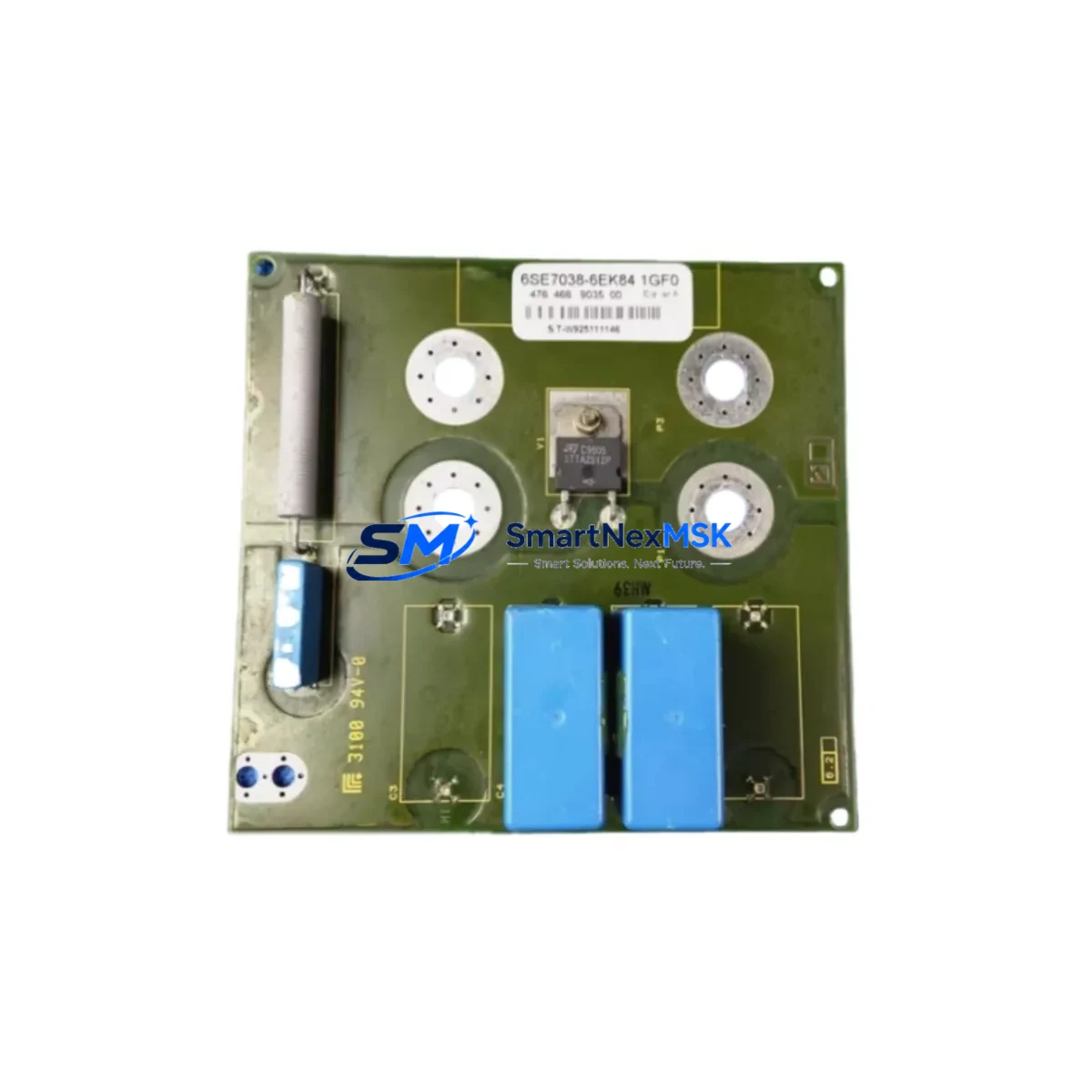
Siemens 6GK7443-5DX04-0XE0 Retrofit-Ready CP for S7-400 Control Systems
The Siemens 6GK7443-5DX04-0XE0 is a CP 443-5 Extended Communication Processor designed for the Siemens S7-400 PLC platform. As legacy PROFIBUS DP networks age and original modules reach end-of-life, this unit serves as a direct retrofit solution for facilities operating S7-400 racks that require continued PROFIBUS DP master/slave communication without full system replacement. Whether you are managing a planned upgrade cycle or responding to an unplanned module failure, the 6GK7443-5DX04-0XE0 provides a wiring-compatible, firmware-supported path to restore and extend control system operation.
This module slots directly into the S7-400 central rack or expansion rack alongside existing components such as the PS 407 power supply module, CPU 414 or CPU 416 processors, and IM 460/IM 461 interface modules used for multi-rack configurations. Its backplane interface is fully compatible with the S7-400 bus architecture, meaning no mechanical modification to the rack is required during installation. Engineers replacing a failed CP 443-5 Basic or an earlier CP 443-5 Extended variant will find that terminal wiring, PROFIBUS connector pinouts, and slot addressing remain consistent, significantly reducing retrofit labor time.
Before commissioning, engineers should verify the following: the 24 VDC auxiliary supply to the CP module is within tolerance; the PROFIBUS DP cable shielding is properly grounded at the connector housing; the module slot address in STEP 7 HW Config matches the physical rack position; and the DP master system configuration reflects the correct GSD file for all connected field devices. If the existing project was configured for an earlier firmware version of the CP 443-5, a firmware update via SIMATIC Manager or TIA Portal may be required before the module is recognized correctly by the CPU.
For sites migrating from older S7-400 configurations toward a more modern architecture, the 6GK7443-5DX04-0XE0 can serve as an interim communication bridge while ET 200M remote I/O stations, Siemens DP/PA link modules, or PROFIBUS-to-PROFINET gateways are introduced progressively. This phased approach allows production lines to remain operational during the transition, with the CP 443-5 Extended maintaining the existing PROFIBUS DP master role while new network segments are validated offline.
Upgrade Compatibility Table
| Parameter | Details |
|---|---|
| SKU / Order Number | 6GK7443-5DX04-0XE0 |
| Product Series | CP 443-5 Extended |
| Compatible Platform | Siemens S7-400 (all CPU variants) |
| Communication Protocol | PROFIBUS DP (Master / Slave) |
| Backplane Interface | S7-400 bus, standard slot installation |
| Replaces / Upgrades | 6GK7443-5DX03-0XE0, 6GK7443-5DX02-0XE0, CP 443-5 Basic variants |
| Installation Requirement | No rack modification; direct slot replacement |
| Programming Tool | SIMATIC STEP 7 v5.x / TIA Portal (with legacy support) |
| Commissioning Note | Verify slot address, GSD file version, and DP master system ID in HW Config |
| Warranty | 12 Months from date of shipment |
Retrofit Planning for Existing Automation Systems
A successful retrofit begins with a thorough audit of the existing control cabinet. For S7-400 systems, this means documenting the current rack layout, recording the slot positions of all installed modules — including the CPU 414-2 or CPU 416-2 DP, any existing CP 443-1 Ethernet modules, and FM 455 function modules — and capturing the current STEP 7 project archive before any hardware is removed. This baseline documentation protects the original program logic and allows engineers to restore the system to its previous state if unexpected issues arise during the swap.
When the 6GK7443-5DX04-0XE0 is installed as a replacement for a failed or discontinued CP module, the PROFIBUS DP network topology should be re-verified. Check that all DP slaves — which may include ET 200S distributed I/O stations, Siemens DP/AS-Interface link modules, or third-party PROFIBUS devices — are still addressed correctly and that the bus termination resistors at both ends of the PROFIBUS segment are active. A common oversight during module replacement is leaving the bus terminator disabled on the new CP connector, which causes intermittent communication faults across the entire DP segment.
For facilities that also operate Siemens WinCC SCADA or TP/MP HMI panels connected via MPI or PROFIBUS, the communication path from the HMI to the CPU must be re-validated after the CP module is replaced. In some configurations, the CP 443-5 Extended is used to route HMI data requests through the PROFIBUS network, meaning that an incorrect module configuration can cause HMI screens to display stale values or lose connection entirely. Re-downloading the HMI project to the panel after CP commissioning is recommended as a standard step in the retrofit checklist.
Sites using Siemens S7-400 with IM 460-0 or IM 460-4 interface modules for multi-rack expansion should also confirm that the CP module’s interrupt response and diagnostic behavior are correctly configured in HW Config, particularly if the CP is installed in an expansion rack rather than the central rack. The module address assignment and DP master system number must be consistent across the entire project to avoid address conflicts with other communication modules sharing the same backplane.
Downtime Control During System Migration
Minimizing unplanned downtime is the primary concern for any industrial retrofit. For the 6GK7443-5DX04-0XE0 replacement, the recommended approach is to pre-configure the new module offline using a STEP 7 project copy before the maintenance window begins. This means loading the HW Config with the new module’s firmware version, compiling the configuration, and verifying there are no hardware conflicts — all without touching the live system.
During the physical swap, the CPU should be placed in STOP mode before the old CP module is removed. This prevents the CPU from generating PROFIBUS DP bus faults that could trigger safety interlocks or alarm cascades in connected systems. Once the new 6GK7443-5DX04-0XE0 is seated and the PROFIBUS connector is reattached, the updated HW Config is downloaded to the CPU, followed by a controlled restart. The DP master system should be monitored in STEP 7 online diagnostics to confirm all slave stations return to active status before the CPU is switched back to RUN mode.
For critical production lines where even a brief STOP is unacceptable, a parallel commissioning approach can be used: install the new CP module in a spare rack slot, configure it as a secondary DP master on a separate DP segment, and validate communication with a subset of field devices before cutting over. This approach requires an additional IM module or rack slot but eliminates the risk of a failed swap causing extended downtime. All original program logic, data block contents, and retentive memory values are preserved in the CPU throughout this process, as the CP module replacement does not affect CPU memory.
Retrofit Support FAQ
Q1: Is the 6GK7443-5DX04-0XE0 a direct drop-in replacement for the 6GK7443-5DX03-0XE0?
Yes. The 6GK7443-5DX04-0XE0 is the current production successor to the -5DX03 and -5DX02 variants. The backplane connector, PROFIBUS DP port, and slot dimensions are identical. The STEP 7 HW Config will require updating to reflect the new firmware version, but no wiring changes are needed at the PROFIBUS connector or the rack backplane.
Q2: What commissioning steps are required after installation?
After physical installation, download the updated HW Config to the CPU, verify the CP module appears online in STEP 7 diagnostics, confirm all DP slave stations are active, and re-validate any HMI communication paths that route through the PROFIBUS network. If the module is replacing a failed unit, also check the PROFIBUS bus termination at both segment ends and inspect the cable shield grounding at the CP connector.
Q3: Can this module be used with TIA Portal instead of STEP 7 Classic?
The 6GK7443-5DX04-0XE0 is primarily configured via SIMATIC STEP 7 v5.x. TIA Portal supports S7-400 hardware in legacy mode, but full CP 443-5 Extended configuration functionality is best handled in STEP 7 Classic. Consult the module’s product manual for the specific firmware version and tool compatibility matrix before proceeding with TIA Portal-based configuration.
Q4: What does the 12-month warranty cover?
All units ship with a 12-month warranty covering manufacturing defects and functional failures under normal operating conditions. Each module undergoes pre-shipment functional testing prior to dispatch. Warranty claims are processed via our sales team at [email protected]. Physical damage caused by incorrect installation, overvoltage, or improper handling is not covered under the standard warranty terms.
© 2026 SMARTNEXMSK. All rights reserved.
Original Source: https://smartnexmsk.com
Contact: [email protected] | +86 18259474341