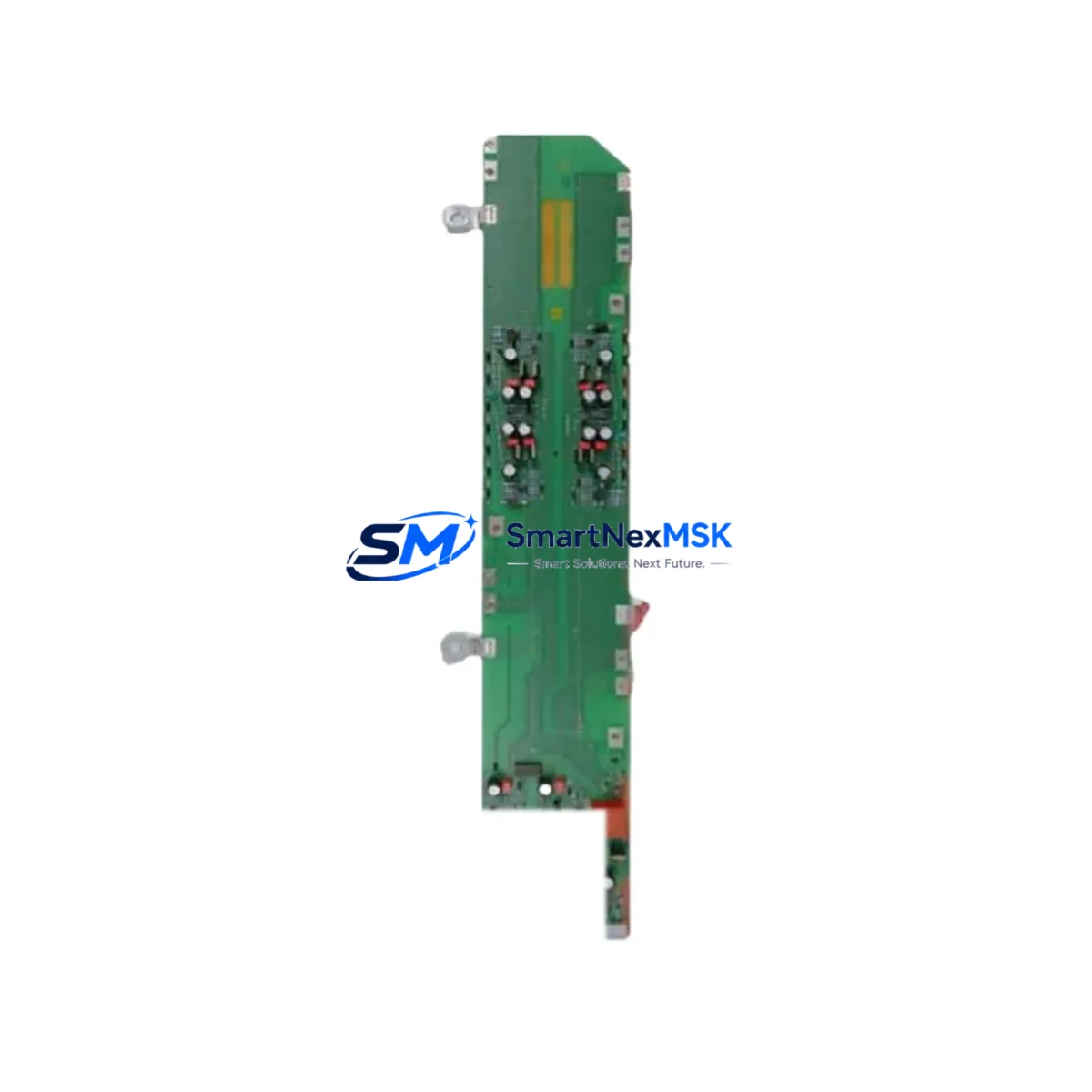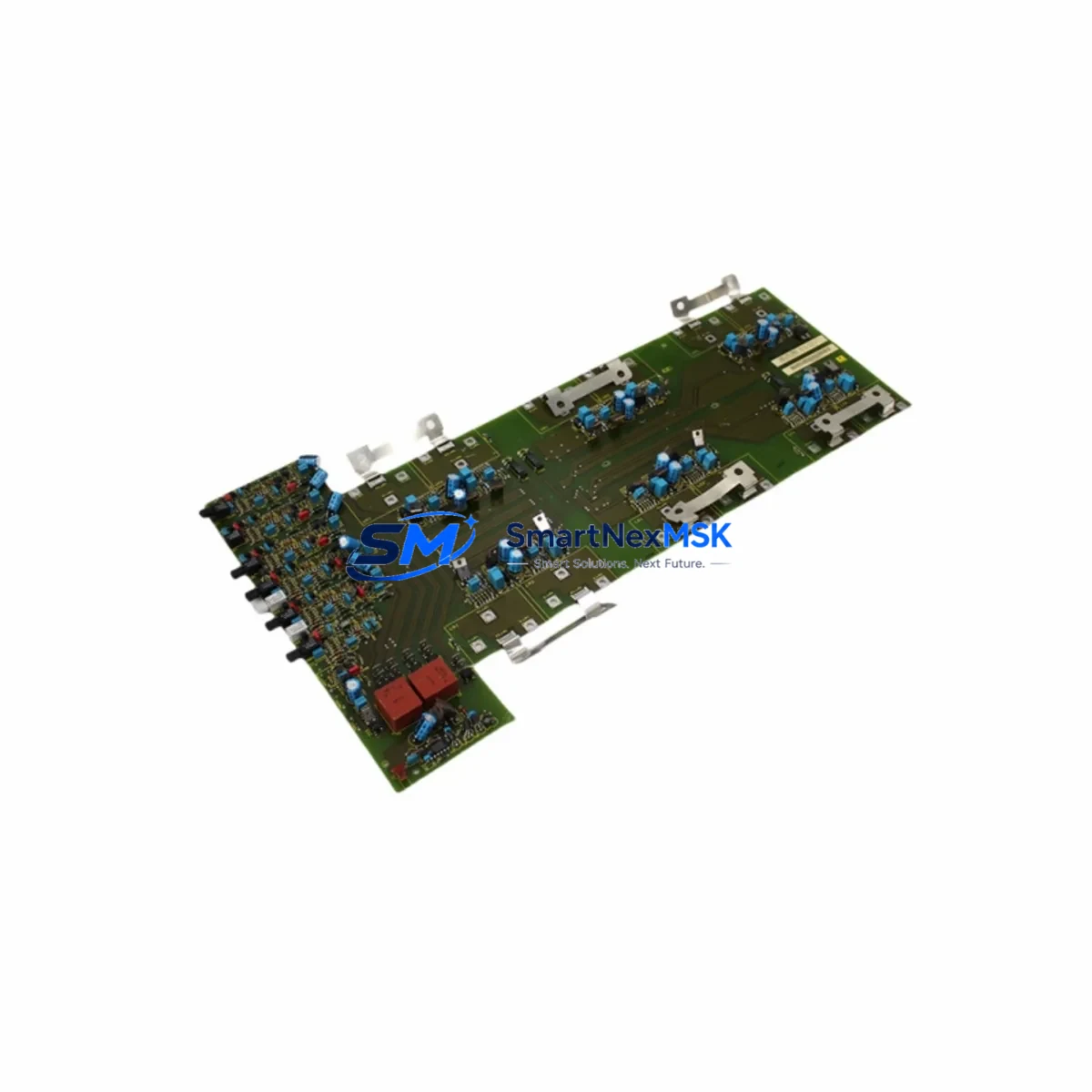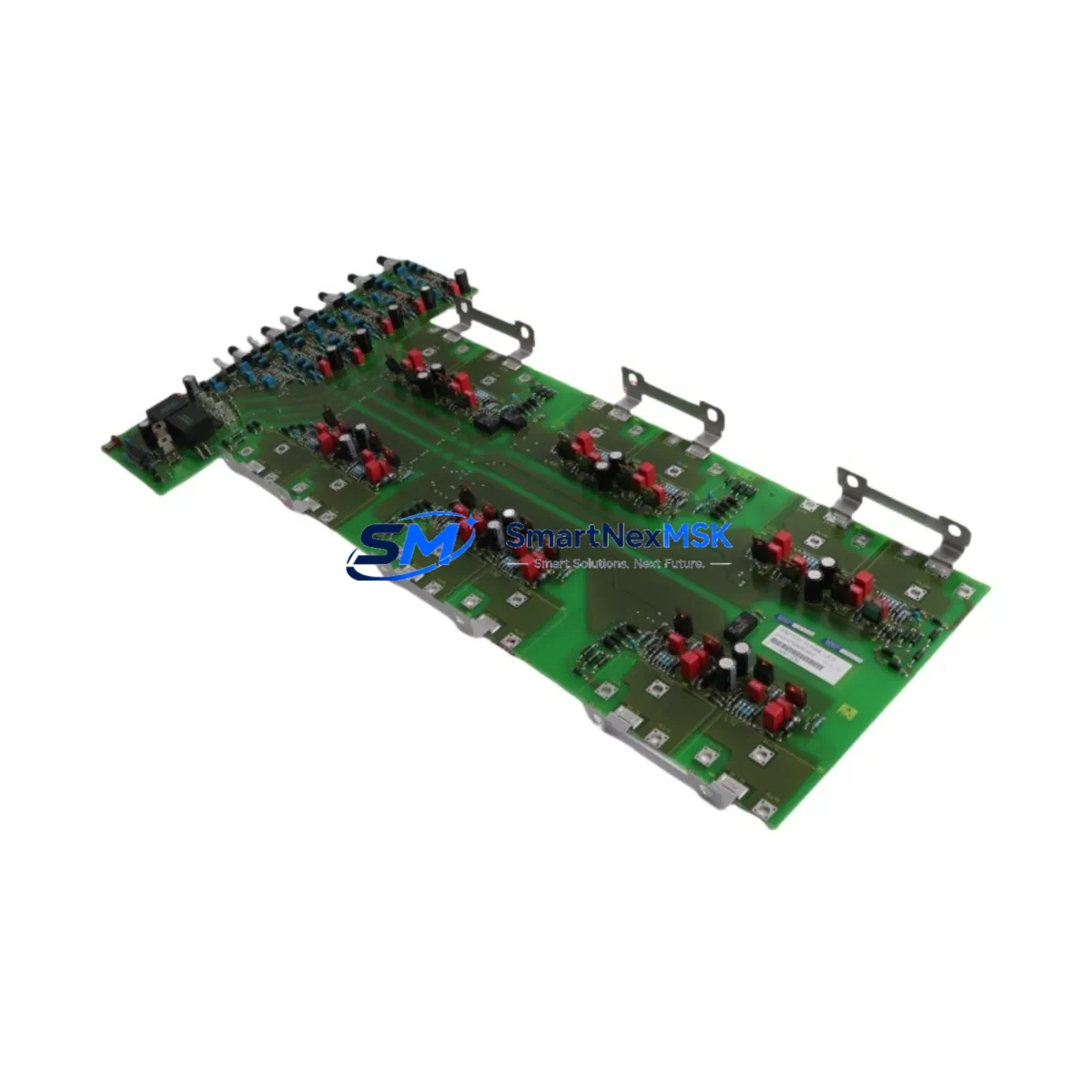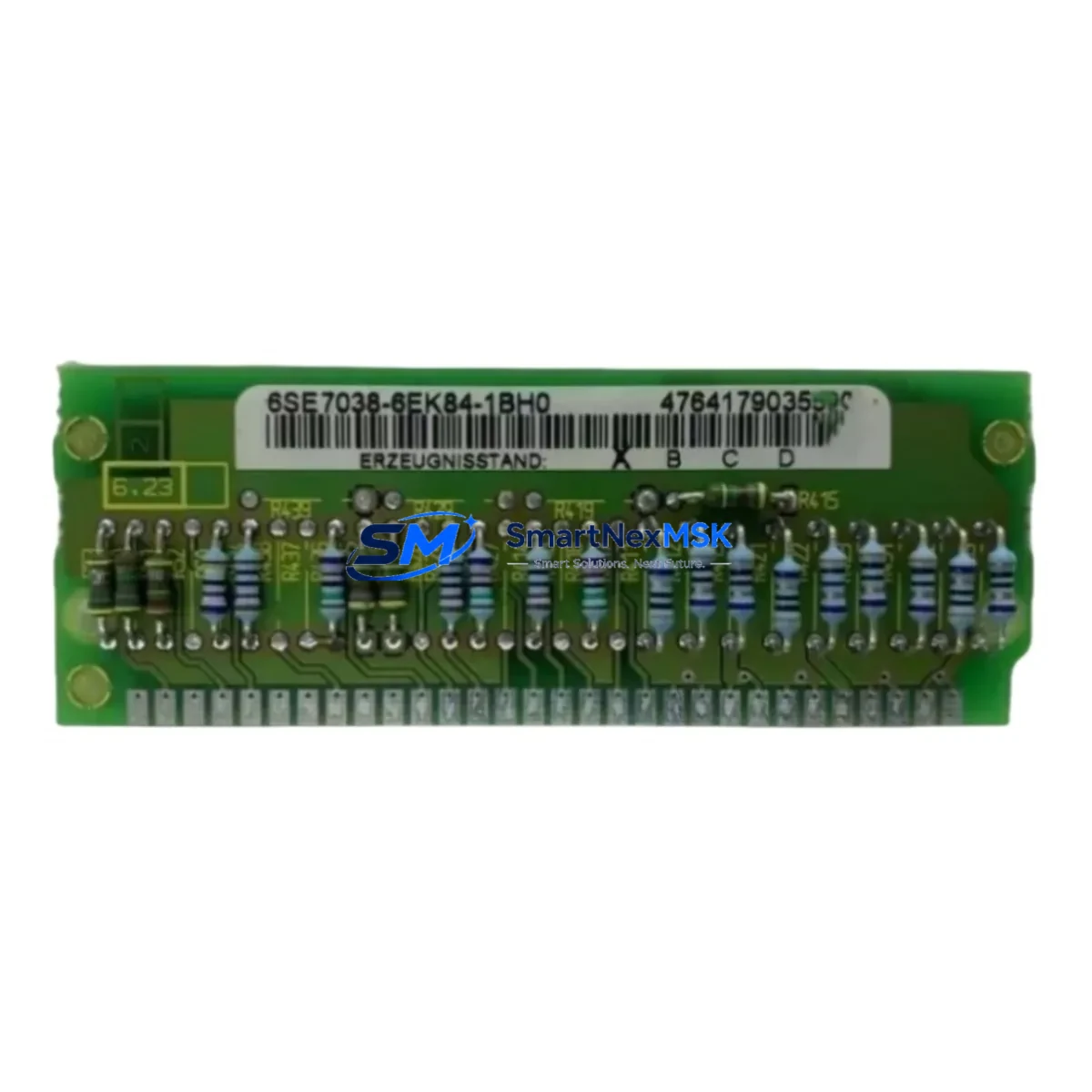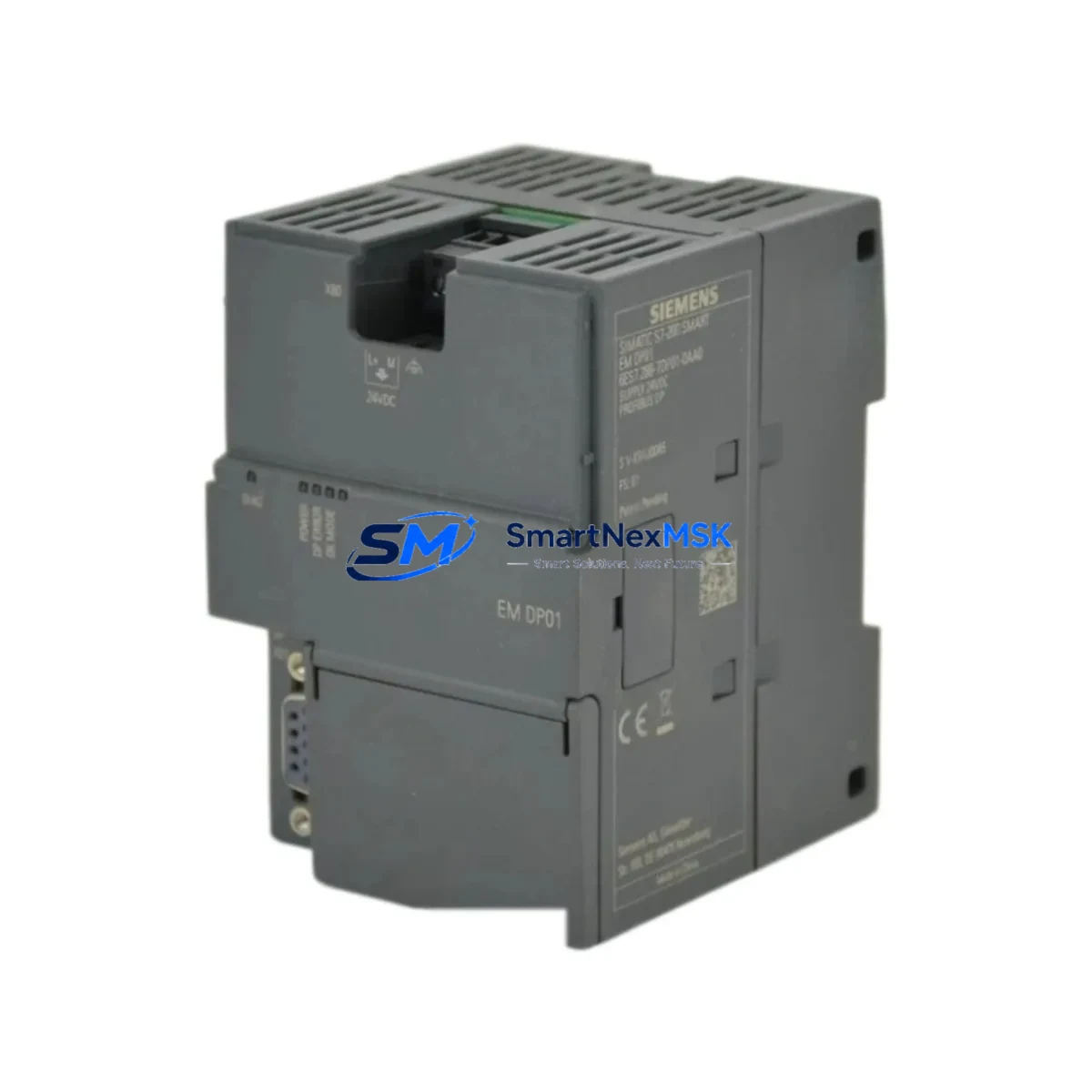
Siemens 6ES7288-7DP01-0AA0 Spare for S7-200 SMART Automation
The Siemens 6ES7288-7DP01-0AA0 is an original PROFIBUS-DP slave communication module designed for the S7-200 SMART PLC series. In industrial maintenance environments, this module plays a critical role in sustaining fieldbus communication between the S7-200 SMART CPU and distributed I/O stations, drives, and remote peripherals across the PROFIBUS-DP network. When this module fails or degrades, the entire PROFIBUS segment can go silent — halting production lines, disrupting process control loops, and triggering unplanned downtime that cascades across interconnected systems.
Stocking the 6ES7288-7DP01-0AA0 as a verified maintenance spare is a foundational step in any serious spare parts strategy for facilities running S7-200 SMART-based control architectures. Whether you are managing a single control cabinet or a distributed automation network across multiple production cells, having this module on the shelf means the difference between a 15-minute swap and a multi-day procurement delay.
Every unit supplied by SMARTNEXMSK is sourced as an original Siemens component, individually tested before dispatch, and backed by a 12-month warranty. We support maintenance engineers and procurement teams with long-term supply continuity, ensuring that even as this module approaches end-of-life in Siemens’ catalog, your facility can maintain operational readiness.
Spare Maintenance Table
| Parameter | Specification |
|---|---|
| Part Number / SKU | 6ES7288-7DP01-0AA0 |
| Brand | Siemens |
| Series | S7-200 SMART |
| Module Type | PROFIBUS-DP Slave Communication Module |
| Communication Protocol | PROFIBUS-DP (EN 50170) |
| Baud Rate | 9.6 kbps – 12 Mbps (auto-detect) |
| Max I/O Data | Up to 128 bytes input / 128 bytes output |
| Supply Voltage | 5 VDC (via CPU backplane) |
| Operating Temperature | 0°C to +55°C |
| Storage Temperature | -40°C to +70°C |
| Mounting | Direct expansion on S7-200 SMART CPU left side |
| Compatibility | S7-200 SMART CPU SR20, SR30, SR40, SR60, ST20, ST30, ST40, ST60 |
| Origin | Germany |
| Certification | CE, UL |
| Warranty | 12 Months (SMARTNEXMSK) |
| Pre-shipment Test | Yes — functional test performed before dispatch |
| Maintenance Recommendation | Inspect connector pins, verify GSD file version, confirm DP address setting on replacement |
Maintenance Planning for Continuous Operation
When a 6ES7288-7DP01-0AA0 module requires replacement, experienced maintenance engineers know that the PROFIBUS-DP module is rarely the only component that warrants inspection. A thorough site assessment during the replacement window can prevent repeat failures and extend the operational life of the surrounding control system.
Begin by verifying the S7-200 SMART CPU module itself — models such as the CPU SR40 or CPU ST60 — to confirm that the CPU’s DP port configuration and firmware version are compatible with the replacement module. Check the 24 VDC power supply module feeding the control cabinet; an unstable supply voltage is a common root cause of communication module degradation. Siemens PM207 or equivalent DIN-rail power supplies should be load-tested during the maintenance window.
Inspect the PROFIBUS-DP cable and bus connector (typically 9-pin Sub-D connectors with integrated termination resistors). Damaged shielding or incorrect termination at the segment ends is a frequent source of intermittent DP faults that are misdiagnosed as module failures. If the segment runs through a PROFIBUS repeater or DP/PA coupler, verify those components as well.
For cabinets that also house S7-200 SMART digital I/O expansion modules (such as the EM DE08 or EM QR16), check for loose terminal connections and verify that the I/O bus ribbon cable between the CPU and expansion rack is seated correctly. A loose expansion bus connection can cause the CPU to misreport DP slave status.
If the system integrates SIMATIC HMI panels — such as the KTP700 Basic or Smart 700 IE — connected via Ethernet or MPI, confirm that the HMI communication parameters remain intact after the CPU restart that follows module replacement. Similarly, if a SINAMICS G120 or MM440 variable frequency drive is a DP slave on the same segment, verify its DP address and parameter set after the network is restored.
For facilities with signal isolators or loop-powered transmitters feeding analog inputs into the S7-200 SMART system, this is an appropriate time to verify 4–20 mA signal integrity and check for ground loops that may have contributed to communication instability. Surge protection devices on the PROFIBUS segment and on the 24 VDC supply lines should also be inspected and replaced if they show signs of prior surge absorption.
Finally, review the terminal blocks and DIN-rail fuse holders in the cabinet. Loose or corroded terminals on the power distribution side are a silent contributor to intermittent PLC faults. A complete cabinet inspection during a planned DP module replacement is the most cost-effective way to reset the maintenance clock on the entire control system.
Site Replacement Workflow
Step 1 — Pre-replacement verification: Confirm the replacement 6ES7288-7DP01-0AA0 unit matches the original hardware version. Check the GSD file (SIEM80C3.GSD) version in your STEP 7 Micro/WIN SMART project to ensure compatibility. Note the DP slave address currently assigned to the module — this must be re-configured on the replacement unit before installation.
Step 2 — Safe isolation: Place the S7-200 SMART CPU in STOP mode via the programming software or the physical mode switch. De-energize the control cabinet following your site’s lockout/tagout procedure. The 6ES7288-7DP01-0AA0 mounts directly to the left side of the CPU without tools — slide the module off the rail and disconnect the PROFIBUS-DP cable.
Step 3 — Module installation: Attach the replacement module to the CPU, reconnect the PROFIBUS-DP cable, and restore cabinet power. Use STEP 7 Micro/WIN SMART to set the DP slave address on the new module to match the original configuration. Download the hardware configuration to the CPU if required.
Step 4 — Network verification: Switch the CPU to RUN mode and monitor the DP diagnostic buffer for any slave communication errors. Verify that all DP slaves on the segment report active status. Confirm that the HMI, drives, and remote I/O stations resume normal data exchange within the expected cycle time.
Step 5 — Documentation: Record the replacement date, new module serial number, and DP address in your maintenance log. Update your spare parts inventory and initiate a reorder to restore your on-hand buffer stock.
Spare Parts Support FAQ
Q: Is the 6ES7288-7DP01-0AA0 still available as a new original part?
A: Yes. SMARTNEXMSK maintains stock of original Siemens 6ES7288-7DP01-0AA0 modules. As S7-200 SMART reaches maturity in the Siemens lifecycle, we actively manage long-term supply to support facilities that cannot migrate to S7-1200 or S7-1500 platforms in the near term. Contact us to discuss volume reservation or scheduled delivery arrangements.
Q: How is the module tested before shipment?
A: Each unit undergoes a functional communication test prior to dispatch. We verify module recognition by a compatible S7-200 SMART CPU, confirm DP address configurability, and check the physical connector and housing integrity. A test report is available upon request for quality-critical procurement processes.
Q: Can this module replace an older hardware revision of the same part number?
A: The 6ES7288-7DP01-0AA0 is a single hardware revision module. It is directly compatible with all S7-200 SMART CPU variants listed in the Siemens compatibility matrix. If your existing installation uses an earlier S7-200 (non-SMART) CPU, this module is not compatible — contact us to identify the correct DP expansion for legacy S7-200 systems.
Q: What does the 12-month warranty cover?
A: The 12-month warranty covers manufacturing defects and functional failures under normal operating conditions. It does not cover damage resulting from incorrect installation, overvoltage events, or environmental conditions outside the specified operating range. SMARTNEXMSK provides direct warranty support — no need to route claims through a third-party distributor.
© 2026 SMARTNEXMSK. All rights reserved.
Original Source: https://smartnexmsk.com
Contact: [email protected] | +86 18259474341