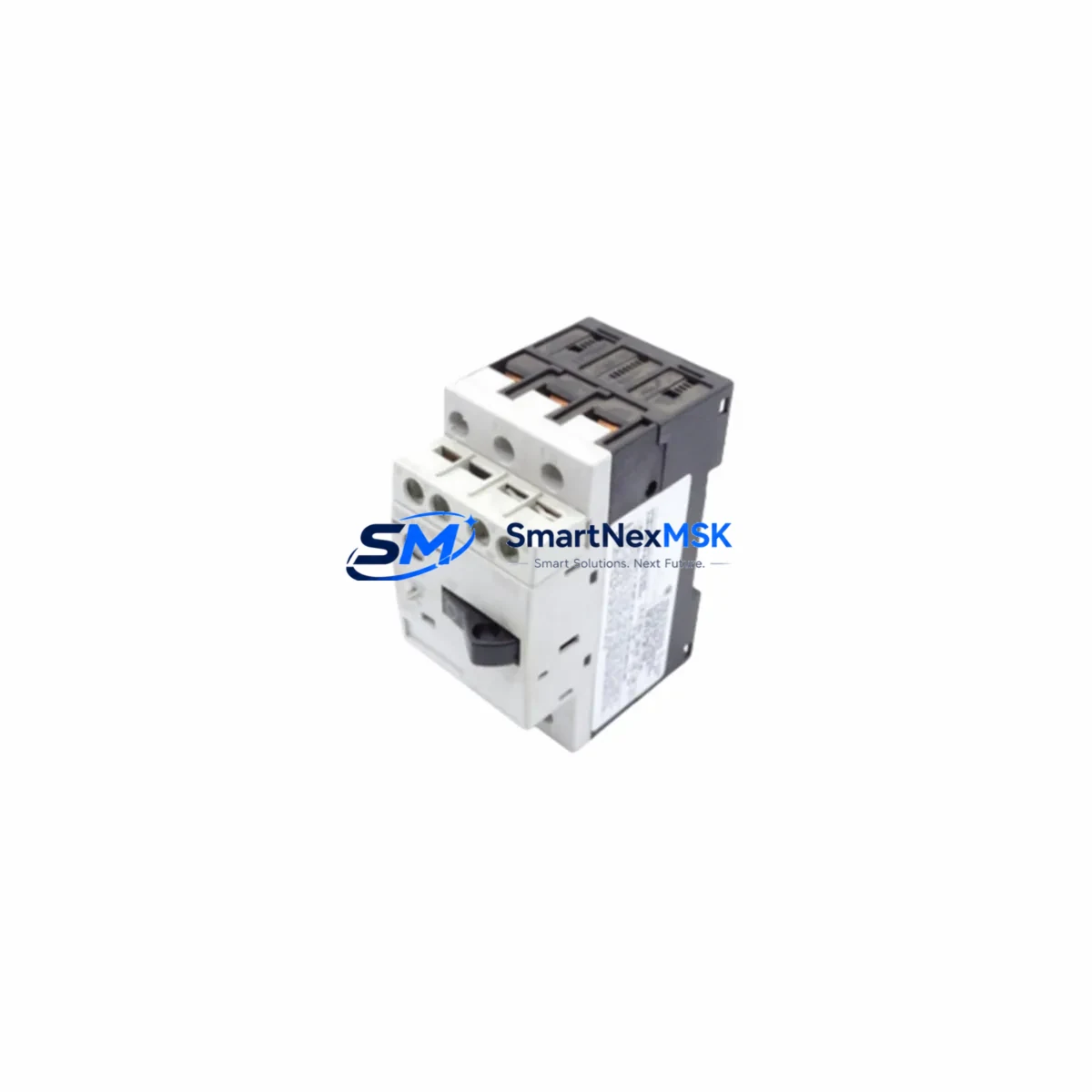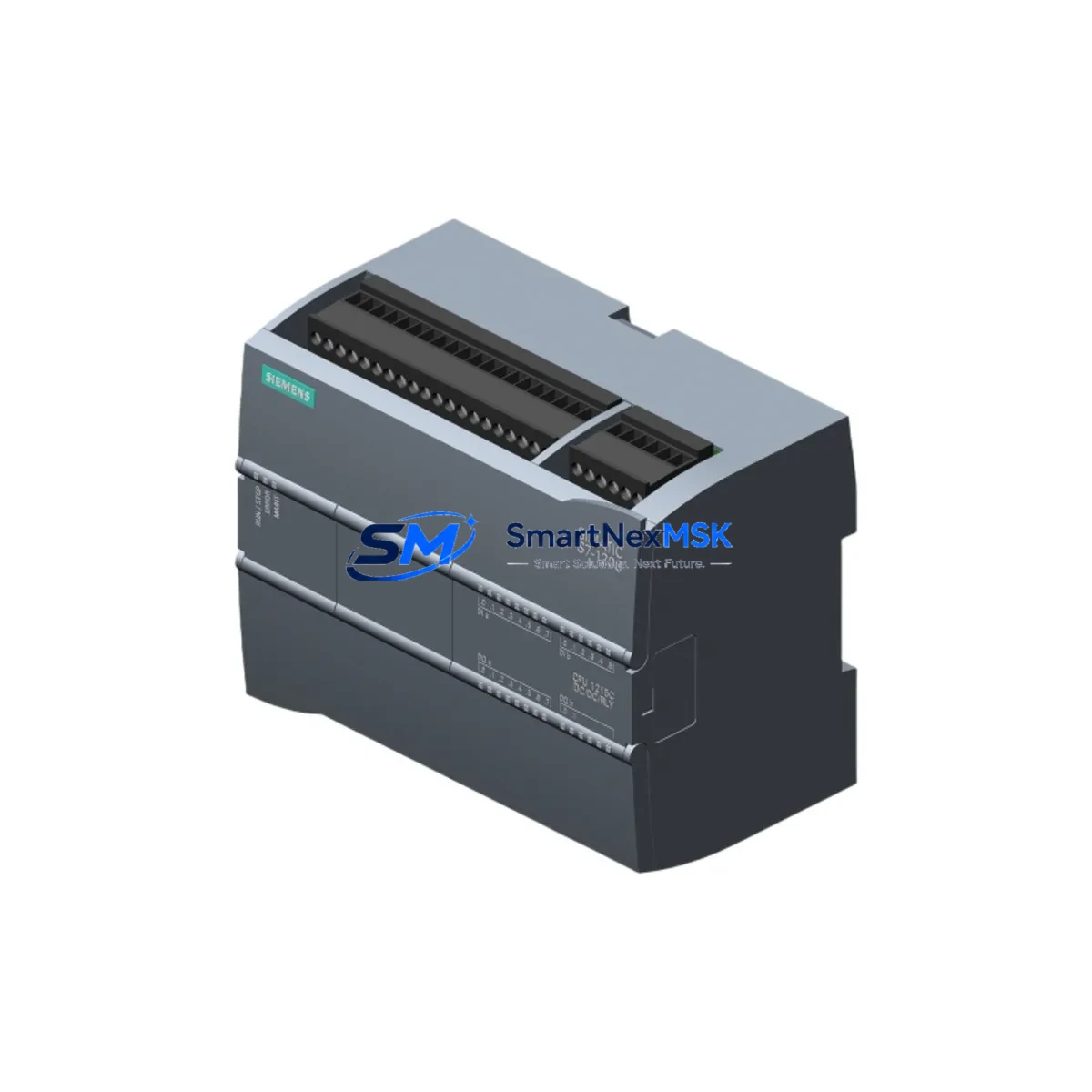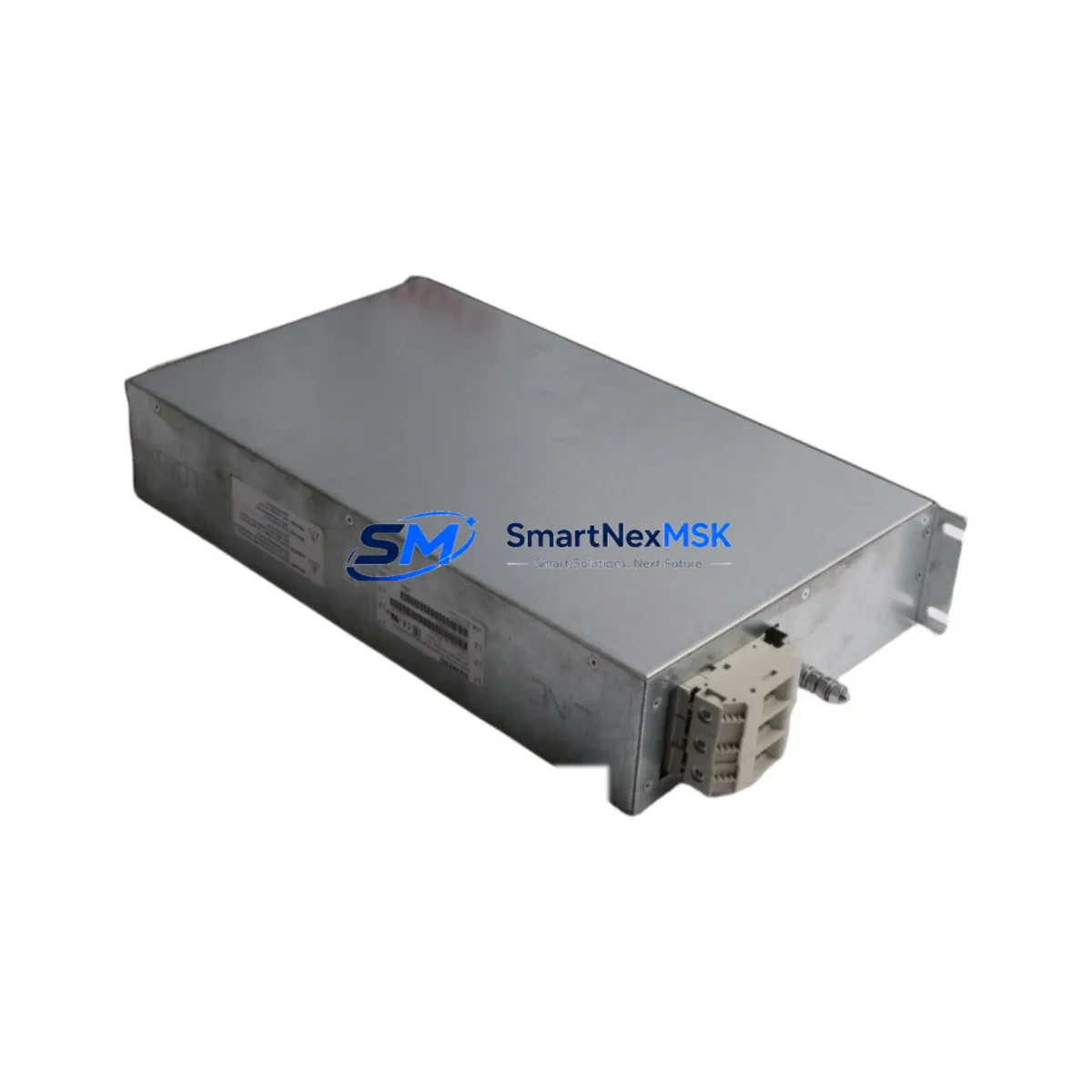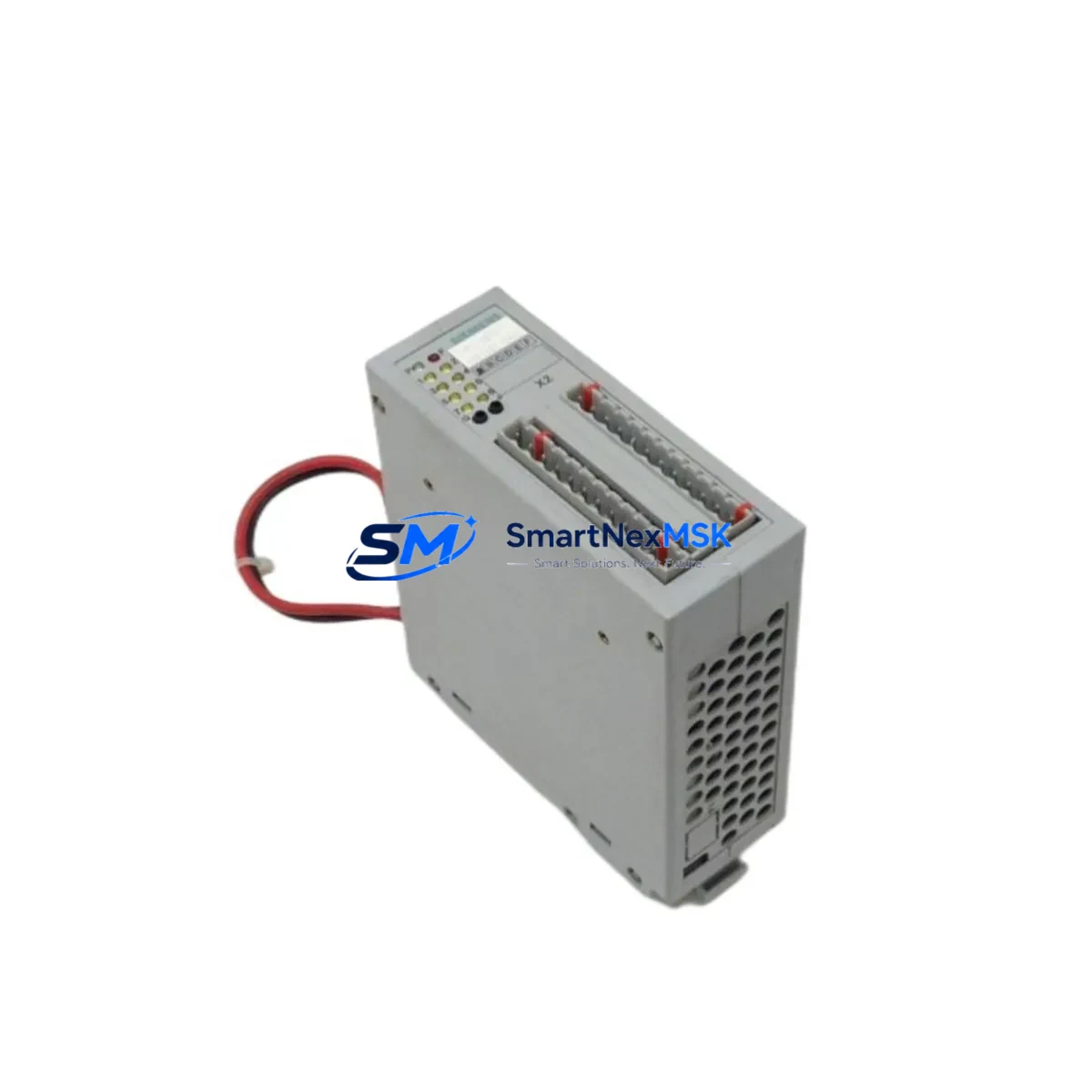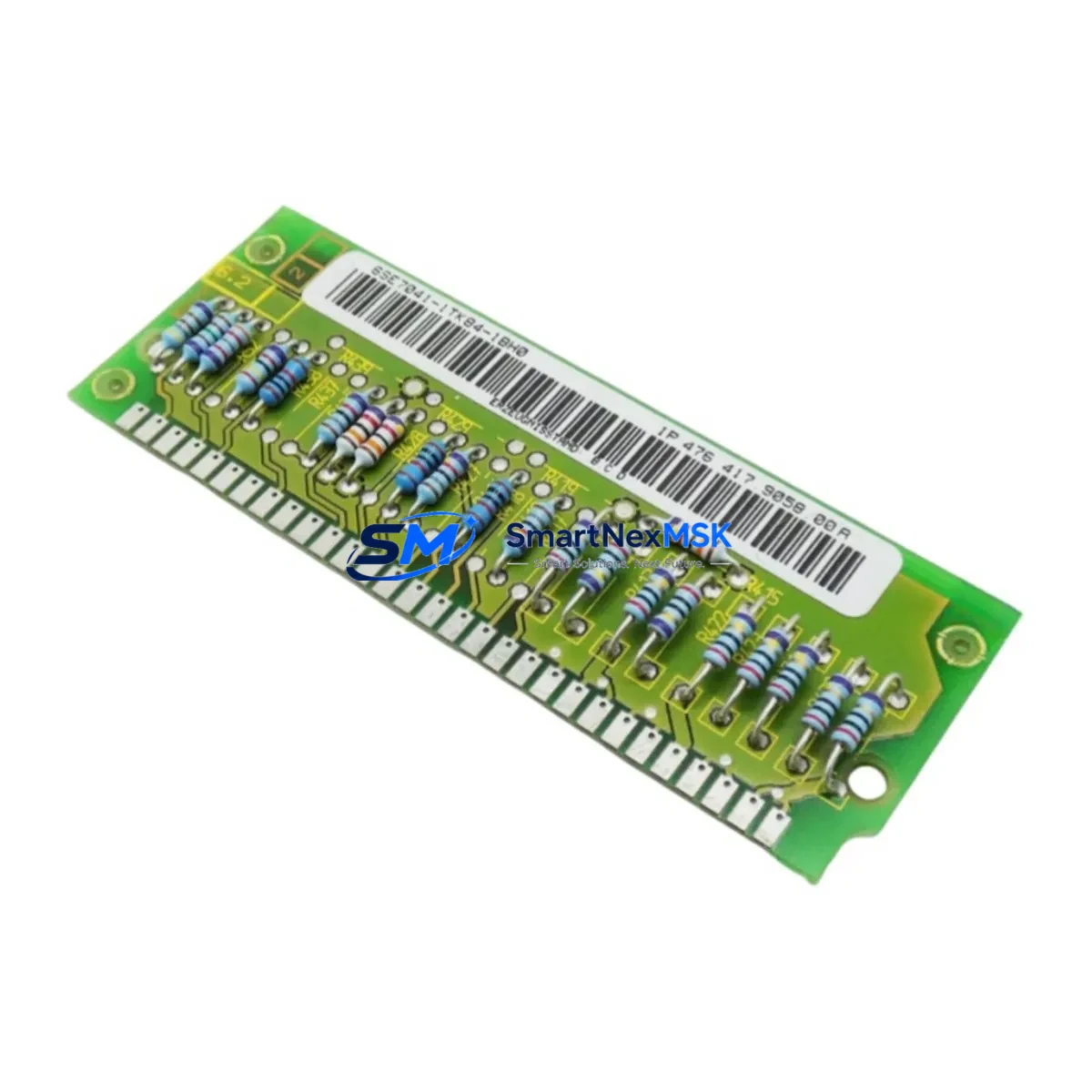
Siemens 6SE7041-1TK84-1BH0 Retrofit-Ready Frequency Inverter for MASTERDRIVES MC Control Systems
The Siemens 6SE7041-1TK84-1BH0 is a high-power 710 kW SIMOVERT MASTERDRIVES MC frequency inverter engineered for demanding industrial drive applications. As legacy MASTERDRIVES MC units approach end-of-service life, this unit serves as the primary retrofit and drop-in replacement solution for existing control cabinets, conveyor drive systems, compressor stations, and heavy-duty motor control centers. Whether you are managing a planned upgrade or responding to an unplanned failure, the 6SE7041-1TK84-1BH0 is stocked and ready for immediate dispatch with full compatibility verification and a 12-month warranty.
Upgrade Compatibility Table
| Parameter | Details |
|---|---|
| SKU / Part Number | 6SE7041-1TK84-1BH0 |
| Series | SIMOVERT MASTERDRIVES MC |
| Rated Power | 710 kW |
| Input Voltage | 3-phase 380–480 V AC |
| Communication Interface | PROFIBUS-DP (CBP2 board compatible) |
| Backplane / Rack Interface | MASTERDRIVES MC standard chassis slot |
| Replaces / Compatible With | 6SE7041-1TK84-1AA0, 6SE7041-1TK60-1AA0 (legacy variants) |
| Installation Requirement | Verify DC bus voltage, terminal block pitch, and cooling airflow clearance |
| Commissioning Tool | STARTER / DriveMonitor via USS or PROFIBUS |
| Firmware Compatibility | Compatible with existing MASTERDRIVES MC parameter sets (P-group migration required) |
| Warranty | 12 Months — covers manufacturing defects, functional failure under rated load |
Retrofit Planning for Existing Automation Systems
Successful integration of the 6SE7041-1TK84-1BH0 into an existing MASTERDRIVES MC installation requires systematic pre-commissioning verification across several subsystems. Begin by auditing the incoming power supply capacity: at 710 kW, the unit demands a stable 3-phase supply with adequate short-circuit current rating at the distribution board. Confirm that the existing 6SE70 series input reactor and output filter — typically a 6SE7038-6GL84-1BH0-class line filter — remain compatible with the new unit’s EMC requirements.
Terminal block mapping is the next critical step. The 6SE7041-1TK84-1BH0 uses the standard MASTERDRIVES MC terminal layout, but engineers should cross-reference the existing wiring diagram against the new unit’s X1 (power terminals) and X100/X101 (control terminals) assignments. Pay particular attention to the enable signal (terminal 63/64), the setpoint input (terminal 56/57), and the fault relay output (terminal 19/20), as these are common sources of commissioning errors during like-for-like swaps.
The backplane interface and module addressing must be verified before powering up. If the existing system uses a CBP2 PROFIBUS communication board, confirm that the PROFIBUS node address stored in the CBP2 matches the address expected by the upstream Siemens S7-300 or S7-400 PLC. In systems where a Siemens IM151-8 PN/DP interface module or a CP343-1 Ethernet module handles the drive communication, the GSD file version must be validated against the new firmware revision. Mismatched GSD files are a leading cause of communication faults during MASTERDRIVES MC retrofits.
For sites running SIMATIC S7-400 controllers with FM458-1 DP application modules, the drive object configuration in the FM458 project must be re-downloaded after the hardware swap. Similarly, if the control system includes a Siemens OP270 or TP270 HMI panel with drive status screens, verify that the PLC data block addresses mapped to the drive’s process data words (PZD) remain consistent — a parameter set mismatch between the old and new unit can cause HMI alarm screens to display incorrect fault codes.
I/O expansion cards installed in the existing drive — such as the SBP encoder evaluation board or the T400 technology board — must be physically transferred to the replacement unit and re-parameterized. The encoder pulse count, direction logic, and speed controller gain settings stored in these boards are not automatically migrated and must be re-entered using STARTER software or manually via the BOP (Basic Operator Panel). Where a Siemens 6SY7010-0AA00 serial interface cable is used for parameter upload/download, confirm cable compatibility with the new unit’s RS232 port before beginning the parameter transfer session.
All replacement units are pre-tested under load conditions prior to shipment. Inventory is maintained for immediate dispatch, supporting both planned maintenance windows and emergency breakdown scenarios. 12-month warranty coverage applies from the date of invoice.
Downtime Control During System Migration
Minimizing production downtime during a MASTERDRIVES MC drive replacement requires a structured hot-swap protocol. Before de-energizing the existing 6SE7041-1TK84-1BH0, upload the complete parameter set using STARTER or DriveMonitor and save the dataset to a project file. This backup preserves all P-group settings, ramp times, current limits, and technology function configurations that would otherwise require manual re-entry.
Where the process cannot tolerate a full shutdown, consider a staged migration approach: install the replacement unit in a parallel cabinet position, pre-configure it offline using the saved parameter file, and perform a controlled switchover during a scheduled maintenance window. This approach is particularly effective in continuous process industries — such as cement mills, paper machines, or water treatment pump stations — where even brief interruptions carry significant operational cost.
During the switchover, maintain the existing PROFIBUS segment active until the replacement unit has been confirmed online and responding to the PLC’s cyclic data exchange. Use the PLC’s diagnostic buffer to monitor drive status words in real time. Once the new unit reports a fault-free ready state (status word bit 0 = 1), transfer control authority from the old unit to the new unit and monitor the first several acceleration/deceleration cycles for any deviation from the expected speed profile. Field calibration of the speed controller (P-gain and I-time) may be required if the motor nameplate data differs slightly from the original unit’s parameterization.
Our technical team provides pre-shipment parameter consultation to help customers prepare their STARTER project files before the replacement unit arrives on site, further compressing the commissioning window.
Retrofit Support FAQ
Q1: Is the 6SE7041-1TK84-1BH0 a direct drop-in replacement for the 6SE7041-1TK84-1AA0?
A: Yes, the 6SE7041-1TK84-1BH0 is mechanically and electrically compatible with the 6SE7041-1TK84-1AA0 in standard MASTERDRIVES MC chassis configurations. A parameter migration using STARTER software is recommended to transfer existing drive settings. Minor firmware differences may require re-validation of the ramp function generator and current controller settings.
Q2: What commissioning tools are required for initial setup?
A: Siemens STARTER software (v5.4 or later) connected via a 6SY7010-0AA00 serial cable or a PROFIBUS connection is the recommended commissioning interface. DriveMonitor is also supported for parameter upload/download. A BOP panel can be used for basic parameter entry if PC-based tools are unavailable on site.
Q3: How is the unit tested before shipment?
A: Every unit undergoes a functional load test prior to dispatch. The test verifies power stage integrity, gate driver operation, control board communication, and fault relay function. A test report is available upon request. The 12-month warranty covers all manufacturing defects and functional failures under rated operating conditions from the invoice date.
Q4: What wiring changes are needed when replacing an older MASTERDRIVES MC unit?
A: In most cases, the existing terminal wiring can be transferred directly. Engineers should verify the control terminal assignments (X100/X101) against the new unit’s wiring diagram, confirm the enable and setpoint signal levels, and check that any external braking resistor connections (terminals R+/R−) are rated for the new unit’s peak braking current. No changes to the main power terminals (U1/V1/W1, U2/V2/W2) are typically required for like-for-like replacements.
© 2026 SMARTNEXMSK. All rights reserved.
Original Source: https://smartnexmsk.com
Contact: [email protected] | +86 18259474341