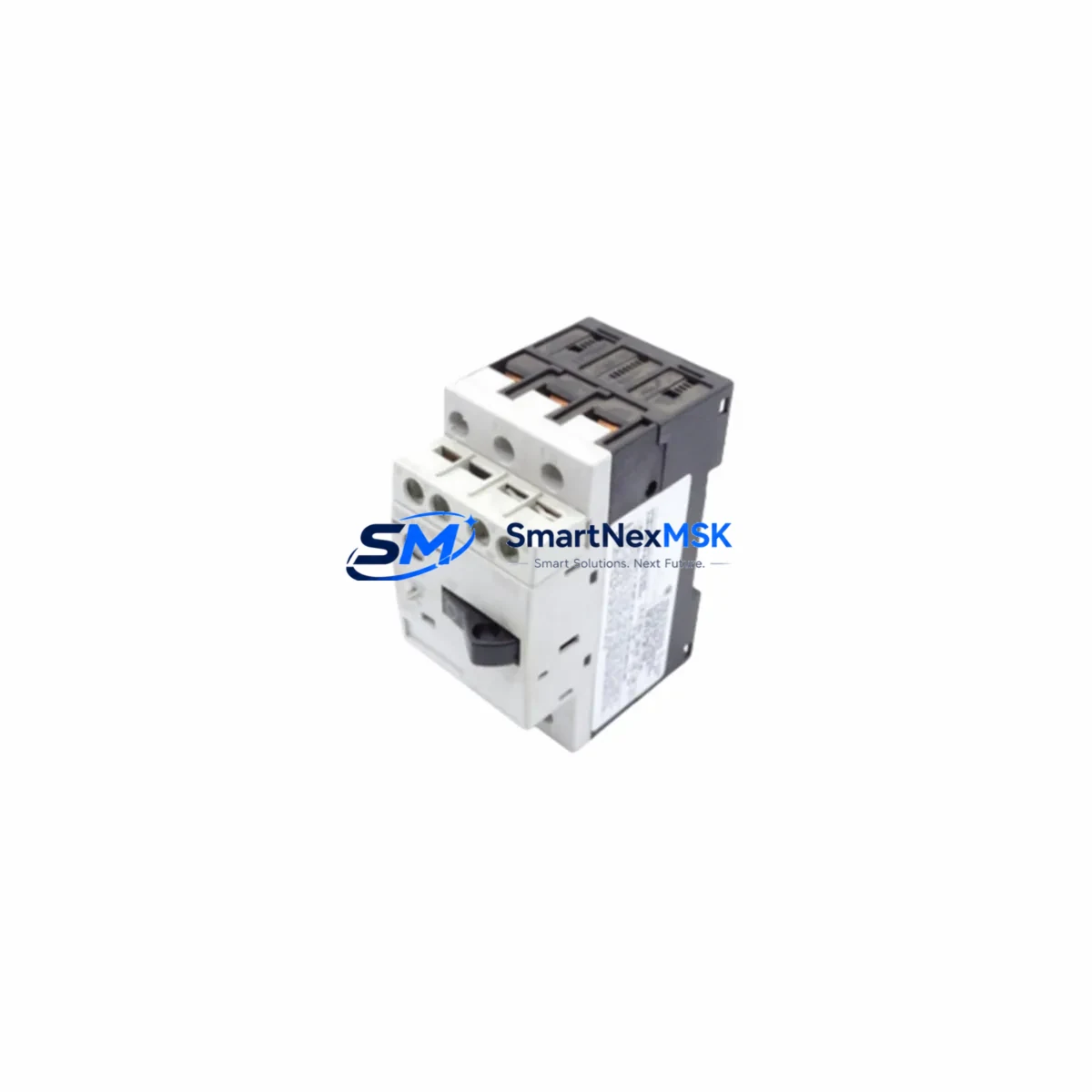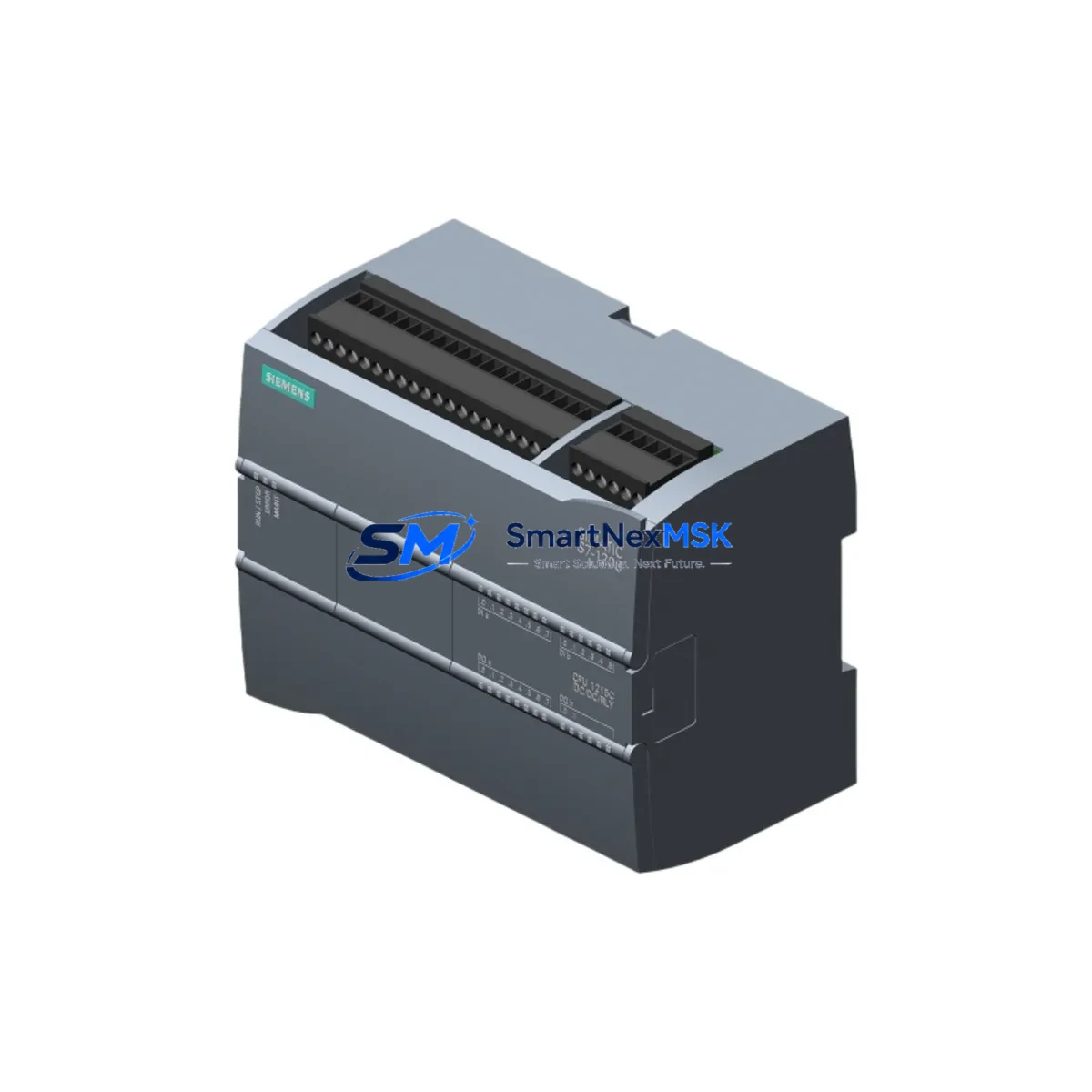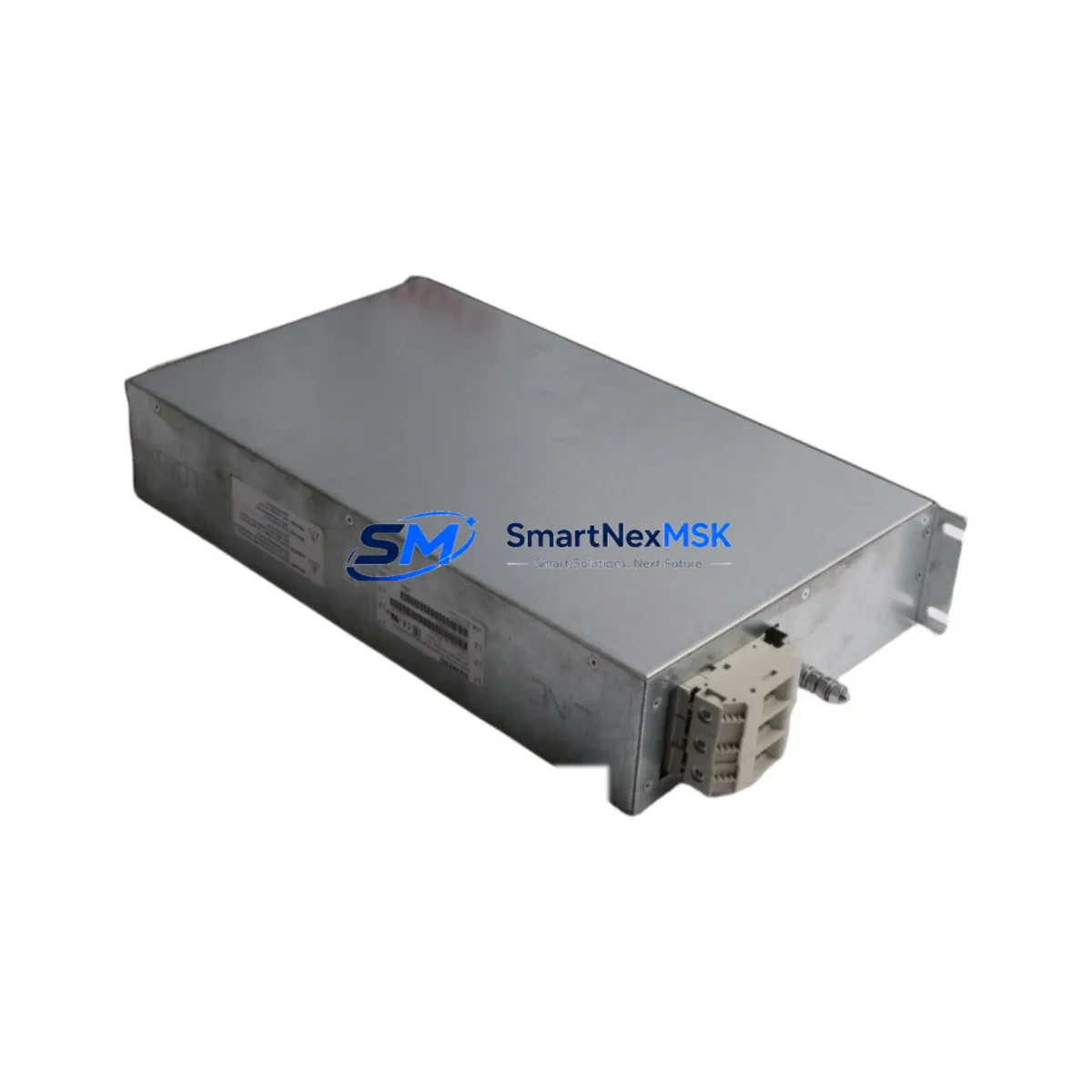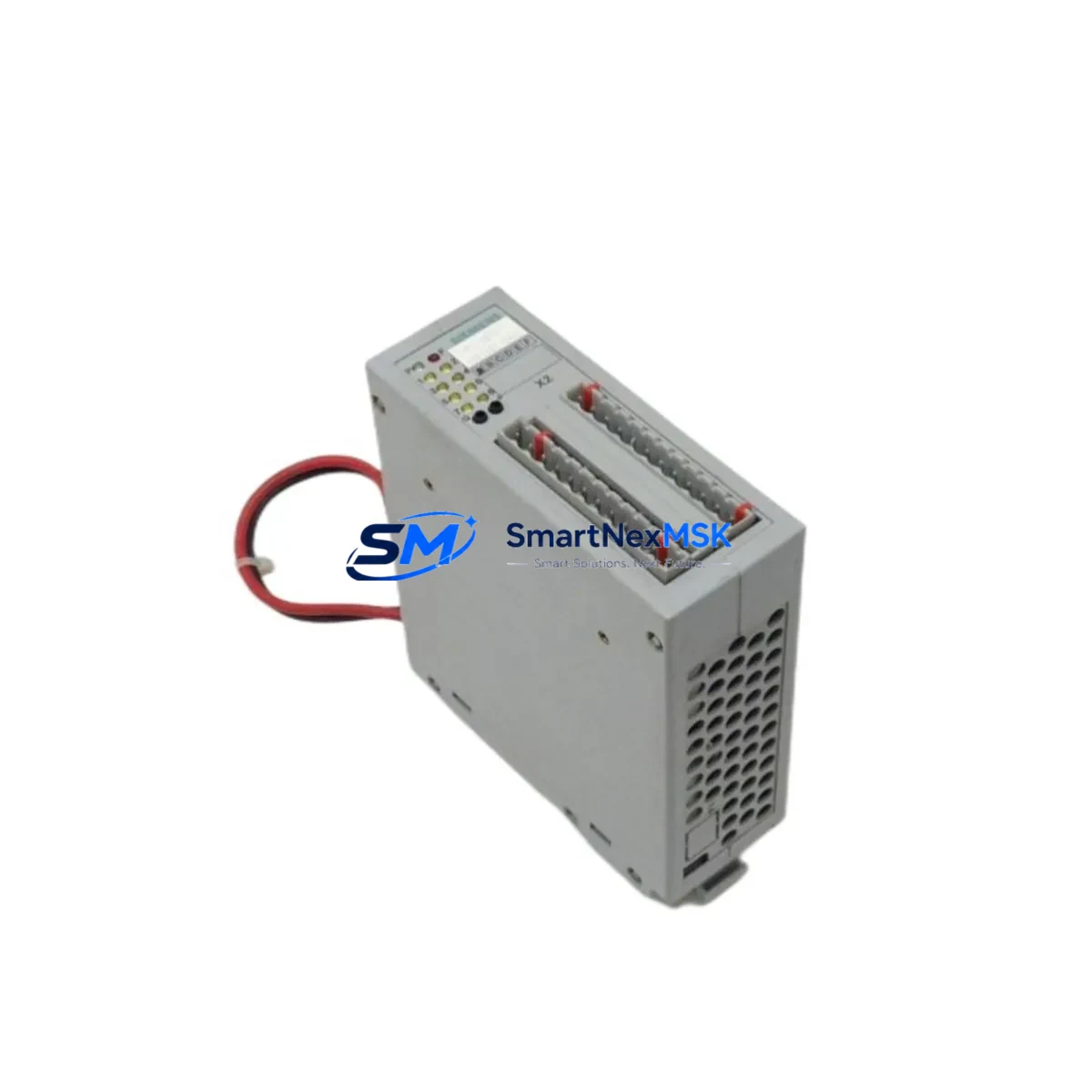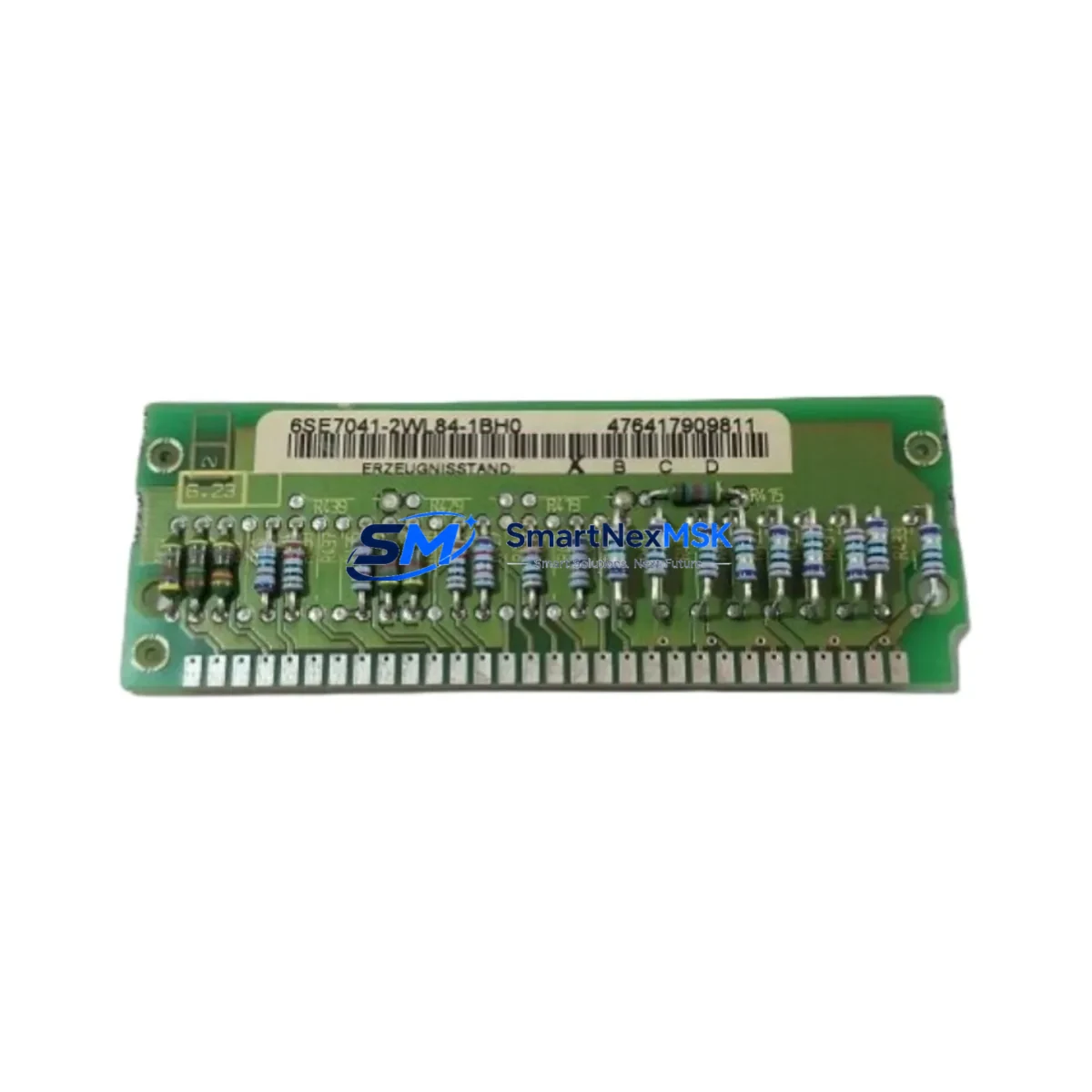
SIEMENS 6SE7041-1UL84-1BH0 Retrofit-Ready AC Drive for SIMOVERT MASTERDRIVES Control Systems
The SIEMENS 6SE7041-1UL84-1BH0 is a high-power AC frequency inverter from the SIMOVERT MASTERDRIVES MC/VC series, designed for demanding industrial drive applications including heavy-duty motor control, crane drives, extruder lines, and large-scale conveyor systems. As legacy MASTERDRIVES units reach end-of-service life, sourcing a verified retrofit-ready replacement becomes critical to maintaining production continuity. This unit is supplied as a direct functional replacement, pre-tested and ready for integration into existing MASTERDRIVES rack and cabinet configurations.
Whether you are managing a planned upgrade cycle or responding to an unplanned failure on a legacy drive line, the 6SE7041-1UL84-1BH0 is available from stock with a 12-month warranty, outgoing inspection report, and full parameter backup support. Our team has extensive experience supporting MASTERDRIVES retrofit projects across cement, steel, paper, and chemical processing industries.
Upgrade Compatibility Table
| Parameter | Details |
|---|---|
| SKU / Part Number | 6SE7041-1UL84-1BH0 |
| Series | SIMOVERT MASTERDRIVES MC/VC |
| Drive Type | AC Frequency Inverter (Rectifier + Inverter Unit) |
| Rated Power | ~710 kW (application-dependent; verify motor nameplate) |
| Input Voltage | 3-phase 380–480 V AC, 50/60 Hz |
| Backplane / Rack Interface | MASTERDRIVES modular rack (compatible with 6SE70 series chassis) |
| Communication Protocols | PROFIBUS-DP (via CBP2 board), USS, SIMOLINK |
| Replacement Compatibility | Direct replacement for same-frame 6SE7041 variants; verify suffix codes for option boards |
| Terminal Wiring | Power terminals X1/X2; control terminals compatible with standard MASTERDRIVES CU (Control Unit) |
| Commissioning Tool | DriveMonitor / STARTER via RS232 or PROFIBUS |
| Debugging Focus | Parameter set upload/download (P053), motor data identification (P115), encoder feedback check |
| Warranty | 12 Months — covers manufacturing defects, functional failure under rated conditions |
Retrofit Planning for Existing Automation Systems
A successful retrofit of the 6SE7041-1UL84-1BH0 into an existing MASTERDRIVES installation requires systematic pre-work across mechanical, electrical, and software domains. Before removing the failed or obsolete unit, engineers should document the full parameter set using DriveMonitor connected via the RS232 port on the existing Control Unit (CU) — typically a 6SE7090-0XX84-0AB0 or equivalent CU board. This parameter backup is essential for restoring motor control behavior after the swap.
On the power side, verify that the DC bus supply — often shared with adjacent inverter units in a common DC bus topology — is de-energized and fully discharged before disconnecting the DC link terminals. In multi-drive cabinets, the 6SE7041 inverter unit typically draws from a shared rectifier such as the 6SE7036-0EE85-0AA0 or a regenerative rectifier unit. Confirm that the replacement unit’s DC link capacitor bank is compatible with the existing bus voltage range.
For control wiring, the interface between the Power Unit and the Control Unit is handled via the internal fiber-optic CUVC link or the direct plug-in CU slot depending on the chassis generation. When replacing the power section only, the existing 6SE7090 CU board, along with its installed option boards such as the CBP2 PROFIBUS communication board or the SBP encoder evaluation board, can typically be transferred directly to the replacement chassis — significantly reducing re-commissioning time and preserving the existing PROFIBUS node address and drive parameter set.
I/O expansion modules connected to the CU — including analog input/output boards and digital I/O terminal blocks — should be photographed and labeled before removal. Terminal assignments on the X100/X101 control terminal strips must be verified against the original wiring diagram. If the plant uses a SIMATIC S7-300 or S7-400 PLC communicating with the drive via PROFIBUS-DP, confirm that the DP slave address on the CBP2 board matches the address configured in the PLC hardware configuration (HW Config in STEP 7 or TIA Portal).
For plants using an OP7, OP17, or TP270 HMI panel connected to the drive network, verify that the HMI screen tags referencing drive status words, fault codes, and speed setpoints remain valid after the parameter restore. In some cases, a partial re-mapping of PZD (process data) words may be required if the replacement unit uses a different firmware version. The MASTERDRIVES firmware version is visible on the CU nameplate and should be matched or upgraded consistently across all drives in the same line.
Where the existing installation includes a 6SN1145 or 6SL3 series line filter or a 6SE7090 braking resistor module, confirm that these remain correctly rated for the replacement drive’s output current. Encoder feedback cables connected to the SBP board should be re-terminated carefully, as signal integrity on the HTL/TTL encoder lines directly affects speed regulation accuracy in closed-loop VC mode.
Downtime Control During System Migration
Minimizing unplanned downtime during a MASTERDRIVES drive replacement is achievable with disciplined pre-staging. The most effective approach is to pre-configure the replacement 6SE7041-1UL84-1BH0 offline before the maintenance window opens. Using DriveMonitor or STARTER software, load the parameter backup from the failed unit into the replacement drive while it is still on the bench. Run a motor data identification routine (P115 = 1) against a test motor if available, or accept the stored motor data from the backup if the motor has not changed.
During the physical swap, use a structured isolation checklist: isolate the incoming AC supply at the cabinet incomer, discharge the DC bus, disconnect the motor cables at the output terminals, and label all control wiring before removal. With a pre-staged replacement unit, the physical swap and re-wiring can typically be completed within a 4–6 hour maintenance window for a single inverter unit of this frame size.
After re-energization, perform a no-load test first — enable the drive in local mode via the PMU operator panel or DriveMonitor, and verify that the output frequency ramps correctly without fault. Check fault memory (r947) and warning register (r964) before connecting the motor load. Once the no-load test is clear, reconnect the motor and perform a low-speed loaded run before returning the drive to automatic PROFIBUS control from the PLC. This staged commissioning sequence protects the original program logic and ensures that the field control loop is stable before full production resumes.
For plants where continuous operation is critical, consider maintaining a pre-configured spare 6SE7041-1UL84-1BH0 on-site. Our team can supply units with a pre-loaded parameter template and outgoing test certificate, reducing your on-site commissioning time to under two hours in a like-for-like replacement scenario.
Retrofit Support FAQ
Q1: Is the 6SE7041-1UL84-1BH0 a direct drop-in replacement for my existing MASTERDRIVES unit?
In most cases, yes — provided the frame size, DC link voltage rating, and output current rating match your existing installation. The suffix codes in the part number encode option board slots and cooling method; verify that the replacement suffix matches your original unit or that any differences are accounted for in the re-commissioning plan. Our technical team can cross-reference your existing unit’s nameplate data before shipment.
Q2: Can I transfer my existing CU (Control Unit) and CBP2 PROFIBUS board to the replacement power section?
Yes, in most MASTERDRIVES chassis configurations the CU board and installed option boards (CBP2, SBP, ADB, etc.) are mechanically and electrically separable from the power section. Transferring the existing CU preserves your parameter set, PROFIBUS address, and I/O wiring, significantly reducing re-commissioning effort. Confirm the CU-to-power-section fiber-optic link connector type before proceeding.
Q3: What commissioning steps are required after installing the replacement drive?
After physical installation and wiring verification, connect DriveMonitor via RS232 or PROFIBUS and upload the saved parameter set. Perform a motor data identification run (P115) if the motor data has not been previously stored. Check encoder feedback (if applicable via SBP board), verify PROFIBUS communication with the S7 PLC, and run a no-load test before connecting the motor load. Full commissioning documentation is available on request.
Q4: What does the 12-month warranty cover, and what is the outgoing test procedure?
The 12-month warranty covers manufacturing defects and functional failure under rated operating conditions from the date of shipment. Each unit undergoes an outgoing inspection that includes DC bus capacitor check, gate driver function test, control power supply verification, and communication port continuity check. A test report is included with shipment. Warranty claims are processed within 5 business days of fault confirmation.
© 2026 SMARTNEXMSK. All rights reserved.
Original Source: https://smartnexmsk.com
Contact: [email protected] | +86 18259474341