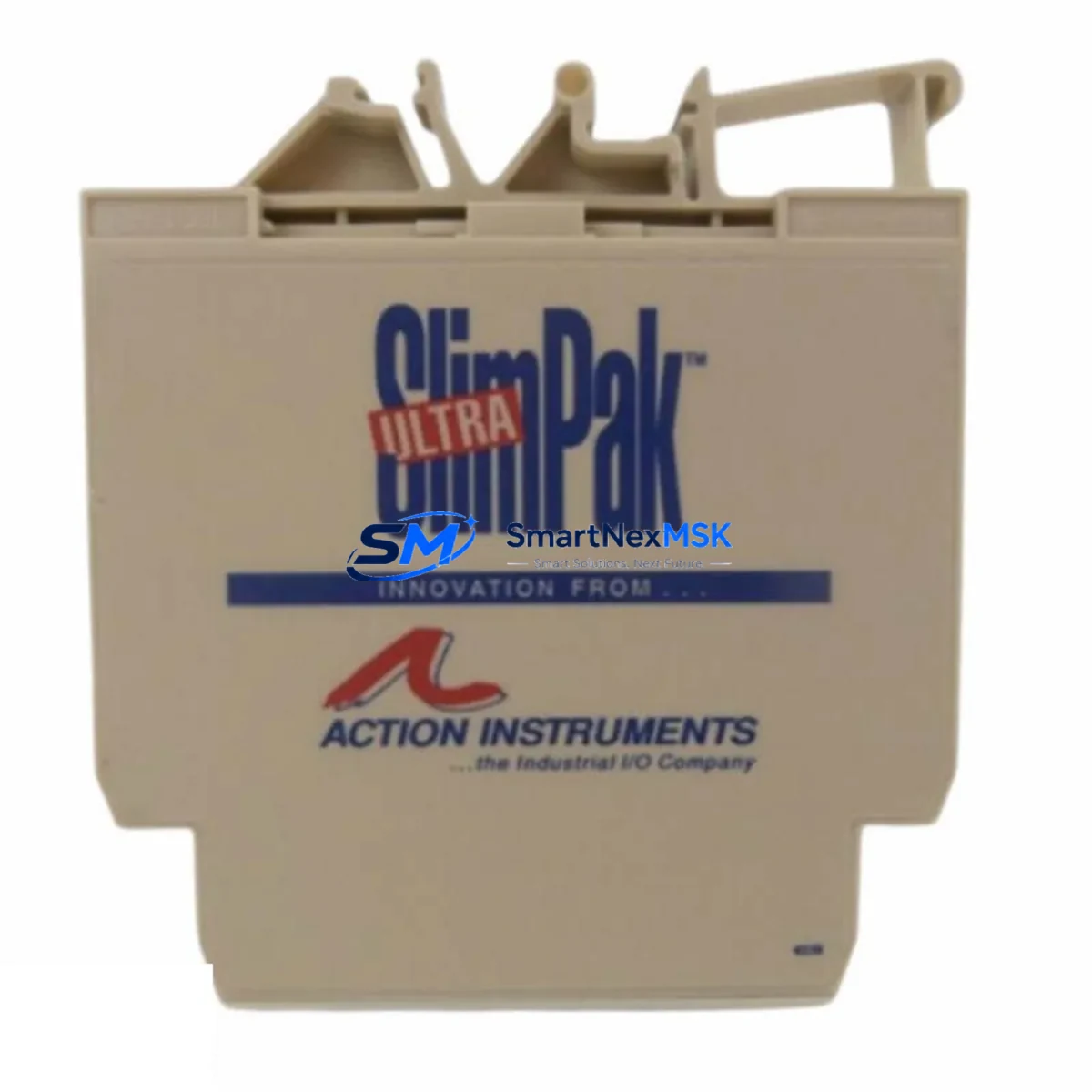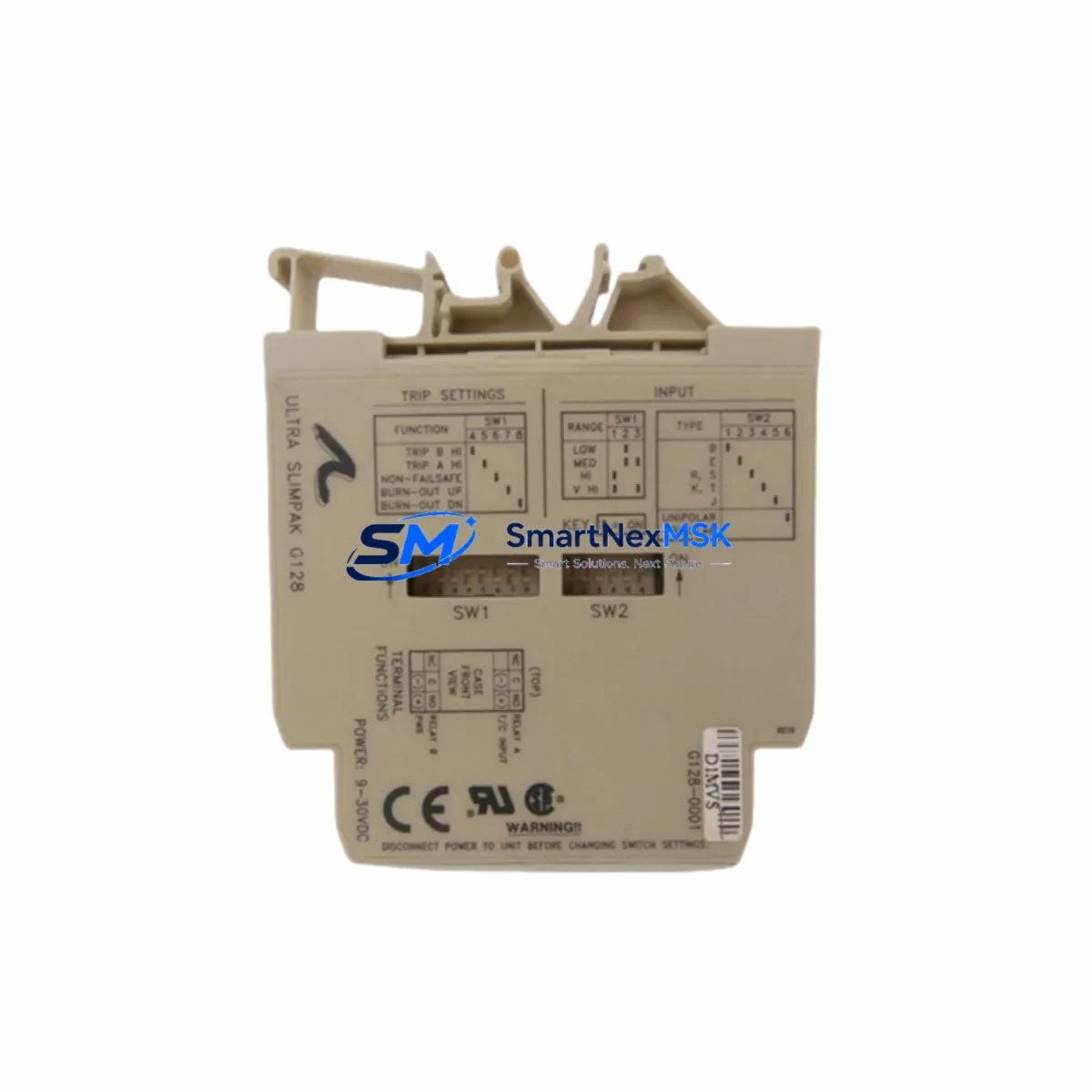
SLIMPAK ULTRA SLIMPAK G128 Retrofit-Ready Isolated Signal Conditioner for Legacy Control Systems
The SLIMPAK ULTRA SLIMPAK G128 is a high-performance isolated signal conditioner engineered for seamless integration into existing automation infrastructures. Designed as a direct retrofit solution for aging G-series and legacy SLIMPAK modules, the G128 delivers reliable 4–20 mA signal isolation, conversion, and conditioning across a wide range of industrial process control environments. Whether you are modernizing a legacy DCS panel, upgrading a distributed I/O rack, or replacing a discontinued analog input module, the G128 provides the electrical isolation, signal fidelity, and DIN rail form factor required for a smooth, low-risk migration.
Industrial facilities operating older control architectures frequently encounter the challenge of sourcing compatible replacement modules for discontinued product lines. The ULTRA SLIMPAK G128 addresses this directly — it is stocked, tested, and shipped with a 12-month warranty, making it a dependable choice for both emergency breakdowns and planned system upgrades. Each unit undergoes pre-shipment functional testing to verify isolation integrity, output linearity, and loop power compatibility before leaving the warehouse.
Upgrade Compatibility Table
| Parameter | Details |
|---|---|
| Model | ULTRA SLIMPAK G128 |
| Brand | SLIMPAK (Dataforth / RKC compatible platform) |
| Signal Type | Analog Input/Output — 4–20 mA, 0–10 V configurable |
| Isolation | 3-way galvanic isolation (Input / Output / Power) |
| Mounting | DIN rail (EN 50022 / TS 35) |
| Power Supply | 24 VDC loop-powered or external supply (model-dependent) |
| Replacement Compatibility | Direct replacement for legacy G-series SLIMPAK modules; compatible with most 24 VDC DIN rail analog signal conditioner footprints |
| Communication | Passive analog (4–20 mA); no fieldbus protocol required |
| Installation | Snap-on DIN rail; screw terminal wiring; no programming required |
| Commissioning Notes | Verify input range jumper settings; confirm loop supply voltage; check terminal polarity before energizing |
| Warranty | 12 months from date of shipment |
Retrofit Planning for Existing Automation Systems
Replacing a failed or discontinued signal conditioner in a live production environment requires careful pre-planning to avoid extended downtime. When integrating the ULTRA SLIMPAK G128 into an existing control cabinet, engineers should begin by auditing the current wiring layout and confirming the terminal block pitch and screw torque specifications match the replacement module. In most legacy installations, the G128 slots directly onto the existing DIN rail section without requiring additional mounting hardware.
Power supply compatibility is a critical first checkpoint. Many older control panels use a shared 24 VDC rail to power both the signal conditioners and the field transmitters. Before installing the G128, verify that the existing SLIMPAK PSU-series power supply module or equivalent DIN rail SMPS unit has sufficient current headroom to support the additional load. If the panel also houses a SLIMPAK G-series multi-channel analog output module or a legacy SLIMPAK G109 / G110 transmitter interface, the cumulative current draw must be recalculated.
For systems that include a programmable logic controller (PLC) analog input card — such as a Siemens SM 331, Allen-Bradley 1756-IF16, or equivalent — confirm that the 4–20 mA signal range and input impedance of the PLC card are compatible with the G128’s output drive capability. In retrofit scenarios where the original signal conditioner was wired in a 2-wire loop-powered configuration, the G128 must be configured accordingly using the internal jumper or DIP switch settings prior to installation.
If the control system includes a HART-capable field transmitter upstream of the signal conditioner, note that the G128 passes the analog 4–20 mA signal but does not relay HART digital communication. In such cases, a HART multiplexer or direct wiring bypass to the PLC’s HART-enabled analog input card should be considered as part of the migration plan. Similarly, if the downstream system connects to a distributed control system (DCS) I/O marshalling panel, verify that the signal conditioner’s output impedance is within the DCS input card’s specified load range.
Panels that also contain DIN rail terminal blocks (such as Phoenix Contact or Weidmüller series), analog signal isolators, loop calibrators, or signal splitters should be documented in a full panel audit before the retrofit begins. This ensures that the G128 replacement does not inadvertently affect adjacent signal loops sharing the same common ground or power rail. Where the original installation used a SLIMPAK G-series backplane or multi-module carrier, confirm whether the G128 is compatible with the existing carrier or requires individual DIN rail mounting.
Finally, if the control system includes an HMI (Human-Machine Interface) with analog trend displays or alarm setpoints tied to the signal conditioner’s output, recalibrate the HMI scaling parameters after installation to confirm that the displayed engineering units match the new module’s output characteristics. This step is frequently overlooked during rapid replacement scenarios and can result in false alarms or incorrect process readings post-commissioning.
Downtime Control During System Migration
Minimizing production downtime during a signal conditioner replacement is achievable with the right preparation. The ULTRA SLIMPAK G128 is designed for tool-free DIN rail snap-on installation, which significantly reduces the physical swap time compared to older screw-mounted module formats. Before de-energizing the loop, document the existing wiring connections using photographs or a terminal strip diagram — this eliminates re-wiring errors and accelerates recommissioning.
Where the process cannot tolerate a full loop shutdown, consider using a portable loop calibrator to inject a substitute 4–20 mA signal into the PLC analog input card while the conditioner is being replaced. This technique maintains the PLC’s last-known process value and prevents spurious alarms or automatic shutdown sequences from triggering during the swap window. Once the G128 is installed and wired, restore the live signal gradually and verify the PLC’s analog input reading against a calibrated reference before returning the loop to automatic control.
For systems with redundant signal paths — such as those using a signal splitter to feed both a PLC input and a standalone recorder — the redundant path can remain active during the replacement, further reducing the risk of process interruption. After installation, conduct a full-range signal sweep (4 mA to 20 mA) to verify linearity and confirm that the PLC, DCS, or SCADA historian is logging the correct engineering unit values across the entire measurement range.
Retrofit Support FAQ
Q1: Is the ULTRA SLIMPAK G128 a direct drop-in replacement for older SLIMPAK G-series modules?
In most cases, yes. The G128 shares the same DIN rail footprint and screw terminal layout as the majority of legacy SLIMPAK G-series signal conditioners. However, we recommend verifying the input signal type (voltage vs. current), power supply configuration (loop-powered vs. externally powered), and output range before installation. Our technical team can assist with cross-referencing your existing module’s datasheet.
Q2: What wiring checks should be performed before energizing the replacement module?
Confirm terminal polarity for both the input and output loops, verify that the supply voltage is within the G128’s specified range (typically 24 VDC ±10%), and check that no ground loops exist between the input signal source and the output load. If the original module used a 3-wire or 4-wire transmitter connection, ensure the G128 is jumper-configured for the correct input mode before applying power.
Q3: Has the G128 been tested before shipment?
Yes. Every ULTRA SLIMPAK G128 unit undergoes pre-shipment functional testing, including isolation verification, output linearity check across the full 4–20 mA range, and power supply input tolerance testing. A test report is available upon request. All units are covered by a 12-month warranty from the date of shipment.
Q4: Can the G128 be used in systems with Modbus RTU or PROFIBUS communication?
The G128 is a passive analog signal conditioner and does not natively support digital fieldbus protocols such as Modbus RTU or PROFIBUS. It conditions and isolates the 4–20 mA analog signal between the field device and the control system. If your migration plan requires fieldbus integration, a separate analog-to-digital gateway or a PLC analog input card with built-in protocol conversion should be included in the system design.
© 2026 SMARTNEXMSK. All rights reserved.
Original Source: https://smartnexmsk.com
Contact: [email protected] | +86 18259474341