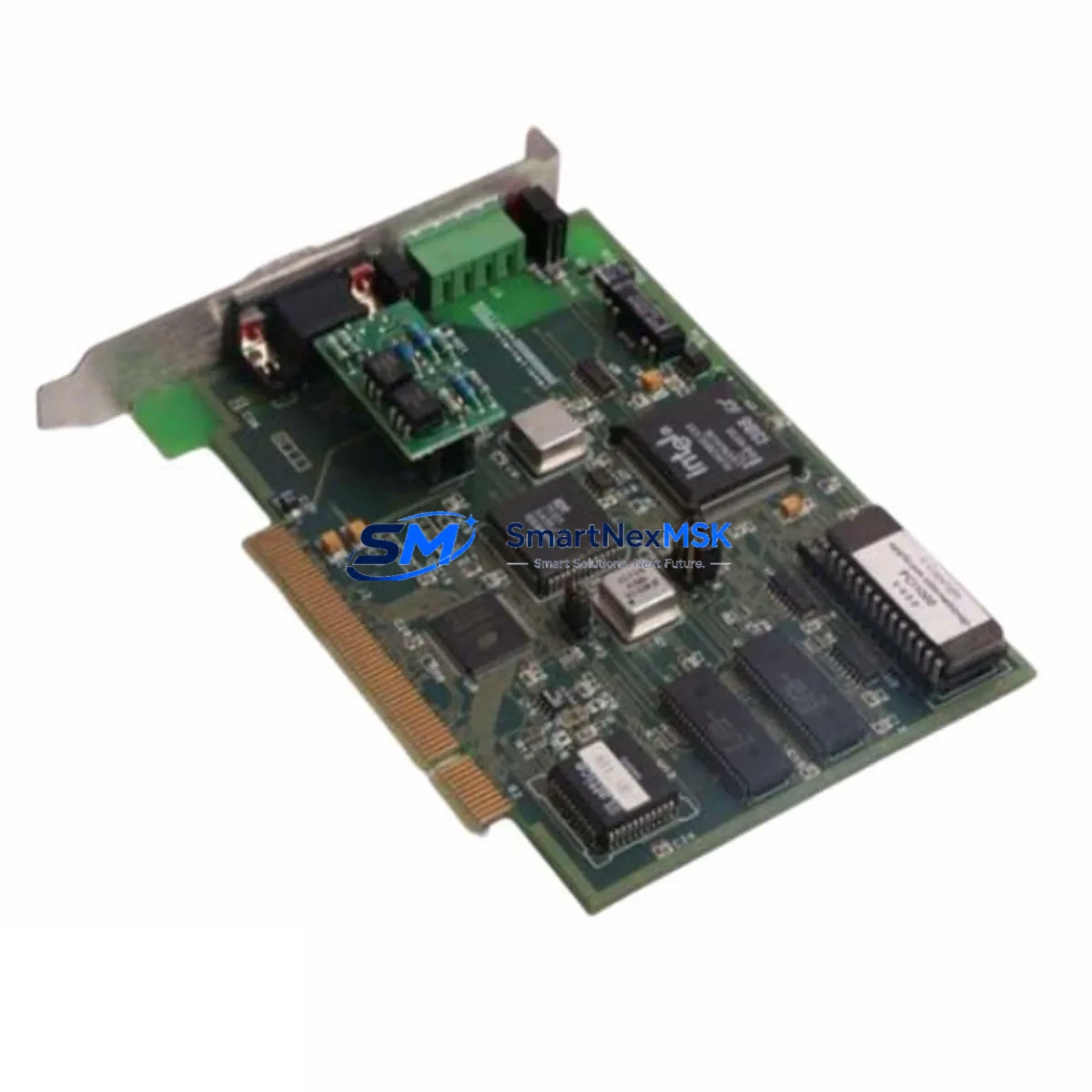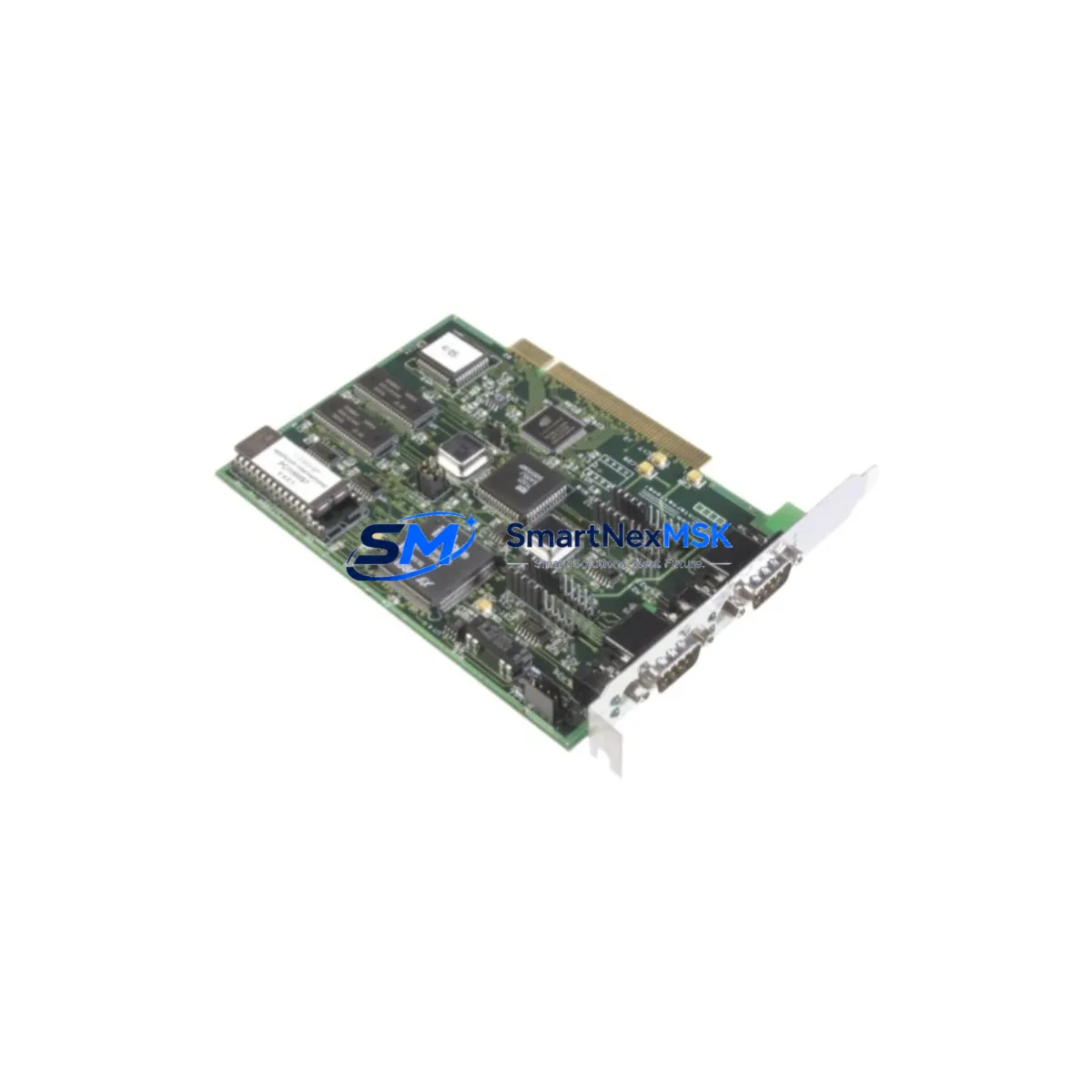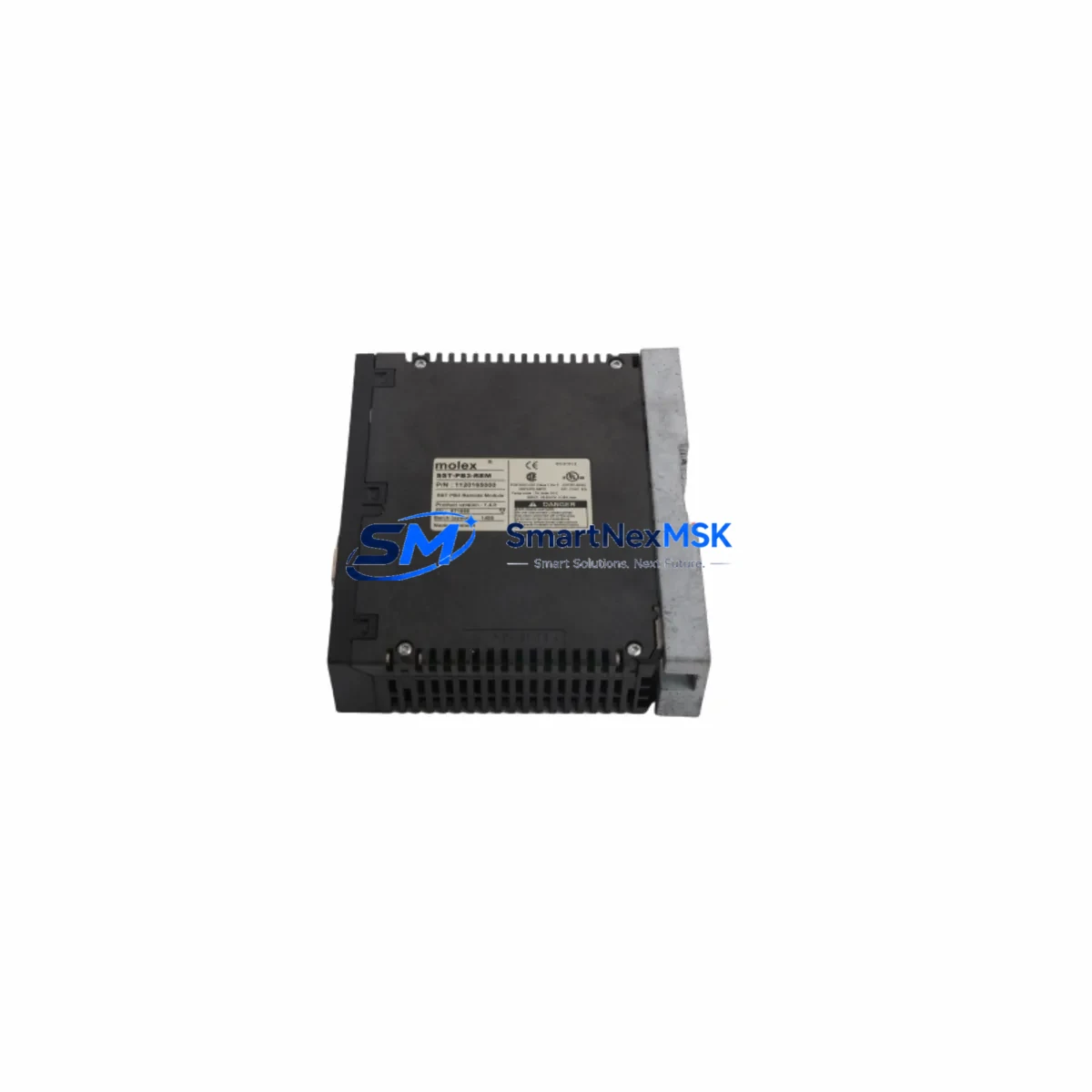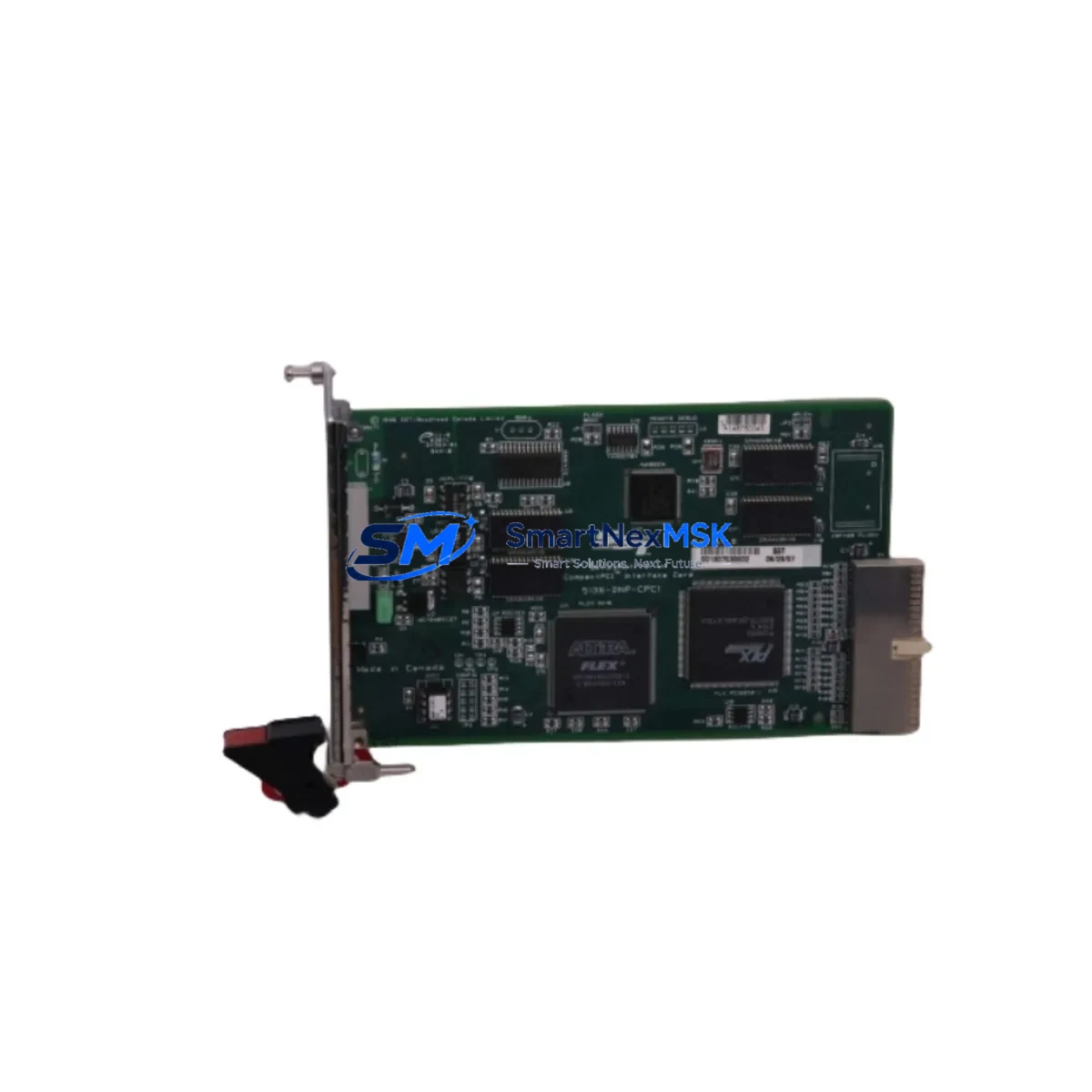
SST SST-DNP-PCI-4 Retrofit-Ready DeviceNet Interface for DNP-PCI Control Systems
The SST SST-DNP-PCI-4 is a four-port DeviceNet PCI interface card engineered for seamless integration into legacy and modern industrial control architectures. Designed as a verified retrofit replacement for the DNP-PCI series — including the discontinued DNP-PCI-2 and DNP-PCI-3 — this card delivers full DeviceNet protocol compliance, compatible terminal pinout, and identical rack mounting geometry, enabling plant engineers to execute control cabinet upgrades with minimal disruption to existing wiring harnesses and PLC program logic.
Whether your facility is migrating from an aging DNP-PCI-2 or DNP-PCI-3 installation, expanding I/O capacity across a multi-drop DeviceNet trunk, or recovering from an unplanned card failure on a critical production line, the SST-DNP-PCI-4 provides a verified, in-stock replacement path backed by a 12-month warranty and pre-shipment functional testing on every unit.
Upgrade Compatibility Table
| Parameter | DNP-PCI Series (Legacy / Discontinued) | SST SST-DNP-PCI-4 (Retrofit Replacement) |
|---|---|---|
| Interface Type | PCI Bus, 32-bit | PCI Bus, 32-bit Universal — drop-in fit |
| DeviceNet Ports | 1–2 ports (model dependent) | 4 ports — expanded capacity |
| Protocol Compatibility | DeviceNet (CAN-based, ISO 11898) | DeviceNet (CAN-based, ISO 11898) — full ODVA compliance |
| Terminal / Connector | 5-pin open-style DeviceNet connector | 5-pin open-style DeviceNet connector — direct wiring reuse |
| Installation | Standard PCI slot, half-length card | Standard PCI slot, half-length — same slot geometry |
| Driver / Software | SST DNP driver suite | SST DNP driver suite — backward compatible |
| Node Address Range | 0–63 | 0–63 per port |
| Baud Rate Support | 125 / 250 / 500 kbps | 125 / 250 / 500 kbps — identical |
| Replacement Recommendation | DNP-PCI-2 / DNP-PCI-3 (discontinued) | Direct replacement — no wiring or address changes required |
| Commissioning Focus | Node scan, EDS file import | Node scan, EDS file import — same workflow |
| Warranty | Varies (typically expired on legacy units) | 12-Month Warranty — all units ship pre-tested |
Retrofit Planning for Existing Automation Systems
A successful retrofit begins well before the card is physically installed. When replacing a DNP-PCI series card with the SST-DNP-PCI-4, the engineering team should first audit the host PC or industrial workstation’s available PCI slots, confirm operating system driver compatibility (Windows Server, Windows 10/11 LTSC, or real-time OS variants), and verify that the existing DeviceNet trunk cable — including thick or thin media segments, termination resistors at both ends, and T-port taps — remains within the 500-meter maximum network length specification.
On the network side, engineers should export the current node configuration from the legacy card’s configuration utility before removal. This preserves the EDS (Electronic Data Sheet) file mappings for all connected field devices — including variable frequency drives, distributed I/O blocks, photoelectric sensors, and valve manifolds — so that the SST-DNP-PCI-4 can be commissioned with the same node addresses and I/O mapping tables without reprogramming each device individually.
For systems where the DNP-PCI card interfaces with a Rockwell Automation RSLogix 5000 or Studio 5000 project, the DeviceNet scanner module configuration stored in the controller’s I/O tree must be verified against the new card’s port assignments. If the legacy installation used a single-port card and the SST-DNP-PCI-4 is configured as a multi-port replacement, the scanner’s port index references in the PLC program may require a one-time update. Similarly, any FactoryTalk View SE or ME HMI screens that display DeviceNet diagnostic tags — such as network health, node fault bits, or bus-off counters — should be validated after commissioning to confirm tag path continuity.
In control cabinets where the host PC also houses a ControlNet PCI interface card or a PROFIBUS DP PCI adapter in adjacent slots, IRQ and memory address conflicts should be checked in the system BIOS and Device Manager before the SST-DNP-PCI-4 is powered on. The card’s onboard CAN controller is self-contained and does not share interrupt lines with standard Ethernet NICs or serial COM ports, but legacy industrial PCs with ISA-legacy BIOS configurations may require manual resource assignment.
Power budget verification is equally important: the SST-DNP-PCI-4 draws operating power from the PCI bus (3.3 V and 5 V rails), and the host system’s power supply unit should be confirmed to provide adequate headroom — particularly in rack-mount industrial PCs where multiple interface cards, hard drives, and cooling fans share a single PSU. A 24 VDC field power supply on the DeviceNet trunk must also be sized to support all connected nodes; the SST-DNP-PCI-4 itself does not source network power, so the existing field power supply — typically a dedicated 24 V / 8 A or 16 A unit — remains in service unchanged.
For facilities running Allen-Bradley 1756-DNB DeviceNet Bridge modules in a ControlLogix backplane alongside a PC-based supervisory station, the SST-DNP-PCI-4 can serve as the PC-side scanner on the same DeviceNet segment, enabling parallel monitoring without disrupting the primary PLC scan cycle. This architecture is common in hybrid SCADA-PLC environments where the PC runs OPC server software or data historians alongside the controller. In systems that also include an Allen-Bradley 1771-SDN Scanner Module on a legacy PLC-5 rack, the SST-DNP-PCI-4 can coexist on the same trunk segment, provided each device holds a unique node address within the 0–63 range.
Where the control system includes a Molex DN-1460 or Turck DeviceNet power tap for network power distribution, the existing power tap wiring and fusing arrangement can be retained without modification. The SST-DNP-PCI-4’s port connectors accept the same 5-pin open-style DeviceNet plug used across the DNP-PCI product family, eliminating the need to re-terminate field cables during the upgrade.
Downtime Control During System Migration
Minimizing unplanned downtime is the primary concern in any live-system card replacement. The recommended approach is to perform the SST-DNP-PCI-4 installation during a scheduled maintenance window, following this sequence to protect program logic and field control continuity:
Step 1 — Pre-shutdown backup: Before powering down the host PC, use the legacy card’s configuration utility to export the full network configuration, including node addresses, I/O sizes, and EDS file references. Back up the PLC program from the connected controller (e.g., via RSLogix 5000 or Studio 5000 online save) and capture an export of any HMI tag database that references DeviceNet diagnostic data.
Step 2 — Controlled shutdown: Place the PLC in Program mode to halt output execution before removing the DeviceNet card. This prevents spurious output commands from reaching field devices — such as motor starters, solenoid valves, or servo drives — during the transition. If the system uses a safety relay module or safety PLC on the same network segment, confirm that the safety function enters a defined safe state before proceeding.
Step 3 — Physical swap: Remove the legacy DNP-PCI card and install the SST-DNP-PCI-4 in the same PCI slot. Reconnect the DeviceNet trunk cable to the corresponding port. If the new card’s four ports are used selectively, label each port’s connection clearly to avoid cross-wiring during future maintenance.
Step 4 — Driver installation and node scan: Install the SST DNP driver package on the host PC, then launch the SST configuration utility to perform a live node scan. Verify that all previously configured nodes — I/O blocks, drives, sensors — appear at their expected addresses. Import the previously exported EDS files to restore I/O mapping without manual re-entry.
Step 5 — PLC recommission and HMI validation: Return the PLC to Run mode and monitor the first scan cycle for any I/O fault bits. Validate HMI screens for correct tag resolution. Confirm that the DeviceNet network status LED on the SST-DNP-PCI-4 shows solid green (online, no faults) before releasing the line to production.
With proper preparation, the physical swap and recommissioning can typically be completed within a two-to-four-hour maintenance window, preserving the original program logic, field wiring, and HMI configuration without modification. Every SST-DNP-PCI-4 unit supplied by SMARTNEXMSK is pre-tested before shipment, reducing the risk of DOA failures and further compressing commissioning time.
Retrofit Support FAQ
Q1: Is the SST-DNP-PCI-4 a direct drop-in replacement for the discontinued DNP-PCI-2 and DNP-PCI-3?
Yes. The SST-DNP-PCI-4 uses the same PCI form factor, identical 5-pin DeviceNet connector pinout, and the same SST driver suite as the DNP-PCI-2 and DNP-PCI-3. Existing trunk wiring, termination resistors, and node address assignments can be reused without modification. The primary difference is the expanded port count (four ports vs. one or two), which provides additional network capacity for future I/O expansion without additional hardware.
Q2: What commissioning steps are required after installation?
After physical installation, install the SST DNP driver on the host PC, launch the SST Network Configuration Utility, and perform a live node scan to verify all field devices appear at their configured addresses. Import previously saved EDS files to restore I/O mapping. Return the PLC to Run mode and confirm network status LEDs show no fault conditions. Total commissioning time is typically under two hours for a previously documented network.
Q3: Can the SST-DNP-PCI-4 operate on the same DeviceNet segment as Allen-Bradley 1756-DNB or 1771-SDN scanner modules?
Yes. The SST-DNP-PCI-4 is fully ODVA-compliant and can coexist on the same trunk segment as Allen-Bradley 1756-DNB ControlLogix DeviceNet Bridge modules, 1771-SDN PLC-5 scanner modules, or any other ODVA-certified master or slave device. Each device must be assigned a unique node address (0–63) and the network must have valid termination at both ends of the trunk.
Q4: What does the 12-month warranty cover, and how are units tested before shipment?
Every SST-DNP-PCI-4 unit supplied by SMARTNEXMSK undergoes pre-shipment functional testing, including PCI bus enumeration verification, DeviceNet port loopback checks, and driver installation validation. The 12-month warranty covers manufacturing defects and functional failures under normal operating conditions. Units are shipped with original or equivalent ESD-protective packaging. For warranty claims, contact [email protected] with the unit serial number and fault description.
© 2026 SMARTNEXMSK. All rights reserved.
Original Source: https://smartnexmsk.com
Contact: [email protected] | +86 18259474341