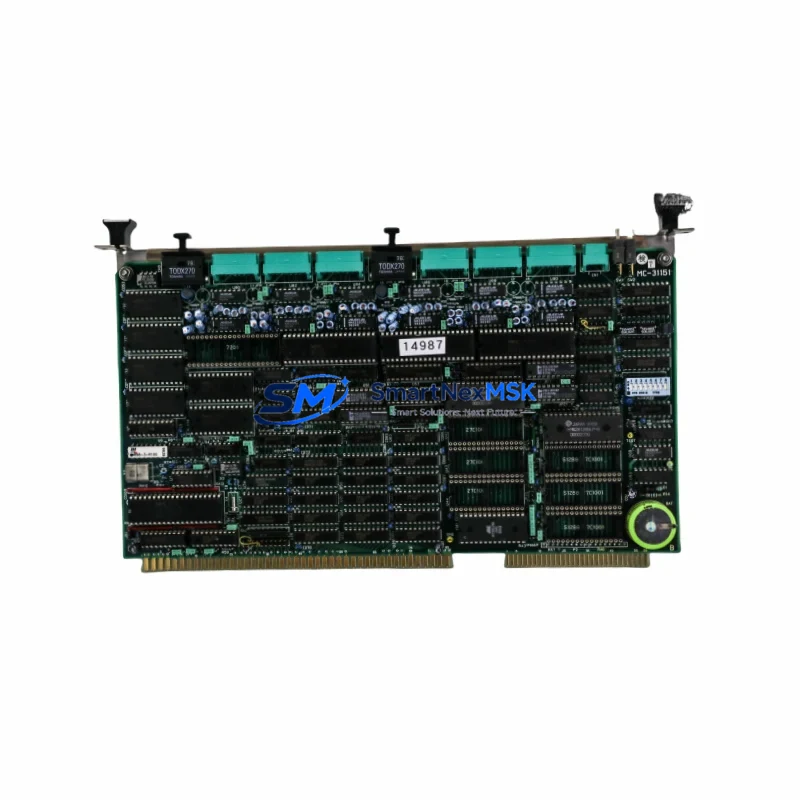
TOKYO ELECTRON BB81-000009-18 Spare for BB81 Automation: Spare Parts Replacement & Industrial Downtime Risk Control
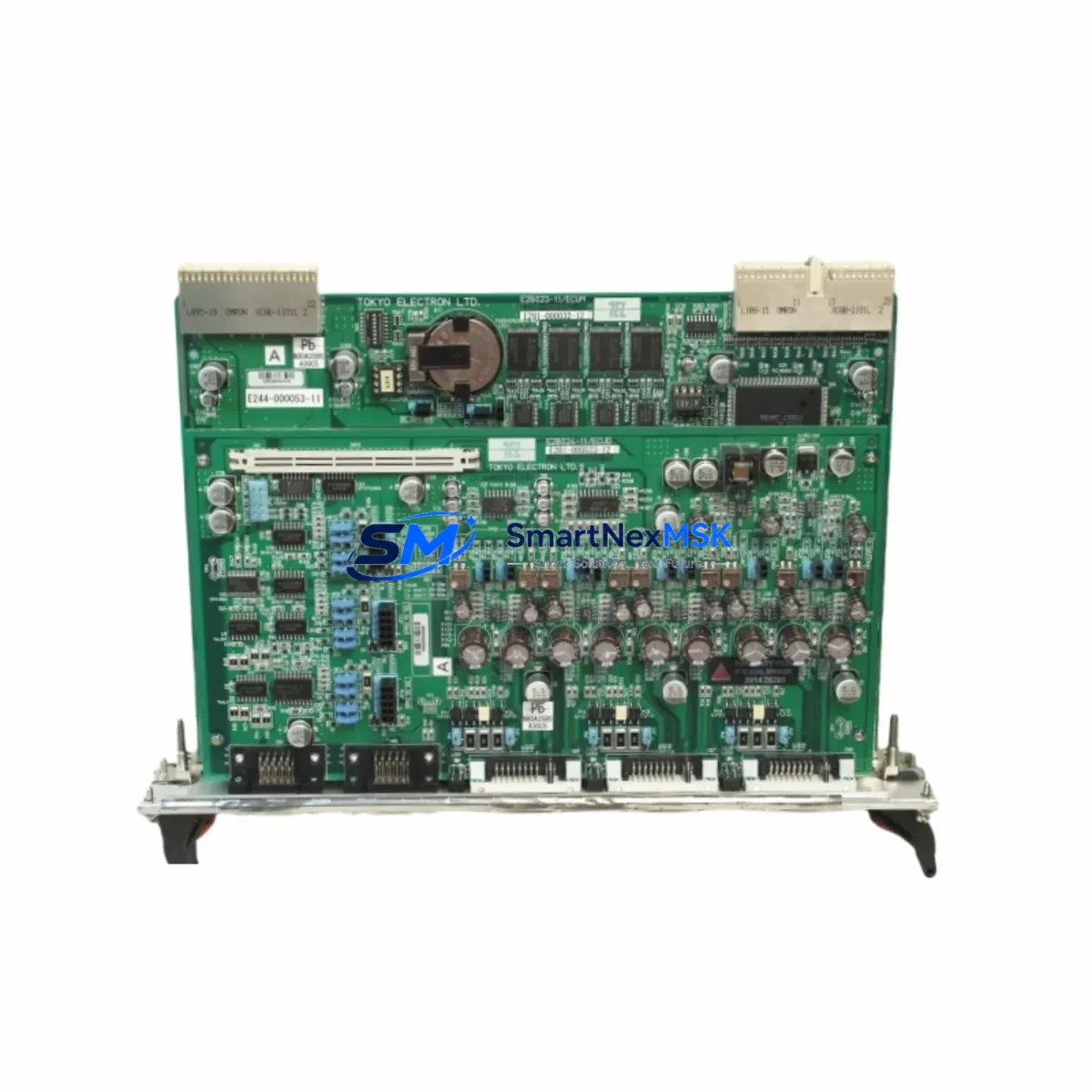
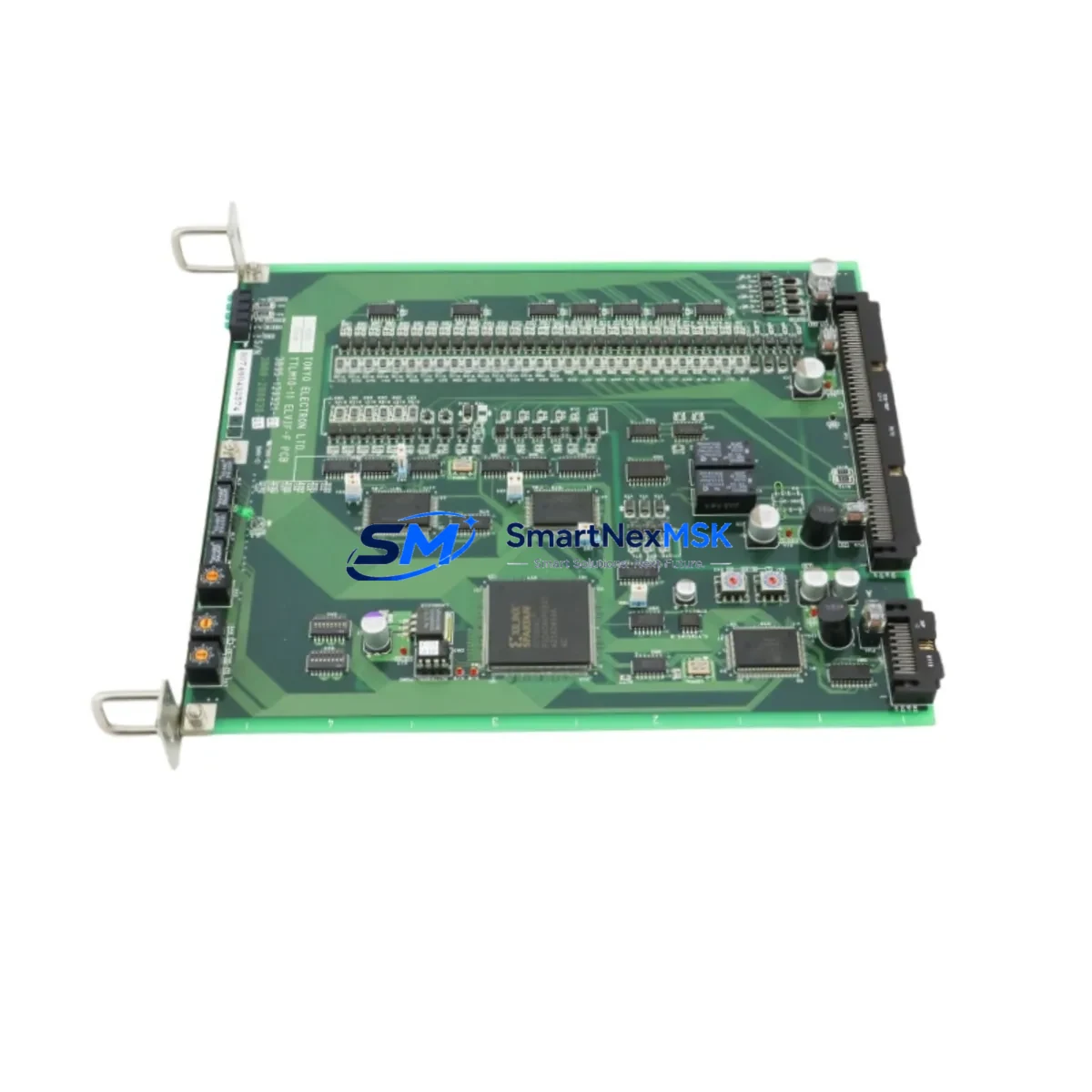
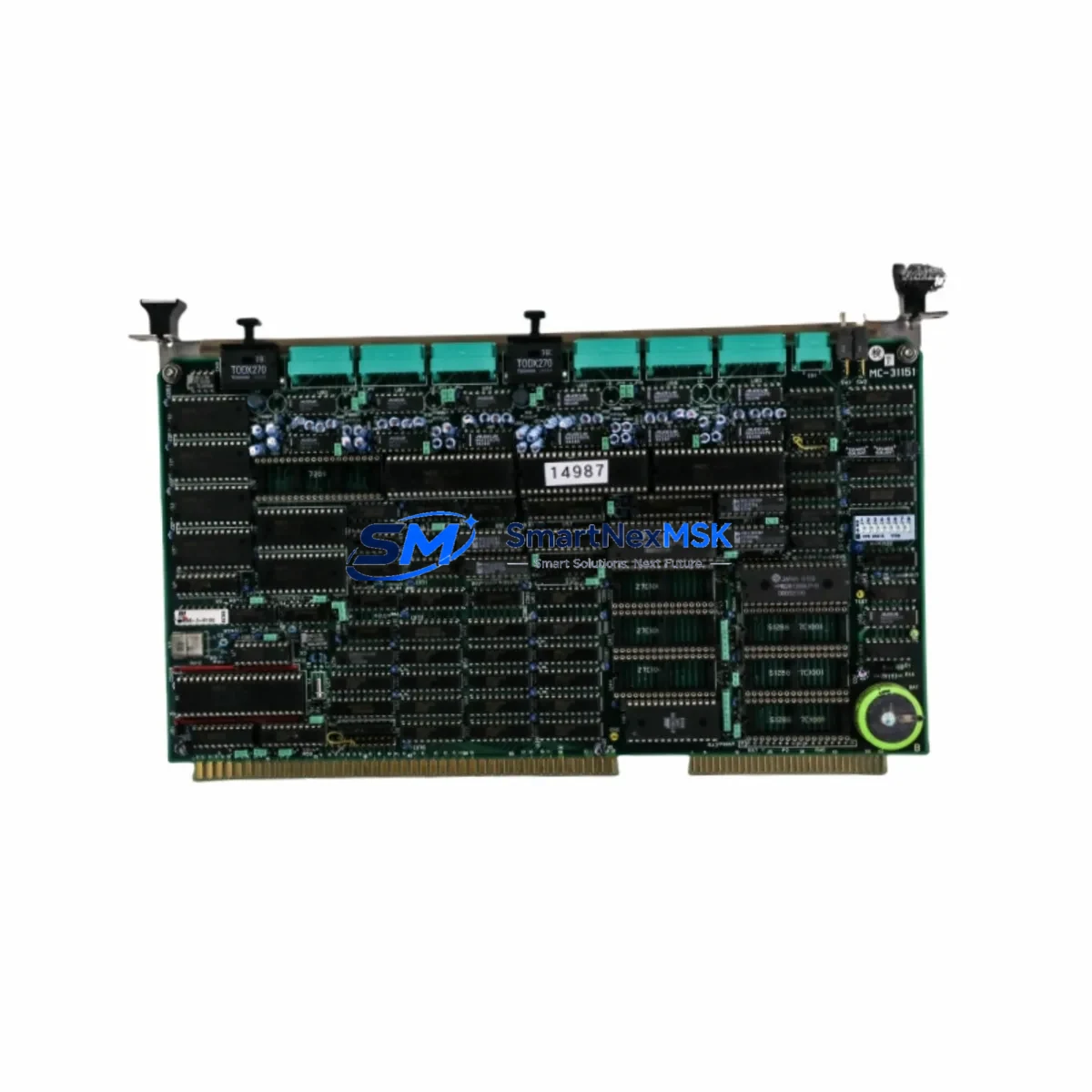
The TOKYO ELECTRON BB81-000009-18 is an original Transfer Distribution Board PCB Assembly designed for the BB81 series semiconductor automation platform. In high-throughput wafer fabrication and process equipment environments, this board serves as a critical signal routing and power distribution node within the equipment control cabinet. Unplanned failure of this assembly can halt an entire process line, making rapid spare availability a core element of any maintenance strategy.
For maintenance engineers managing aging TEL equipment, stocking a verified original BB81-000009-18 eliminates the most common cause of extended downtime: waiting on procurement. This unit ships tested, with full functional verification against BB81 series electrical specifications, and is backed by a 12-month warranty covering defects in materials and workmanship. Each unit undergoes pre-shipment inspection to confirm board integrity, connector condition, and component seating before dispatch.
Procurement engineers sourcing for planned shutdowns or emergency replacement programs will find this part available for immediate dispatch. Long-term supply continuity is supported for facilities managing multi-unit TEL equipment fleets or sustaining legacy BB81-based process tools beyond their original service lifecycle.
Spare Maintenance Table
| Parameter | Specification / Detail |
|---|---|
| Part Number / SKU | BB81-000009-18 |
| Manufacturer | TOKYO ELECTRON (TEL) |
| Series | BB81 |
| Product Type | Transfer Distribution Board PCB Assembly |
| Origin | Japan |
| Compatibility | TOKYO ELECTRON BB81 series semiconductor process equipment |
| Application | Signal distribution, power routing, inter-module communication within BB81 control cabinet |
| Installation | Direct board-level replacement; observe ESD precautions and torque specifications per TEL service manual |
| Operating Environment | Cleanroom-compatible; semiconductor fab process equipment enclosure |
| Pre-Shipment Testing | Functional verification, connector integrity check, visual inspection |
| Weight | 800 g (approx.) |
| Warranty | 12 Months — covers manufacturing defects and functional failure under normal operating conditions |
| Lead Time | In stock — ships within 1–3 business days |
| Barcode | 0200-14704 |
Maintenance Planning for Continuous Operation
When replacing the BB81-000009-18 Transfer Distribution Board, a thorough cabinet inspection is essential to prevent repeat failures and confirm system integrity before returning the tool to production. Maintenance engineers should treat this replacement as an opportunity to audit the full electrical environment of the BB81 control assembly.
Begin by inspecting the 24VDC and 5VDC power supply modules that feed the distribution board. Degraded power rails are a leading cause of PCB assembly failure in long-running TEL equipment. Check output voltage stability under load and verify that capacitors on the power supply board show no signs of bulging or leakage. If the BB81-000009-18 failed due to overvoltage or ripple, the upstream power module — often a dedicated BB81-series DC power unit — should be replaced concurrently.
Next, inspect all I/O interface connectors and ribbon cables connecting the distribution board to downstream modules. Oxidized or intermittently seated connectors are a frequent source of signal errors that can be misdiagnosed as board failure. Clean connector contacts and verify cable continuity before powering up the replacement board.
The relay output modules and solid-state relay (SSR) assemblies within the same cabinet should be checked for contact wear, especially if the equipment has been in service for more than five years. These components share the same control signals routed through the BB81-000009-18 and are subject to the same thermal and electrical stress cycles.
For equipment using PROFIBUS or DeviceNet communication modules integrated into the BB81 platform, verify that the communication bus is error-free after board replacement. A faulty distribution board can corrupt bus termination and cause cascading communication faults across connected nodes. Re-run the bus diagnostic utility from the TEL operator panel or HMI terminal to confirm clean communication before resuming automated operation.
Inspect the terminal block assemblies and DIN rail wiring within the control cabinet. Loose or corroded terminal connections can introduce ground loops or intermittent faults that stress the replacement board from the moment of installation. Torque all terminals to specification and verify wire insulation integrity.
If the BB81 system includes signal isolators or analog input conditioning modules for process sensors, verify their output ranges are within specification. Out-of-range signals passed through a newly installed distribution board can trigger false alarms or process interlocks, delaying return to production.
Finally, check the fuse holders and circuit protection assemblies on the distribution board’s input circuits. Blown or weakened fuses may indicate a transient fault condition that caused the original board failure. Replace any suspect fuses with correctly rated components before energizing the system.
Site Replacement Workflow
Step 1 — Isolate and de-energize. Follow TEL lockout/tagout (LOTO) procedures for the BB81 equipment. Confirm all power rails are discharged before opening the control cabinet.
Step 2 — Document existing configuration. Photograph connector positions, cable routing, and any jumper or DIP switch settings on the existing BB81-000009-18 board before removal. This is critical for legacy systems where configuration documentation may be incomplete.
Step 3 — Remove the failed board. Disconnect all connectors in sequence, remove mounting hardware, and extract the board using ESD-safe handling. Place the failed unit in an anti-static bag for return or failure analysis.
Step 4 — Inspect the mounting bay. Check the backplane connectors, guide rails, and mounting standoffs for damage. Clean any contamination from the installation area before inserting the replacement.
Step 5 — Install the BB81-000009-18 replacement. Seat the board firmly, reconnect all cables in the documented sequence, and verify that all connectors are fully engaged. Replicate any jumper or switch settings from your documentation.
Step 6 — Power-up and verify. Restore power in the correct sequence per the TEL service manual. Monitor power rail voltages at the board’s test points, then run the system self-diagnostic from the HMI. Confirm all I/O channels, communication links, and relay outputs are functioning correctly before releasing the tool to production.
Step 7 — Update maintenance records. Log the replacement date, part number, and any observations from the inspection. Update your spare parts inventory and initiate replenishment of the consumed BB81-000009-18 unit to maintain buffer stock.
Spare Parts Support FAQ
Q1: What is the expected service life of the BB81-000009-18, and when should it be proactively replaced?
Under normal operating conditions in a controlled semiconductor fab environment, PCB assemblies of this type typically remain reliable for 8–15 years. However, for BB81 equipment approaching or exceeding 10 years of continuous operation, proactive replacement during a planned shutdown is recommended — particularly if the equipment has experienced power anomalies, thermal events, or communication faults. Maintaining one spare unit in stock eliminates the risk of an unplanned outage while awaiting procurement.
Q2: How is the BB81-000009-18 tested before shipment, and what does the 12-month warranty cover?
Each unit undergoes functional verification including power-on testing, connector integrity inspection, and visual examination for component damage or board defects. The 12-month warranty covers manufacturing defects and functional failure under normal operating conditions. It does not cover damage resulting from incorrect installation, overvoltage events, or physical mishandling. Warranty claims are supported with replacement dispatch within standard lead times.
Q3: Can the BB81-000009-18 replace older revision boards in legacy BB81 systems?
In most cases, yes. TOKYO ELECTRON maintains backward compatibility across BB81 series board revisions for this assembly type. However, maintenance engineers should verify the board revision number and any site-specific configuration settings (jumpers, DIP switches) against the installed system before replacement. If revision compatibility is uncertain, contact our technical support team with your equipment serial number for confirmation prior to installation.
Q4: What is the recommended spare parts inventory strategy for facilities operating multiple BB81 tools?
For facilities running two or more BB81-equipped process tools, maintaining a minimum of one BB81-000009-18 unit in local stock is strongly recommended. For larger fleets (five or more tools), a two-unit buffer provides adequate coverage for simultaneous failures during peak production periods. Pair this with scheduled annual cabinet inspections and proactive replacement of aging power supply modules and relay assemblies to minimize unplanned downtime across the fleet.
© 2026 SMARTNEXMSK. All rights reserved.
Original Source: https://smartnexmsk.com
Contact: [email protected] | +86 18259474341