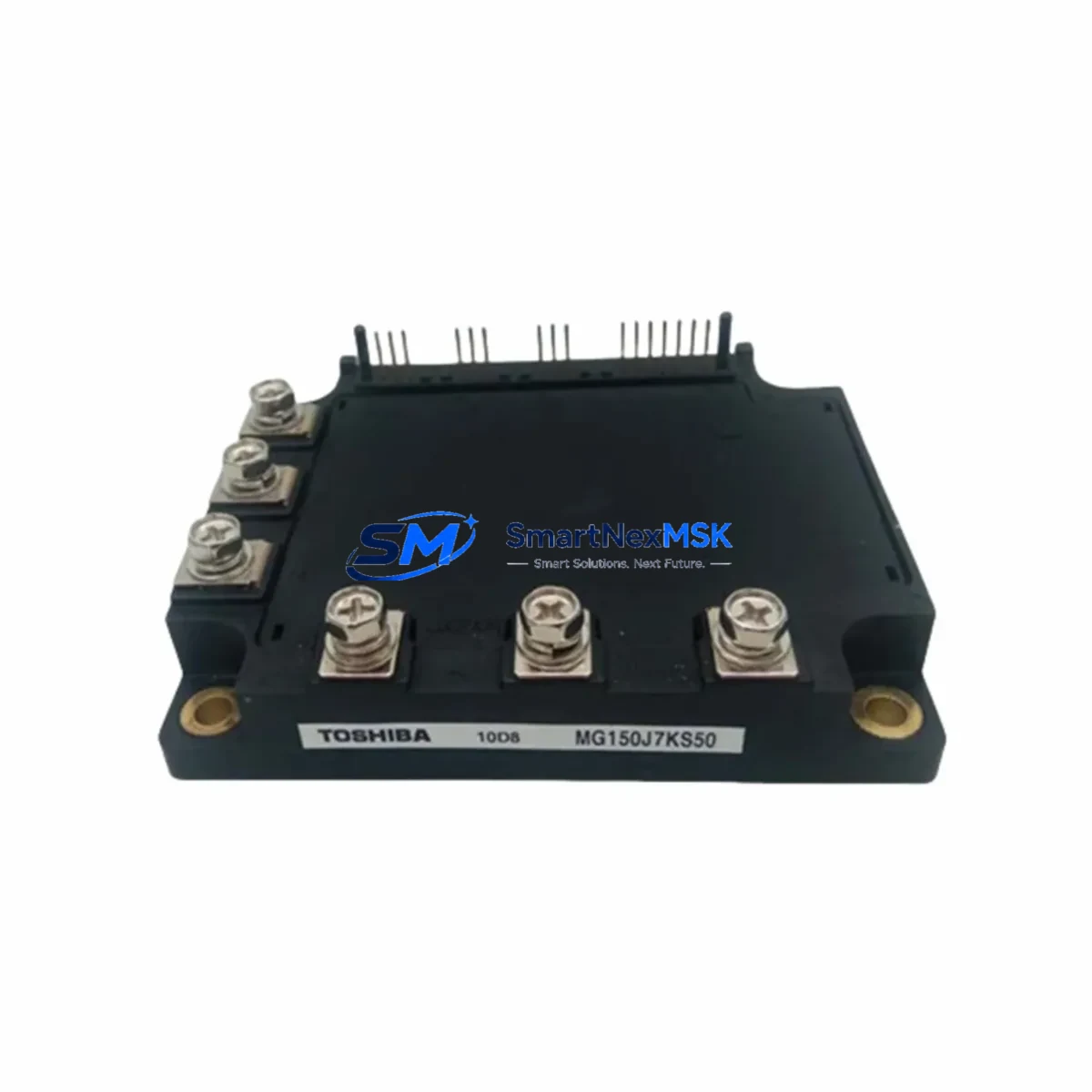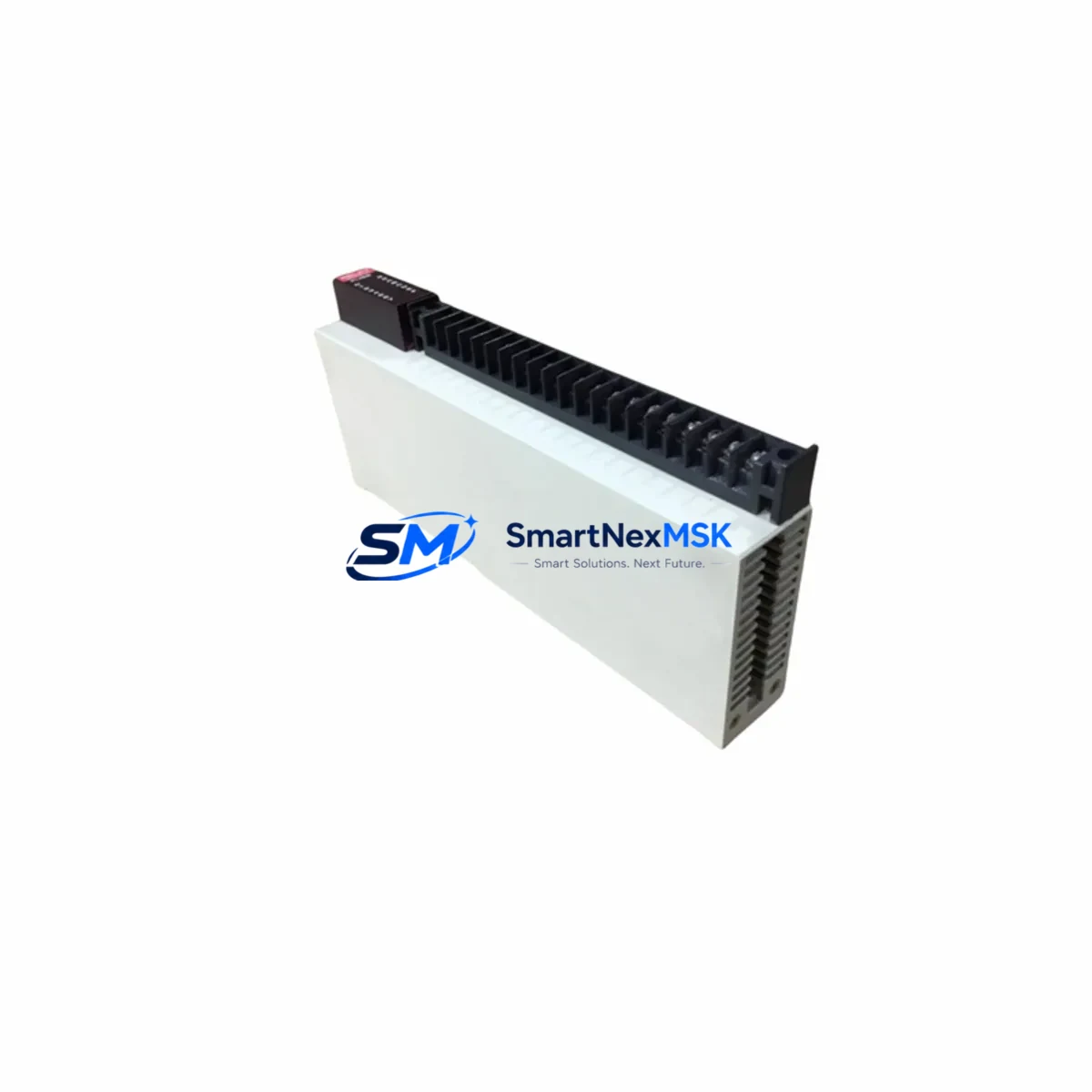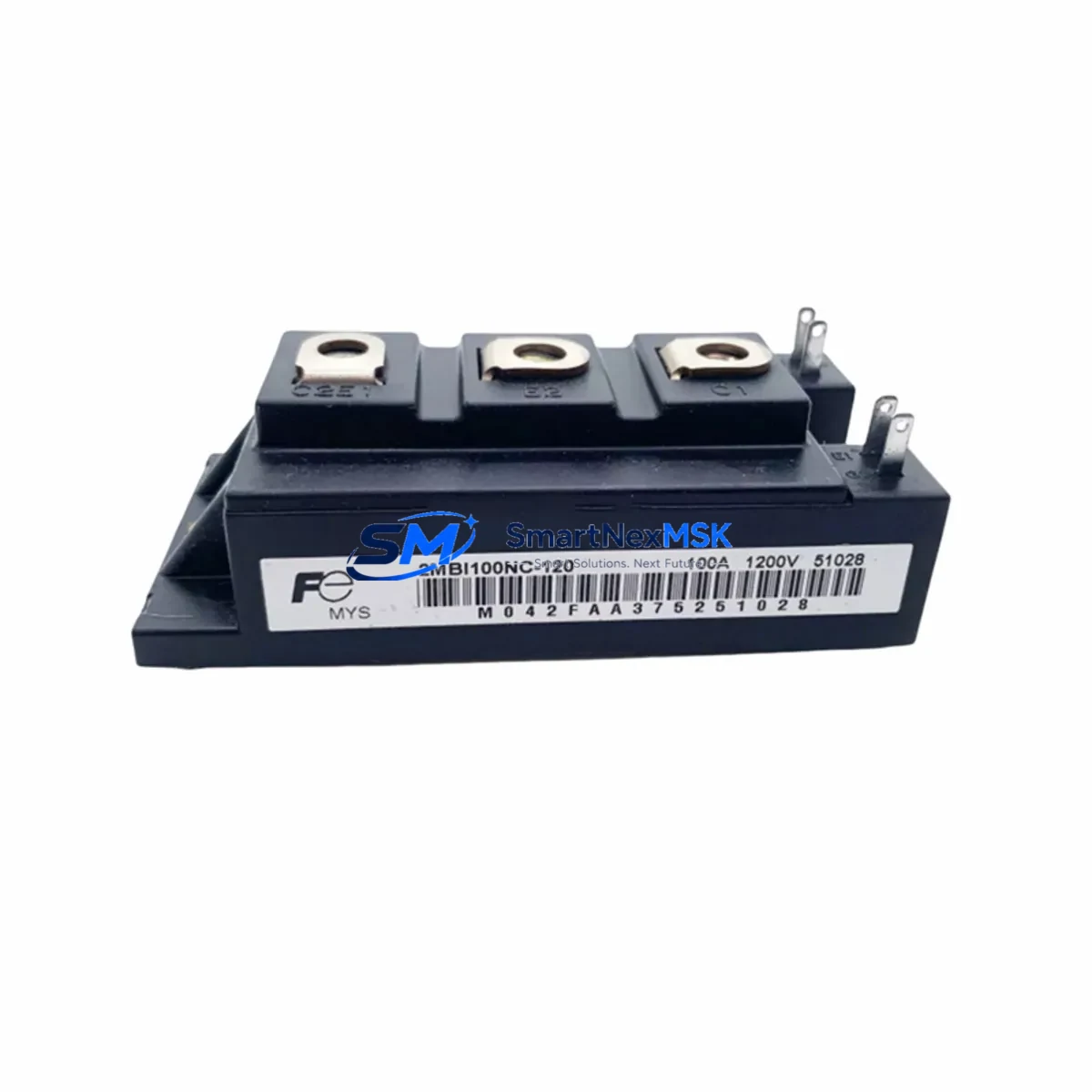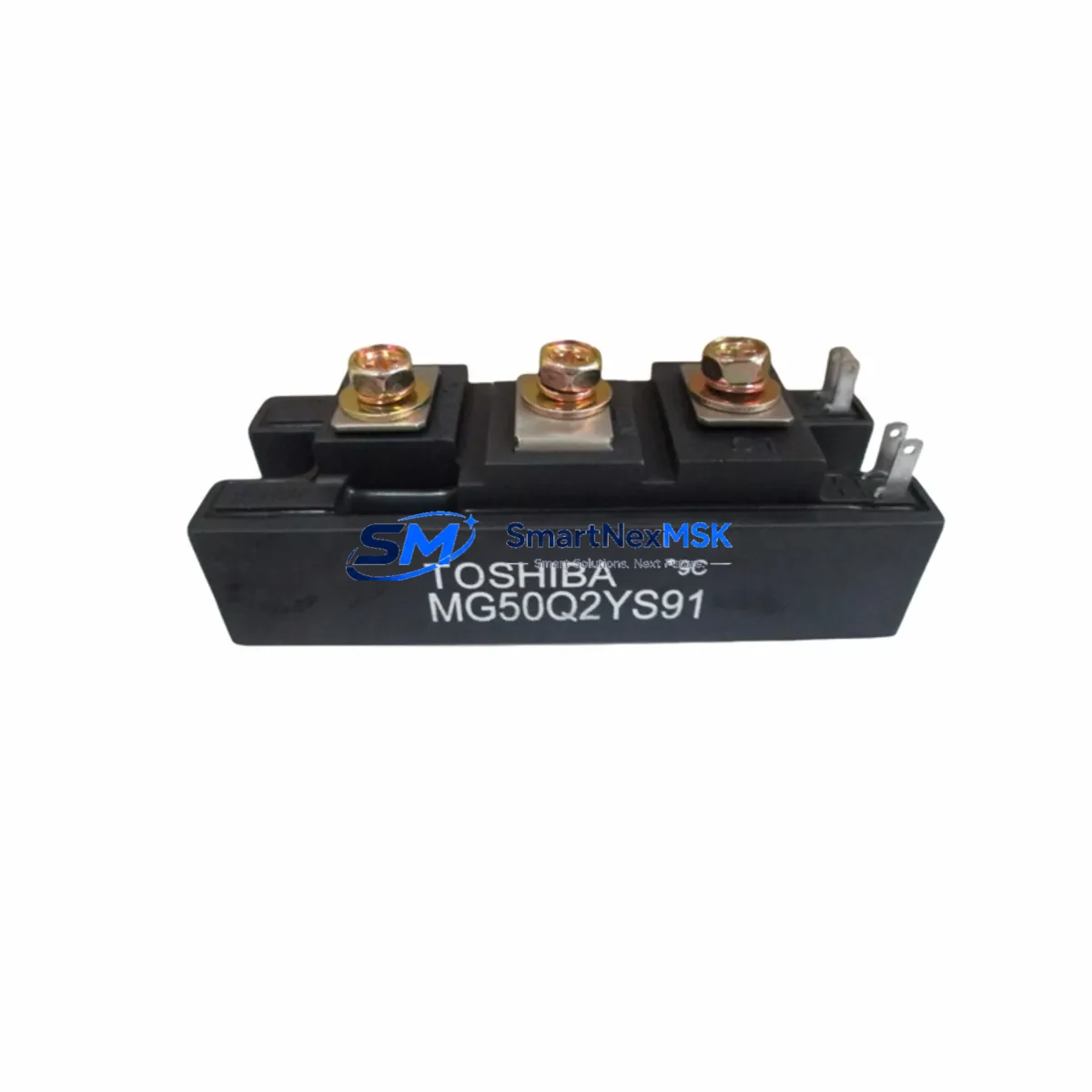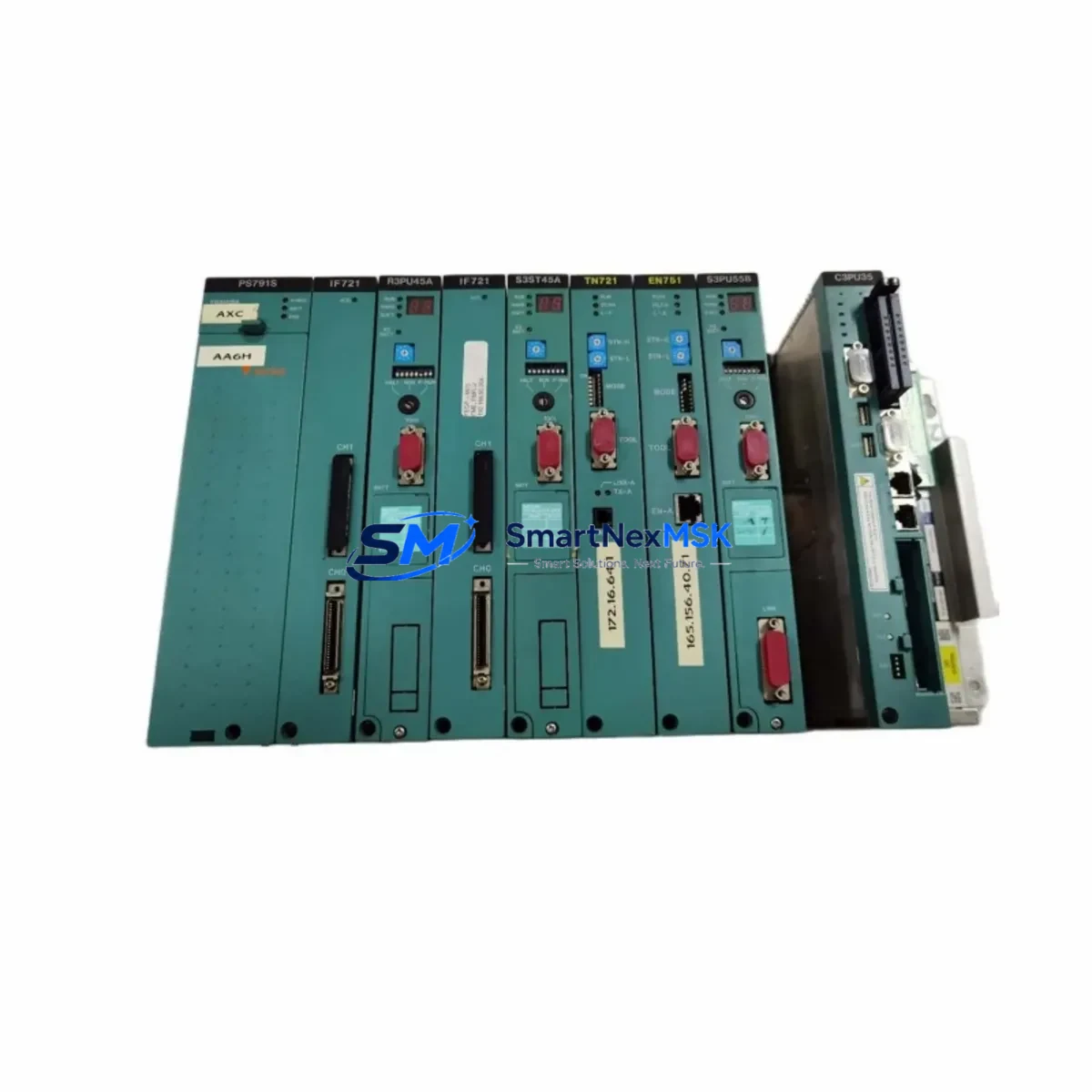
TOSHIBA TN721-GTN721 Retrofit-Ready Power Supply for GTN Series Control Systems
The TOSHIBA TN721 (GTN721) is a servo drive power supply module engineered for seamless compatibility with TOSHIBA GTN series control systems. As legacy GTN-series installations age and original spare parts become increasingly scarce, the TN721/GTN721 has become the go-to retrofit solution for maintenance engineers and system integrators managing aging automation lines. Whether you are replacing a failed unit on an active production line, upgrading a control cabinet to extend service life, or migrating from an obsolete platform, the TN721-GTN721 delivers the electrical performance and mechanical fit required for a smooth, low-risk transition.
Sourced directly from verified industrial supply channels, every unit shipped by SMARTNEXMSK undergoes pre-shipment functional testing to confirm output voltage stability, inrush current behavior, and protection circuit integrity. All units carry a 12-month warranty covering manufacturing defects and functional failures under normal operating conditions.
Upgrade Compatibility Table
| Parameter | TN721 / GTN721 Specification | Retrofit Notes |
|---|---|---|
| Module Type | Servo Drive Power Supply Module | Direct form-factor replacement for GTN series racks |
| Series Compatibility | TOSHIBA GTN Series | Verify backplane connector pinout before installation |
| Mounting Interface | GTN-series backplane slot | Confirm rack slot width and guide-rail alignment |
| Communication Protocol | Internal bus (GTN platform) | No protocol migration required for same-series swap |
| Terminal Wiring | Screw-terminal block | Re-use existing wire labels; verify torque spec (0.5–0.6 Nm) |
| Replacement Recommendation | 1:1 drop-in for failed or EOL GTN721 units | Cross-reference module address settings before power-up |
| Commissioning Focus | Output voltage check, protection relay test | Use TOSHIBA GTN programming tool for parameter verification |
| Warranty | 12 Months — covers functional failure under normal operating conditions | |
Retrofit Planning for Existing Automation Systems
Replacing a power supply module in a live GTN-series control cabinet requires careful pre-work to avoid unplanned downtime and protect existing program logic. Before removing the failed TN721 or GTN721 unit, engineers should document the current rack configuration, including the slot address assigned to the power supply module and the position of adjacent I/O modules such as the TOSHIBA GTN-series digital input/output expansion cards. If the control system includes a TOSHIBA GTN communication module for serial or fieldbus connectivity, confirm that the communication link remains active on a redundant path during the swap window.
Power capacity planning is critical. Calculate the total current draw of all installed modules — including the GTN CPU module, any analog I/O modules, and connected HMI panels — to confirm the TN721 replacement unit’s rated output is sufficient for the expanded or reconfigured rack. In systems where a TOSHIBA GTN rack expander or remote I/O backplane has been added since original commissioning, the aggregate load may have increased beyond the original design margin.
Wiring adaptation is straightforward for same-series replacements. The TN721/GTN721 uses the standard GTN screw-terminal block layout, so existing field wiring can be reconnected without modification. However, if the retrofit is part of a broader upgrade that introduces a new TOSHIBA servo amplifier or replaces legacy GTN pulse-train output cards with modern EtherCAT-compatible motion control modules, terminal mapping must be re-verified against the updated system schematic.
For sites migrating from older GTN variants to a newer TOSHIBA control platform, the TN721 can serve as an interim power supply while the CPU module and programming software are updated. This staged approach — replacing the power supply first, validating stability, then upgrading the controller and HMI — minimizes the risk of simultaneous multi-component failures during the transition period. Engineers using TOSHIBA’s GTN programming cable and configuration utility should back up all ladder logic and parameter files before any hardware change.
Downtime Control During System Migration
Minimizing production downtime during a GTN-series power supply replacement begins with preparation, not speed. Before the maintenance window opens, stage the replacement TN721/GTN721 unit on the bench and perform a dry-run of the installation sequence. Confirm that the module’s DIP switch or rotary address settings match the original unit — mismatched module addresses are one of the most common causes of post-swap communication faults between the power supply and the GTN CPU.
Back up the PLC program from the GTN CPU module to a laptop running the TOSHIBA programming environment. Even if no program changes are planned, having a verified backup eliminates recovery time if a configuration parameter is inadvertently altered during the swap. If the system drives an HMI panel with custom screen logic tied to power supply status tags, verify that those tags will re-initialize correctly after the module is replaced and the rack is powered up.
For critical lines where even a 30-minute outage is unacceptable, consider a parallel-power strategy: bring up the replacement TN721 in a temporary test rack alongside the live system, validate its output under load, and then execute the physical swap during a scheduled micro-stop. This approach is particularly effective in food processing, pharmaceutical, and semiconductor facilities where control continuity is a regulatory requirement.
After installation, restore power in sequence — rack power first, then field I/O, then servo drives — and monitor the system bus for fault codes before releasing the line to production. Document the replacement in the site’s maintenance log, including the new module’s serial number and the date of installation, to support future warranty claims and audit trails.
Retrofit Support FAQ
Q1: Is the TOSHIBA TN721 a direct replacement for the GTN721, and will it work without program changes?
Yes. The TN721 and GTN721 are functionally equivalent designations for the same module within the TOSHIBA GTN series. In a like-for-like swap within the same rack generation, no program changes are required. Verify that the module address configuration (DIP switches or jumpers) matches the original unit before powering up.
Q2: What wiring checks are required before installing the replacement unit?
Inspect all terminal connections for corrosion, loose strands, or incorrect torque. Re-terminate any suspect connections using the manufacturer’s specified torque (typically 0.5–0.6 Nm for GTN-series screw terminals). Confirm that the input voltage supply matches the module’s rated input range and that protective earth continuity is intact.
Q3: How do I verify compatibility if my GTN-series rack has been expanded or modified since original installation?
Calculate the total power consumption of all installed modules in the rack, including any expansion I/O cards, communication modules, and motion control cards added after the original build. Compare this against the TN721’s rated output capacity. If the load has grown, a higher-capacity power supply module may be required, or load balancing across multiple supply slots should be considered.
Q4: What does the 12-month warranty cover, and how is a claim initiated?
The 12-month warranty covers functional failures attributable to manufacturing defects under normal operating conditions. It does not cover damage caused by incorrect installation, overvoltage events, or environmental factors outside the module’s rated specifications. To initiate a warranty claim, contact SMARTNEXMSK with the module serial number, purchase date, and a description of the fault. Replacement or repair will be arranged within the warranty period.
© 2026 SMARTNEXMSK. All rights reserved.
Original Source: https://smartnexmsk.com
Contact: [email protected] | +86 18259474341