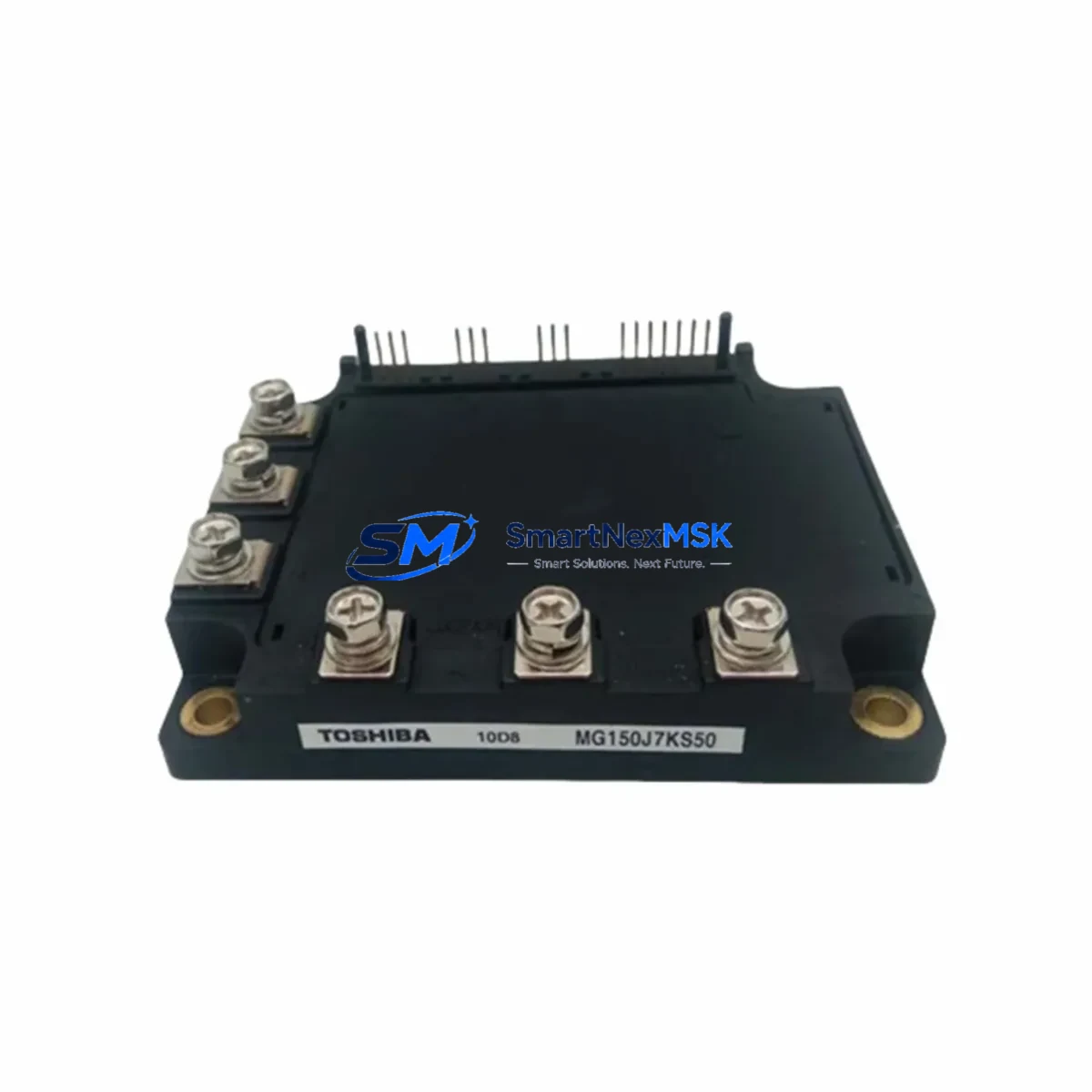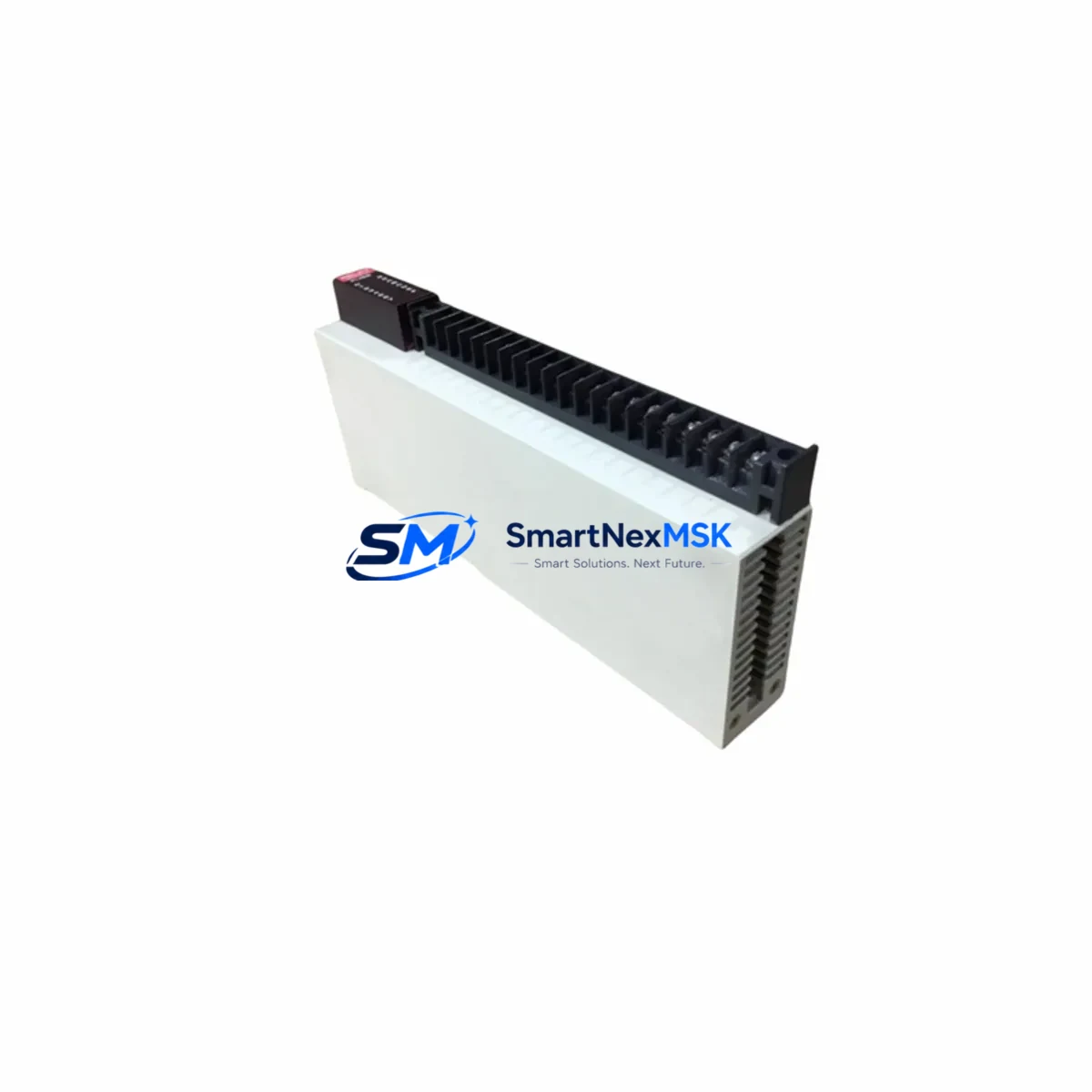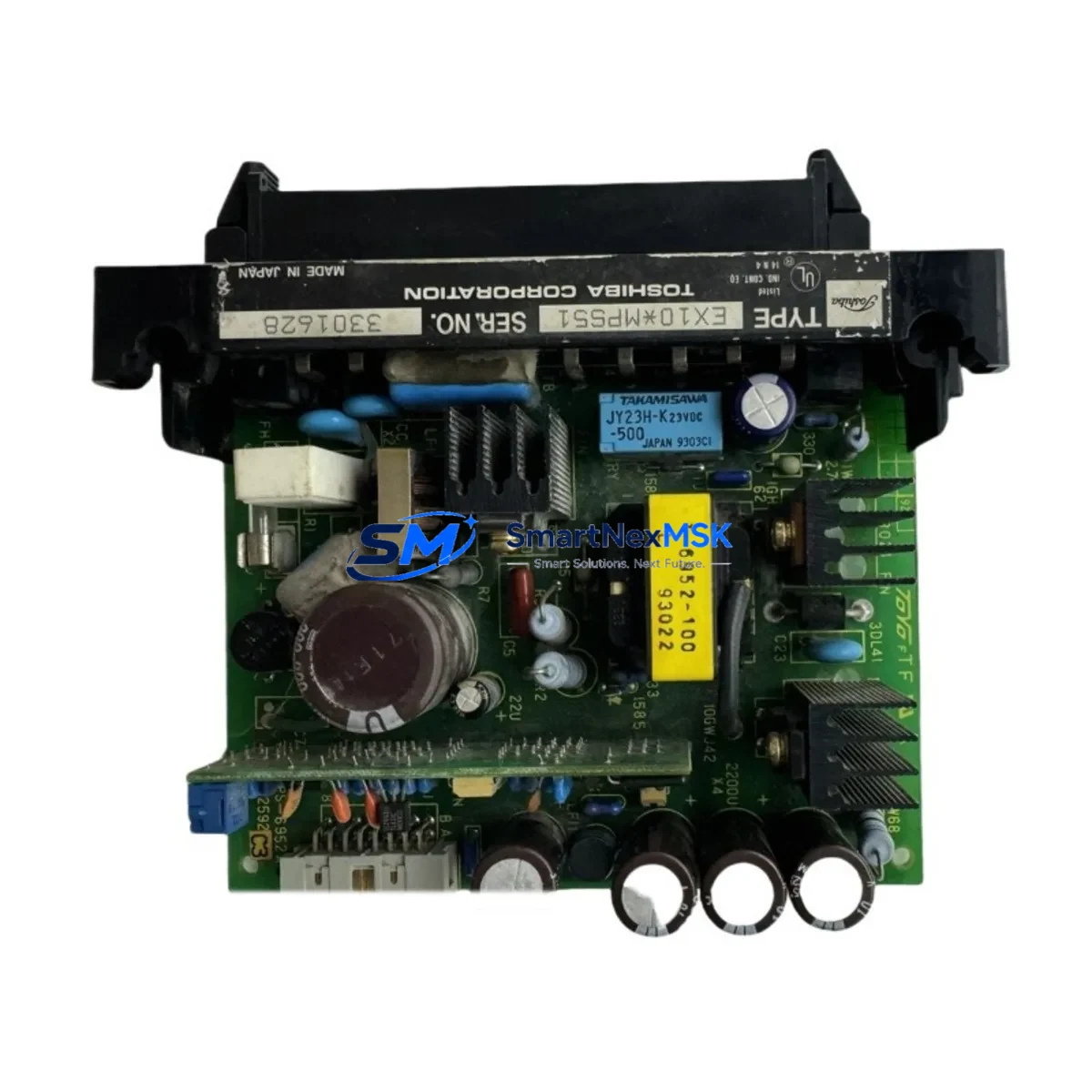
TOSHIBA EX10*MPS51 Retrofit-Ready Power Supply for EX Series Control Systems
The TOSHIBA EX10*MPS51 is a rack-mounted DC power supply module engineered for the TOSHIBA EX10 programmable logic controller platform. As legacy EX Series installations approach end-of-life and original spare parts become increasingly scarce, the EX10*MPS51 serves as the definitive retrofit solution — enabling engineers to restore, stabilize, and modernize aging control cabinets without replacing the entire PLC chassis or rewriting established ladder logic programs.
Whether you are managing a planned system upgrade, responding to an unplanned power module failure, or executing a phased migration from discontinued TOSHIBA EX Series hardware, the EX10*MPS51 is designed to minimize engineering rework, reduce commissioning time, and maintain continuity of your existing control architecture. Our inventory is sourced, inspected, and dispatched from Xiamen with a 12-month warranty on every unit.
Upgrade Compatibility Table
| Parameter | Details |
|---|---|
| Model | TOSHIBA EX10*MPS51 |
| Compatible Rack | TOSHIBA EX10 Series Backplane / Base Unit |
| Replaces | EX10*MPS51 (OEM), compatible with EX10*MPS50 slot positions (verify output ratings) |
| Installation Type | Rack-mount, backplane slot insertion — no rewiring of field terminals required |
| Communication Compatibility | Passive power module; compatible with all EX10 CPU modules including EX10*CPU11, EX10*CPU21 |
| I/O Module Compatibility | Supports co-rack installation with EX10 digital I/O (EX10*DI32, EX10*DO32) and analog I/O modules |
| Retrofit Recommendation | Direct slot replacement; confirm backplane connector alignment and output voltage specification before installation |
| Commissioning Focus | Verify DC bus voltage at startup; check module status LED; confirm CPU module boot sequence |
| Warranty | 12 Months — covers manufacturing defects and functional failure under normal operating conditions |
Retrofit Planning for Existing Automation Systems
A successful EX10*MPS51 retrofit begins well before the module arrives on-site. Engineers should start by auditing the existing control cabinet to document the current rack configuration, including the positions of the EX10*CPU21 central processing unit, any installed EX10*DI32 digital input modules, EX10*DO32 digital output modules, and any EX10*AI8 analog input cards. Understanding the full slot map ensures that the replacement power supply is inserted into the correct backplane position without disturbing adjacent module addressing.
Power capacity is a critical pre-installation check. Calculate the total current draw of all installed I/O modules, the CPU, and any co-rack communication modules such as the EX10*COM11 serial communication module or EX10*ETH01 Ethernet interface card. The EX10*MPS51 must be confirmed to supply sufficient DC bus current for the fully loaded rack. If the existing rack is near its power budget limit, this is also an opportunity to evaluate whether a rack expansion using an EX10*EXP expansion backplane and a dedicated secondary power supply is warranted.
Terminal wiring on the AC input side of the power supply should be inspected and re-torqued during the replacement procedure. Verify that the incoming AC supply voltage matches the module’s rated input range, and confirm that the protective earth connection is intact. If the control cabinet also houses a TOSHIBA TP-HMI operator panel or a third-party HMI connected via RS-232 or RS-485, ensure that the HMI communication link to the CPU remains uninterrupted during the power module swap — this typically requires a brief controlled shutdown rather than a hot-swap procedure.
For sites running TOSHIBA’s proprietary T-series programming environment, back up the current CPU program to a TOSHIBA programming cable (EX-CBL or equivalent USB adapter) before beginning any hardware work. Confirm that the program version stored on the laptop matches the version currently executing in the CPU. This protects against accidental program loss if the CPU loses its battery-backed RAM during the power interruption.
Downtime Control During System Migration
Minimizing production downtime during a power supply replacement on an EX10 Series rack requires a structured, time-boxed approach. Begin by scheduling the replacement during a planned maintenance window and communicating the expected outage duration to operations. A well-prepared EX10*MPS51 swap — where the replacement module is pre-tested, the program backup is confirmed, and all tools are staged — can typically be completed within 30 to 60 minutes of controlled downtime.
Before de-energizing the rack, place the process under manual control or safe-state hold if the application permits. Document the current output states of all EX10*DO32 digital output modules so that field devices can be returned to their correct states after restart. If the system controls a continuous process, coordinate with the process team to identify a safe interruption point.
After installing the EX10*MPS51, restore AC power and observe the module’s status indicators before allowing the CPU to resume program execution. Confirm that the EX10*CPU21 (or installed CPU variant) completes its self-diagnostic cycle without fault codes. Re-establish communication with any connected HMI panels and verify that all I/O module status lights indicate normal operation. Only after a full system health check should the process be returned to automatic control. This disciplined restart sequence protects both the equipment and the integrity of the control program, ensuring that the retrofit does not introduce new faults into the running system.
Retrofit Support FAQ
Q1: Is the EX10*MPS51 a direct drop-in replacement for the original OEM module?
Yes. The EX10*MPS51 is designed to fit the standard EX10 Series backplane slot. Physical dimensions, connector pinout, and DC output specifications match the original OEM module. No modification to the rack, wiring harness, or field terminal blocks is required for a like-for-like replacement.
Q2: What commissioning checks are required after installation?
After seating the module and restoring AC power, verify the DC bus output voltage using a calibrated multimeter at the backplane test points. Confirm that the CPU module boots without error codes and that all co-rack I/O modules report healthy status. Re-establish HMI communication and perform a functional I/O check before returning the system to automatic operation.
Q3: Can this module be used alongside newer TOSHIBA S Series or V Series controllers?
The EX10*MPS51 is specifically designed for the EX10 Series backplane architecture and is not mechanically or electrically compatible with TOSHIBA S Series or V Series racks. For cross-platform migration projects, please contact our technical team to discuss the appropriate power supply and I/O migration path.
Q4: What does the 12-month warranty cover?
Every EX10*MPS51 unit shipped by SMARTNEXMSK carries a 12-month warranty covering manufacturing defects and functional failure under normal operating conditions. Each unit undergoes pre-shipment functional testing. In the event of a warranty claim, we provide a replacement unit or full refund. Warranty does not cover damage resulting from incorrect installation, overvoltage events, or physical mishandling.
© 2026 SMARTNEXMSK. All rights reserved.
Original Source: https://smartnexmsk.com
Contact: [email protected] | +86 18259474341