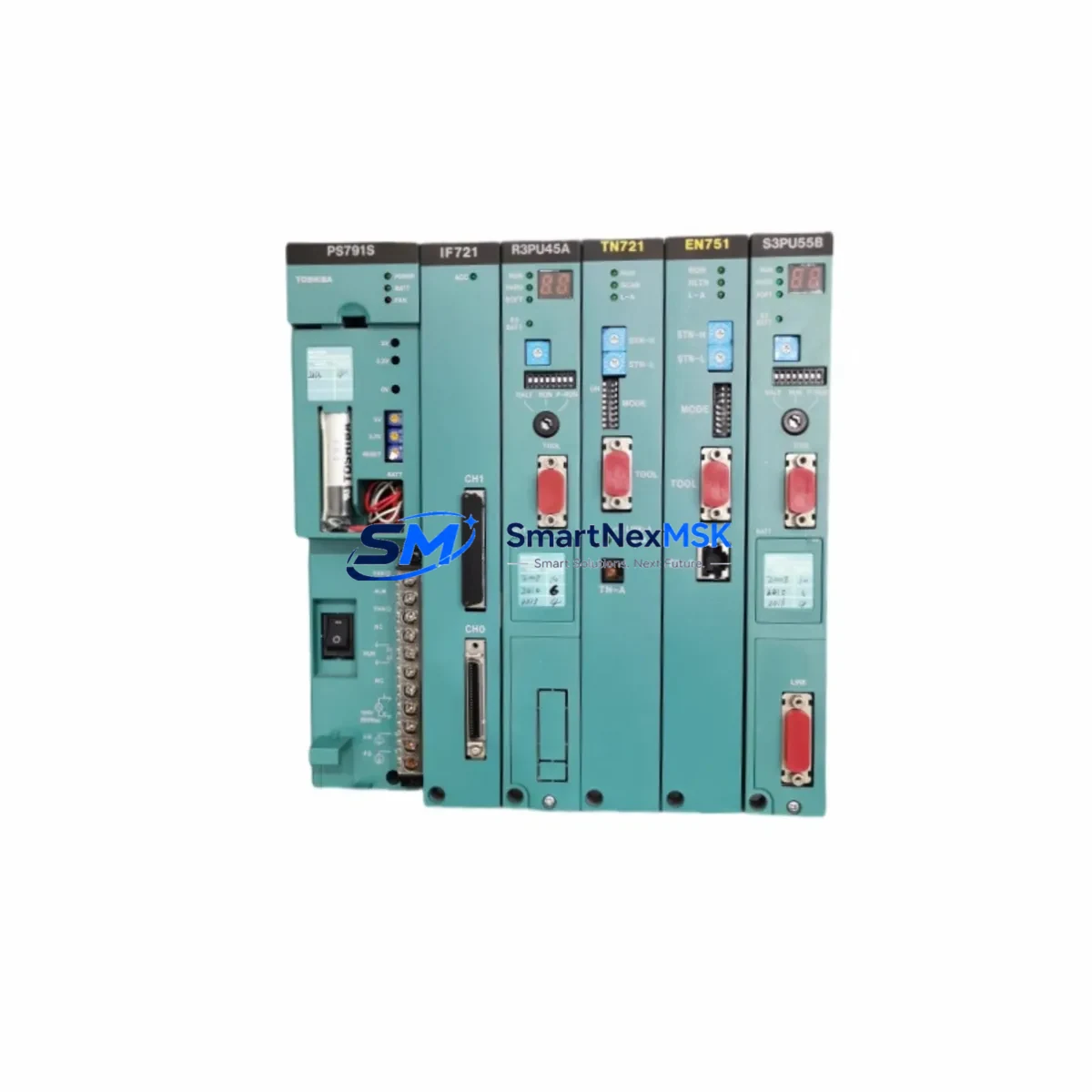
Toshiba EN751A GEN751AS Spare for Prosec T Automation: Spare Replacement & Industrial Downtime Risk Control
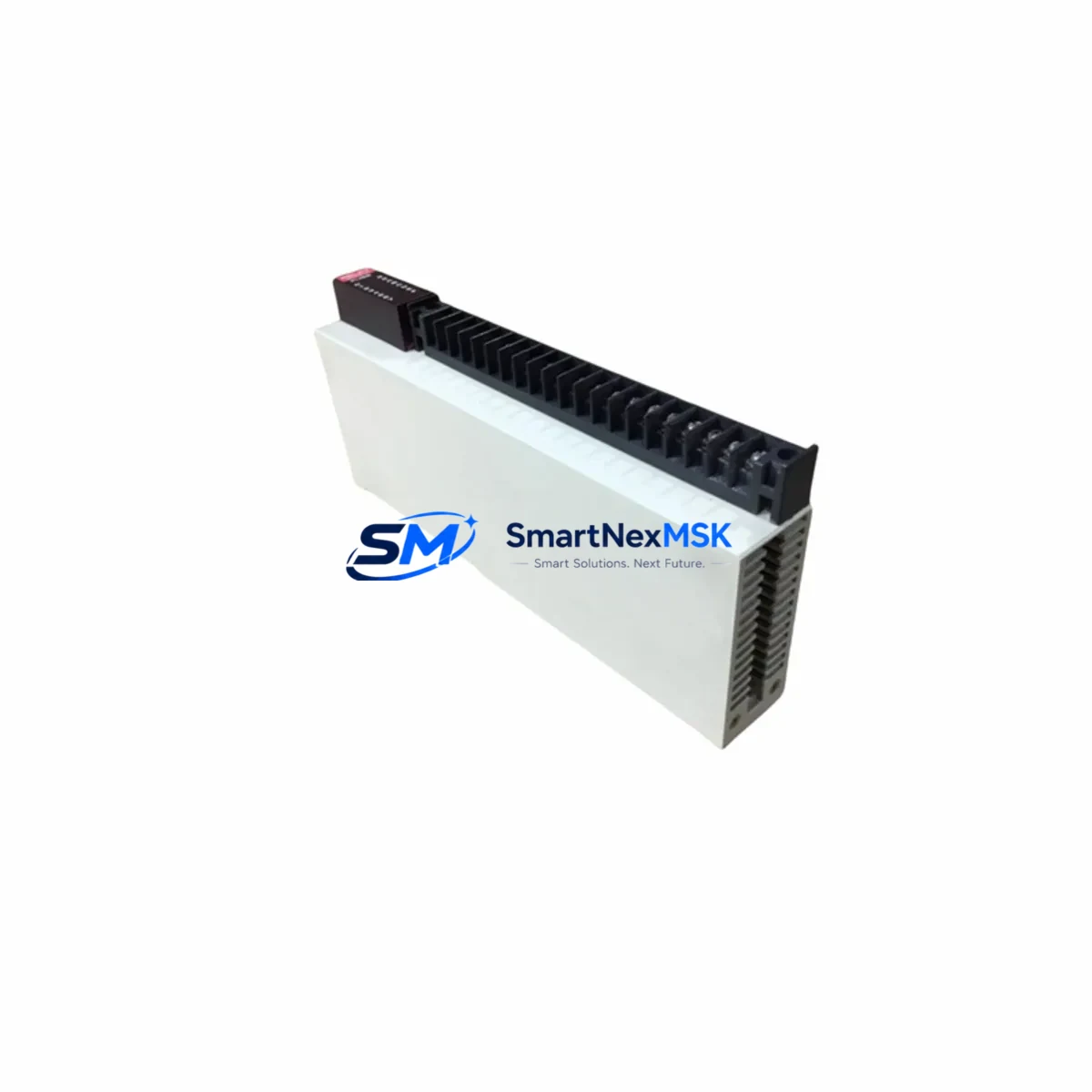
The Toshiba EN751A (also catalogued as GEN751AS) is an original Ethernet communication module designed for the Prosec T Series programmable logic controller platform. In industrial automation environments — from discrete manufacturing lines to process control panels — this module serves as the primary network interface between the PLC CPU and the plant Ethernet backbone. When this component fails or degrades, the entire control node loses SCADA visibility, remote I/O polling, and HMI data exchange, triggering unplanned downtime that can cascade across production cells.
Sourced as an original Toshiba spare, each EN751A / GEN751AS unit supplied by SMARTNEXMSK undergoes pre-shipment electrical verification and functional testing. The module ships with a 12-month warranty covering manufacturing defects and is packaged to IEC transport standards to prevent ESD and mechanical damage in transit. Long-term supply continuity is maintained through established distributor channels, ensuring availability even as the Prosec T platform matures into its extended lifecycle phase.
Spare Maintenance Table
| Parameter | Specification / Detail |
|---|---|
| Part Number | EN751A / GEN751AS |
| Brand | Toshiba |
| Compatible Series | Prosec T Series PLC |
| Module Type | Ethernet Communication Module |
| Network Interface | 10/100BASE-TX Ethernet (RJ-45) |
| Communication Protocol | TCP/IP, UDP/IP; Toshiba proprietary PLC link |
| Supported Functions | SCADA polling, HMI data exchange, remote I/O, peer-to-peer PLC communication |
| Power Supply | Supplied via Prosec T backplane (5 VDC internal bus) |
| Installation | Slot-mount on Prosec T base unit; no external wiring required for power |
| Operating Temperature | 0 °C to 55 °C |
| Storage Temperature | -20 °C to 70 °C |
| Humidity | 10–90% RH, non-condensing |
| Origin | Japan |
| Condition | Original / New |
| Pre-shipment Test | Electrical continuity and functional verification |
| Warranty | 12 Months |
| Typical Lead Time | 3–7 business days (stock-dependent) |
Maintenance Planning for Continuous Operation
Replacing the EN751A / GEN751AS in a live Prosec T control cabinet is rarely an isolated task. Maintenance engineers and procurement engineers should treat this event as a structured inspection opportunity across the entire communication and power chain. Before or during the module swap, the following components warrant simultaneous inspection or scheduled replacement:
The Prosec T CPU module (such as the T2E or T3H series CPU) should be checked for firmware version compatibility with the replacement EN751A, as mismatched firmware can prevent the Ethernet link from initialising correctly. The backplane power supply module — typically a Toshiba PS series unit — should be load-tested; a degraded power rail is a common root cause of intermittent communication faults that are incorrectly attributed to the Ethernet module itself.
Inspect the I/O expansion modules seated on the same base unit. Loose backplane connectors or oxidised edge contacts can introduce noise that disrupts the internal bus and manifests as Ethernet timeout errors. If the cabinet includes Toshiba DI/DO modules (digital input/output) or AI/AO analogue I/O modules, verify their status LEDs and confirm no fault codes are latched in the CPU diagnostic buffer.
The Ethernet switch or managed switch port connecting the EN751A to the plant network should be inspected for port errors, duplex mismatch, and VLAN configuration. A faulty SFP or a degraded Cat5e/Cat6 patch cable between the module and the switch is a frequent and overlooked failure point. Similarly, if the system uses a Toshiba communication gateway or protocol converter to bridge Modbus RTU or PROFIBUS devices into the Ethernet segment, that gateway’s firmware and port mapping should be validated after the module replacement.
For cabinets that include signal isolators or loop-powered transmitters on analogue channels feeding the Prosec T AI modules, confirm that 24 VDC field power is stable. A drooping field power supply can cause analogue signal drift that triggers false process alarms during the post-replacement commissioning phase. Check terminal block integrity on all I/O wiring — loose ferrules and corroded terminals are a leading cause of intermittent faults in aging control panels. If the cabinet houses a Toshiba HMI or operator panel communicating over Ethernet to the Prosec T, re-establish the HMI connection and verify all screen tags are polling correctly after the EN751A is seated and powered.
Finally, review the fuse and circuit breaker ratings on the 24 VDC and 100–240 VAC supply circuits feeding the control cabinet. Overcurrent events that caused the original module failure may have stressed protective devices, and a weakened fuse can cause nuisance trips during normal operation after the repair is complete.
Site Replacement Workflow
Step 1 — Pre-replacement verification: Confirm the replacement EN751A / GEN751AS part number matches the installed unit. Check the Prosec T CPU firmware version against Toshiba’s compatibility matrix. Back up the PLC program and Ethernet configuration parameters (IP address, subnet mask, gateway, node number) before powering down.
Step 2 — Safe isolation: Follow your site’s lockout/tagout (LOTO) procedure. Remove the base unit power before extracting the module. Ground yourself with an ESD wrist strap before handling the replacement unit.
Step 3 — Module installation: Seat the EN751A firmly into the designated communication slot on the Prosec T base unit. Secure the module retaining screw. Restore power and observe the module’s status LEDs — the RUN LED should illuminate green within 10–15 seconds of power-on as the module initialises its Ethernet stack.
Step 4 — Network re-commissioning: Restore the saved IP configuration using the Toshiba programming tool (T-PDS or equivalent). Ping the module from the engineering workstation to confirm Layer 3 connectivity. Re-establish SCADA and HMI connections and verify all data tags are updating at the expected scan rate.
Step 5 — Functional test and documentation: Run a full I/O scan cycle and confirm no communication error codes appear in the CPU diagnostic log. Document the replacement date, module serial number, and post-replacement test results in the equipment maintenance record. Update the site spare parts inventory to reflect the consumed unit and initiate a replenishment order to maintain minimum stock levels.
This structured workflow minimises mean time to repair (MTTR), reduces the risk of secondary faults during commissioning, and ensures the replaced system is returned to full operational status with a documented audit trail.
Spare Parts Support FAQ
Q1: What is the expected service life of the EN751A / GEN751AS, and when should I plan a proactive replacement?
The EN751A is designed for continuous industrial duty, but communication modules in high-cycle or high-temperature environments typically show increased error rates after 8–12 years of service. Proactive replacement is recommended when the module logs more than 5 communication timeout events per week, when the RUN LED exhibits intermittent behaviour, or when the Prosec T CPU reports recurring Ethernet link-down faults. Maintaining one spare unit on-site eliminates lead time risk during unplanned failures.
Q2: How do I verify compatibility before installing the replacement module?
Confirm that the base unit is a Prosec T Series chassis and that the CPU firmware version is listed as compatible with the EN751A in Toshiba’s hardware compatibility documentation. The GEN751AS designation refers to the same hardware with a revised catalogue suffix used in certain regional markets — both designations are functionally and electrically identical and are interchangeable in the same slot.
Q3: What pre-shipment testing is performed, and what does the 12-month warranty cover?
Every EN751A / GEN751AS unit supplied by SMARTNEXMSK undergoes electrical continuity testing and a functional power-on verification before dispatch. The 12-month warranty covers manufacturing defects and component failures under normal operating conditions. It does not cover damage resulting from incorrect installation, overvoltage events, or physical mishandling. Warranty claims are processed with a replacement-first policy to minimise customer downtime.
Q4: Can SMARTNEXMSK support long-term or repeat procurement for this module?
Yes. SMARTNEXMSK maintains established supply channels for Toshiba Prosec T Series components, including the EN751A / GEN751AS, and can support blanket purchase orders, scheduled deliveries, and consignment stock arrangements for maintenance teams managing multiple Prosec T installations. Contact our technical sales team to discuss volume pricing and lead time commitments tailored to your maintenance planning cycle.
© 2026 SMARTNEXMSK. All rights reserved.
Original Source: https://smartnexmsk.com
Contact: [email protected] | +86 18259474341