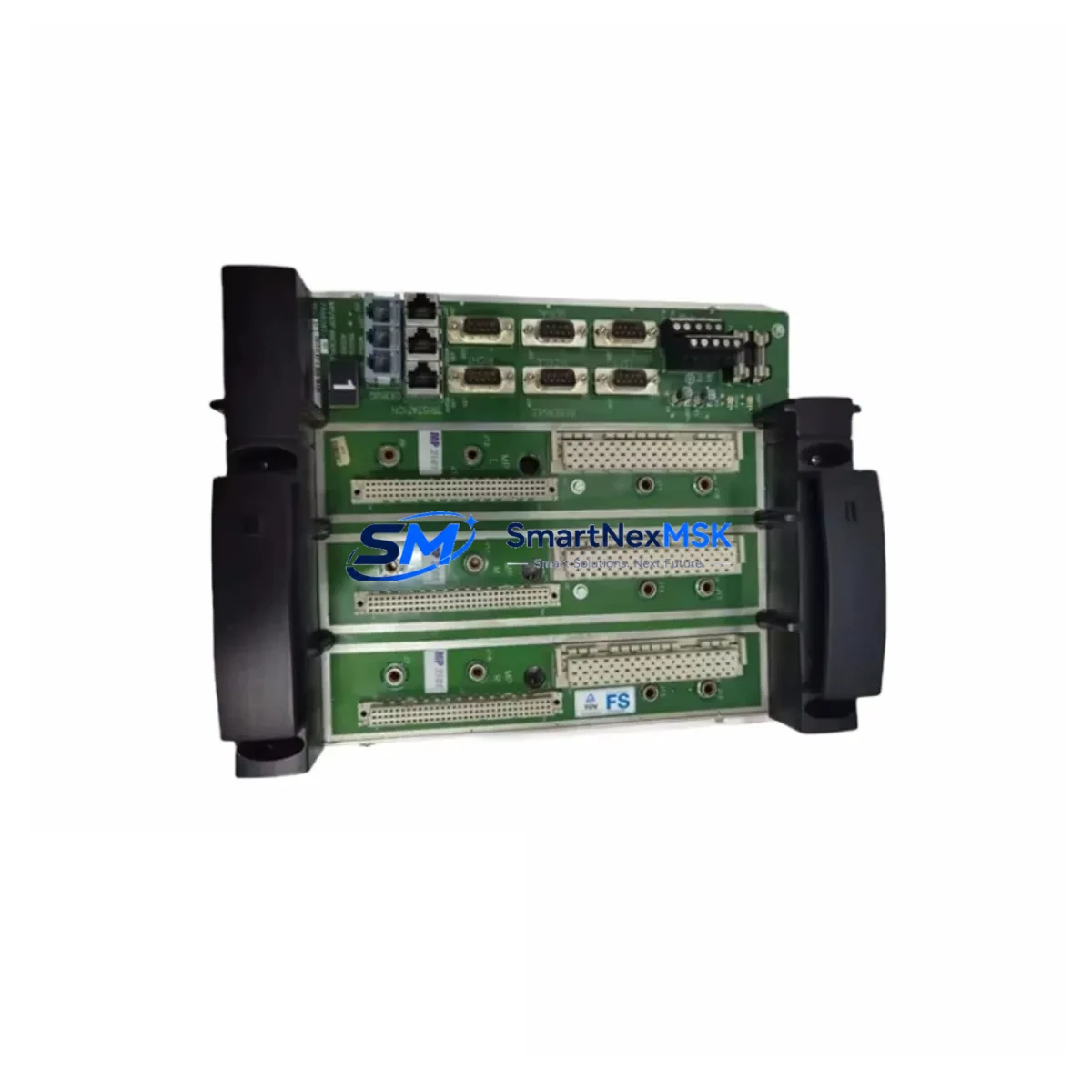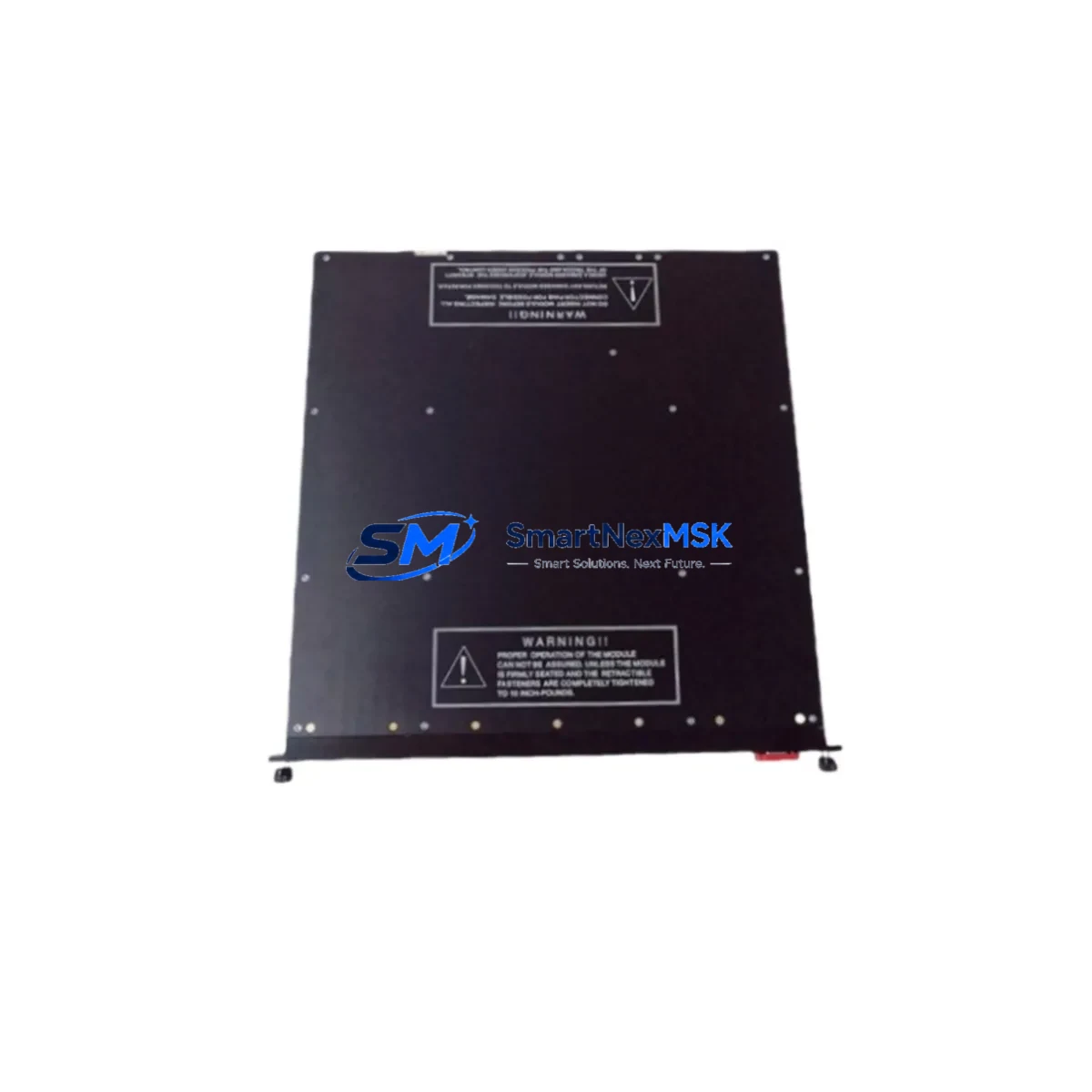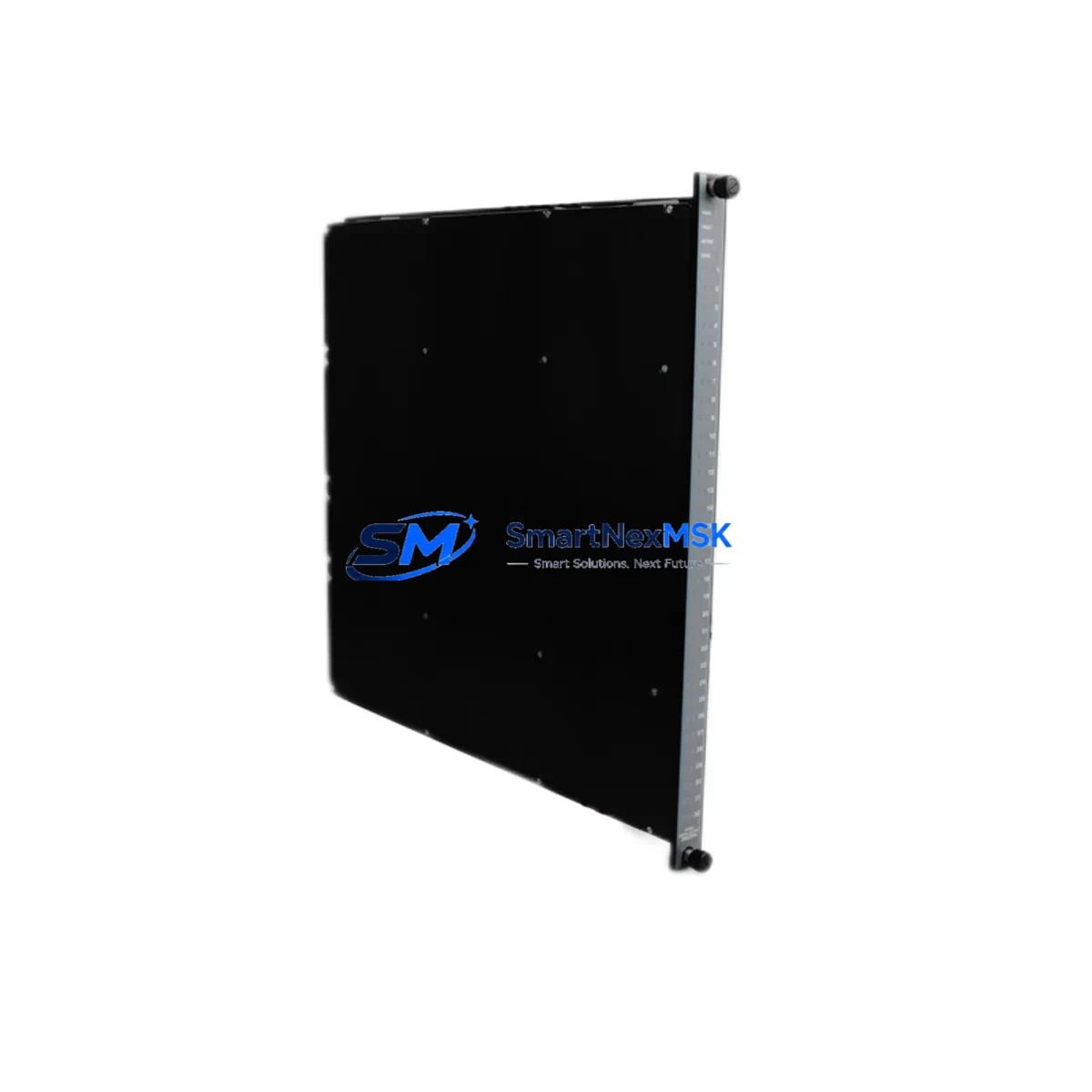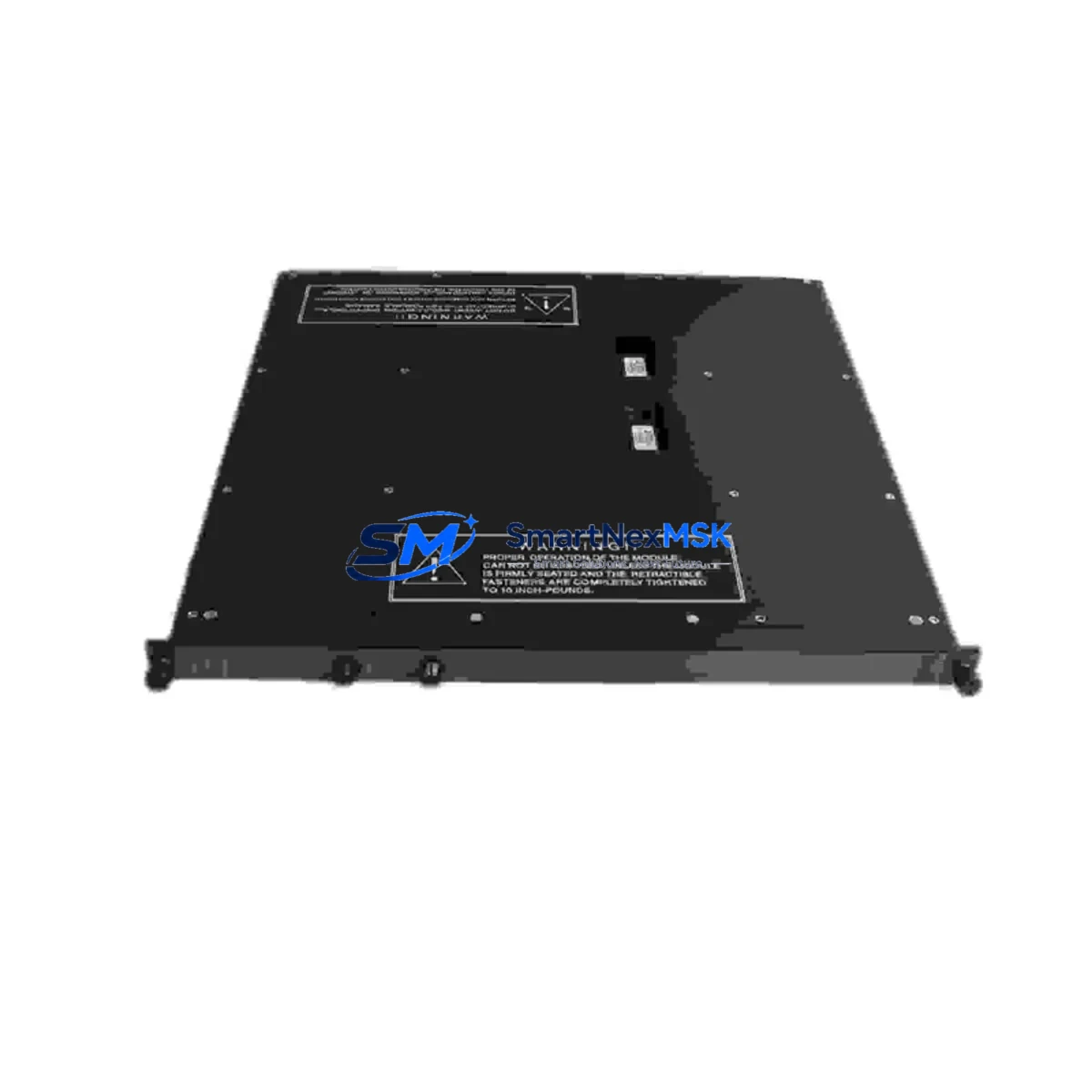
TRICONEX 4201 Retrofit-Ready Remote Extender for Tricon TMR Control Systems
The TRICONEX 4201 Remote Extender Module is a critical component in legacy Tricon Triple Modular Redundant (TMR) Safety Instrumented Systems (SIS). As original equipment reaches end-of-life and OEM support windows close, facilities operating Tricon-based safety loops face increasing pressure to source verified replacement modules that maintain system integrity without requiring full platform migration. The TRICONEX 4201 offered here is a retrofit-ready, functionally equivalent replacement unit — tested, inspected, and backed by a 12-month warranty — designed to restore or extend the operational life of your existing Tricon TMR architecture.
This module serves as a remote I/O extender within the Tricon chassis, enabling communication between the main processor and distributed I/O racks over the Tricon communication bus. It is commonly deployed in safety-critical environments including oil & gas processing, petrochemical plants, power generation facilities, and offshore platforms where TMR redundancy is mandated by functional safety standards such as IEC 61511 and IEC 61508.
Upgrade Compatibility Table
| Parameter | TRICONEX 4201 Details |
|---|---|
| Module Type | Remote Extender Module |
| Platform Compatibility | Tricon TMR Safety System (v9.x / v10.x firmware environments) |
| Backplane Interface | Tricon standard backplane slot — direct drop-in, no mechanical modification required |
| Communication Protocol | Tricon proprietary TMR communication bus; compatible with TriStation 1131 programming environment |
| Installation Requirement | DIN-rail or rack-mount chassis; verify slot addressing before insertion |
| Replacement Recommendation | Direct replacement for failed or end-of-life 4201 units; verify firmware revision compatibility with main processor (e.g., TRICONEX 3008 or 3006 MP) |
| Commissioning Notes | Module address must match original configuration; TriStation 1131 project download may be required after hot-swap if system does not auto-recognize |
| Warranty | 12 months from date of shipment; covers manufacturing defects and functional failure under normal operating conditions |
Retrofit Planning for Existing Automation Systems
Replacing a TRICONEX 4201 in an active safety system requires careful pre-migration planning. Before removing the failed module, engineers should document the existing rack configuration, including the slot position, module address assignments, and the current I/O mapping within the TriStation 1131 project file. The Tricon chassis — typically a 7-slot or 15-slot rack — must have adequate power budget to support the replacement module; verify that the TRICONEX 8312 or TRICONEX 8310 power supply module is delivering within rated capacity before proceeding.
Terminal wiring on the associated I/O modules — such as the TRICONEX 3703E analog input module or TRICONEX 3805E digital output module — should be photographed and labeled prior to any physical intervention. If the retrofit involves migrating from an older Tricon v9 chassis to a v10-compatible rack, confirm that the TRICONEX 3008 main processor module supports the updated backplane addressing scheme used by the 4201 in the new rack configuration.
For systems where the remote extender links to a distributed I/O node via the Tricon communication highway, verify that the TRICONEX 4119A or equivalent communication interface module at the remote node is operating within its rated parameters. Communication link integrity should be confirmed using the TriStation 1131 diagnostic panel before and after module swap. If the system includes an HMI layer — such as a Wonderware InTouch or Aveva System Platform node — confirm that the OPC DA/UA tag bindings referencing the remote I/O addresses remain intact after the module replacement and address reassignment.
Where the retrofit involves expanding I/O capacity alongside the extender replacement, consider whether additional TRICONEX 3501 thermocouple input modules or TRICONEX 3601 pulse input modules need to be added to the remote rack. Ensure the chassis backplane — whether a TRICONEX 7400144-100 or equivalent — has available slots and that the total module count does not exceed the power supply’s rated output current.
Downtime Control During System Migration
Minimizing unplanned downtime during a TRICONEX 4201 replacement is achievable with a structured hot-standby approach. Because the Tricon TMR architecture operates with three independent processing legs (Leg A, Leg B, Leg C), a single-leg fault — including a failed remote extender — does not immediately compromise the safety function. This window provides a controlled opportunity to replace the 4201 without a full system shutdown, provided the replacement is executed before a second leg fault occurs.
The recommended procedure is to isolate the faulted leg using the TriStation 1131 maintenance interface, confirm that the remaining two legs are voting correctly, then perform the physical module swap. After reinsertion, allow the TMR system to re-synchronize the replaced leg before returning the system to full three-leg operation. The original control program logic — stored in the main processor’s non-volatile memory — does not need to be re-downloaded in most hot-swap scenarios, preserving the existing ladder logic, function block diagrams, and cause-and-effect matrix without modification.
For planned maintenance windows, a full offline replacement with a pre-tested 4201 unit reduces commissioning risk. All units shipped from our inventory undergo functional bench testing and continuity verification prior to dispatch, ensuring that the replacement module is confirmed operational before it reaches your facility.
Retrofit Support FAQ
Q1: Is the TRICONEX 4201 a direct drop-in replacement for the original module in my Tricon TMR rack?
A: Yes, in the vast majority of Tricon TMR installations the 4201 is a direct slot-compatible replacement. You should verify the firmware revision of your main processor (e.g., TRICONEX 3008) to confirm compatibility with the module revision being supplied. Our team can assist with revision matching prior to shipment.
Q2: Does replacing the 4201 require a TriStation 1131 program download?
A: In most hot-swap scenarios, the Tricon TMR system will automatically re-synchronize the replaced module without requiring a full program download. However, if the module address has changed or the system does not auto-recognize the new unit, a controlled download from the TriStation 1131 engineering workstation may be necessary. We recommend having the project file backed up and the programming cable (e.g., TRICONEX 4351B communication cable) available on-site before beginning the swap.
Q3: How do I verify terminal wiring compatibility before installing the replacement module?
A: The 4201 Remote Extender does not directly terminate field wiring — it interfaces with the backplane and the Tricon communication highway. Field wiring terminations are managed at the I/O module level (e.g., TRICONEX 3703E, 3805E). Confirm that the communication cable connections at both the main chassis and the remote I/O rack are secure and undamaged before and after the swap.
Q4: What does the 12-month warranty cover?
A: The 12-month warranty covers manufacturing defects and functional failure under normal operating conditions from the date of shipment. It does not cover damage resulting from incorrect installation, overvoltage events, or physical mishandling. Warranty claims are processed with a replacement-first policy to minimize your system downtime.
© 2026 SMARTNEXMSK. All rights reserved.
Original Source: https://smartnexmsk.com
Contact: [email protected] | +86 18259474341