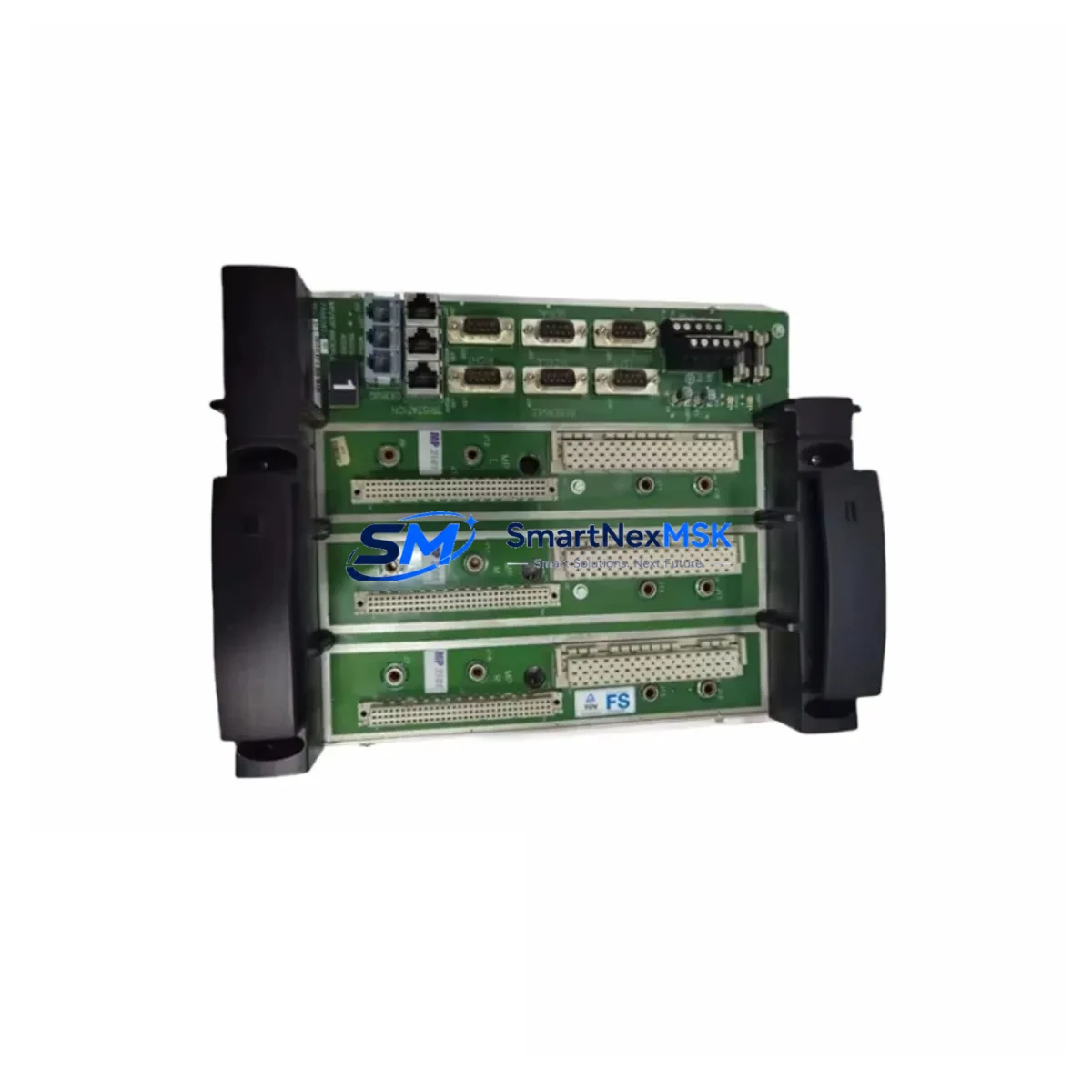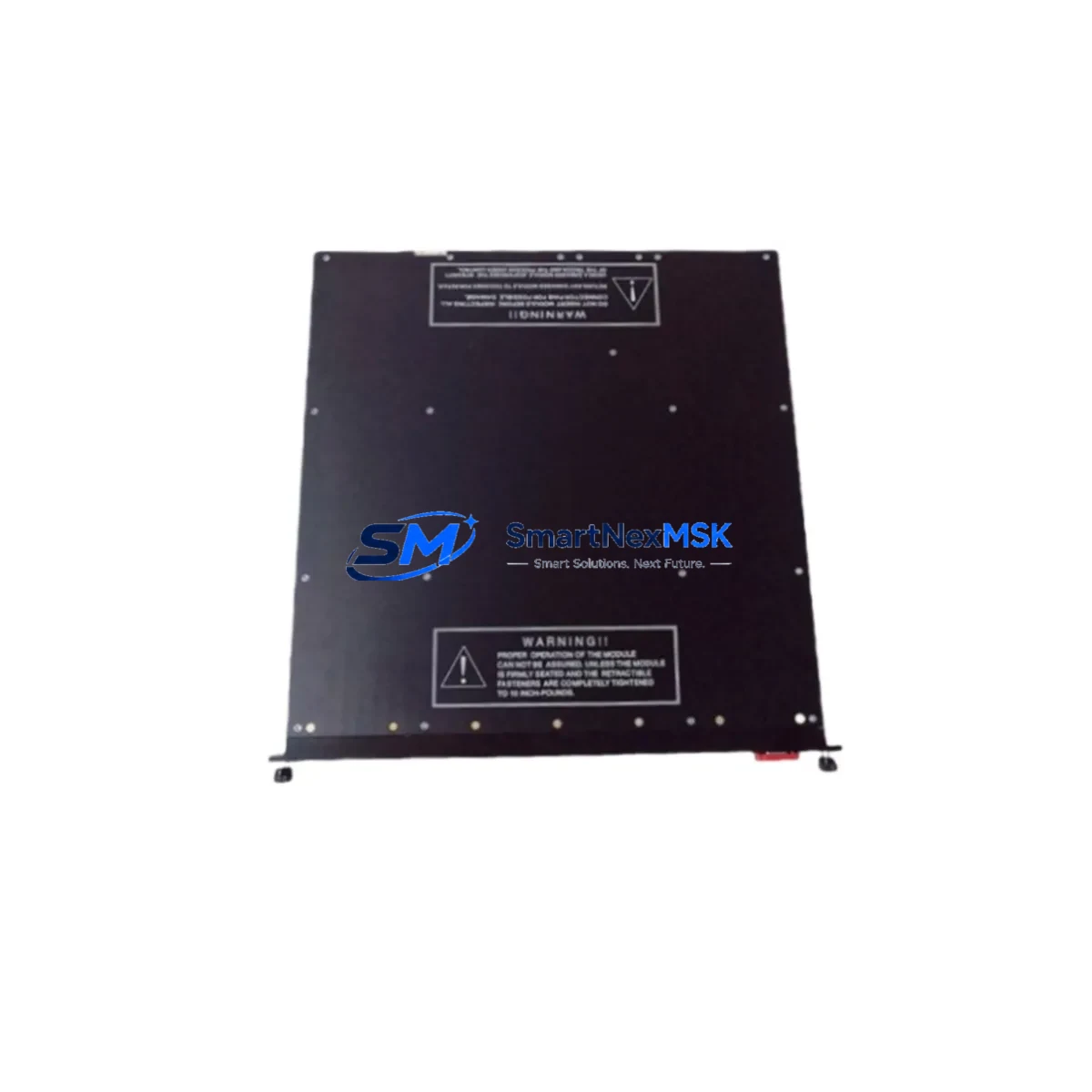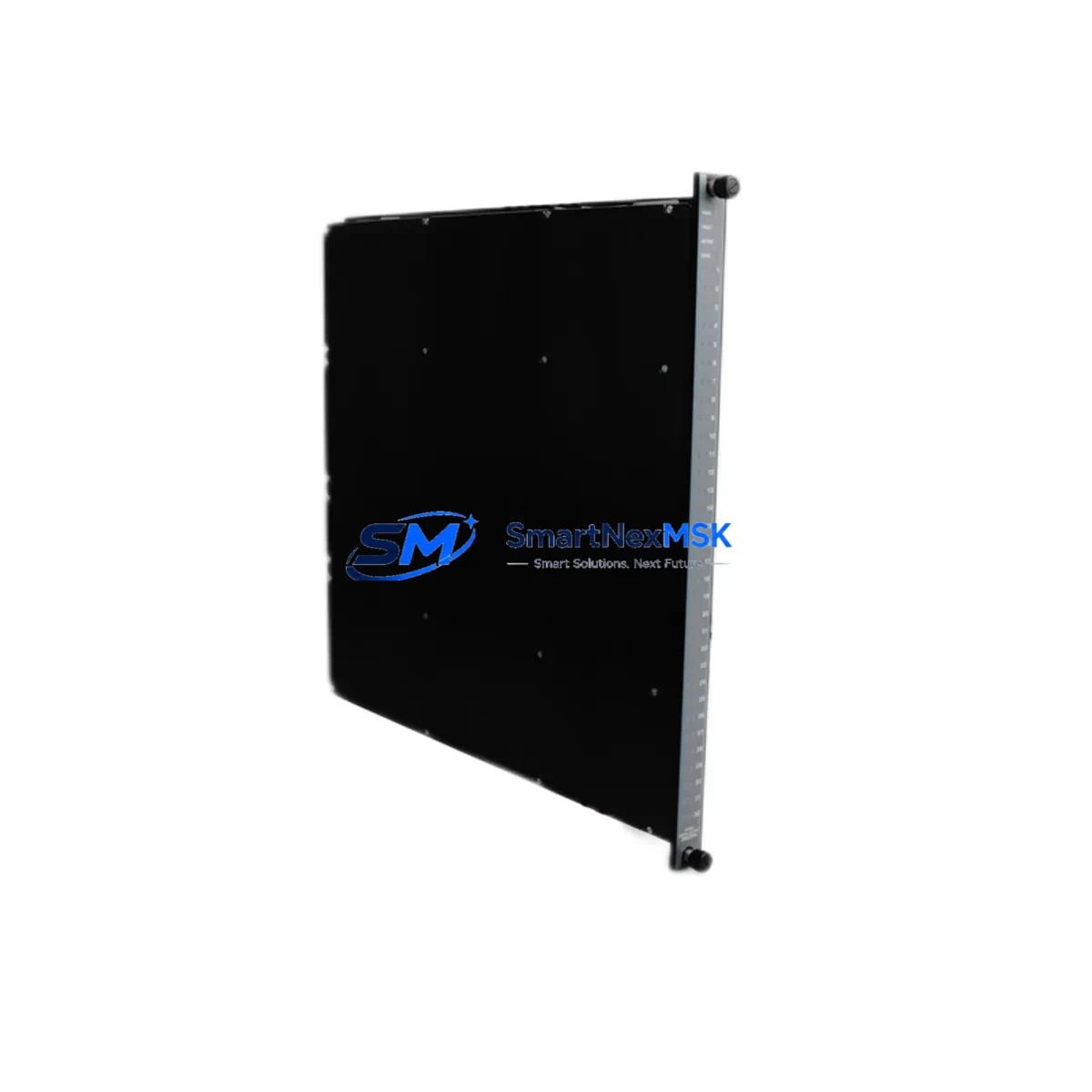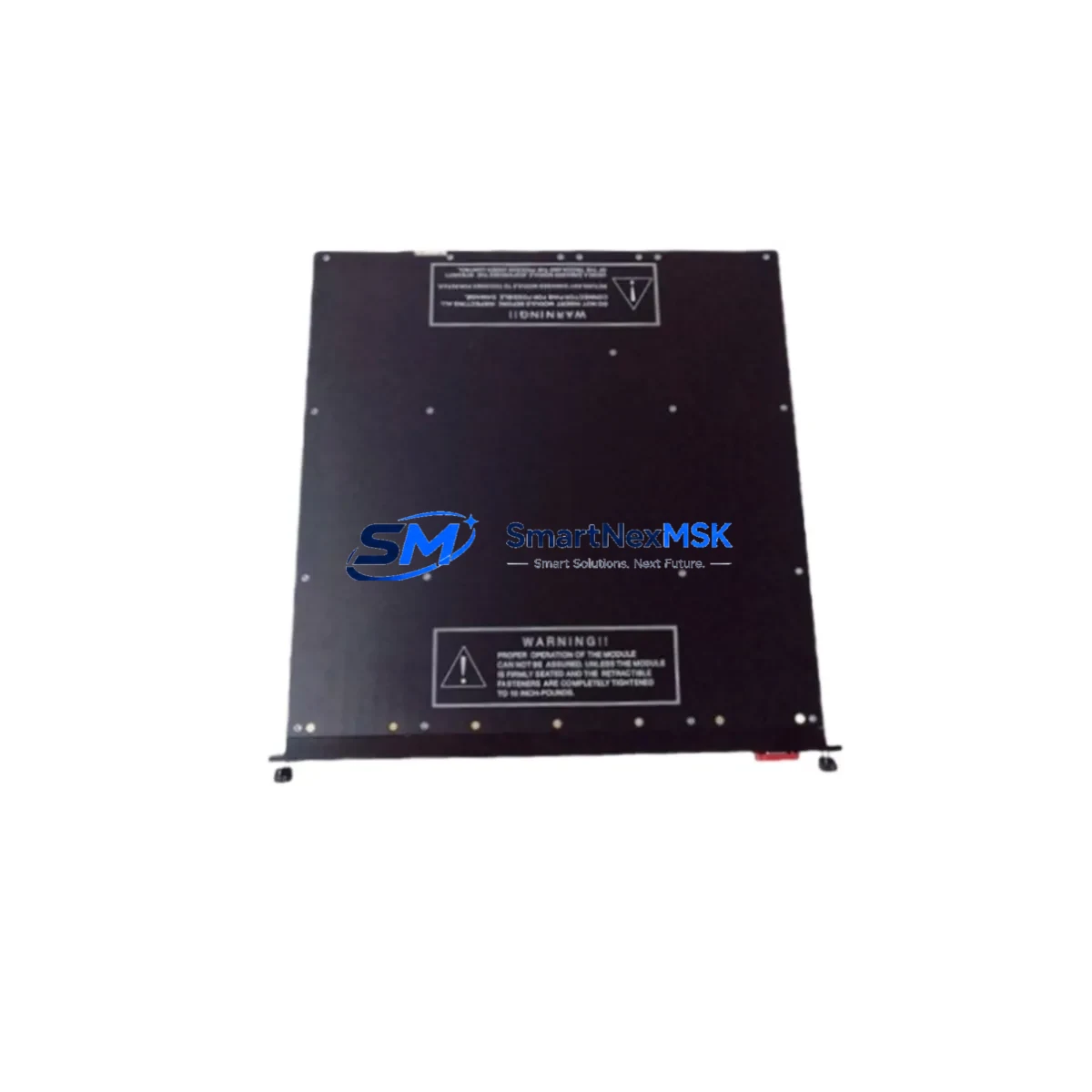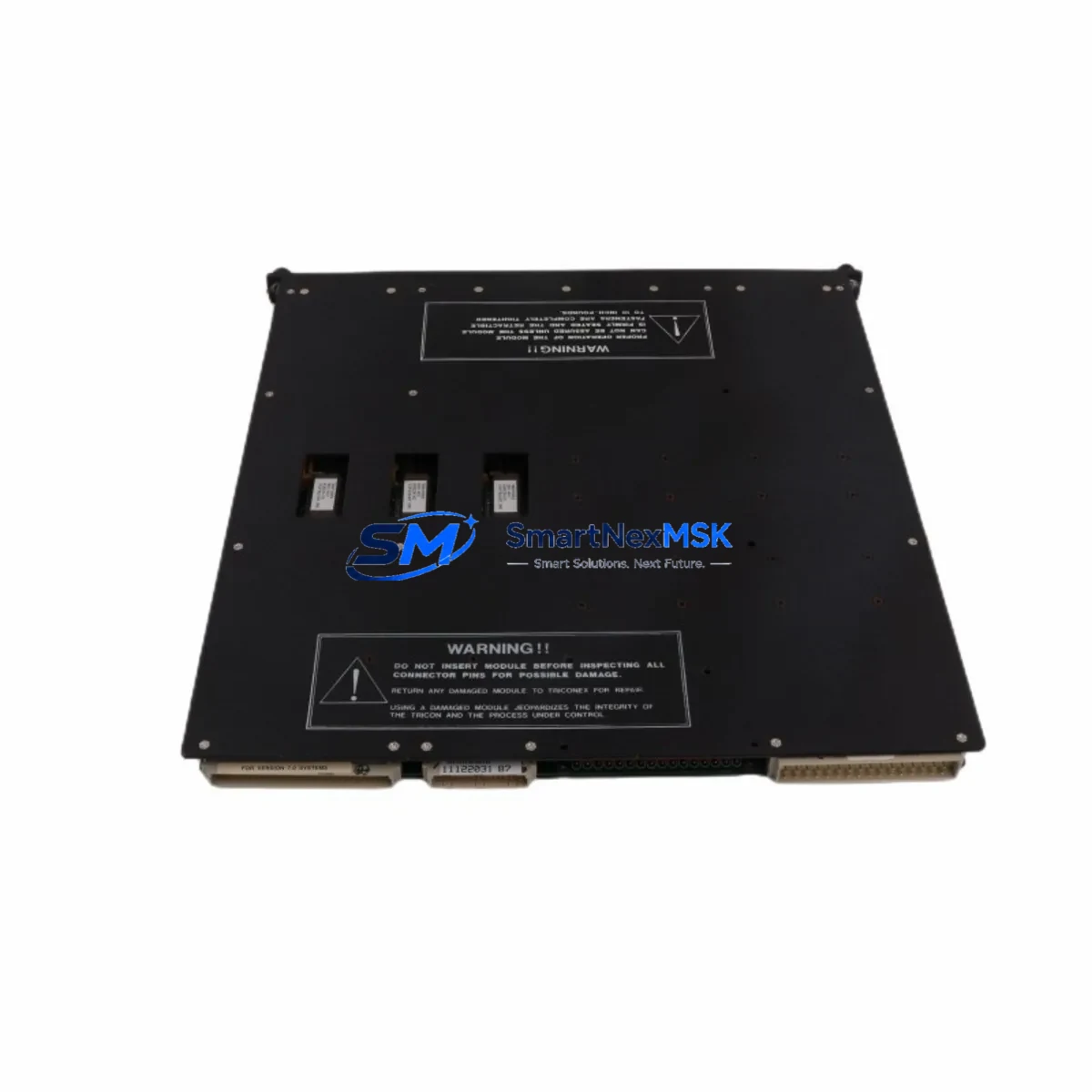
TRICONEX 3604E Retrofit-Ready Digital Output for Tricon TMR Control Systems
The TRICONEX 3604E is a 32-channel Triple Modular Redundant (TMR) digital output module engineered for the Tricon safety instrumented system platform. As legacy Tricon installations age and original Invensys/Schneider Electric supply chains tighten, the 3604E has become one of the most sought-after retrofit and replacement components in process safety and industrial control modernization projects. Whether you are restoring a shutdown system, upgrading a control cabinet, or executing a planned migration away from end-of-life hardware, the 3604E delivers the electrical compatibility and functional parity required for a smooth, low-risk transition.
Each unit supplied by SMARTNEXMSK is sourced from verified industrial channels, subjected to outgoing functional testing, and backed by a 12-month warranty. Stock is maintained on-hand to support urgent replacement orders with fast global dispatch.
Upgrade Compatibility Table
| Parameter | TRICONEX 3604E | Retrofit Notes |
|---|---|---|
| Output Channels | 32 channels, TMR digital output | Direct channel-for-channel replacement for 3604 and 3604E variants |
| Rack / Backplane Interface | Tricon main chassis backplane connector | Fits standard Tricon 7-slot and 14-slot main chassis; no backplane modification required |
| Terminal Wiring | Field termination via Tricon terminal panel (TP) | Existing field wiring and terminal panels remain unchanged; verify TP model compatibility (e.g., TP3604E) |
| Communication Compatibility | Tricon TMR internal bus | Fully compatible with Tricon v9.x and v10.x firmware; no protocol migration required |
| Power Consumption | Verify chassis power budget | Confirm available power headroom on the Tricon Power Module (e.g., 8312 or 8310) before installation |
| Module Address | Slot-based addressing | Module address is inherited from chassis slot position; no re-addressing required if installed in the same slot |
| Program Compatibility | TriStation 1131 application logic | Existing TriStation 1131 project files and I/O variable assignments remain valid; no logic recompilation required for like-for-like swap |
| HMI / SCADA Integration | OPC, Modbus, DDE via Tricon Communication Module | HMI tag mapping and SCADA point lists are unaffected; verify TCM (e.g., 4351B or 4352) link integrity post-swap |
| Installation Method | Hot-swap capable (with Tricon online change procedure) | Follow Tricon online module replacement procedure to minimize process interruption |
| Warranty | 12-Month Warranty — covers functional defects under normal operating conditions | |
Retrofit Planning for Existing Automation Systems
A successful 3604E retrofit begins well before the module arrives on-site. Engineers responsible for the replacement should first audit the existing Tricon chassis configuration, documenting the slot assignments of all installed modules including the Tricon 3703E digital input module, any 3805E analog input modules, and the 3703E or 3721 I/O modules occupying adjacent slots. The chassis power budget must be recalculated against the combined load of all installed modules, with particular attention to the Tricon 8312 Power Module or 8310 Power Module supplying the main chassis.
Terminal panel verification is a critical pre-installation step. The 3604E interfaces with the field through a dedicated terminal panel — typically the TP3604E — which connects via a field termination cable. Inspectors should confirm that the terminal panel is correctly seated, that field wiring labels match the I/O variable names in the TriStation 1131 project, and that no wiring modifications were made to the panel since the original commissioning. If the terminal panel itself has been damaged or is unavailable, a replacement TP3604E should be sourced alongside the module.
For sites running older Tricon firmware (v9.x), it is advisable to review the Tricon System Release Notes for the installed firmware version to confirm 3604E module compatibility. Sites already on Tricon v10.x firmware with a Tricon Communication Module 4351B or 4352 handling Modbus TCP or OPC communications will find the 3604E integrates without any communication reconfiguration. The existing SCADA or DCS link — whether to a Honeywell Experion, Emerson DeltaV, or third-party HMI — continues to read output status through the same TCM data path.
Where the retrofit involves expanding I/O capacity rather than a straight replacement, engineers should evaluate whether the existing Tricon main chassis has available slots, or whether a Tricon expansion chassis connected via a TRCB (Tricon Remote Chassis Bus) cable is required. In multi-chassis configurations, the chassis address and slot offset must be correctly reflected in the TriStation 1131 I/O configuration before downloading the updated project to the controller.
Downtime Control During System Migration
Minimizing unplanned downtime is the primary operational concern during any safety system module replacement. The Tricon platform supports an online module replacement procedure that allows a defective or end-of-life module to be swapped while the controller remains in the RUN state, provided the replacement module passes the Tricon self-test sequence and the chassis is not in a degraded TMR voting state at the time of replacement.
Before initiating the swap, the site engineer should place the affected output channels in a safe state — typically by forcing outputs to their de-energized or fail-safe position through the TriStation 1131 online monitoring interface. This protects field devices such as solenoid valves, motor starters, and relay outputs from unintended state changes during the module exchange. The original application logic, including all function block configurations, variable bindings, and cause-and-effect matrix entries, remains resident in the Tricon Main Processor (e.g., Tricon 3008 Main Processor) and is not affected by the module swap.
Post-installation, the engineer should verify that all 32 output channels report correct status in the TriStation 1131 online display, confirm that the SCADA or HMI system reflects the expected output states, and perform a loop check on a representative sample of field circuits before releasing the system back to normal operation. Full commissioning documentation — including the module serial number, slot position, installation date, and test results — should be recorded in the site maintenance log to support future audits and warranty claims.
Retrofit Support FAQ
Q1: Is the TRICONEX 3604E a direct drop-in replacement for the original 3604 module?
Yes. The 3604E is the enhanced revision of the original 3604 digital output module and is backward-compatible with the same Tricon chassis slots, terminal panels, and TriStation 1131 I/O variable assignments. No logic changes or wiring modifications are required for a like-for-like swap.
Q2: What pre-installation checks are required before replacing the 3604E in a live Tricon system?
Verify chassis power budget against the installed Power Module capacity, confirm the terminal panel (TP3604E) is undamaged and correctly wired, check that the Tricon firmware version supports the 3604E, and ensure the system is not in a degraded TMR voting state. Place affected output channels in a safe state before removing the old module.
Q3: Will replacing the 3604E require changes to the TriStation 1131 application program or HMI configuration?
No. A like-for-like slot replacement does not require any changes to the TriStation 1131 project, I/O variable assignments, or HMI/SCADA tag mapping. The module address is slot-based and is automatically recognized by the Tricon Main Processor upon insertion.
Q4: What does the 12-month warranty cover, and how is it claimed?
The 12-month warranty covers functional defects arising under normal operating conditions from the date of shipment. To initiate a warranty claim, contact SMARTNEXMSK with the module serial number, purchase order reference, and a description of the fault. Units confirmed defective will be replaced or repaired at no additional charge. Contact: [email protected] | +86 18259474341.
© 2026 SMARTNEXMSK. All rights reserved.
Original Source: https://smartnexmsk.com
Contact: [email protected] | +86 18259474341