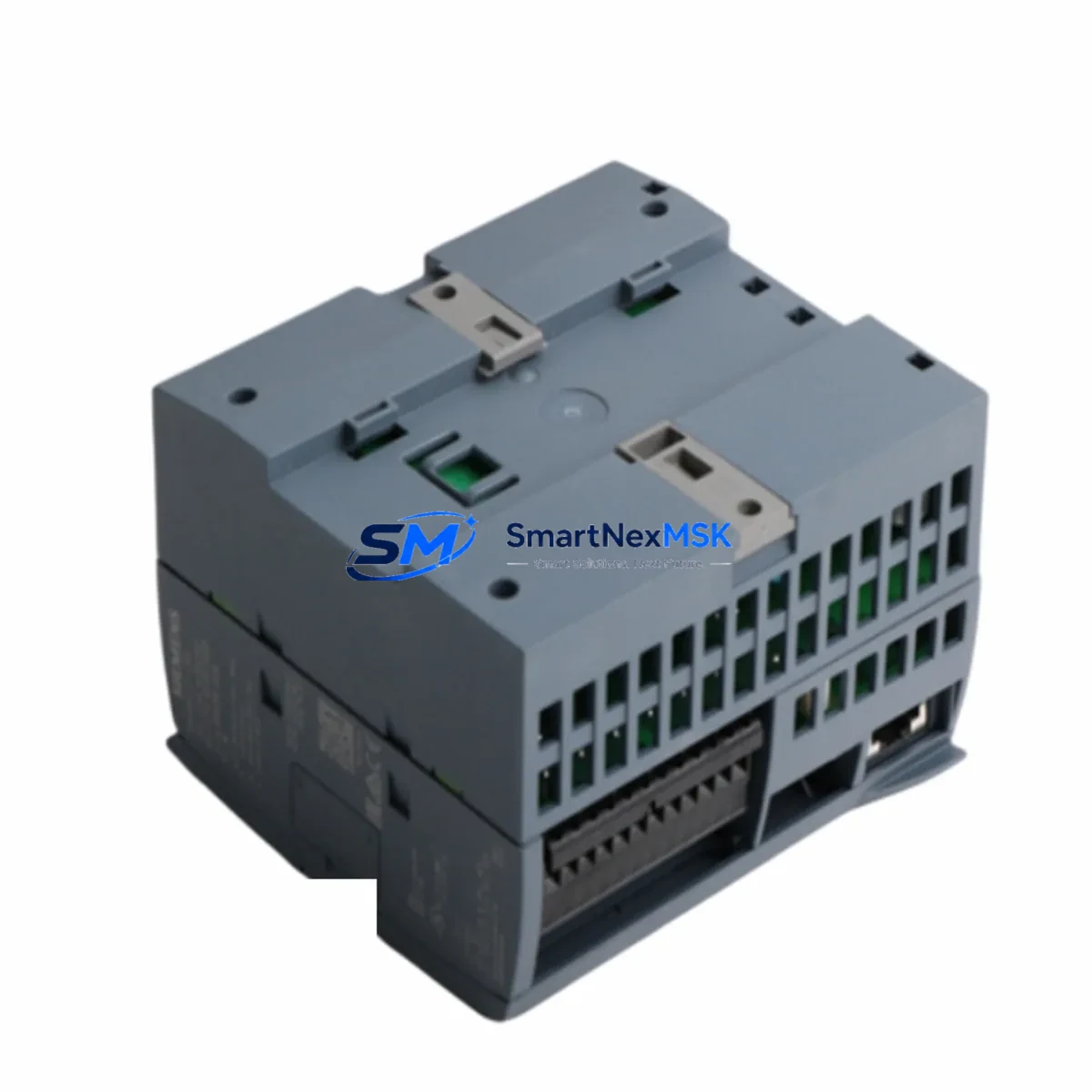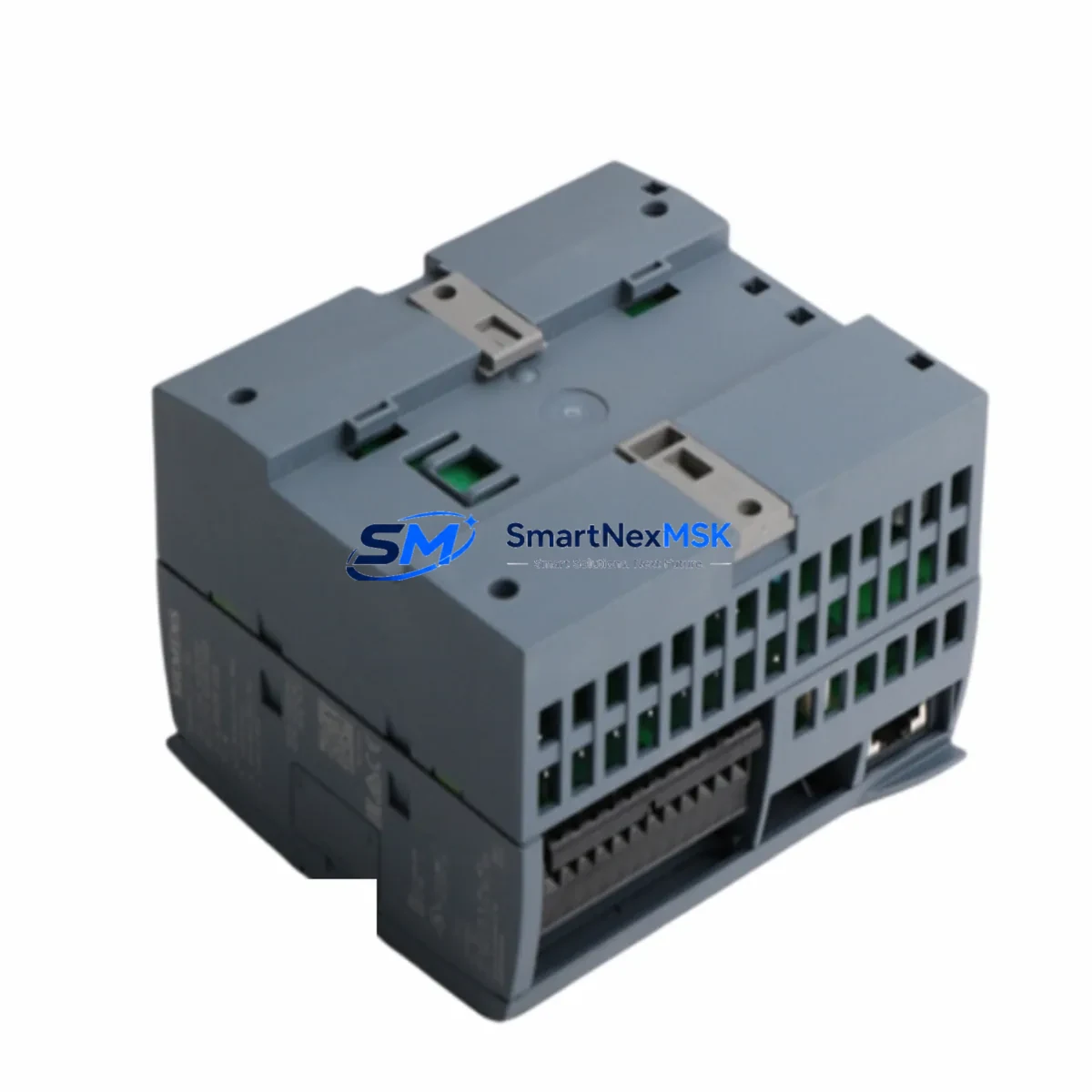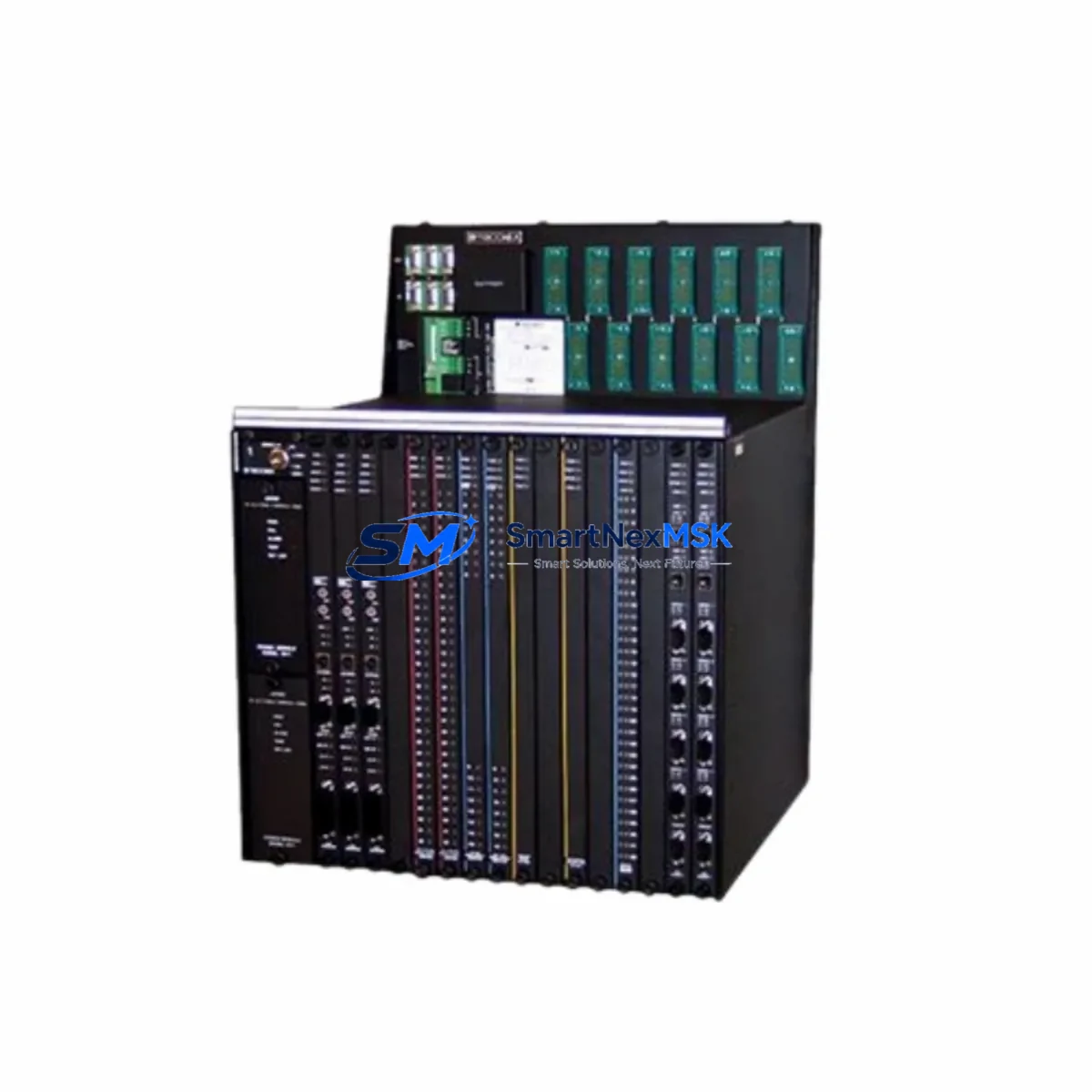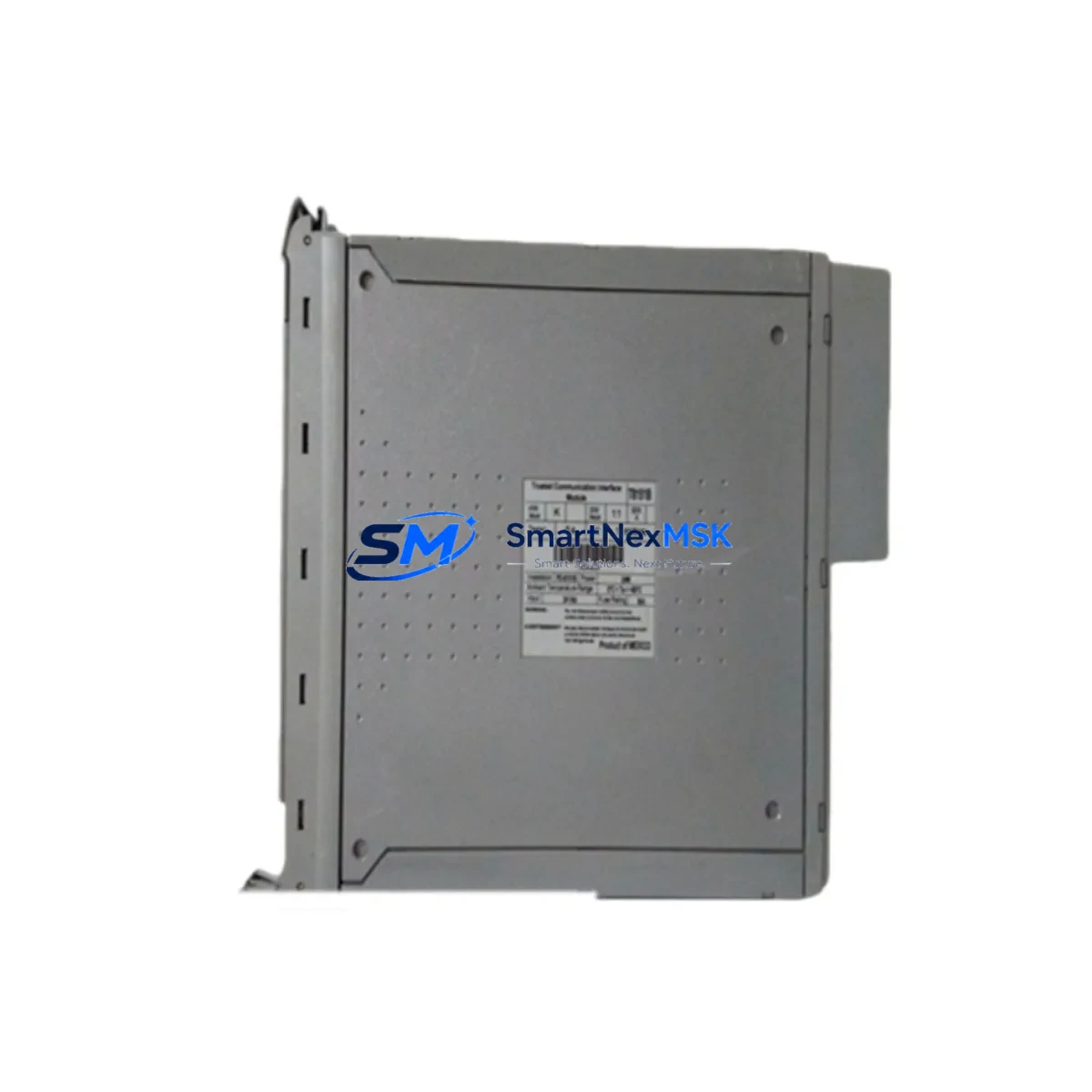
Triconex T8290C Maintenance-Ready Spare for Tricon TMR: Spare Replacement & Industrial Downtime Risk Control
The Triconex T8290C Expander Interface Module is a critical spare component within the Tricon Triple Modular Redundant (TMR) safety system architecture. Designed for high-availability process control environments — including oil & gas, petrochemical, power generation, and chemical processing — the T8290C serves as the communication bridge between the Tricon main chassis and remote I/O expansion chassis. When this module degrades or fails, the entire safety instrumented system (SIS) may lose its ability to monitor and control field devices across expanded I/O racks, creating an immediate shutdown risk or forcing a costly unplanned outage.
Maintaining a certified, tested T8290C spare on-site is not optional for facilities operating Tricon-based emergency shutdown (ESD), fire & gas (F&G), or burner management systems (BMS). This listing provides an original, fully tested Triconex T8290C module with a 12-month warranty, ready for immediate dispatch to minimize your mean time to repair (MTTR).
Spare Maintenance Table
| Parameter | Specification / Detail |
|---|---|
| Part Number / SKU | T8290C |
| Manufacturer | Schneider Electric / Triconex |
| Series | Tricon TMR (Triple Modular Redundant) Safety System |
| Module Function | Expander Interface Module — links main chassis to remote I/O expansion chassis |
| System Compatibility | Tricon v9.x / v10.x TMR Safety Controllers; compatible with T8100, T8110, T8120, T8151 chassis configurations |
| Communication Interface | Proprietary Triconex high-speed expander bus |
| Operating Voltage | Supplied via Tricon backplane (internal bus power) |
| Operating Temperature | 0°C to 60°C (32°F to 140°F) |
| Mounting | Tricon main chassis slot — dedicated expander interface slot |
| Certification | SIL 3 rated within Tricon TMR architecture (IEC 61508) |
| Origin | USA (Original Triconex / Schneider Electric manufacture) |
| Condition | Original spare — tested, inspected, and verified functional |
| Warranty | 12 Months — covers functional defects under normal operating conditions |
| Lead Time | In-stock: ships within 1–3 business days after order confirmation |
| Maintenance Recommendation | Replace immediately upon fault LED indication or expander communication loss alarm; do not defer in SIL-rated loops |
Maintenance Planning for Continuous Operation
When a maintenance or reliability engineer identifies a fault on the T8290C Expander Interface Module, the replacement workflow should extend beyond the module itself. A thorough inspection of the surrounding Tricon system components is essential to confirm that the expander communication fault was isolated to the T8290C and has not propagated to adjacent hardware.
Begin by verifying the Tricon Power Supply Modules (such as the T8110 or T8120 power supply) that feed the main chassis. Voltage irregularities or ripple on the backplane bus are a common root cause of expander interface faults and can damage replacement modules if not corrected first. Inspect the Tricon Main Chassis Backplane for physical damage, corrosion on connector pins, or signs of thermal stress at the expander slot.
Next, audit the Tricon Remote I/O Expansion Chassis connected via the T8290C. Check the corresponding expander interface module on the remote chassis side — in many Tricon configurations, a paired expander module (such as the T8291 or T8292 series) resides in the remote rack. Both ends of the expander link must be confirmed functional before restoring the system to service.
Review the Tricon Digital Input (DI) and Digital Output (DO) modules installed in the expansion chassis — modules such as the T8403, T8404, or T8451 series — to confirm that I/O signal integrity has been maintained during the fault period. Any modules that logged diagnostic errors during the expander outage should be individually tested before the system is returned to automatic mode.
For facilities running Tricon Communication Modules (TCM) or Triconex Enhanced Intelligent Communication Modules (EICM), verify that the network communication paths to the DCS or SCADA host were not disrupted by the expander fault. Communication module firmware versions should also be cross-checked against the Tricon system version to ensure compatibility after any hardware replacement.
Do not overlook the field terminal assemblies and marshalling panels connected to the expansion I/O. Loose terminal connections, corroded field wiring, or failed signal isolators in the marshalling cabinet can generate spurious signals that stress the expander interface over time. Replacing the T8290C without addressing field-side wiring issues may result in premature failure of the new module.
Finally, update your spare parts inventory register to reflect the consumed T8290C unit and initiate a replenishment order. Best practice for Tricon-based SIS installations is to maintain at least one certified spare T8290C per system, alongside spares for the power supply modules, at least one set of I/O modules per type installed, and a spare communication module. This ensures that any single-point hardware failure can be resolved within one maintenance shift without waiting for international procurement lead times.
Site Replacement Workflow
Step 1 — Pre-Replacement Verification: Confirm the fault is isolated to the T8290C by reviewing the Tricon diagnostic panel and TriStation 1131 software fault log. Document the active fault codes and the expansion chassis address assigned to the failed module.
Step 2 — Safety Bypass Authorization: Follow your site’s Management of Change (MOC) and Safety Bypass procedures. Notify the control room and obtain written authorization before removing any module from a live SIL-rated system. In many facilities, a partial bypass of the affected I/O loop is required before hot-swap replacement is permitted.
Step 3 — Module Removal: With the appropriate bypass in place, carefully extract the faulty T8290C from the main chassis expander slot. Inspect the slot connector for bent pins or debris before inserting the replacement unit.
Step 4 — Replacement Installation: Insert the new T8290C firmly into the expander slot. The Tricon TMR architecture supports online module replacement without a full system shutdown in most configurations — verify this against your specific system version and site procedures.
Step 5 — System Verification: Monitor the TriStation 1131 diagnostic display to confirm that the expander communication link is re-established and all remote I/O modules in the expansion chassis are reporting correctly. Clear any latched fault alarms and verify that all I/O channels return to their expected states.
Step 6 — Documentation & Bypass Removal: Record the replacement in the site maintenance log, including the module serial number, date, and technician name. Remove the safety bypass in the correct sequence per your site procedures and confirm the system has returned to full automatic operation.
This workflow applies equally to planned preventive replacements during scheduled turnarounds and to emergency corrective maintenance. Having a pre-tested, warranted T8290C spare on-site eliminates procurement delays and allows this entire workflow to be completed within a single maintenance window.
Spare Parts Support FAQ
Q1: Is this T8290C an original Triconex module or a third-party replacement?
This is an original Schneider Electric / Triconex T8290C module — not a clone, refurbished third-party unit, or compatible substitute. All units are sourced from verified industrial supply channels, individually inspected, and functionally tested prior to shipment. Original modules are required for SIL 3 compliance within the Tricon TMR architecture.
Q2: How do I verify compatibility with my specific Tricon system version before ordering?
The T8290C is compatible with Tricon TMR systems running v9.x and v10.x firmware. To confirm compatibility, check your TriStation 1131 project file for the chassis configuration and expander slot assignment. If you are unsure, provide your system version and chassis model number to our technical team at [email protected] and we will confirm compatibility before shipment.
Q3: What testing is performed before the module is shipped?
Each T8290C unit undergoes a functional bench test that verifies expander bus communication, backplane power draw within specification, and diagnostic LED response. Units that do not pass all test criteria are not listed for sale. A test report summary is available upon request for quality-assurance documentation purposes.
Q4: What does the 12-month warranty cover, and how is a warranty claim handled?
The 12-month warranty covers functional failure of the T8290C module under normal operating conditions — correct installation, within-specification supply voltage, and operating temperature within the rated range. Physical damage caused by incorrect installation, overvoltage events, or environmental contamination is excluded. To initiate a warranty claim, contact [email protected] with your order number, fault description, and site diagnostic log. Replacement units are dispatched after fault verification, with return shipping of the defective unit required.
© 2026 SMARTNEXMSK. All rights reserved.
Original Source: https://smartnexmsk.com
Contact: [email protected] | +86 18259474341