VICPAS VT580WAPT00 Retrofit-Ready HMI for VT Series Control Systems
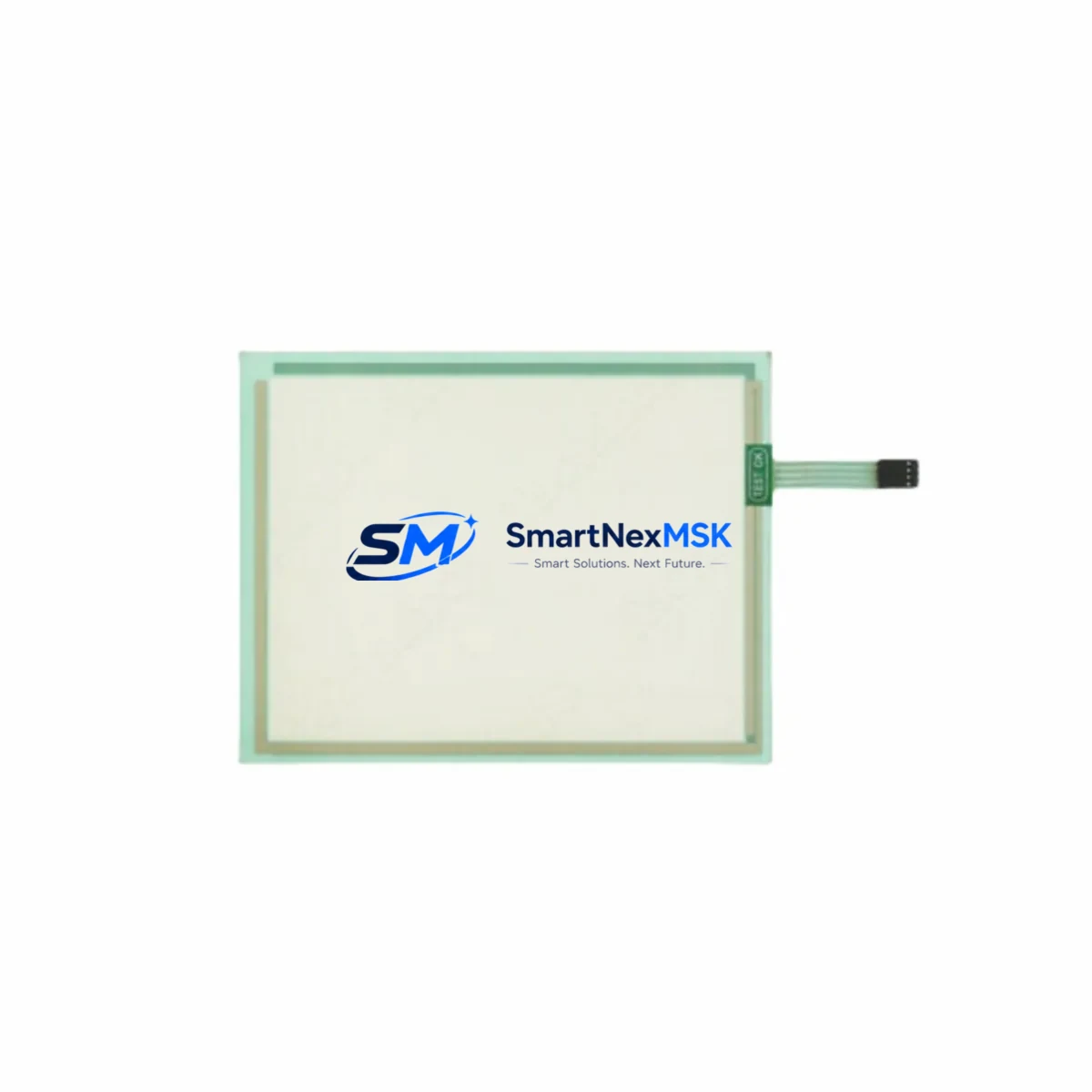
The VICPAS VT580WAPT00 is a high-performance Human-Machine Interface (HMI) touch panel engineered for seamless compatibility with legacy VT Series control systems. Designed with industrial retrofit projects in mind, this unit delivers a smooth migration path for aging automation lines, control cabinet upgrades, and discontinued panel replacements — without requiring full PLC reprogramming or major cabinet redesign.
Whether you are replacing a failed VT Series panel on a production line, upgrading communication protocols from RS-232 to RS-485 or Ethernet/IP, or modernizing a SCADA-linked control station, the VT580WAPT00 provides the interface flexibility and backward compatibility that retrofit engineers demand. Its wiring terminal layout is designed to match legacy VT Series pinouts, significantly reducing rewiring time during panel changeover.
Upgrade Compatibility Table
| Parameter | Legacy VT Series HMI | VICPAS VT580WAPT00 | Retrofit Notes |
|---|---|---|---|
| Display Size | 5.7″ / 7″ (varies) | 8″ TFT LCD | Verify panel cutout dimensions before installation |
| Communication Ports | RS-232 / RS-485 | RS-232, RS-485, Ethernet RJ45 | Ethernet port enables Modbus TCP and remote monitoring |
| PLC Compatibility | VT Series native drivers | Multi-brand driver library | Supports Mitsubishi, Siemens, Omron, Delta, Schneider protocols |
| Power Supply | 24VDC | 24VDC (±15%) | Confirm existing PSU capacity; recommend 2A minimum |
| Mounting | Panel-mount, rear-clip | Panel-mount, VESA-compatible | Adapter bracket may be required for older cutouts |
| Programming Software | Legacy VT Designer | VICPAS Studio (free download) | Screen migration tool available; manual screen rebuild recommended |
| IP Rating | IP65 (front) | IP65 (front) | Gasket seal intact; suitable for wash-down environments |
| Warranty | Expired / EOL | 12-Month Warranty | Covered by SMARTNEXMSK 12-month replacement warranty |
Retrofit Planning for Existing Automation Systems
A successful retrofit of the VT580WAPT00 into an existing control system begins with a thorough site survey. Engineers should document the existing cabinet layout, including the positions of the 24VDC power supply module, terminal blocks, and any DIN-rail mounted I/O expansion modules. In many VT Series installations, the HMI communicates with a mid-range PLC via RS-485 Modbus RTU — a protocol the VT580WAPT00 fully supports, allowing the existing communication cable to remain in place.
Before powering down the line, back up the current HMI project file from the legacy panel using the original programming software. If the source files are unavailable due to panel failure, the VT580WAPT00’s screen rebuild process can be guided by photographs of the original HMI screens and the machine’s electrical schematic. The new panel’s VICPAS Studio software supports tag import from CSV, which accelerates variable mapping when migrating from older VT Series tag databases.
During cabinet preparation, verify that the existing 24VDC switching power supply can deliver sufficient current for the VT580WAPT00 alongside other loads such as relay output modules, analog input cards, and communication gateways. In systems where the original power budget is tight, a supplementary DIN-rail power supply rated at 5A/24VDC is recommended. Terminal wiring should be re-labeled and torqued to specification — particularly the RS-485 A/B signal lines and the FG (frame ground) terminal, which is critical for noise immunity in environments with variable frequency drives (VFDs) or servo amplifiers nearby.
For systems integrating with Mitsubishi Q-series or FX-series PLCs, Siemens S7-200/S7-300 CPUs, Omron CP1/CJ-series controllers, or Delta DVP-series PLCs, the VT580WAPT00 includes pre-built communication drivers that eliminate the need for custom protocol scripting. In multi-node RS-485 networks, confirm the station address and baud rate settings match the existing network configuration before commissioning. Where Ethernet connectivity is being introduced for the first time — for example, to enable remote HMI access via a SCADA system or to connect to a data historian — the VT580WAPT00’s RJ45 port supports Modbus TCP and can be assigned a static IP address within the plant network.
Backplane and rack considerations are relevant when the VT580WAPT00 is installed alongside rack-mounted I/O systems. Ensure that the HMI’s communication cable does not share a conduit with high-voltage AC wiring. In control cabinets housing both the HMI and a programmable controller with digital output modules and analog signal conditioners, maintain a minimum separation of 100mm between signal and power wiring runs.
Downtime Control During System Migration
Minimizing production downtime is the primary concern in any HMI retrofit project. The recommended approach is to pre-configure and fully test the VT580WAPT00 on a bench setup before the scheduled maintenance window. Using a spare PLC or a simulator within VICPAS Studio, verify all screen navigation, alarm displays, setpoint entry functions, and communication links before the unit is installed in the field.
During the changeover window, follow a structured sequence: isolate the control cabinet, photograph all existing wiring connections, remove the legacy VT Series panel, install the VT580WAPT00 with the pre-loaded project file, reconnect all terminals per the documented wiring diagram, and power up in stages — first the 24VDC supply, then the communication link, and finally the HMI display. This staged power-up procedure protects both the new panel and the connected PLC from transient voltage spikes.
Original PLC program logic does not need to be modified in most retrofit scenarios. The VT580WAPT00 reads and writes to the same PLC data registers as the legacy panel, preserving all existing ladder logic, function block diagrams, and structured text routines. Alarm thresholds, PID setpoints, and recipe data stored in the PLC’s data memory remain intact. Only the HMI screen project requires rebuilding or migration — the underlying control logic is untouched.
For critical production lines where even a 2-hour maintenance window is constrained, SMARTNEXMSK offers pre-programmed VT580WAPT00 units with customer-supplied project files loaded and tested prior to shipment. This service reduces on-site commissioning time to under 30 minutes in most cases. All units ship with a commissioning checklist covering power verification, communication link test, alarm acknowledgment test, and operator screen walkthrough — supporting a structured and documented handover to the plant maintenance team.
Retrofit Support FAQ
Q1: Can the VT580WAPT00 directly replace my existing VT Series HMI without rewiring?
In most cases, yes. The VT580WAPT00 shares the same 24VDC power input and RS-485 communication pinout as the majority of VT Series panels. Minor terminal adapter wiring may be required if the original panel used a proprietary connector. We recommend confirming the terminal layout against your existing wiring diagram before installation. SMARTNEXMSK technical support can assist with wiring verification prior to shipment.
Q2: Do I need to rewrite my PLC program when installing the VT580WAPT00?
No. The PLC program does not require modification. The VT580WAPT00 communicates with the PLC using the same Modbus RTU or proprietary protocol as the original panel. Only the HMI screen project needs to be rebuilt or migrated using VICPAS Studio. Tag addresses and register mappings remain unchanged.
Q3: What commissioning tests are performed before shipment?
Every VT580WAPT00 unit supplied by SMARTNEXMSK undergoes a pre-shipment functional test covering display calibration, communication port verification (RS-232, RS-485, Ethernet), power input range test, and project file load confirmation. A test report is available upon request. All units are covered by a 12-month replacement warranty from the date of shipment.
Q4: What is the lead time and warranty coverage?
In-stock units ship within 1–3 business days from Xiamen, China. Express international shipping is available. The VT580WAPT00 is covered by SMARTNEXMSK’s 12-month warranty, which includes free replacement for units with verified manufacturing defects. Warranty claims are processed within 5 business days of fault confirmation.
© 2026 SMARTNEXMSK. All rights reserved.
Original Source: https://smartnexmsk.com
Contact: [email protected] | +86 18259474341