
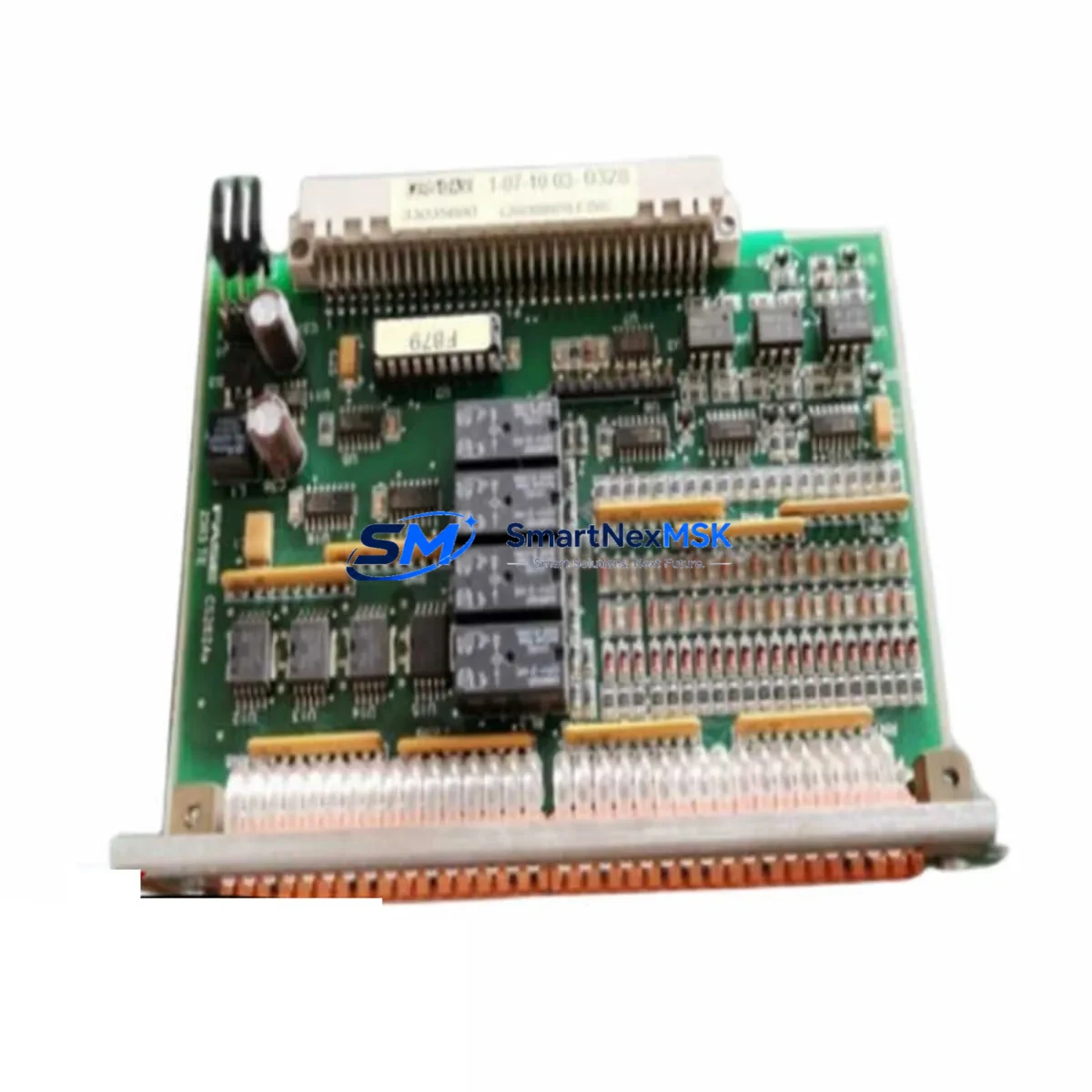
WELD FASE F356-IOE Retrofit-Ready I/O Module for F356 Control Systems
The WELD FASE F356-IOE is a retrofit-ready I/O expansion module engineered for seamless integration into F356-series programmable logic controller platforms. Designed to address the growing demand for legacy system modernization, this module serves as a direct functional replacement for discontinued or end-of-life I/O expansion units within the F356 control architecture. Whether you are upgrading an aging production line, restoring a failed control cabinet, or migrating from an obsolete automation platform, the F356-IOE delivers the compatibility, reliability, and field-proven performance that industrial engineers require.
The F356-IOE supports the full I/O addressing scheme of the F356 backplane, allowing engineers to retain existing PLC programs with minimal or no logic modification. Its terminal block layout mirrors the original wiring footprint, significantly reducing rewiring time during panel replacement. Power supply requirements align with the standard 24VDC rail used across the F356 series, eliminating the need for additional power conditioning hardware during installation.
For facilities managing mixed-generation control systems, the F356-IOE integrates cleanly alongside other F356-series components including the F356-CPU central processing unit, F356-PS power supply module, F356-DI digital input module, F356-DO digital output module, and F356-AI analog input module. This compatibility ensures that partial cabinet upgrades remain viable without forcing a full platform migration, protecting capital investment in existing infrastructure.
Upgrade Compatibility Table
| Parameter | F356-IOE Specification | Retrofit Notes |
|---|---|---|
| Backplane Interface | F356 Series Standard Bus | Direct plug-in; no adapter required |
| Power Supply Input | 24VDC ±15% | Compatible with existing F356-PS rail |
| Terminal Wiring | Screw-type, 2.5mm² max | Matches original terminal layout |
| I/O Addressing | Configurable via F356 programming software | Retain original address map; no program rewrite required |
| Communication Protocol | F356 internal bus (proprietary) | Compatible with F356-CPU firmware v2.x and above |
| Replacement Recommendation | Direct drop-in for F356-IOE legacy units | Verify slot position and module address before power-on |
| Commissioning Focus | Address assignment, I/O scan cycle, signal verification | Use F356 programming terminal or PC-based software |
| Warranty | 12 Months | Covers manufacturing defects; includes pre-shipment functional test |
Retrofit Planning for Existing Automation Systems
Successful retrofit of the F356-IOE begins with a thorough audit of the existing control cabinet. Engineers should document the current slot assignments on the F356 backplane or rack, noting the position of each installed module including the F356-CPU, F356-PS, and any installed F356-DI, F356-DO, or F356-AI modules. The F356-IOE must be assigned a module address consistent with the original configuration to prevent I/O scan conflicts and ensure the PLC program continues to reference the correct data registers.
Terminal wiring should be photographed and labeled before disconnection. The F356-IOE’s screw-type terminal block accepts conductors up to 2.5mm², consistent with standard industrial wiring practice. Where the original installation used ferrule-terminated conductors, the same ferrules can be reused, further reducing installation time. If the control system includes an F356-COM communication module for Modbus RTU or RS-485 field device connectivity, verify that the communication link remains intact after the I/O module swap, as some firmware versions require a communication re-initialization sequence following hardware changes.
For systems that include an F356-HMI operator panel or a third-party HMI connected via serial or Ethernet, confirm that the HMI tag database references I/O addresses that will remain unchanged after the module replacement. In most F356 retrofit scenarios, HMI screens require no modification when the module address map is preserved. However, if the retrofit involves expanding I/O capacity by adding a second F356-IOE to an adjacent rack slot, new tags must be created in the HMI project and downloaded to the panel before commissioning.
Programming cable compatibility is another consideration. The F356 series typically uses a dedicated F356-PC programming cable for direct CPU connection. Ensure the cable and PC-based programming software are available on-site before beginning the retrofit, as online program verification and forced I/O testing are essential steps in the commissioning checklist.
Downtime Control During System Migration
Minimizing production downtime during an F356-IOE replacement requires careful pre-staging and a structured switchover procedure. Before the maintenance window begins, the replacement module should be bench-tested using a spare F356-PS power supply and a programming terminal to verify that the unit powers up correctly and responds to I/O force commands. This pre-shipment functional test, which is included as standard with every F356-IOE supplied by SMARTNEXMSK, confirms that the module is free from manufacturing defects before it reaches the production floor.
During the switchover, the PLC program should be uploaded from the F356-CPU and saved to a backup file before any hardware is disturbed. This protects the original logic in the event that the CPU requires a cold restart after the module exchange. Once the F356-IOE is installed and wired, perform a controlled power-on sequence: energize the F356-PS first, then the CPU, and finally verify that the I/O module appears in the rack configuration within the programming software. Run a full I/O scan and compare live field signals against the pre-retrofit baseline to confirm correct operation before returning the system to automatic mode.
For critical processes where even brief interruptions are unacceptable, consider staging the new F356-IOE in a parallel test rack alongside the live system. This allows full software verification and signal simulation before the physical swap, compressing the actual production downtime to the minimum time required for the physical module exchange and wiring reconnection.
Retrofit Support FAQ
Q: Is the F356-IOE a direct drop-in replacement for the original F356 I/O expansion module?
A: Yes. The F356-IOE is designed as a direct functional and mechanical replacement for the original F356-series I/O expansion unit. The backplane connector, terminal block layout, and module address scheme are fully compatible, allowing installation without modification to the existing rack, wiring, or PLC program in standard replacement scenarios.
Q: What commissioning steps are required after installing the F356-IOE?
A: After physical installation, connect the F356 programming cable to the CPU and open the rack configuration in the programming software. Confirm that the F356-IOE is recognized at the correct slot address. Perform a forced I/O test on each channel to verify field wiring continuity, then run the PLC in manual mode to confirm correct signal response before switching to automatic operation.
Q: Can the F356-IOE be used to expand I/O capacity beyond the original system configuration?
A: Yes, provided that available rack slots exist on the F356 backplane and the CPU firmware supports the expanded I/O count. When adding a second F356-IOE for capacity expansion rather than direct replacement, a new module address must be assigned, and the PLC program must be updated to include the additional I/O channels. HMI tag databases should also be updated accordingly.
Q: What does the 12-month warranty cover, and is pre-shipment testing included?
A: Every F356-IOE supplied by SMARTNEXMSK includes a pre-shipment functional test confirming power-on operation and I/O channel response. The 12-month warranty covers manufacturing defects in materials and workmanship from the date of shipment. Warranty service includes replacement or repair at no charge. Units damaged by incorrect wiring, overvoltage, or improper installation are evaluated on a case-by-case basis.
© 2026 SMARTNEXMSK. All rights reserved.
Original Source: https://smartnexmsk.com
Contact: [email protected] | +86 18259474341