
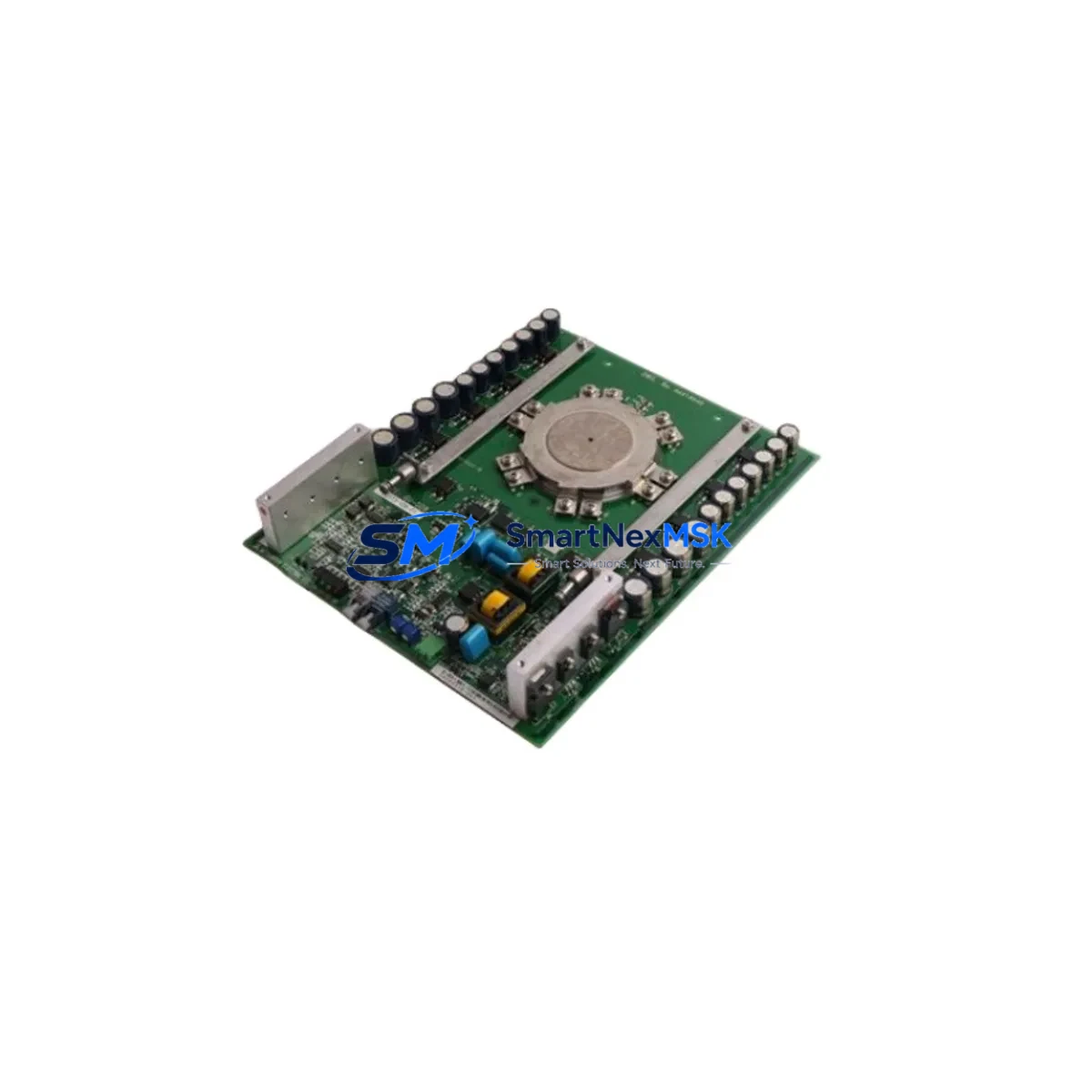
West MLC9000+ Z4660 S160 Retrofit-Ready Safety Monitor: Compatible Upgrade for MLC9000+ Control Systems
The West Control Solutions MLC9000+ Z4660 S160 is a safety light curtain monitor engineered for seamless integration into existing MLC9000+ series machine guarding architectures. Whether you are replacing an end-of-life unit, upgrading a legacy safety relay circuit, or modernizing a production line’s protective device interface, the Z4660 S160 delivers certified performance with minimal disruption to your existing control infrastructure. With verified compatibility across the MLC9000+ platform, this module is a proven choice for maintenance engineers and system integrators managing retrofit projects in press, packaging, assembly, and robotic cell applications.
Sourced directly from authorized supply channels, each unit undergoes pre-shipment functional verification. Stock is available for immediate dispatch, supported by a 12-month warranty covering manufacturing defects and operational failures under normal industrial use conditions.
Upgrade Compatibility Table
| Parameter | Details |
|---|---|
| Compatible Series | West MLC9000+ (all sub-variants) |
| SKU | MLC9000+ Z4660 S160 |
| Mounting / Installation | DIN rail mount; standard MLC9000+ housing footprint |
| Supply Voltage | 24 V DC (PELV); verify existing PSU capacity before swap |
| Safety Output | Dual-channel OSSD; compatible with existing safety relay or safety PLC input modules |
| Communication Compatibility | Teach-in via MLC9000+ configuration tool; no fieldbus reconfiguration required for standard I/O wiring |
| Replacement Recommendation | Direct drop-in for MLC9000+ Z4660 S160; confirm terminal mapping against original wiring diagram |
| Commissioning Notes | Re-run teach-in sequence after installation; verify OSSD response time with safety controller |
| Warranty | 12 months from date of shipment; covers manufacturing defects under normal operating conditions |
Retrofit Planning for Existing Automation Systems
Retrofitting a safety light curtain monitor within an active production environment requires careful pre-planning across multiple system layers. Before removing the existing MLC9000+ Z4660 S160 unit, engineers should document the complete terminal wiring layout, including the OSSD1 and OSSD2 output connections, the muting input wiring, and the blanking configuration stored in the current device. If the machine is integrated with a Siemens SIMATIC S7-300 or S7-400 safety CPU via a dedicated F-DI module, the safety program’s CRC signature will need to be re-validated after the hardware swap — this is a mandatory step in TÜV-compliant safety lifecycle management.
For lines using a Pilz PNOZ safety relay as the downstream evaluation unit, verify that the relay’s input voltage thresholds remain within specification when connected to the replacement Z4660 S160’s OSSD outputs. In installations where the safety circuit feeds into a Rockwell Allen-Bradley GuardLogix controller, confirm that the I/O module’s input filter time settings are compatible with the new unit’s OSSD switching characteristics.
Power supply capacity is a critical checkpoint. The 24 V DC PELV supply feeding the MLC9000+ monitor must have sufficient residual capacity after accounting for all connected loads — including any MLC9000+ receiver and emitter bar assemblies, terminal expansion blocks, and auxiliary indicator outputs. If the existing Puls, Phoenix Contact, or WAGO 24 V DIN rail power supply is operating near its rated output, consider installing a dedicated supply branch for the safety circuit before completing the retrofit.
Wiring adaptation is straightforward for like-for-like replacements within the MLC9000+ family. However, if the retrofit involves migrating from an older MLC9000 (non-plus) controller to the MLC9000+ Z4660 S160, terminal assignments for the muting lamp output and the restart interlock input may differ. Cross-reference the original installation manual against the Z4660 S160 wiring diagram before making any terminal connections. Use ferrule-terminated conductors and verify torque values on all screw terminals to IEC 60947-5-1 requirements.
For facilities running Profibus DP or Profinet IO networks alongside the safety circuit, no changes to the fieldbus topology are required for a standard OSSD-wired installation. However, if the MLC9000+ is configured for IO-Link communication to a master module on the safety controller rack, re-upload the device description file (IODD) after replacement to ensure the IO-Link master correctly identifies the new unit. HMI screens on Siemens WinCC or Rockwell FactoryTalk that display safety device status should be tested for correct alarm and status bit mapping following commissioning.
Downtime Control During System Migration
Minimizing unplanned downtime during a safety device replacement is a primary concern for production managers and maintenance teams. The MLC9000+ Z4660 S160 retrofit process can typically be completed within a planned maintenance window of two to four hours when all preparatory steps are completed in advance.
Begin by exporting the current device configuration using the West MLC9000+ PC configuration software before powering down the machine. Store the configuration file with the machine’s maintenance records. This preserves the blanking zones, muting sequences, and response time settings that were validated during the original safety commissioning, and allows rapid re-application to the replacement unit without requiring a full re-commissioning from scratch.
During the physical swap, label all terminal connections before disconnection and photograph the wiring layout. Restore connections in reverse order of removal. After powering up the replacement Z4660 S160, load the saved configuration file, run the teach-in sequence for the light curtain bars, and perform a full functional test of the OSSD outputs by interrupting the protective field and confirming that the machine’s safety-rated stop function activates correctly. Verify restart interlock behavior if the machine uses a manual reset function.
For facilities with strict change management requirements, prepare a pre-approved retrofit checklist that includes: power isolation confirmation, wiring verification, configuration upload, functional test results, and sign-off by the responsible safety engineer. This documentation supports compliance with ISO 13849-1 and IEC 62061 safety lifecycle requirements and reduces the risk of audit findings during post-retrofit safety validation.
Retrofit Support FAQ
Q1: Is the MLC9000+ Z4660 S160 a direct replacement for the original MLC9000+ Z4660 S160 unit?
Yes. The Z4660 S160 is a like-for-like replacement within the MLC9000+ platform. Terminal assignments, mounting dimensions, and OSSD output characteristics are identical to the original specification. Confirm the wiring diagram revision matches your installed version before proceeding.
Q2: Do I need to reconfigure the safety PLC after replacing the Z4660 S160?
For standard OSSD-wired installations, no PLC program changes are required. If your system uses IO-Link or a safety fieldbus interface, re-upload the device description file and perform a safety function test to confirm correct signal mapping. For TÜV-certified safety programs, re-validate the CRC signature per your safety lifecycle procedure.
Q3: What wiring checks are required before powering up the replacement unit?
Verify OSSD1 and OSSD2 output connections, muting input wiring, restart interlock wiring, and 24 V DC supply polarity. Confirm that all terminal screws are torqued to specification and that no conductors are cross-connected. Use a continuity tester to verify circuit integrity before energizing.
Q4: What does the 12-month warranty cover, and how is it claimed?
The 12-month warranty covers manufacturing defects and component failures under normal industrial operating conditions from the date of shipment. It does not cover damage resulting from incorrect installation, overvoltage, or physical impact. To initiate a warranty claim, contact [email protected] with your order reference, a description of the fault, and photographic evidence of the defect. Replacement or repair will be arranged within the warranty period at no additional cost.
© 2026 SMARTNEXMSK. All rights reserved.
Original Source: https://smartnexmsk.com
Contact: [email protected] | +86 18259474341