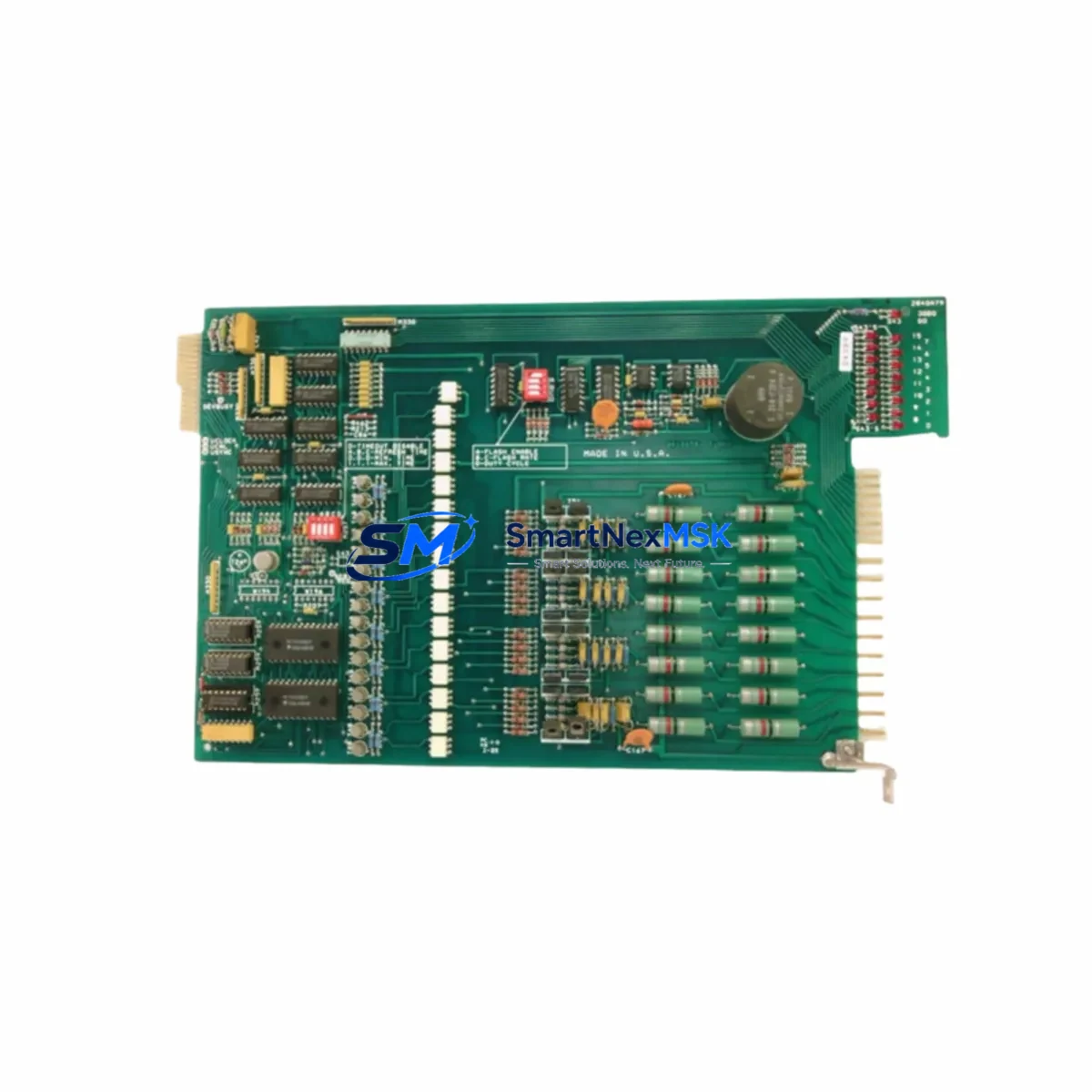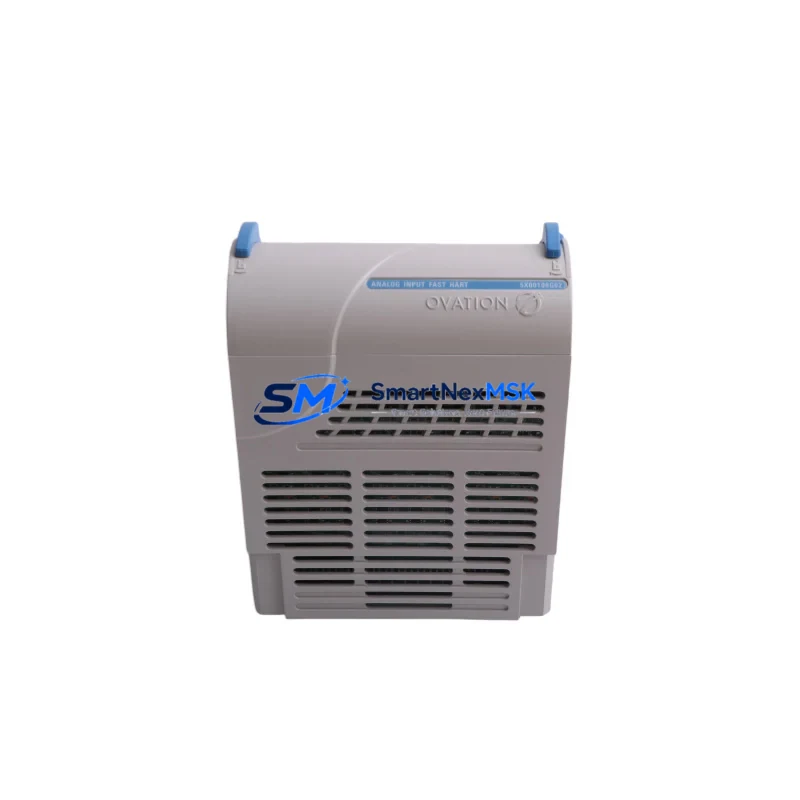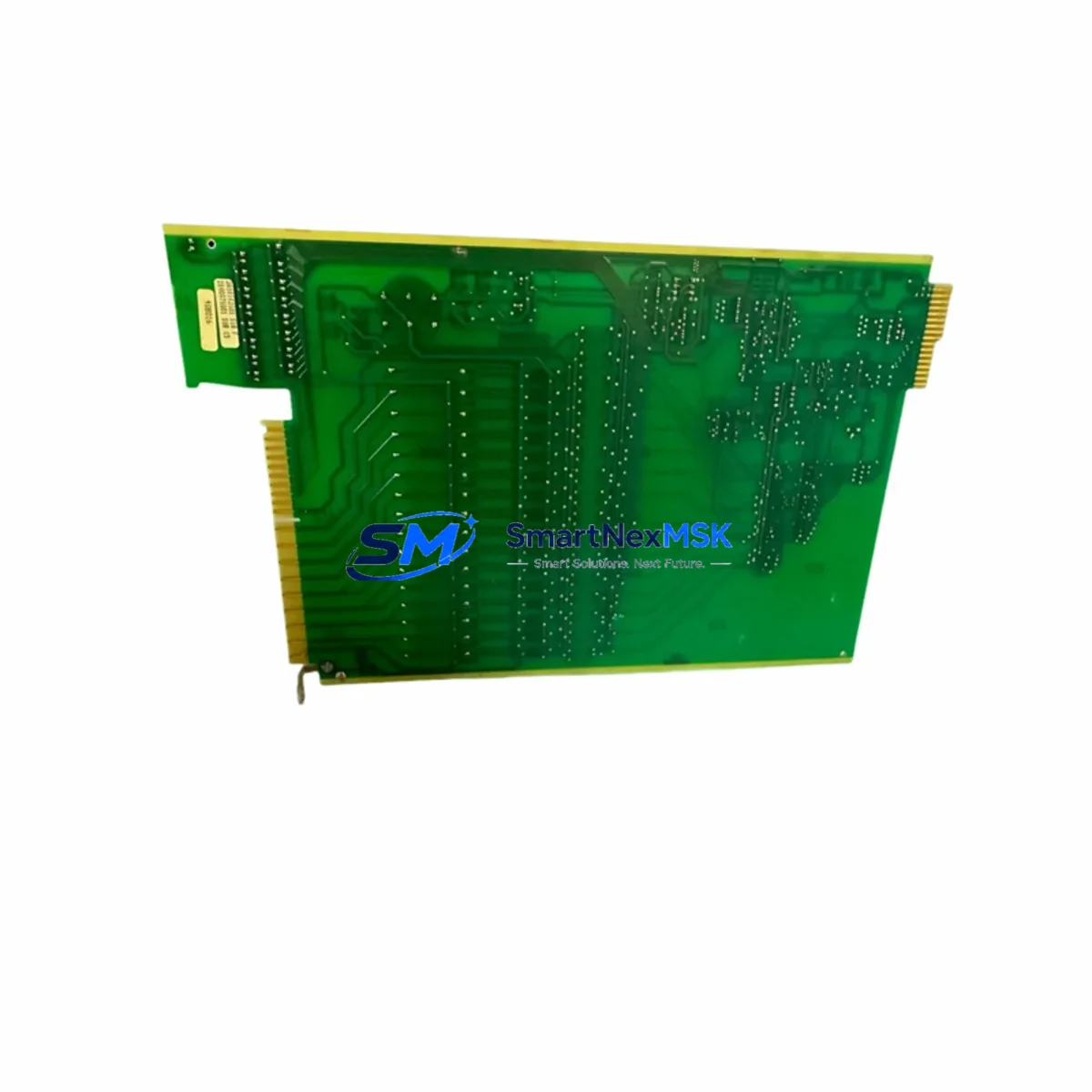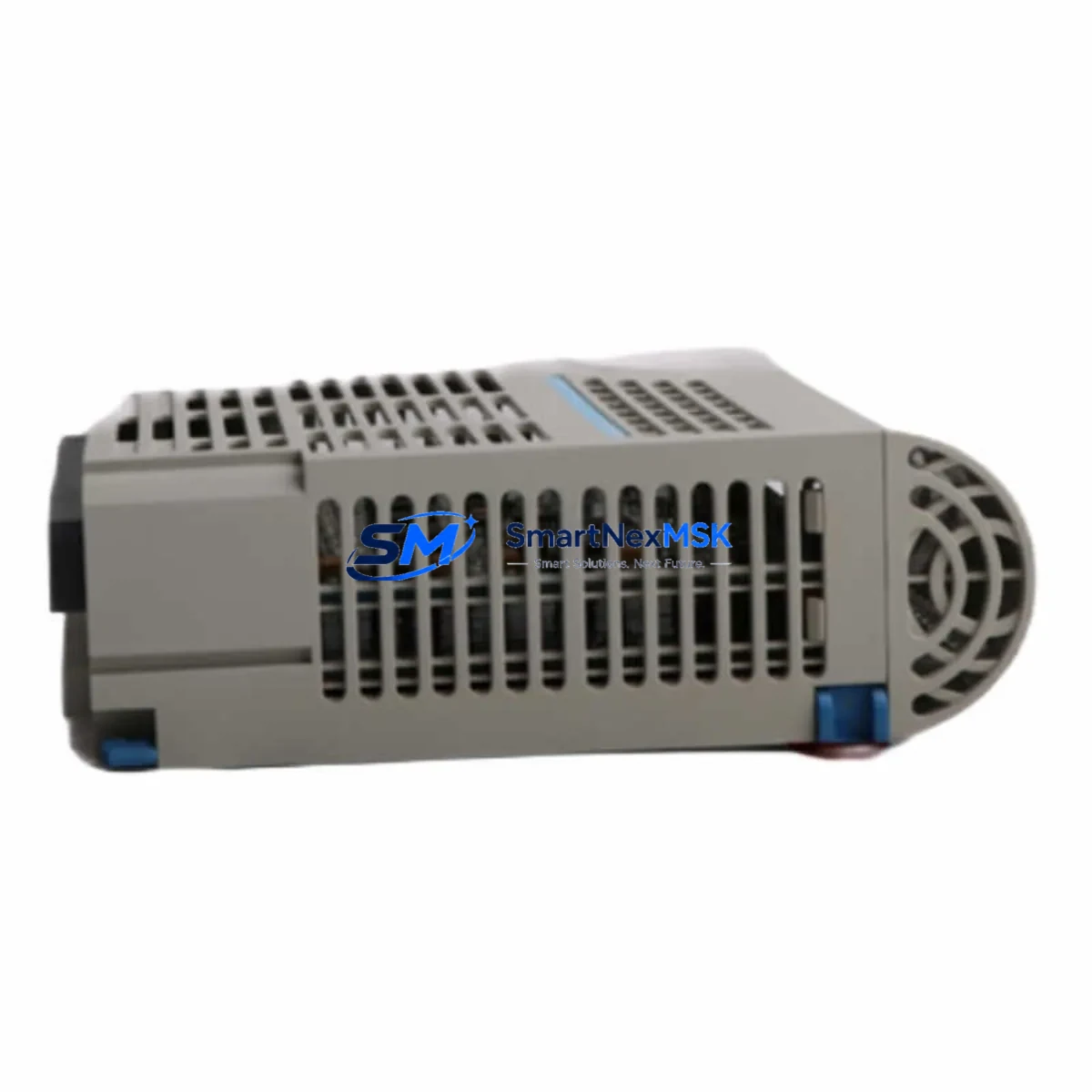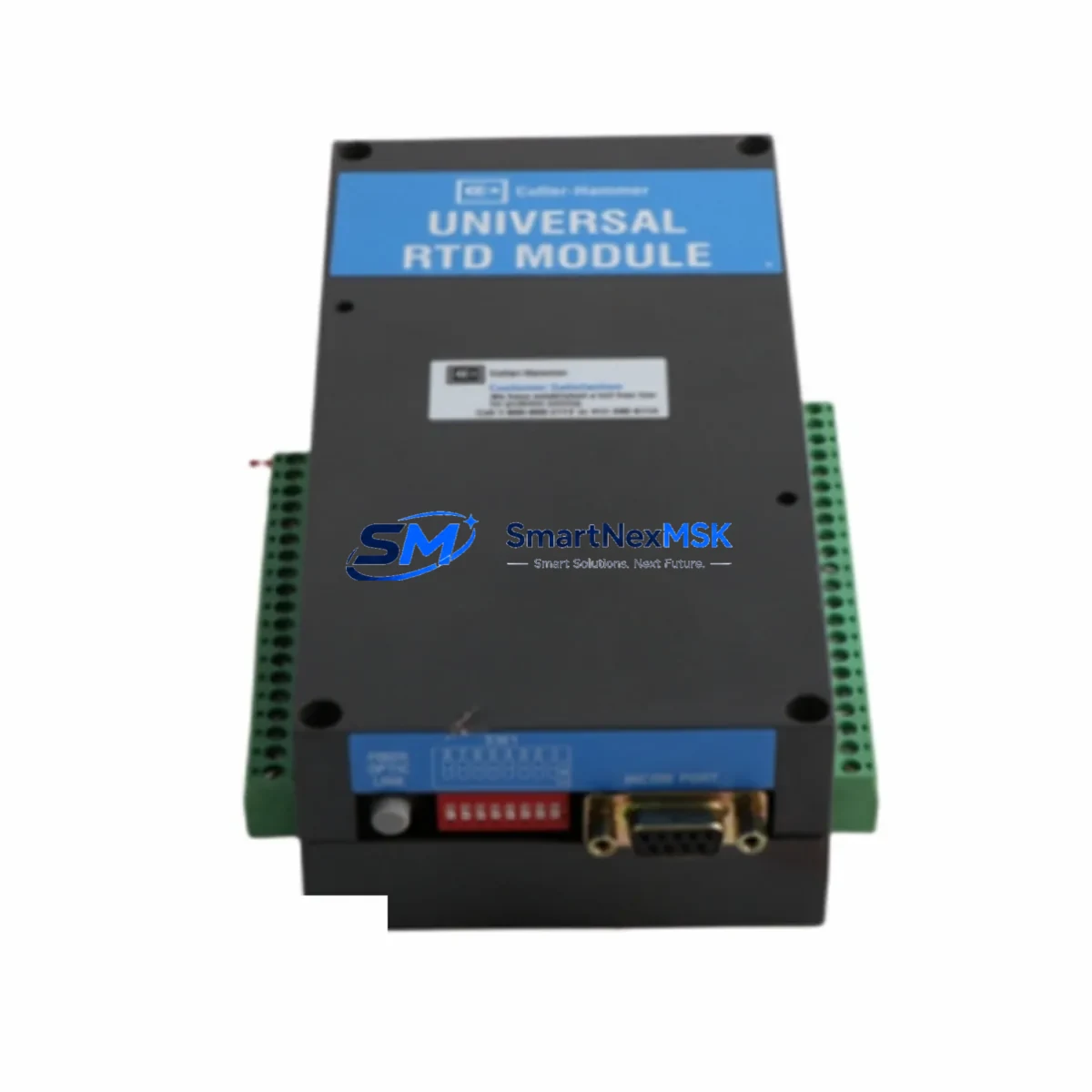
Westinghouse 2D78559G01 Retrofit-Ready RTD Input Module for OVATION DCS Control Systems
The Westinghouse 2D78559G01 is a Universal RTD Input Module engineered for the OVATION Distributed Control System (DCS) platform. As legacy OVATION installations age and original spare parts become increasingly scarce, the 2D78559G01 has emerged as a critical retrofit component for power generation facilities, chemical processing plants, and industrial automation environments that depend on continuous, high-accuracy temperature measurement. Whether you are replacing a failed module in an active control loop, upgrading an aging I/O rack, or executing a planned system modernization, the 2D78559G01 delivers the signal fidelity and backplane compatibility required to maintain operational continuity without rewriting control logic or reconfiguring HMI displays.
This module supports multiple RTD input types including Pt100, Pt200, Pt500, Pt1000, Ni100, and Cu10, making it suitable for a wide range of thermowell and sensor configurations already installed in the field. Its universal input architecture eliminates the need to replace field wiring or recalibrate transmitters during a module swap, significantly reducing planned downtime windows. The 2D78559G01 is designed to seat directly into the OVATION I/O rack backplane, maintaining full compatibility with the OVATION controller’s scan cycle, diagnostic reporting, and redundancy management functions.
When integrating the 2D78559G01 into an existing OVATION system, engineers should verify the power supply capacity of the local I/O cabinet. The OVATION power supply modules — such as the 5X00106G01 and 5X00106G02 — must provide sufficient 24 VDC rail current to support the additional I/O load, particularly in high-density rack configurations. Terminal block wiring should be confirmed against the original loop drawings, as RTD lead resistance compensation (2-wire, 3-wire, or 4-wire) must match the sensor installation. The backplane slot address assigned in the OVATION Developer Studio configuration must correspond to the physical rack position to ensure the controller correctly maps the module’s process variables to the control strategy.
For sites running OVATION version 3.x or earlier, compatibility with the current OVATION controller — such as the OCR400 or OCR1100 — should be validated against the firmware revision documented in the system’s hardware configuration database. In most cases, the 2D78559G01 is recognized natively without firmware updates, but sites that have migrated from earlier OVATION hardware generations, including the WDPF (Westinghouse Distributed Processing Family) platform, should confirm that the I/O bus protocol and rack communication parameters have been updated accordingly. WDPF-to-OVATION migration projects frequently involve replacing legacy WDPF I/O modules with OVATION-compatible equivalents, and the 2D78559G01 is a common target replacement in RTD-intensive applications such as turbine exhaust temperature monitoring and boiler feedwater control.
During commissioning, the module’s channel-by-channel diagnostic status should be verified through the OVATION Operator Station before returning the loop to automatic control. HMI faceplates linked to the affected process variables should be checked for correct engineering unit display and alarm limit activation. If the site uses a third-party historian — such as OSIsoft PI or Honeywell PHD — the data tag mapping should be confirmed to ensure uninterrupted data archiving through the transition. Communication links between the OVATION controller and upstream systems via OPC DA, OPC UA, or Modbus TCP should also be tested to confirm that the module replacement has not introduced any address conflicts or polling errors.
Upgrade Compatibility Table
| Parameter | Detail |
|---|---|
| Module Part Number | 2D78559G01 |
| Brand / Manufacturer | Westinghouse Electric / Emerson (OVATION) |
| Compatible Platform | OVATION DCS (all versions) |
| Module Function | Universal RTD Input (Temperature Measurement) |
| Supported RTD Types | Pt100, Pt200, Pt500, Pt1000, Ni100, Cu10 |
| Wiring Compatibility | 2-wire, 3-wire, 4-wire RTD configurations |
| Backplane Interface | OVATION I/O Rack (standard backplane slot) |
| Power Requirement | 24 VDC via rack backplane (verify rail capacity) |
| Installation Requirement | Direct slot replacement; no rack modification required |
| Communication Compatibility | OVATION I/O bus; OPC DA / OPC UA / Modbus TCP (via controller) |
| Replacement Recommendation | Drop-in replacement for failed or end-of-life 2D78559G01 units |
| Commissioning Note | Verify slot address in OVATION Developer Studio; confirm HMI tag mapping |
| Warranty | 12-Month Warranty — covered against manufacturing defects |
Retrofit Planning for Existing Automation Systems
A successful retrofit begins well before the module arrives on site. For OVATION-based systems, the engineering team should extract the current hardware configuration from OVATION Developer Studio and cross-reference the rack layout, slot assignments, and I/O channel definitions against the as-built drawings. In multi-drop RTD applications — common in turbine hall and heat recovery steam generator (HRSG) installations — each channel of the 2D78559G01 must be individually mapped to its corresponding process tag, and the scan rate configured to match the thermal response time of the connected sensors.
The retrofit scope typically extends beyond the I/O module itself. Engineers should inspect the associated terminal blocks and field junction boxes for corrosion or loose connections that may have contributed to the original module failure. In older OVATION cabinets, the I/O rack backplane connectors and the rack chassis — such as the 5X00070G01 rack assembly — should be inspected for pin wear or oxidation. If the cabinet also houses OVATION communication modules such as the 5X00119G01 Ethernet Interface Module or the 5X00095G01 Remote I/O Controller, their firmware versions should be noted to ensure compatibility with any OVATION software updates applied during the retrofit window.
For sites that are simultaneously upgrading their operator interface, the retrofit may include migrating from legacy OVATION Operator Stations running Windows XP to current OVATION Workstation platforms. In these cases, the HMI graphics associated with the RTD loops served by the 2D78559G01 should be reviewed and updated to reflect any changes in tag naming conventions or alarm philosophy introduced during the upgrade. Programming cables and configuration tools — including the OVATION Developer Studio laptop and the associated USB-to-serial adapters — should be staged and tested before the maintenance window begins to avoid delays during the live cutover.
Sites that are expanding their I/O capacity as part of the retrofit should also evaluate whether additional OVATION I/O expansion racks are required. The 2D78559G01 can be deployed in both primary and extended I/O racks, provided the rack addressing scheme is updated in the controller configuration. If the retrofit includes adding new RTD measurement points — for example, to support a new heat exchanger or an additional turbine stage — the field wiring, conduit routing, and thermowell installation should be completed and tested before the module is configured in software.
Downtime Control During System Migration
Minimizing unplanned downtime is the primary operational constraint in any live DCS retrofit. For the 2D78559G01 replacement, the recommended approach is to pre-configure a spare module offline using a bench OVATION rack or a hardware-in-the-loop test environment before the scheduled maintenance window. The module’s channel configuration, engineering unit scaling, and alarm limits should be loaded and verified against the process design basis prior to installation.
During the cutover, the affected control loops should be placed in manual mode at the OVATION Operator Station before the module is removed. This preserves the last known output state of any associated control valves or actuators and prevents process upsets caused by loss of the process variable signal. If the site operates with a redundant OVATION controller pair, the redundancy status should be confirmed as synchronized before beginning the swap to ensure that a controller failover during the maintenance window does not result in loss of the pre-configured module settings.
After the 2D78559G01 is seated and the rack power is restored, the OVATION system will automatically perform a module health check and report the I/O status to the controller. Engineers should monitor the OVATION Alarm Summary and the module diagnostic display for any channel faults before returning loops to automatic control. A structured loop check — verifying that each RTD channel reads within the expected process range and that the signal appears correctly on the HMI faceplate and in the historian — should be completed and documented before the maintenance window is closed. Total cutover time for a single module replacement, including pre-staging and post-commissioning verification, is typically achievable within a four-hour planned outage window.
Retrofit Support FAQ
Q1: Is the 2D78559G01 a direct drop-in replacement for a failed OVATION RTD input module?
Yes. The 2D78559G01 is designed as a direct slot replacement within the OVATION I/O rack. No rack modification, backplane rewiring, or controller software update is required in most standard OVATION configurations. The module is recognized automatically by the OVATION controller upon insertion, provided the slot address in OVATION Developer Studio matches the physical installation position.
Q2: What wiring changes are required when replacing the 2D78559G01?
In most cases, no field wiring changes are required. The 2D78559G01 supports 2-wire, 3-wire, and 4-wire RTD configurations using the existing terminal block connections. Engineers should verify that the wiring mode configured in OVATION Developer Studio matches the physical sensor installation (2-wire, 3-wire, or 4-wire) to ensure accurate lead resistance compensation and correct temperature readings.
Q3: How is compatibility with the existing OVATION HMI and historian verified after replacement?
After module installation, each RTD channel should be confirmed as active in the OVATION Operator Station process display. HMI faceplates linked to the affected tags should show live process values within the expected engineering unit range. Historian data continuity — whether using OSIsoft PI, Honeywell PHD, or the native OVATION historian — should be verified by confirming that new data points are being archived at the configured scan rate without gaps or quality flags.
Q4: What warranty coverage is provided with the 2D78559G01?
All 2D78559G01 modules supplied by SMARTNEXMSK are covered by a 12-month warranty against manufacturing defects and functional failures under normal operating conditions. Each unit undergoes pre-shipment functional testing to verify channel accuracy, backplane communication, and diagnostic reporting before dispatch. Warranty claims are supported by our technical team with replacement or repair turnaround coordinated to minimize site downtime.
© 2026 SMARTNEXMSK. All rights reserved.
Original Source: https://smartnexmsk.com
Contact: [email protected] | +86 18259474341