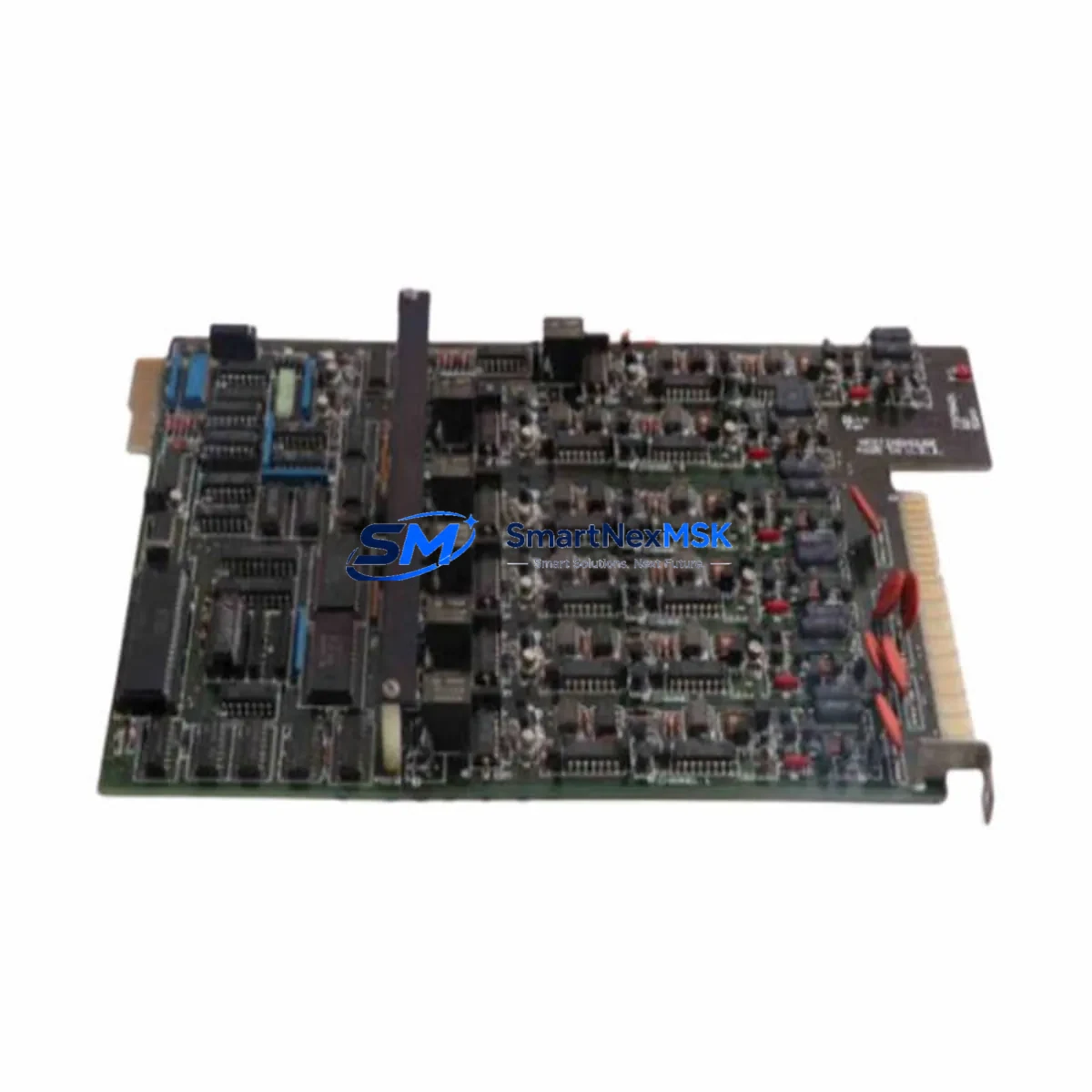
Westinghouse 5X00273G01 Retrofit-Ready Digital Output for OVATION DCS: Compatible Modernization & Smooth System Upgrade
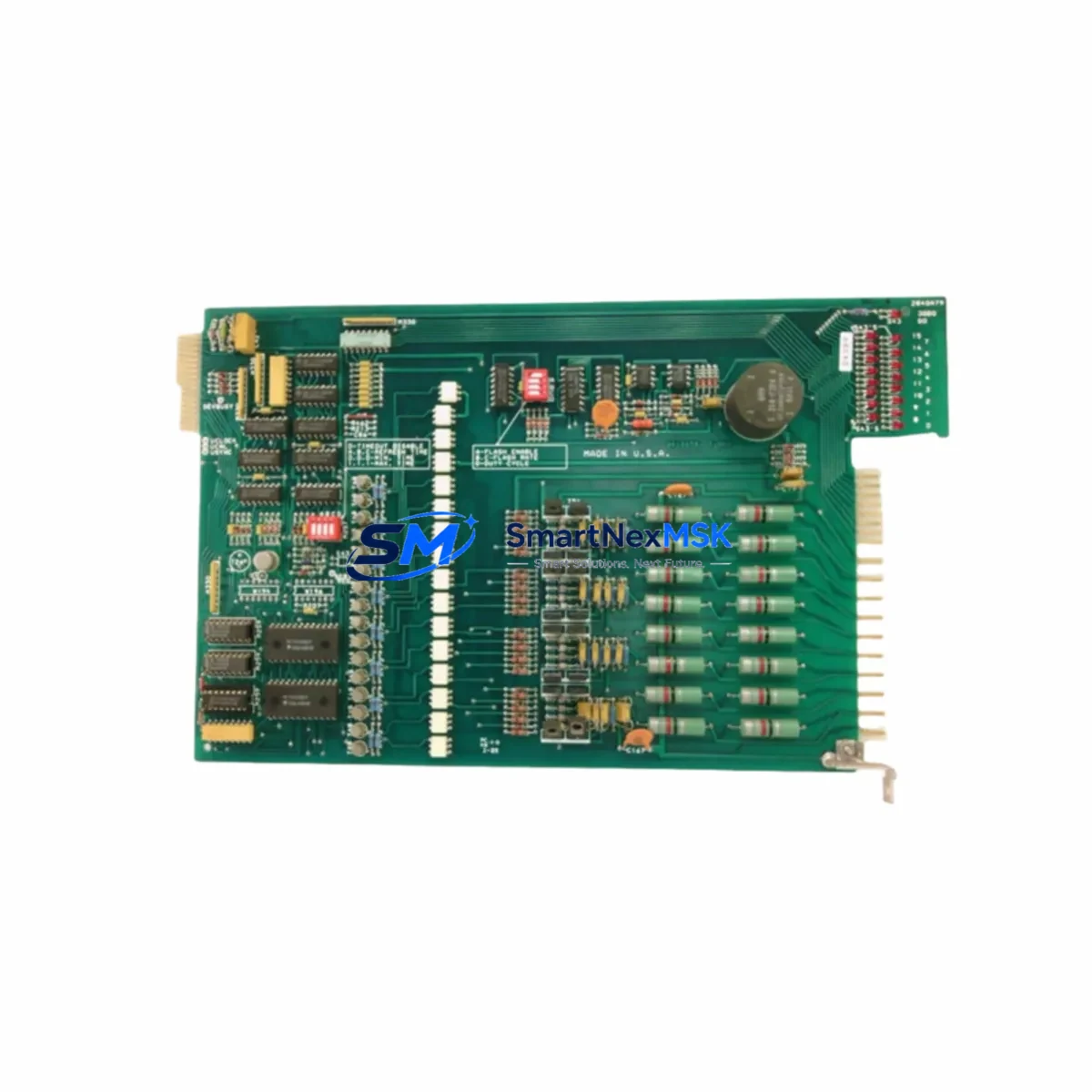
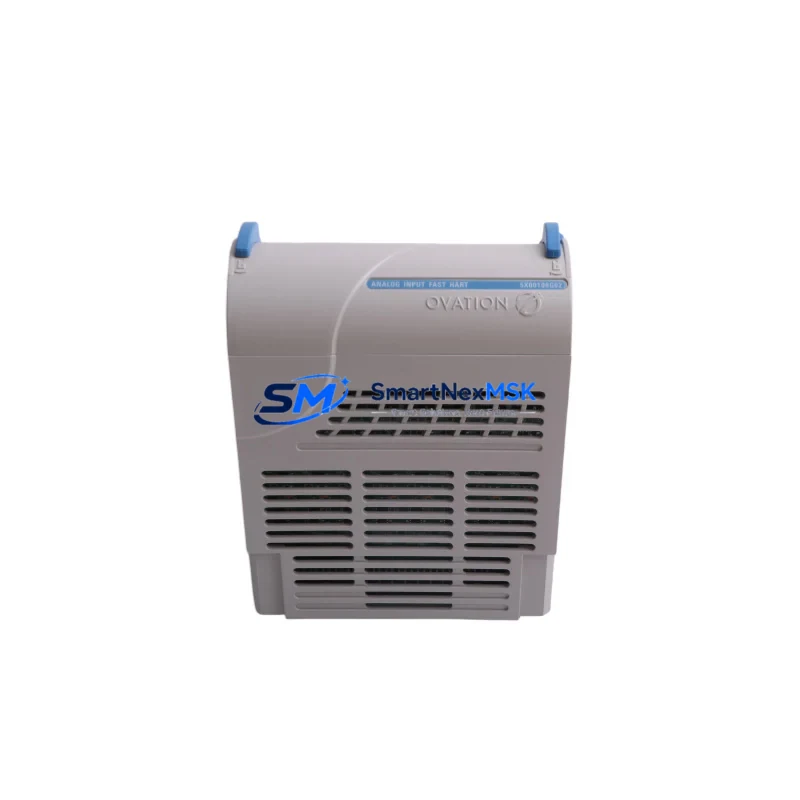
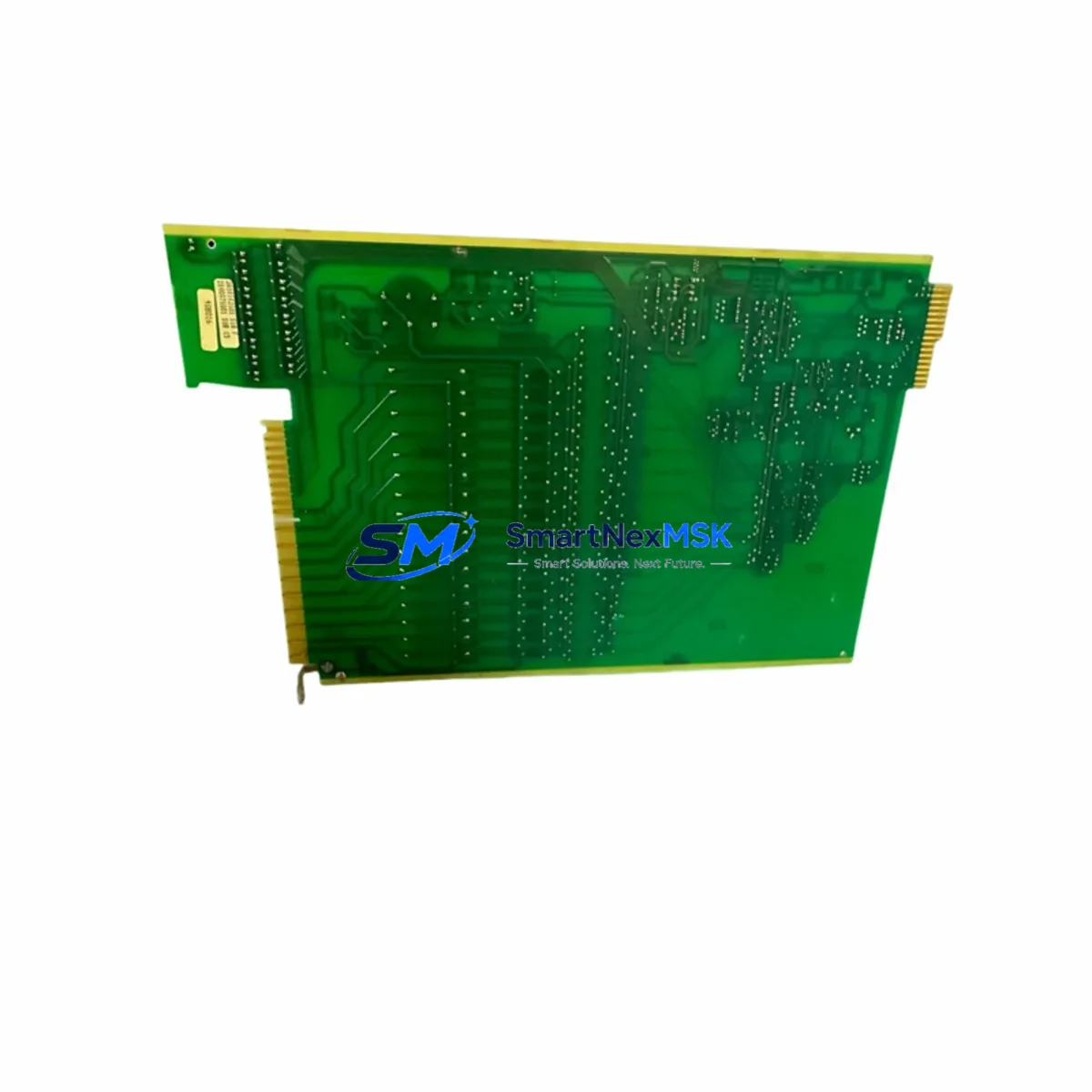
The Westinghouse 5X00273G01 is a Digital Output Module engineered for the OVATION Distributed Control System (DCS) platform — one of the most widely deployed process control architectures in power generation, oil & gas, and heavy industrial facilities worldwide. As legacy OVATION systems age and original spare parts become increasingly scarce, the 5X00273G01 serves as a verified retrofit-ready replacement that enables control engineers and maintenance teams to extend system life, restore I/O capacity, and avoid costly full-system migrations.
Whether you are replacing a failed module in an active control loop, expanding digital output capacity in an existing I/O cabinet, or executing a phased modernization of an aging DCS infrastructure, the 5X00273G01 is designed to integrate directly into existing OVATION backplane assemblies without requiring firmware re-engineering or hardware redesign. Each unit is pre-tested prior to shipment, backed by a 12-month warranty, and available from verified inventory for rapid deployment.
Upgrade Compatibility Table
| Parameter | Details |
|---|---|
| SKU / Part Number | 5X00273G01 |
| Brand / Manufacturer | Westinghouse / Emerson (OVATION Platform) |
| Module Type | Digital Output Module |
| Compatible Platform | OVATION DCS (all generations) |
| Backplane / Rack Interface | OVATION standard I/O backplane; direct slot insertion |
| Communication Compatibility | OVATION proprietary control network; compatible with OVATION OCR400 and OCR1100 controllers |
| Installation Requirement | No hardware modification required; verify slot address assignment in OVATION Developer Studio |
| Replacement Recommendation | Direct drop-in for failed or end-of-life 5X00273G01 units; confirm terminal wiring map before swap |
| Commissioning Focus | Module address configuration, I/O force check, loop integrity test, HMI point verification |
| Warranty | 12-Month Warranty — covers manufacturing defects and functional failure under normal operating conditions |
| Pre-Shipment Testing | Full functional test performed on each unit prior to dispatch |
| Origin | USA (Westinghouse / Emerson manufacturing) |
Retrofit Planning for Existing Automation Systems
Successful integration of the 5X00273G01 into an existing OVATION DCS environment requires systematic pre-installation planning. Before removing the failed or obsolete module, engineers should document the current terminal wiring configuration using the existing I/O termination drawing set. The OVATION I/O termination assembly — typically a marshalling panel or field termination unit — must be verified for compatibility with the output signal type and load characteristics of the replacement module.
The OVATION backplane and I/O rack assembly should be inspected for physical integrity. Confirm that the rack power supply — often an OVATION 5X00070G01 or equivalent redundant power module — is delivering stable DC voltage within specification before inserting the new module. Voltage fluctuations at the backplane level are a common cause of premature module failure and must be ruled out during the retrofit process.
Module address assignment is configured through OVATION Developer Studio. After physical installation, the module must be recognized by the OVATION OCR400 or OCR1100 controller and assigned the correct I/O point addresses matching the original configuration. If the system uses an OVATION 5X00106G01 communication interface or similar network bridge module, verify that the control network topology remains intact and that no address conflicts exist after the swap.
For systems that include OVATION-connected HMI workstations, confirm that all affected display points — including digital output status indicators, interlock logic displays, and alarm annunciation graphics — correctly reflect the restored module state. HMI point binding errors are a frequent post-replacement issue that can be resolved through OVATION point database synchronization.
In multi-drop I/O configurations, the 5X00273G01 may operate alongside other OVATION I/O modules such as digital input modules, analog input modules (e.g., 5X00119G01 series), and analog output modules within the same rack. Confirm that the total I/O load on the shared backplane does not exceed the power budget of the installed power supply module. Where I/O expansion is required, additional OVATION I/O racks and backplane extender assemblies may be added without disrupting the existing control logic.
For facilities migrating from older Westinghouse WDPF (Distributed Processing Family) systems to OVATION, the 5X00273G01 is a key component in the I/O layer modernization. WDPF-to-OVATION migration projects typically involve replacing WDPF Data Highway communication modules with OVATION network interface cards, remapping I/O point databases, and reconfiguring control strategies in OVATION Developer Studio. The 5X00273G01 supports this migration path by providing a modern, supported digital output interface that is fully compatible with OVATION’s current software revision set.
Downtime Control During System Migration
Minimizing unplanned downtime is the primary operational constraint in any DCS module replacement or retrofit project. For the 5X00273G01, the recommended approach is a hot-standby swap procedure where the replacement module is pre-configured and address-verified offline before the maintenance window begins.
Prior to the scheduled outage, place all affected digital output points in manual control mode through the OVATION operator workstation. This preserves field device states — including valve positions, motor run/stop commands, and interlock outputs — during the module swap interval. Document the current forced output states and ensure that field operators are stationed at critical control points to maintain process continuity manually if required.
During the swap, follow OVATION’s recommended module removal sequence: inhibit the I/O point in Developer Studio, remove the module from the backplane, insert the replacement 5X00273G01, and re-enable the I/O point. The OVATION controller will automatically re-scan the backplane and recognize the new module within seconds of insertion, provided the module address and configuration match the original database entry.
Post-installation, perform a full loop check on each digital output channel. Verify that field devices respond correctly to commanded output states, that interlock logic executes as expected, and that HMI alarm and status displays are functioning correctly. Where OVATION system historian data continuity is required, confirm that the point database reconnection does not create data gaps in the process historian record.
For critical applications where zero-downtime replacement is required, OVATION supports redundant I/O module configurations. Consult the OVATION I/O subsystem documentation to determine whether the 5X00273G01 can be deployed in a redundant pair configuration within your specific rack and controller architecture.
Retrofit Support FAQ
Q1: Is the 5X00273G01 a direct replacement for the original Westinghouse OVATION Digital Output Module?
Yes. The 5X00273G01 is a direct form-fit-function replacement for the original OVATION Digital Output Module of the same part number. No hardware modification to the backplane, termination assembly, or field wiring is required. Verify the module address assignment in OVATION Developer Studio after installation to ensure correct I/O point mapping.
Q2: What commissioning steps are required after installing the replacement module?
After physical installation, confirm module recognition in the OVATION controller I/O scan. Verify that all digital output points are correctly mapped in the OVATION point database. Perform a channel-by-channel loop check to confirm field device response. Check HMI display points for correct status indication. If the system uses interlock or sequence logic referencing the affected I/O points, perform a functional test of the relevant control strategies before returning the system to automatic control.
Q3: How do I verify wiring compatibility before swapping the module?
Retrieve the existing I/O termination drawing for the affected rack slot. Confirm that the field wiring termination points, signal voltage levels, and load current ratings are within the 5X00273G01 specification. If the original module was installed with a field termination unit or marshalling panel, verify that the termination assembly is compatible with the replacement module’s terminal layout. Contact our technical support team at [email protected] if you require assistance interpreting the termination drawing.
Q4: What does the 12-month warranty cover, and what is the return process?
The 12-month warranty covers manufacturing defects and functional failure under normal operating conditions from the date of shipment. Each unit undergoes full functional testing prior to dispatch. In the event of a warranty claim, contact [email protected] with your order reference and a description of the fault. Our team will arrange return authorization and expedited replacement to minimize your system downtime.
© 2026 SMARTNEXMSK. All rights reserved.
Original Source: https://smartnexmsk.com
Contact: [email protected] | +86 18259474341