
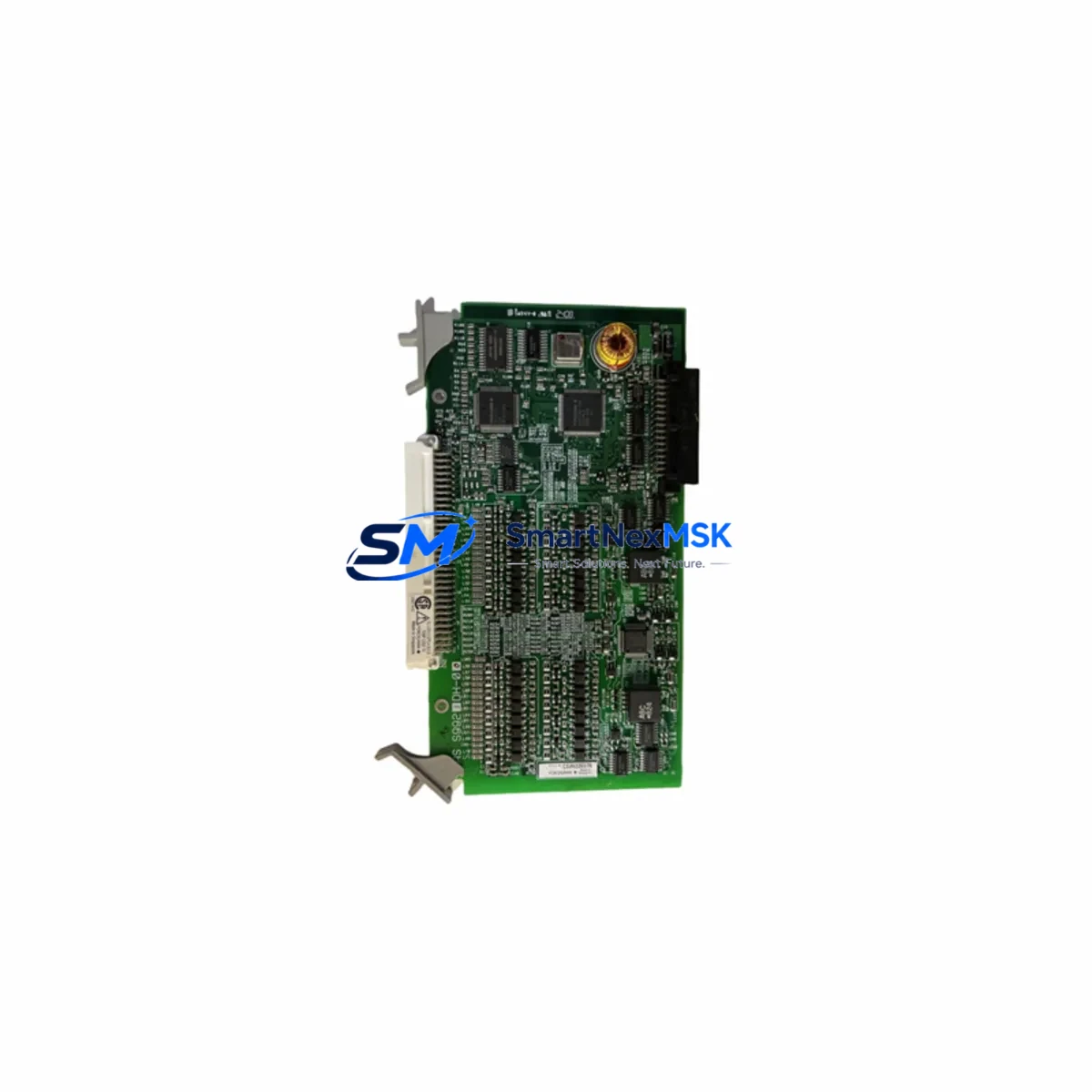
Yokogawa ADM12 S2 Maintenance-Ready Spare for CENTUM Automation
The Yokogawa ADM12 S2 is an original analog current output I/O module designed for deployment within Yokogawa CENTUM VP and CENTUM CS 3000 distributed control systems. For maintenance engineers managing continuous-process facilities — including petrochemical plants, power generation stations, pulp and paper mills, and pharmaceutical manufacturing lines — the ADM12 S2 represents a critical field-replaceable unit whose availability directly determines the speed of fault recovery and the duration of unplanned downtime.
When an analog output channel fails or degrades, the consequences extend beyond the module itself. Loop integrity across the entire control segment must be verified before and after replacement. Sourcing a tested, original-specification ADM12 S2 from a reliable industrial spare parts supplier ensures that the replacement unit meets the same electrical tolerances as the factory-installed module, eliminating the risk of introducing calibration drift or signal incompatibility into a live process loop.
This listing covers the ADM12 S2 in original Yokogawa specification, sourced from verified supply channels, individually tested prior to shipment, and backed by a 12-month warranty covering manufacturing defects and functional performance.
Spare Maintenance Table
| SKU / Part Number | ADM12 S2 |
| Brand | Yokogawa |
| Series Compatibility | CENTUM VP, CENTUM CS 3000 |
| Module Type | DCS Analog Current Output I/O Module |
| Output Signal | 4–20 mA DC (industry standard) |
| Channel Count | 12 channels (per S2 suffix specification) |
| Installation | Field Bus Module (FBM) nest / I/O carrier rack |
| Power Supply | Supplied via backplane from FCU or node power module |
| Operating Environment | Industrial control room / marshalling cabinet; 0–55 °C |
| Origin | Japan |
| Condition | Original, new or refurbished-to-spec |
| Pre-Shipment Test | Functional output verification on all channels |
| Warranty | 12 Months — covers manufacturing defects and functional performance |
| Lead Time | In-stock units ship within 3–5 business days |
Maintenance Planning for Continuous Operation
Replacing the ADM12 S2 in a live CENTUM system is rarely an isolated task. A disciplined maintenance engineer will treat the module swap as an opportunity to audit the surrounding electrical environment and catch latent faults before they escalate into secondary failures.
Begin with the FCU (Field Control Unit) or ACF11 / ACF12 node controller that hosts the ADM12 S2 nest. Verify that the node power supply module — typically an AVR10 or AVR11 power supply unit — is delivering stable DC bus voltage within specification. A marginal power supply is a common root cause of intermittent analog output errors that are incorrectly attributed to the I/O module itself.
Next, inspect the terminal assembly and field wiring connected to the ADM12 S2 output channels. Corroded terminal blocks, loose screw connections, or degraded cable insulation in the marshalling cabinet can introduce resistance that shifts the 4–20 mA loop current and triggers false process alarms. If the installation uses signal isolators or loop-powered barriers between the DCS output and the field device, confirm that these components are within their rated operating range — a failing isolator can mask or amplify the symptoms of a failing I/O module.
For systems where the ADM12 S2 drives control valves or variable-speed drives, verify the I/O signal cable shielding and grounding at the marshalling panel. Unshielded or improperly grounded cables in high-EMI environments can introduce noise that degrades analog output accuracy even after a module replacement.
If the CENTUM system uses FOUNDATION Fieldbus or HART communication overlaid on the analog loops, check the communication module (e.g., ALF111 FOUNDATION Fieldbus module) and associated segment couplers for firmware compatibility with the replacement ADM12 S2. Mismatched firmware revisions between the I/O module and the communication layer can cause device recognition failures after installation.
During planned shutdowns, it is best practice to simultaneously inspect adjacent I/O modules in the same nest — including ADM51 or ADM52 analog input modules — for signs of capacitor aging, contact oxidation, or thermal stress. Modules installed in the same rack share the same thermal and power environment; if one module has failed, its neighbors are statistically more likely to be approaching end-of-life.
Finally, confirm that the HMI engineering station (typically running CENTUM VP Builder or CS 3000 System View) has the correct I/O assignment and tag configuration for the replacement module before bringing the loop back online. An incorrect channel-to-tag mapping after a module swap is a common commissioning error that can cause process upsets during restart.
Site Replacement Workflow
Step 1 — Pre-replacement verification: Confirm the ADM12 S2 SKU and suffix (S2) against the system I/O list and the physical label on the installed module. The suffix designates the channel count and output specification; installing an incorrect suffix variant will result in channel count mismatches in the DCS configuration.
Step 2 — Safe isolation: Place the affected control loops in manual mode at the HMI before removing the module. For critical process loops, coordinate with the process operator to hold the controlled variable at a safe setpoint during the swap.
Step 3 — Module extraction and installation: The ADM12 S2 is designed for hot-swap capability within the CENTUM architecture. Follow the Yokogawa field replacement procedure: release the module locking lever, extract the module from the nest, insert the replacement unit, and confirm the module status LED sequence indicates successful initialization.
Step 4 — Loop verification: After installation, perform a full-range output check (4 mA, 12 mA, 20 mA) on each active channel using the CENTUM VP test function or a calibrated loop calibrator. Confirm that the field device responds correctly across the full output range before returning the loop to automatic control.
Step 5 — Documentation: Record the replacement in the plant maintenance management system (CMMS), including the old module serial number, replacement date, and post-installation test results. This record supports future spare parts planning and warranty claims.
Spare Parts Support FAQ
Q1: Is the ADM12 S2 compatible with both CENTUM VP and CENTUM CS 3000 systems?
Yes. The ADM12 S2 is designed for use across the CENTUM VP and CENTUM CS 3000 platform families. Always verify the I/O nest type and node controller model against the Yokogawa hardware compatibility matrix for your specific system revision before installation.
Q2: What does the 12-month warranty cover?
The warranty covers manufacturing defects and functional performance failures under normal operating conditions. Each unit undergoes pre-shipment functional testing across all output channels. Warranty claims are supported with documentation of the test results issued at the time of shipment.
Q3: How quickly can the ADM12 S2 be shipped for emergency maintenance situations?
In-stock units are dispatched within 3–5 business days. For urgent plant maintenance requirements, contact our sales team directly to confirm current stock availability and expedited shipping options. We maintain long-term supply capability for legacy CENTUM system components to support extended plant lifecycles.
Q4: How do I verify compatibility before ordering if my system documentation is incomplete?
Provide the module part number (ADM12 S2), the FCU or node controller model, and the CENTUM system version (VP or CS 3000) to our technical team. We will cross-reference against the Yokogawa hardware compatibility database and confirm the correct replacement specification before shipment.
© 2026 SMARTNEXMSK. All rights reserved.
Original Source: https://smartnexmsk.com
Contact: [email protected] | +86 18259474341



