
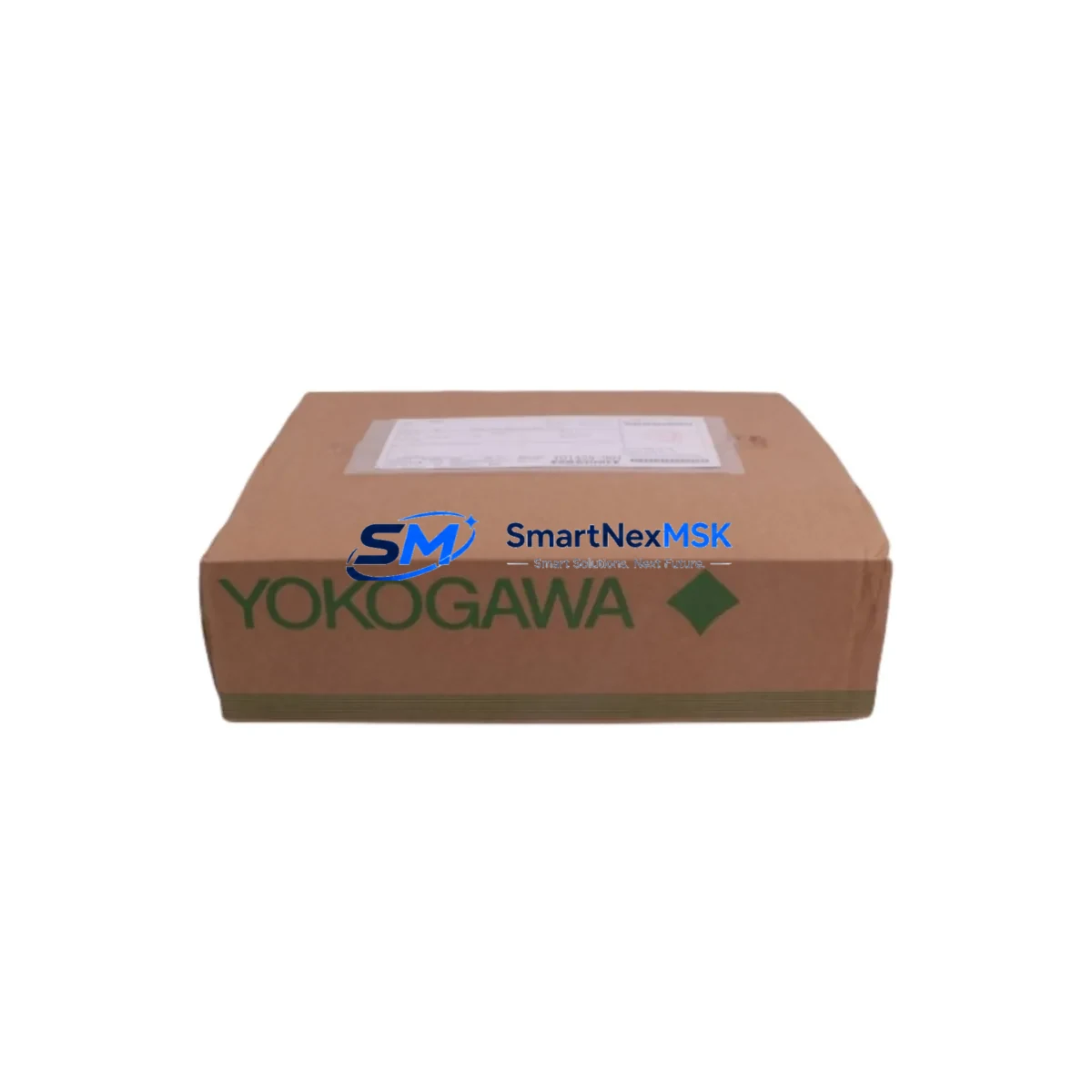
YOKOGAWA ADM12C S2 Retrofit-Ready Contact Input Module for CENTUM VP Control Systems
The YOKOGAWA ADM12C S2 is a 12-channel digital contact input module engineered for seamless integration into CENTUM VP distributed control system architectures. As legacy CENTUM CS 3000 and earlier CENTUM VP field stations approach end-of-life, the ADM12C S2 serves as the primary retrofit-ready replacement, enabling plant engineers to modernize aging I/O infrastructure without redesigning the control logic or rewiring field terminals. Whether you are upgrading a single control cabinet or executing a phased migration across multiple process units, the ADM12C S2 delivers the compatibility, reliability, and supply continuity that industrial operations demand.
Sourced directly from authorized distribution channels and rigorously tested prior to shipment, every ADM12C S2 unit supplied by SMARTNEXMSK is backed by a 12-month warranty and ships with full traceability documentation. Our inventory is maintained to support urgent replacement scenarios, minimizing unplanned downtime for refineries, chemical plants, power generation facilities, and other process-critical environments.
Upgrade Compatibility Table
| Parameter | ADM12C S2 (Replacement) | Legacy ADM12C (Original) | Retrofit Notes |
|---|---|---|---|
| Input Channels | 12-ch Digital Contact Input | 12-ch Digital Contact Input | Direct channel-for-channel replacement |
| Backplane Interface | CENTUM VP Node Unit compatible | CENTUM CS 3000 / VP compatible | Verify node unit firmware revision before installation |
| Terminal Wiring | Standard YOKOGAWA field terminal block | Standard YOKOGAWA field terminal block | No rewiring required; confirm terminal block model (e.g., TB820V) |
| Power Consumption | Refer to YOKOGAWA datasheet | Refer to legacy datasheet | Verify power supply module (e.g., PW481) capacity before swap |
| Communication Protocol | Vnet/IP (CENTUM VP native) | Vnet/IP / ESB Bus | Confirm Vnet/IP segment configuration in HIS engineering station |
| Module Address | Configurable via CENTUM VP Builder | DIP switch / software | Re-assign module address in FCS builder; validate tag mapping |
| HMI Compatibility | CENTUM VP HIS / Exaopc OPC server | CENTUM CS 3000 HIS | Update HMI faceplates if migrating from CS 3000 to VP platform |
| Program Compatibility | Function Block / SFC compatible | Function Block / SFC | Re-download FCS application after module swap; perform loop check |
| Installation Form Factor | Standard CENTUM VP I/O module slot | Standard CENTUM VP I/O module slot | No mechanical modification required |
| Warranty | 12 Months (SMARTNEXMSK) | OEM warranty (expired) | Includes pre-shipment functional test report |
Retrofit Planning for Existing Automation Systems
A successful ADM12C S2 retrofit begins well before the module arrives on site. Engineers should start by auditing the existing CENTUM VP Field Control Station (FCS) configuration to confirm the node unit type, available I/O slots, and current power budget. The PW481 or PW482 power supply module feeding the node unit must have sufficient headroom to support the replacement module; if the cabinet is already near capacity, a power supply upgrade should be scheduled concurrently.
Terminal wiring is typically the least disruptive element of the swap. The ADM12C S2 uses the same YOKOGAWA standard terminal block footprint, so existing field cables connected to the TB820V or equivalent terminal block can remain in place. Engineers should photograph and document all terminal assignments before disconnecting any wiring, and cross-reference against the as-built loop drawings to catch any undocumented field changes accumulated over years of plant operation.
On the software side, the replacement module must be registered in the CENTUM VP System Builder under the correct node and slot address. If the plant is migrating from a CENTUM CS 3000 platform, the FCS application will require re-engineering in CENTUM VP Builder, and all function block parameters — including contact input filter times, alarm setpoints, and interlock logic — must be validated against the original CS 3000 program. The Exaopc OPC DA/UA server tag list should also be reviewed to ensure that any SCADA or MES systems reading contact status data continue to receive correctly mapped values after the migration.
For plants running mixed I/O architectures, the ADM12C S2 is commonly installed alongside AAM21 analog input modules, ADM51C digital output modules, and ALM111 alarm summary modules within the same node unit. If the retrofit scope includes expanding I/O capacity, additional ANB10D or ANB10S node unit backplanes may be required to accommodate new module slots. Communication between node units and the FCS processor relies on the Vnet/IP network; any changes to the node unit configuration must be reflected in the Vnet/IP segment settings and validated with a network diagnostic scan before the system is returned to service.
For plants that also operate YOKOGAWA STARDOM FCN/FCJ controllers or ProSafe-RS safety instrumented systems in adjacent control loops, the ADM12C S2 retrofit should be coordinated with the safety system engineer to ensure that any shared interlock signals are correctly handled during the transition period. A pre-commissioning checklist covering power-up sequence, module self-diagnostics, FCS download verification, and field loop check sign-off is strongly recommended before returning the unit to automatic control.
Downtime Control During System Migration
Minimizing unplanned downtime is the primary operational concern during any DCS module replacement. For the ADM12C S2 swap, the recommended approach is to perform the physical module exchange during a scheduled maintenance window, with the affected FCS node placed in manual control mode and all downstream interlock outputs held in their safe state. Before pulling the legacy module, the FCS application should be placed in MANUAL mode for all loops dependent on the contact input channels, and operators should be briefed on the expected duration of the maintenance window.
The module swap itself — disconnecting the terminal block, removing the legacy ADM12C, inserting the ADM12C S2, and reconnecting the terminal block — typically takes under 30 minutes for a trained instrument technician. The more time-intensive steps are the pre-swap software preparation and the post-swap commissioning activities: downloading the updated FCS application, performing a channel-by-channel loop check to verify that each contact input is correctly read by the system, and confirming that all alarm and interlock functions are operating as designed before returning the loops to automatic control.
To protect the original program logic, a full FCS application backup should be exported from the CENTUM VP Engineering Workstation before any changes are made. This backup serves as the recovery baseline if the commissioning reveals unexpected compatibility issues. In practice, direct ADM12C S2 replacements within the same CENTUM VP platform rarely require program changes beyond module address re-registration, but having a verified backup eliminates the risk of extended downtime caused by software recovery activities.
SMARTNEXMSK ships all ADM12C S2 units with a pre-shipment functional test report, confirming that the module has been powered up, self-diagnostics have passed, and all 12 contact input channels have been verified. This pre-tested condition reduces the risk of receiving a defective unit and supports a faster on-site commissioning cycle. Combined with our 12-month warranty and responsive technical support, customers can execute the retrofit with confidence that supply and after-sales coverage are in place for the full post-installation period.
Retrofit Support FAQ
Q1: Is the ADM12C S2 a direct drop-in replacement for the original ADM12C in a CENTUM VP system?
A: Yes. The ADM12C S2 is designed as a form-fit-function replacement for the original ADM12C within CENTUM VP node unit architectures. The module occupies the same I/O slot, uses the same terminal block wiring interface, and is recognized by the CENTUM VP FCS without requiring changes to the field wiring. A module address re-registration in CENTUM VP Builder and an FCS application download are required after installation, followed by a channel loop check before returning to automatic control.
Q2: What commissioning steps are required after installing the ADM12C S2?
A: After physical installation, the technician should: (1) register the module in CENTUM VP System Builder under the correct node and slot; (2) download the updated FCS application to the field control station; (3) perform a 12-channel loop check by simulating contact closure at each field terminal and confirming correct status indication at the HIS operator station; (4) verify alarm and interlock functions for any safety-critical contact inputs; and (5) return all affected loops from MANUAL to AUTO mode after sign-off. The entire commissioning sequence typically takes 2–4 hours depending on the number of loops involved.
Q3: Can the ADM12C S2 be used in a migration from CENTUM CS 3000 to CENTUM VP?
A: Yes, the ADM12C S2 is compatible with CENTUM VP and is a recommended I/O module for CS 3000 to VP migration projects. However, a CS 3000 to VP migration involves re-engineering the FCS application in CENTUM VP Builder, updating HMI faceplates in the HIS, and reconfiguring the Vnet/IP network topology. The ADM12C S2 itself does not require any hardware modification for this migration, but the surrounding system engineering scope is more extensive than a like-for-like module swap within an existing VP system.
Q4: What warranty and pre-shipment testing does SMARTNEXMSK provide for the ADM12C S2?
A: Every ADM12C S2 unit supplied by SMARTNEXMSK is covered by a 12-month warranty from the date of shipment. Prior to dispatch, each module undergoes a functional test covering power-up self-diagnostics and all 12 contact input channels. A test report is included with the shipment. In the event of a warranty claim, SMARTNEXMSK provides a replacement unit or repair service, and our technical team is available to support on-site troubleshooting and commissioning queries.
© 2026 SMARTNEXMSK. All rights reserved.
Original Source: https://smartnexmsk.com
Contact: [email protected] | +86 18259474341



