
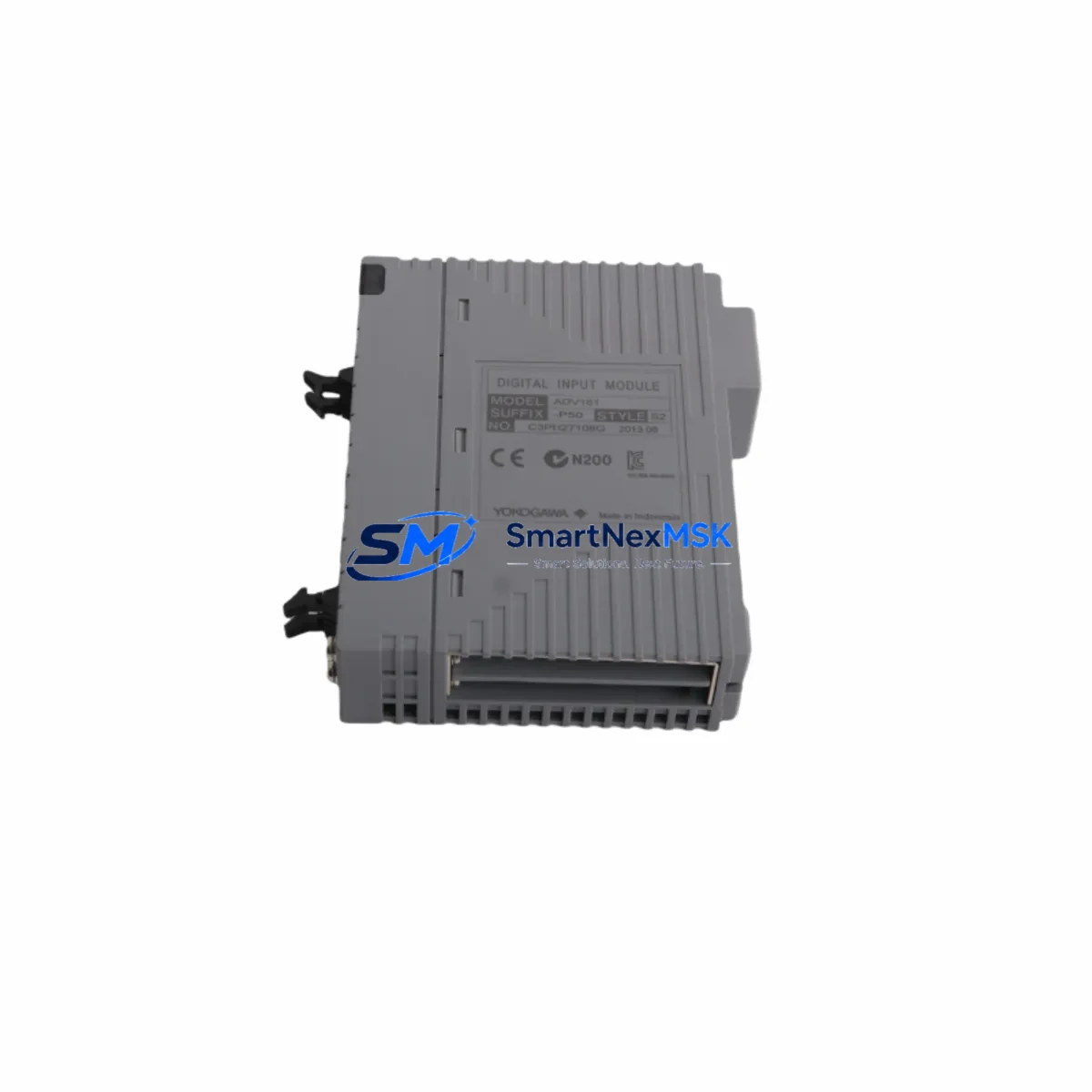
Yokogawa ADV161-P50 S2 Retrofit-Ready Digital Input Module for CENTUM VP Control Systems
The Yokogawa ADV161-P50 S2 is a 32-channel digital input module engineered for seamless integration into Yokogawa CENTUM VP and CENTUM CS 3000 distributed control systems. As legacy DCS installations age and OEM support windows close, the ADV161-P50 S2 has become one of the most sought-after retrofit components for engineers tasked with modernizing existing control cabinets without full system replacement. Whether you are replacing a failed card, upgrading a discontinued module, or expanding I/O capacity on an existing field control station (FCS), this module delivers the compatibility, reliability, and documentation traceability that industrial retrofit projects demand.
Each unit shipped by SMARTNEXMSK undergoes pre-shipment functional verification, including power-on self-test, channel continuity check, and backplane communication handshake validation. All units are covered by a 12-month warranty against manufacturing defects and functional failure under normal operating conditions.
Upgrade Compatibility Table
| Parameter | ADV161-P50 S2 Specification | Retrofit Notes |
|---|---|---|
| Compatible Platform | CENTUM VP, CENTUM CS 3000 | Verify FCS firmware version before hot-swap |
| Channel Count | 32 DI channels | Map channel addresses in Engineering Builder before replacement |
| Input Signal Type | Dry contact / Wet contact (24 VDC) | Confirm field wiring voltage; rewire if migrating from 48 VDC legacy cards |
| Backplane Interface | CENTUM VP node bus (V-net/IP compatible) | Slot assignment must match original module address in FCS configuration |
| Installation Format | Plug-in card, standard CENTUM VP I/O nest | No mechanical adapter required for same-generation nest |
| Communication Compatibility | V-net, Vnet/IP | Confirm network segment settings in HIS (Human Interface Station) |
| Replacement Target | ADV161-P50 S1, ADV151 series (with config review) | S1 → S2 upgrade requires firmware acknowledgment in Engineering Builder |
| Commissioning Requirement | Engineering Builder download after slot insertion | Retain original FCS project backup before any card swap |
| Warranty | 12 Months | Covers functional failure; excludes physical damage from incorrect wiring |
Retrofit Planning for Existing Automation Systems
A successful ADV161-P50 S2 retrofit begins well before the card arrives on site. Engineers should start by auditing the existing I/O nest configuration using Yokogawa’s Engineering Builder software, confirming the slot number, node address, and FCS domain assignment of the module being replaced. If the original card is an ADV151 or an earlier S1 revision, a configuration migration step is required: the new S2 module must be defined in the FCS project file, downloaded to the controller, and verified against the existing tag database before the physical swap.
Power budget is a critical pre-check. The AFV10D power supply module feeding the I/O nest must have sufficient headroom to support the ADV161-P50 S2 alongside co-installed modules such as the AAI141 analog input module, AAI841 analog output module, and any ADV551 digital output modules sharing the same nest. Overloaded power rails are a common cause of intermittent faults after card replacement and are frequently misdiagnosed as module defects.
Terminal wiring should be documented with photographs before disconnection. The ADV161-P50 S2 uses a standard 40-pin terminal block compatible with most CENTUM VP field wiring harnesses, but engineers migrating from older CENTUM CS 3000 ADV161-P10 cards should verify terminal pitch and signal polarity, particularly for wet-contact inputs sourced from 24 VDC field devices. If the control cabinet includes a KS1 communication module or ALR111 alarm module, their address assignments must be re-confirmed after the FCS download to prevent address conflicts on the node bus.
For sites running Vnet/IP as the primary control network, the HIS (Human Interface Station) operator screens should be placed in maintenance mode during the swap window to suppress nuisance alarms. After the new ADV161-P50 S2 is seated and the FCS project is downloaded, each of the 32 input channels should be individually forced and verified against the HIS faceplate display before returning the loop to automatic control. This channel-by-channel verification step is non-negotiable for SIL-rated loops or interlock circuits.
Downtime Control During System Migration
Minimizing unplanned downtime is the primary concern for any live DCS retrofit. When replacing the ADV161-P50 S2 in a running CENTUM VP system, the recommended approach is a hot-standby swap where the FCS is placed in manual override for affected loops before the card is physically removed. This preserves the last known output state on all connected ADV551 digital output modules and prevents process upsets caused by input signal loss during the swap interval.
Before pulling the card, export the current FCS project from Engineering Builder and store a timestamped backup on an isolated engineering workstation — not on the HIS itself. If the system uses a dual-redundant FCS pair, the swap should be performed on the standby controller first, with a controlled switchover after verification, to maintain continuous process control throughout the migration. This approach is particularly important in applications where the ADV161-P50 S2 monitors critical process interlocks, motor run feedbacks, or valve position signals.
Post-swap, the commissioning sequence should follow Yokogawa’s standard FCS download procedure: insert module → confirm LED status (RUN green, ERR off) → initiate Engineering Builder online download → verify tag status in HIS → release loops from manual override one at a time. Total swap time for a prepared team with a pre-configured replacement card is typically under 30 minutes per module, making it feasible to complete multi-card retrofits within a single planned maintenance window.
Retrofit Support FAQ
Q1: Is the ADV161-P50 S2 a direct drop-in replacement for the ADV161-P50 S1?
Functionally yes, but a firmware acknowledgment step is required. After inserting the S2 card into the slot previously occupied by an S1, you must open the FCS project in Engineering Builder, update the module revision field to S2, and perform an online download. No rewiring is required if the terminal block and field wiring are unchanged.
Q2: Can the ADV161-P50 S2 be used in a CENTUM CS 3000 system?
The ADV161-P50 S2 is primarily rated for CENTUM VP. Use in CS 3000 nests requires verification of backplane bus compatibility and nest generation. Contact our technical team with your FCS model and nest part number for a compatibility confirmation before ordering.
Q3: What pre-shipment testing does SMARTNEXMSK perform on this module?
Every ADV161-P50 S2 unit undergoes power-on self-test, 32-channel input continuity verification, backplane connector inspection, and firmware version confirmation prior to shipment. A test report is available upon request. All units are covered by a 12-month warranty from the date of invoice.
Q4: How do I verify wiring compatibility before installation?
Download the ADV161-P50 hardware manual (IM 33J01B10-01EN) from Yokogawa’s documentation portal and cross-reference terminal assignments against your existing field wiring schedule. Pay particular attention to common terminal groupings for wet-contact inputs and ensure field device supply voltage matches the module’s rated input range. Our team can provide a wiring review service for complex retrofit projects.
© 2026 SMARTNEXMSK. All rights reserved.
Original Source: https://smartnexmsk.com
Contact: [email protected] | +86 18259474341



