
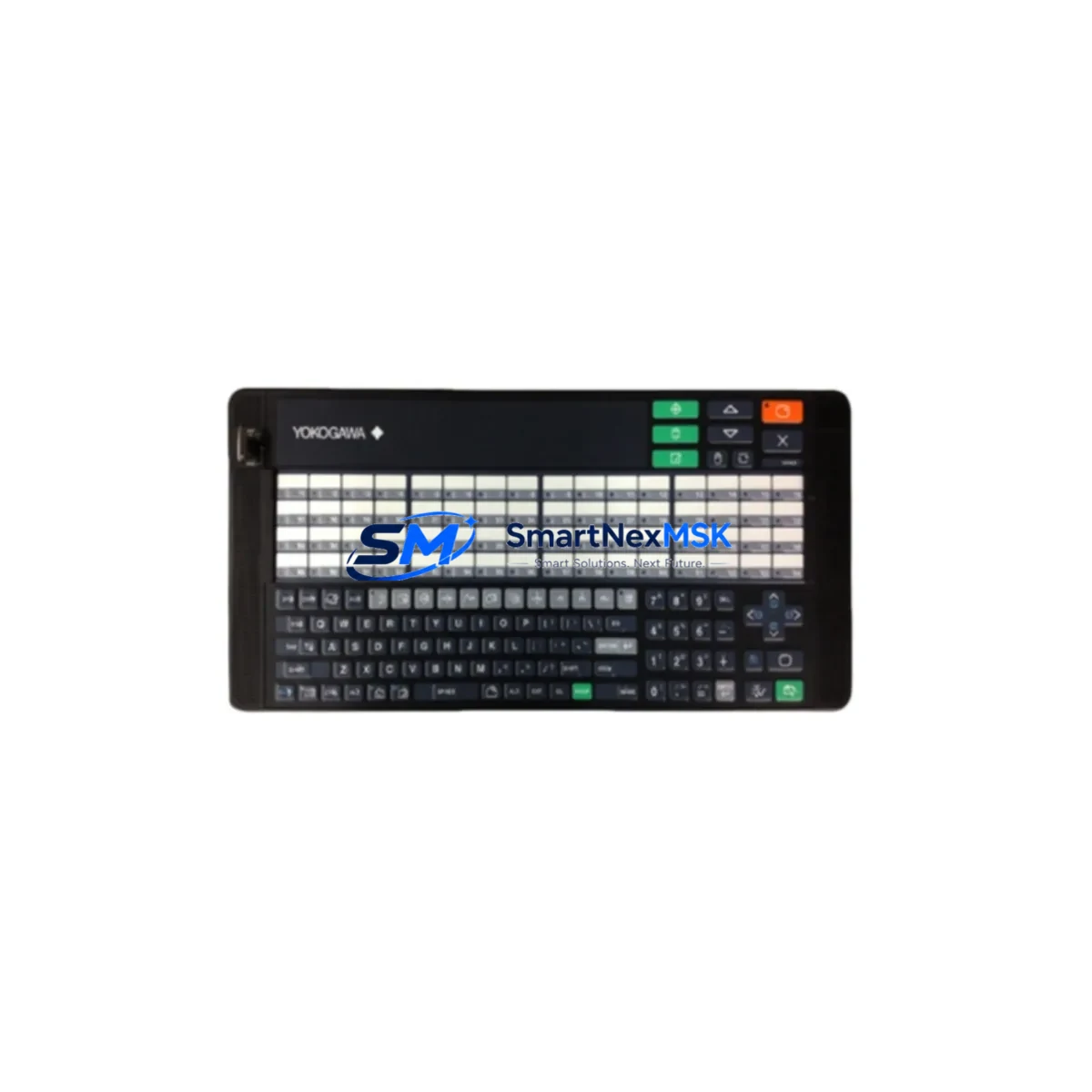
Yokogawa AIP830-101 Retrofit-Ready Analog Input for CENTUM VP CS 3000: Seamless Compatibility & Legacy System Upgrade
The Yokogawa AIP830-101 is an 8-channel analog input module engineered for direct integration into CENTUM VP and CS 3000 distributed control systems. As aging DCS installations approach end-of-life or face discontinued spare part availability, the AIP830-101 provides a verified, drop-in retrofit solution that preserves existing field wiring, backplane connections, and control logic without requiring a full system overhaul. Whether you are replacing a failed module on an active production line or executing a planned upgrade of a legacy CS 3000 node, the AIP830-101 delivers the signal accuracy, channel density, and platform compatibility that industrial operators demand.
Upgrade Compatibility Table
| Parameter | Details |
|---|---|
| Compatible Platforms | Yokogawa CENTUM VP, CS 3000, CS 1000 |
| Module SKU | AIP830-101 |
| Channel Count | 8-channel analog input |
| Signal Type | 4–20 mA / 1–5 V (configurable per channel) |
| Backplane Interface | Standard CENTUM VP / CS 3000 node bus backplane |
| Installation Requirement | Fits standard FCS (Field Control Station) node unit; no mechanical modification required |
| Communication Compatibility | Vnet/IP, V-net (legacy), compatible with ESB bus architecture |
| Replacement Recommendation | Direct replacement for AIP830, AIP835 series; verify firmware revision before hot-swap |
| Commissioning Notes | Module address assignment via CENTUM VP Engineering Environment; channel scaling must be re-confirmed post-swap |
| Warranty | 12-Month Warranty — functional test report available upon request |
Retrofit Planning for Existing Automation Systems
Successful integration of the AIP830-101 into a running plant begins well before the module arrives on site. Engineers should first audit the existing FCS node configuration using the CENTUM VP Engineering Environment to confirm available slot positions and current module address assignments. The AIP830-101 occupies a standard I/O slot within the node unit, sharing the same backplane connector pinout as earlier AIP series modules, which eliminates the need to re-terminate field cables at the marshalling cabinet.
Power budget verification is a critical pre-installation step. The node unit’s power supply module — typically an ESB-Bus power supply such as the PW481 or PW482 — must have sufficient headroom to support the AIP830-101’s current draw alongside co-installed modules including digital output modules (ADO series), communication interface modules, and any newly added I/O expansion cards. If the existing power supply is already operating near capacity, a parallel power supply or a replacement with higher output rating should be planned before the retrofit window opens.
Terminal wiring at the field terminal block (FTB) or signal conditioner panel should be documented and photographed prior to removal of the legacy module. The AIP830-101 uses the same terminal assignment convention as the CS 3000 AIP series, so field wiring can typically be reconnected without modification. However, engineers should verify that any intrinsic safety barriers or signal isolators in the loop remain compatible with the module’s input impedance specifications.
On the software side, the replacement module must be registered in the CENTUM VP system database. If the plant is running an older CS 3000 revision, a database migration or builder file update may be required to recognize the AIP830-101’s firmware version. HMI faceplates and trend displays linked to the affected channels should be reviewed to confirm that tag names, engineering unit scaling, and alarm setpoints are preserved after the module swap. Communication links to the supervisory SCADA layer — whether via OPC-DA, OPC-UA, or a legacy Modbus gateway — should be tested in simulation mode before live cutover.
For plants that are simultaneously upgrading their control network from V-net to Vnet/IP, the AIP830-101 can be deployed alongside the ACF11 communication module and the BCV048 bus converter to bridge legacy node segments to the new Ethernet-based control bus. This phased migration approach allows individual FCS nodes to be upgraded independently, reducing the scope of each maintenance window and limiting exposure to unplanned downtime.
Downtime Control During System Migration
Minimizing production interruption during a DCS module replacement requires a structured cutover plan. The recommended approach is to pre-configure the AIP830-101 offline using a spare CENTUM VP engineering station, loading the correct module definition, channel parameters, and tag assignments before the scheduled maintenance window. This pre-staging step reduces on-site configuration time to under 30 minutes for a standard 8-channel node.
Where process conditions permit, a hot-standby or redundant FCS configuration can be leveraged to maintain control continuity during the physical swap. In non-redundant nodes, the cutover sequence should be coordinated with the process control team to place affected loops in manual mode at the DCS operator station before the module is removed. Field devices — including transmitters, control valves, and any connected HART instruments — should remain powered throughout the swap to preserve device configuration and avoid re-ranging on restart.
After installation, the AIP830-101 performs an automatic self-diagnostic cycle. Engineers should monitor the module status LED and confirm a healthy status indication in the CENTUM VP system alarm window before returning loops to automatic control. A channel-by-channel signal verification against a calibrated reference source is recommended as the final commissioning step, with results documented in the site retrofit record for the 12-month warranty period.
Retrofit Support FAQ
Q1: Is the AIP830-101 a direct drop-in replacement for the AIP830 and AIP835 modules in a CS 3000 system?
A: Yes. The AIP830-101 shares the same backplane connector, slot form factor, and channel configuration as the AIP830 and AIP835. A firmware compatibility check against your CS 3000 builder version is recommended before hot-swapping in a live node.
Q2: What wiring changes are required when installing the AIP830-101 in an existing marshalling cabinet?
A: In most cases, no wiring changes are needed. The AIP830-101 uses the same field terminal block (FTB) pinout as the legacy AIP series. Verify that signal conditioners and IS barriers remain within the module’s input impedance range before reconnecting.
Q3: How is the module address configured after installation?
A: Module address assignment is performed through the CENTUM VP Engineering Environment. The node slot address is set in the FCS builder and downloaded to the controller. No hardware DIP switch setting is required on the AIP830-101 itself.
Q4: What does the 12-month warranty cover, and is a pre-shipment test report available?
A: The 12-month warranty covers functional defects under normal operating conditions. Each AIP830-101 unit undergoes a pre-shipment functional test. A test report confirming channel accuracy, signal range, and communication handshake can be provided upon request before dispatch.
© 2026 SMARTNEXMSK. All rights reserved.
Original Source: https://smartnexmsk.com
Contact: [email protected] | +86 18259474341



