
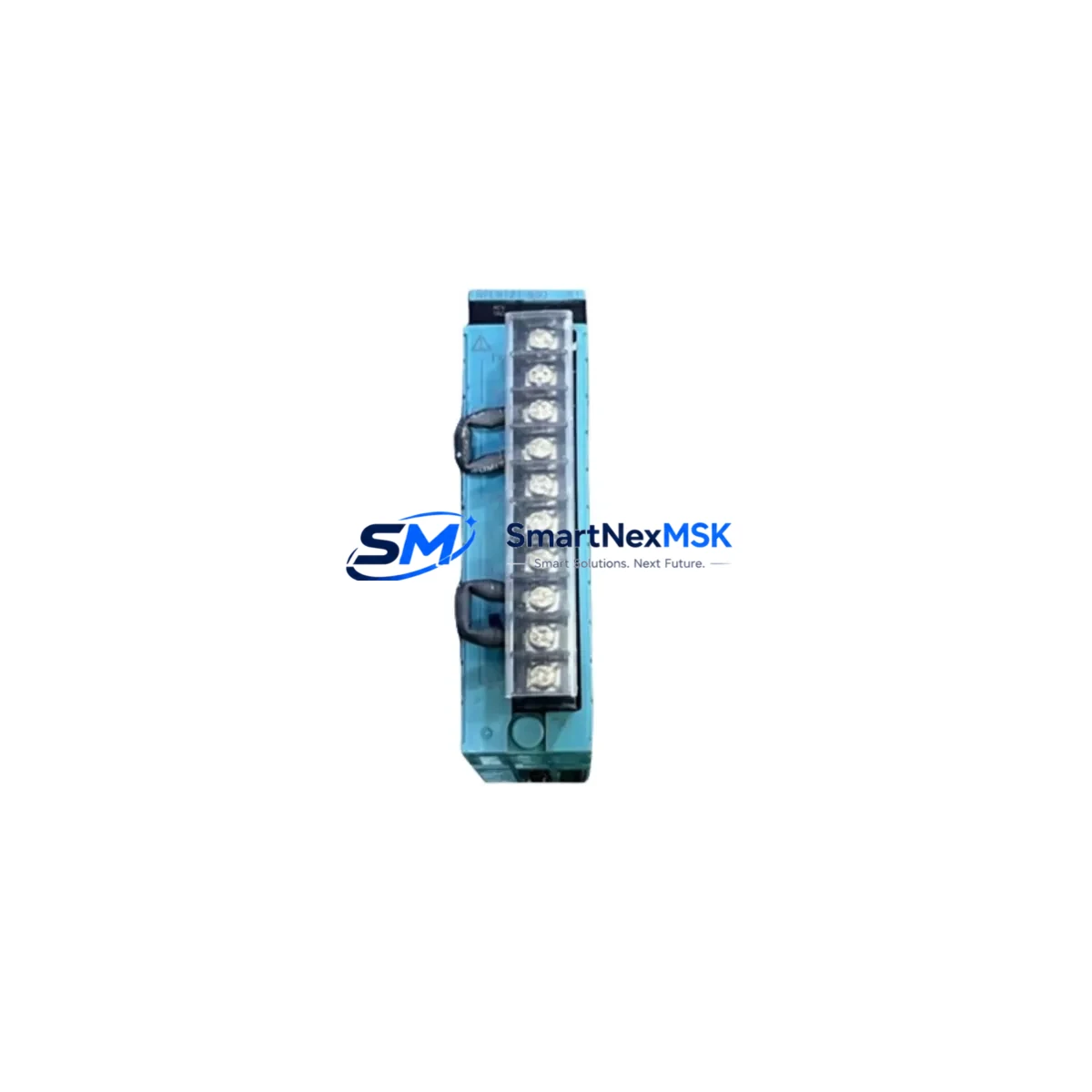
Yokogawa NFLR121-S51 S1 Retrofit-Ready Communication Module for ProSafe-RS Control Systems
The Yokogawa NFLR121-S51 S1 is a safety-rated communication module designed for integration within the ProSafe-RS Safety Instrumented System (SIS) platform. As legacy ProSafe-RS installations approach end-of-life or require hardware refresh cycles, the NFLR121-S51 S1 serves as a verified drop-in replacement for facilities managing aging safety controllers, redundant communication backbones, and distributed I/O architectures across process industries including oil & gas, petrochemical, power generation, and specialty chemicals.
When planning a retrofit or spare-parts replenishment strategy around the NFLR121-S51 S1, engineering teams must evaluate several critical compatibility checkpoints before installation. Power supply capacity within the existing safety controller chassis — typically sourced from a Yokogawa PFCS100 or equivalent ProSafe-RS power supply module — must be confirmed to support the module’s rated draw without exceeding the backplane’s total load budget. Terminal wiring assignments should be cross-referenced against the original I/O wiring schedule, particularly where field junction boxes connect to Yokogawa NFAI143-S00 analog input modules or NFDI141-S00 digital input modules sharing the same rack segment.
Backplane interface compatibility is a key validation step. The NFLR121-S51 S1 is designed for installation in ProSafe-RS standard racks; however, engineers should confirm slot addressing and module position assignments within the Yokogawa NFBU05S or NFBU10S base unit before powering up. Incorrect slot assignment can trigger address conflicts that prevent the safety controller from recognizing the replacement module during initialization.
Upgrade Compatibility Table
| Parameter | Details |
|---|---|
| Compatible Platform | Yokogawa ProSafe-RS Safety Instrumented System |
| Module Type | Communication Module (Safety-Rated) |
| Installation Interface | ProSafe-RS Standard Backplane / Base Unit |
| Communication Protocol | ProSafe-RS internal safety bus; Vnet/IP compatible architecture |
| Replacement Compatibility | Direct replacement for NFLR121-S51 S1 in existing ProSafe-RS racks |
| Power Requirement | Supplied via backplane; confirm chassis power budget before installation |
| Commissioning Requirement | Module address configuration via ProSafe-RS Engineering Environment (SENG) |
| Program Compatibility | Existing SIS logic retained; no re-compilation required for direct swap |
| HMI Integration | Compatible with Yokogawa CENTUM VP HIS stations via Vnet/IP |
| Warranty | 12 Months from date of shipment |
Retrofit Planning for Existing Automation Systems
A successful ProSafe-RS retrofit involving the NFLR121-S51 S1 typically occurs within a broader system modernization effort. In many facilities, the safety controller operates alongside a Yokogawa CENTUM VP distributed control system, with the ProSafe-RS communicating over Vnet/IP — Yokogawa’s proprietary high-speed control network. Engineers replacing the NFLR121-S51 S1 must verify that the Vnet/IP node address and communication parameters stored in the SENG (Safety Engineering Environment) software match the replacement module’s configuration before going live.
In multi-rack ProSafe-RS installations, the communication module interfaces with Yokogawa NFCP100 controller modules and may share rack space with NFAO141-S00 analog output modules and NFDO141-S00 digital output modules. Each of these modules must remain powered and communicating during the replacement window to avoid spurious trips or loss of safety function. Where redundant communication paths are configured, the standby communication module should be confirmed healthy before the primary NFLR121-S51 S1 is removed.
For facilities also managing a migration from older Yokogawa STARDOM or FA-M3 controllers to ProSafe-RS, the NFLR121-S51 S1 plays a role in establishing the new safety communication backbone. Programming cables such as the Yokogawa KM11-E or USB-to-serial adapters compatible with SENG are required for initial module commissioning and address assignment. HMI screens on Yokogawa HIS (Human Interface Station) workstations should be reviewed post-swap to confirm that all safety status tags are updating correctly and that no communication alarms are latched.
Downtime Control During System Migration
Minimizing unplanned downtime is the primary operational concern when replacing a safety communication module in a live ProSafe-RS system. Best practice is to schedule the NFLR121-S51 S1 swap during a planned maintenance window with the process unit in a safe, stable state. Before removal, the existing module’s configuration data — including node address, communication parameters, and diagnostic status — should be exported from SENG and archived.
Where the ProSafe-RS architecture supports hot-standby redundancy, the switchover to the redundant communication path should be tested and confirmed before the primary module is extracted. This ensures that field I/O signals — including those routed through NFAI143-S00 analog inputs and NFDI141-S00 digital inputs — remain continuously monitored by the safety controller throughout the swap procedure. After installing the replacement NFLR121-S51 S1, the module should be powered up and its status LEDs observed for normal initialization before re-enabling the primary communication path.
Original SIS program logic does not require recompilation for a direct module replacement; however, a full functional test of the safety loop — from field sensor through the I/O module, controller, and communication link to the final element — is strongly recommended before returning the unit to automatic operation. All test results should be documented in the site’s safety management system as part of the proof-test record.
Retrofit Support FAQ
Q: Is the NFLR121-S51 S1 a direct drop-in replacement for the original module in my ProSafe-RS rack?
A: Yes. The NFLR121-S51 S1 is designed as a direct replacement for the same SKU in ProSafe-RS standard base units. Slot position and module address must be confirmed in SENG prior to installation to ensure seamless recognition by the safety controller.
Q: Do I need to rewrite my SIS program logic after replacing the communication module?
A: No recompilation is required for a like-for-like replacement. The existing safety program logic, function block assignments, and I/O mappings remain intact. A post-installation functional test is recommended to verify communication link integrity and confirm all safety tags are updating correctly on the HIS.
Q: How do I verify wiring compatibility before installing the replacement module?
A: Cross-reference the original terminal wiring schedule against the NFLR121-S51 S1 installation drawing. Pay particular attention to backplane connector orientation and any field cable shields that may be grounded at the module terminal. Confirm that the chassis power supply — typically a ProSafe-RS PFCS100 or equivalent — has sufficient headroom to support the replacement module without exceeding the rack’s total power budget.
Q: What warranty and pre-shipment testing does SMARTNEXMSK provide?
A: Every NFLR121-S51 S1 unit shipped by SMARTNEXMSK carries a 12-month warranty from the date of shipment. Each module undergoes pre-shipment functional verification to confirm communication interface integrity and module identification. Units are shipped in anti-static packaging with full documentation. For urgent retrofit requirements, expedited shipping options are available — contact our team for lead time confirmation.
© 2026 SMARTNEXMSK. All rights reserved.
Original Source: https://smartnexmsk.com
Contact: [email protected] | +86 18259474341



