
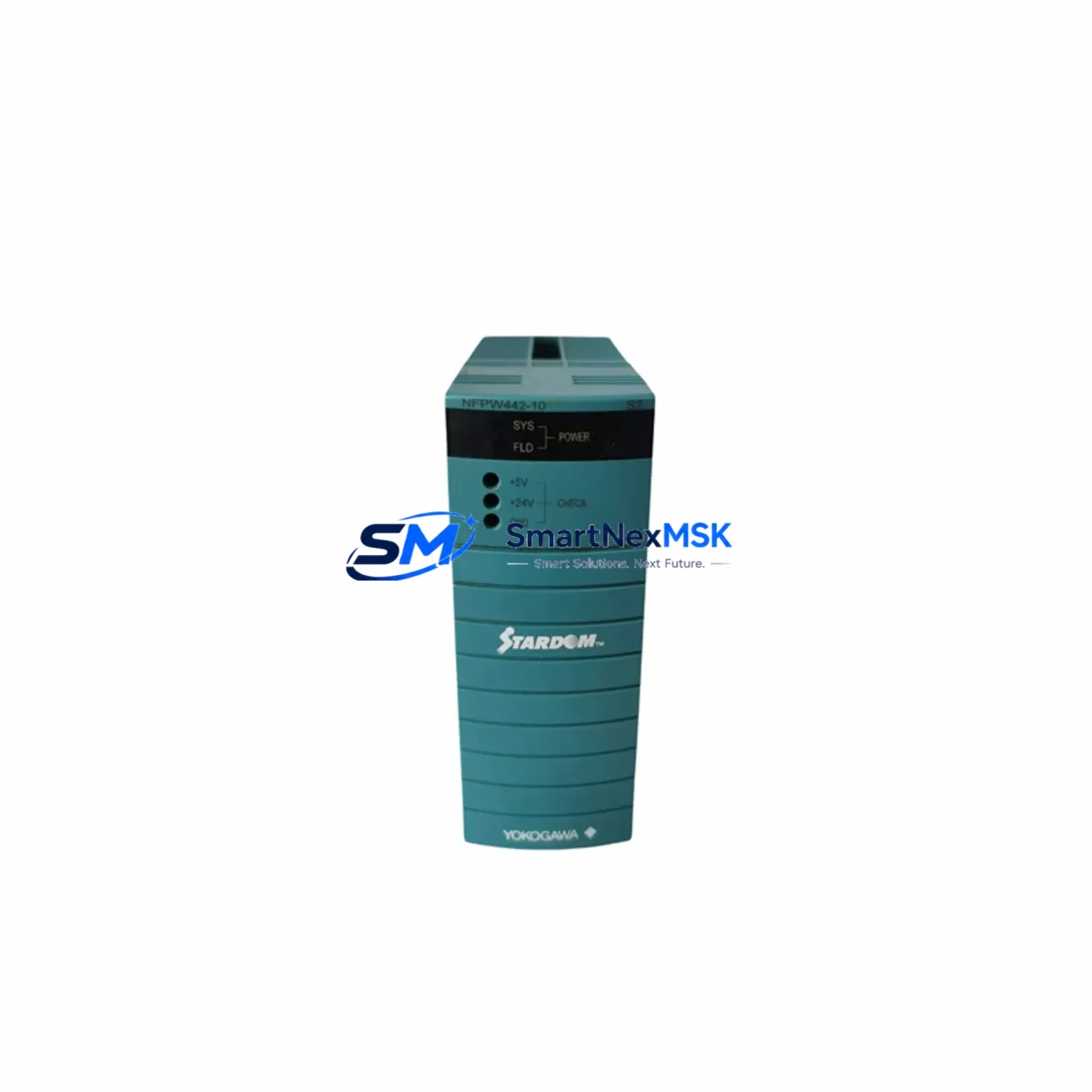
Yokogawa NFPW442-51 S2 Retrofit-Ready DCS Power Supply for CENTUM VP Control Systems
The Yokogawa NFPW442-51 S2 is a field-proven power supply module designed for the CENTUM VP Distributed Control System (DCS) platform. As legacy CENTUM CS 3000 and early CENTUM VP installations reach end-of-life, the NFPW442-51 S2 serves as a critical retrofit component for engineers managing aging control infrastructure. Whether you are replacing a failed unit, upgrading a redundant power architecture, or migrating from a discontinued predecessor, this module delivers the electrical stability and form-factor compatibility required for seamless integration into existing field control units (FCUs).
Sourced from verified industrial supply channels and subject to pre-shipment functional testing, each unit is backed by a 12-month warranty covering manufacturing defects and operational failures under normal DCS operating conditions. Stock is maintained to support urgent replacement scenarios, minimizing unplanned downtime on critical process lines.
Upgrade Compatibility Table
| Parameter | NFPW442-51 S2 (This Unit) | Notes |
|---|---|---|
| Compatible Platform | CENTUM VP (R4.x–R6.x), CENTUM CS 3000 | Verify FCU firmware revision before installation |
| Backplane Interface | Standard CENTUM VP FCU backplane slot | Direct drop-in; no adapter required |
| Input Voltage | 100–240 VAC, 50/60 Hz | Confirm site power spec matches |
| Output Voltage | 24 VDC regulated | Check downstream I/O module voltage tolerance |
| Redundancy Support | Yes (dual-power configuration) | Pair with second NFPW442-51 for redundant setup |
| Communication Compatibility | Vnet/IP, ESB bus | No protocol reconfiguration required |
| Replacement for | NFPW441, NFPW442 (earlier revisions) | Confirm terminal wiring map before swap |
| Commissioning Requirement | Address assignment via FieldMate or CENTUM VP HIS | No hardware DIP switch changes needed |
| Warranty | 12 Months | Covers manufacturing defects under normal operation |
Retrofit Planning for Existing Automation Systems
Successful integration of the NFPW442-51 S2 into a running CENTUM VP system requires careful pre-migration planning. Engineers should begin by auditing the existing FCU cabinet layout, confirming available backplane slots and verifying that the NFPW441 or earlier NFPW442 revision being replaced shares the same terminal block pinout. In most CENTUM VP FCU configurations, the power supply occupies a dedicated slot adjacent to the CPU module — typically an FFCS-L or FFCS-E field control station — and the swap can be completed without removing the CPU or I/O modules if the system is operating in redundant power mode.
Before pulling the old unit, document the existing wiring at the terminal block, paying particular attention to the 24 VDC output rails feeding downstream AAI141 analog input modules, ADV151 digital output modules, and any ALR111 alarm relay modules installed in the same cabinet. These I/O modules are sensitive to power interruption sequencing; a controlled switchover using the redundant power path prevents false output triggers and protects field devices.
For sites running Vnet/IP communication between the FCU and the HIS (Human Interface Station), no network reconfiguration is required after the power supply swap. The NFPW442-51 S2 does not carry a node address and does not participate in the Vnet/IP topology directly. However, engineers should confirm that the BCV (Bus Coupler for Vnet) and associated ESB bus segments remain powered continuously during the swap to avoid communication loss to the HIS and upstream EWS (Engineering Workstation).
If the retrofit is part of a broader I/O expansion — for example, adding AAT141 temperature input modules or extending the system with an additional RIO (Remote I/O) node — the power budget of the new NFPW442-51 S2 should be calculated against the total module load before commissioning. Yokogawa’s FCU power allocation guidelines specify maximum current draw per backplane segment; exceeding this threshold with additional I/O cards without upgrading the power supply is a common cause of intermittent FCU resets in expanded systems.
Programming compatibility is fully maintained. Existing Function Block Diagrams (FBDs) and Sequence Table logic stored in the FCU are unaffected by the power supply replacement. No re-download from the EWS is required unless the FCU CPU itself is also being replaced. HMI faceplates on the HIS will continue to display correctly without modification.
Downtime Control During System Migration
For process-critical installations where continuous operation is mandatory, the NFPW442-51 S2 replacement should be executed using the hot-swap procedure available in CENTUM VP FCUs configured with dual power supply slots. In this configuration, the standby NFPW442-51 S2 is installed and verified online before the failed or aging unit is removed, reducing the actual control interruption to zero for the power supply swap itself.
Where hot-swap is not possible — for example, in single-power FCU configurations or older CENTUM CS 3000 cabinets being migrated to CENTUM VP — a planned maintenance window should be scheduled. Prior to shutdown, engineers should export the current FCU configuration using FieldMate or the CENTUM VP EWS backup utility, capturing all tag assignments, module addresses, and I/O calibration data. This backup ensures that if the FCU requires a full restart after the power supply replacement, the control program and I/O configuration can be restored within minutes rather than hours.
Field teams should also verify that the UPS (Uninterruptible Power Supply) feeding the FCU cabinet is fully charged and capable of sustaining the cabinet load for the duration of the swap. This protects against accidental power loss to the CPU and communication modules during the physical replacement, preserving the integrity of the running control program in FCU memory.
Post-installation, a functional verification checklist should confirm: 24 VDC output voltage within spec, all I/O module status LEDs green, Vnet/IP communication link active on the HIS, and no active alarms on the CENTUM VP system alarm summary. Pre-shipment testing performed on each NFPW442-51 S2 unit ensures that out-of-box failures are virtually eliminated, but site-level verification remains best practice before returning the system to automatic control.
Retrofit Support FAQ
Q1: Is the NFPW442-51 S2 a direct replacement for the NFPW441?
A: Yes. The NFPW442-51 S2 is backward compatible with the NFPW441 in standard CENTUM VP FCU backplane slots. Terminal wiring maps are identical for the primary AC input and 24 VDC output connections. Confirm the output current rating meets your cabinet’s total I/O load before completing the swap.
Q2: Will replacing the power supply require re-downloading the FCU program?
A: No. The FCU control program resides in the CPU module, not the power supply. Replacing the NFPW442-51 S2 does not affect stored Function Block logic, tag assignments, or I/O calibration. A program re-download is only required if the CPU module is also replaced.
Q3: How do I verify wiring compatibility before installation?
A: Cross-reference the terminal block layout in the NFPW442-51 S2 hardware manual (Yokogawa document IM 33J01B30-01EN) against your existing cabinet wiring drawings. Pay particular attention to the AC input terminals and the 24 VDC output distribution rails. If wiring drawings are unavailable, our technical team can assist with terminal mapping based on your FCU model and revision.
Q4: What does the 12-month warranty cover?
A: The 12-month warranty covers manufacturing defects and component failures under normal DCS operating conditions, including standard temperature, humidity, and vibration ranges specified for CENTUM VP FCU cabinets. It does not cover damage resulting from incorrect installation, overvoltage events, or use outside the module’s rated electrical specifications. Warranty claims are processed with return shipping support and replacement dispatch within 5 business days.
© 2026 SMARTNEXMSK. All rights reserved.
Original Source: https://smartnexmsk.com
Contact: [email protected] | +86 18259474341



