
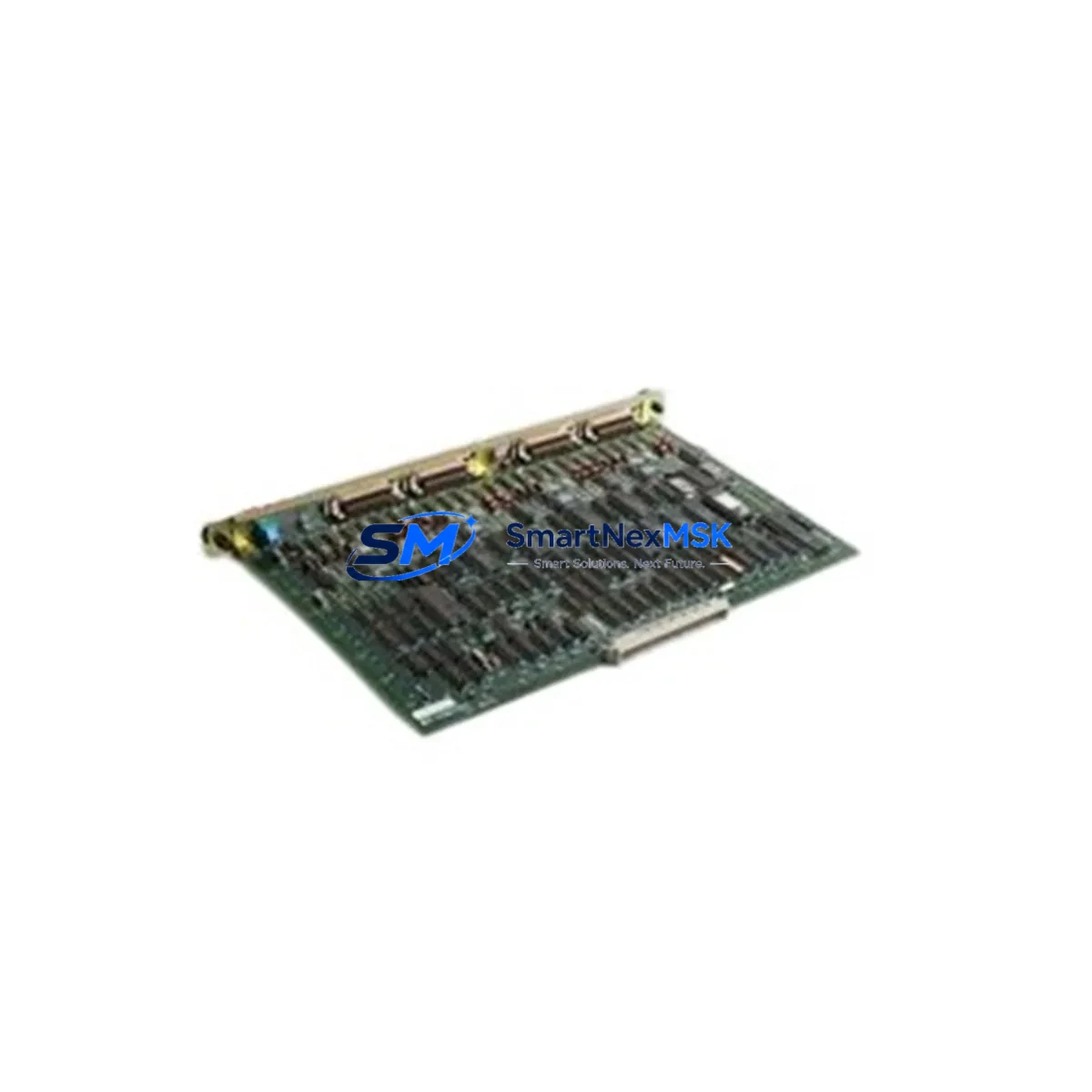
Yokogawa RS81*B AS S9826AM-0 Retrofit-Ready DCS Interface Card for CENTUM Control Systems
The Yokogawa RS81*B AS S9826AM-0 is a high-reliability DCS interface card engineered for seamless integration into CENTUM VP and CENTUM CS series distributed control systems. As legacy automation infrastructure ages and OEM support windows close, this card serves as a verified drop-in replacement for end-of-life and discontinued modules within the CENTUM platform — enabling plant engineers to extend system life, restore full I/O capacity, and defer costly full-system migrations.
Whether you are recovering from an unplanned card failure, executing a scheduled control cabinet upgrade, or migrating from an older CENTUM CS 1000 or CS 3000 architecture to CENTUM VP, the RS81*B AS S9826AM-0 is a proven retrofit solution. It maintains full backplane compatibility with standard CENTUM field control station (FCS) racks, preserving existing terminal wiring, module addressing, and process variable mapping without requiring changes to the upstream controller logic or HMI faceplates.
Upgrade Compatibility Table
| Parameter | Details |
|---|---|
| Compatible Series | CENTUM VP, CENTUM CS 3000, CENTUM CS 1000 |
| Module Type | DCS Interface Card (RS-Bus / Field Network) |
| Backplane Interface | Standard CENTUM FCS rack slot — no adapter required |
| Terminal Wiring | Compatible with existing field wiring; verify terminal block pitch before installation |
| Communication Protocol | RS-Bus (Yokogawa proprietary); verify FCS firmware version ≥ supported baseline |
| Module Address | Configurable via System View / Plant Resource Manager (PRM) |
| Replacement Recommendation | Direct replacement for discontinued RS81 series interface cards |
| Commissioning Notes | Download configuration from existing FCS before swap; restore after installation |
| HMI Compatibility | CENTUM VP HIS / CS 3000 HIS — no faceplate rebuild required if tag mapping is preserved |
| Warranty | 12-Month Warranty — covers manufacturing defects and functional failure under normal operating conditions |
Retrofit Planning for Existing Automation Systems
Successful integration of the RS81*B AS S9826AM-0 into an operating plant begins well before the physical swap. A structured retrofit plan should account for the full scope of the control architecture — from the field junction box to the operator station.
Start by auditing the existing FCS rack configuration. Confirm available slot positions, verify that the power supply module — typically an Yokogawa PW481 or PW482 series — can support the additional card load, and check that the backplane bus is free of address conflicts. The RS81*B AS S9826AM-0 occupies a standard interface card slot; no mechanical modification to the CENTUM FCS nest or ESB bus coupler is required.
Next, review the field wiring termination. In most CENTUM installations, field signals arrive at terminal units (TUs) such as the TB801 or TB851 series, connected to the interface card via dedicated cables. Confirm that the existing cable harness and connector type match the RS81*B pinout before ordering. If the plant uses a node interface unit (NIU) or remote I/O node for distributed signal collection, verify that the NIU firmware and the new card’s communication parameters are aligned.
For plants running Vnet/IP or the older Vnet communication backbone, confirm that the FCS CPU module — such as an FCU705 or FCU717 — is running a firmware version that supports the RS81*B AS S9826AM-0 without requiring a full FCS software upgrade. In mixed-generation environments where older CENTUM CS 3000 controllers coexist with newer CENTUM VP stations, pay particular attention to the FCS builder project file version to avoid incompatibility during the configuration download.
HMI continuity is equally critical. Before the swap, export the current HIS (Human Interface Station) faceplate definitions and confirm that all process tags associated with the replaced card are correctly mapped. If the plant uses Yokogawa Exaopc OPC server for third-party SCADA integration, verify that the OPC tag list does not require manual re-mapping after the card replacement. Programming cables such as the KS1-USB or equivalent are recommended for on-site configuration verification during commissioning.
Downtime Control During System Migration
Minimizing process interruption during a DCS card replacement requires a disciplined sequence of pre-outage, outage, and post-outage activities. For the RS81*B AS S9826AM-0, the recommended approach is a hot-standby verification followed by a controlled single-slot outage.
Before the maintenance window opens, use Yokogawa’s System View or Plant Resource Manager (PRM) to capture the full hardware configuration of the target FCS. Export the FCS builder project and store a verified backup on a separate engineering workstation. Confirm that the replacement card has been bench-tested and that its firmware version is compatible with the target FCS. If the plant operates a redundant FCS pair, the card swap can often be performed on the standby unit first, with a controlled switchover, reducing live-process exposure to under 30 seconds.
During the outage window, follow the CENTUM card removal sequence: place the FCS into manual control mode for all loops served by the target card, inhibit alarms for affected tags, and physically remove the card only after confirming that the FCS has acknowledged the slot as offline. Insert the RS81*B AS S9826AM-0, allow the FCS to recognize the new hardware, and download the saved configuration. Verify all I/O points against the pre-outage baseline before returning loops to automatic control.
Post-swap, conduct a full loop check on all channels served by the new card. Confirm that analog input scaling, digital output states, and communication link status match pre-outage records. Document the as-built configuration and update the plant’s spare parts register to reflect the new module serial number and installation date.
Retrofit Support FAQ
Q1: Is the RS81*B AS S9826AM-0 a direct replacement for all RS81 series interface cards in CENTUM systems?
The RS81*B AS S9826AM-0 is designed as a functional replacement for RS81 series cards within CENTUM VP and CENTUM CS 3000 / CS 1000 platforms. Confirm the specific slot type and backplane connector before installation, as minor hardware revisions within the RS81 family may affect pin compatibility. Our technical team can assist with cross-reference verification prior to shipment.
Q2: What commissioning steps are required after installing the replacement card?
After physical installation, download the saved FCS configuration to the new card via System View or FCS builder. Perform a full I/O loop check on all channels, verify communication link status on the RS-Bus segment, and confirm that HMI tag mapping is intact. For plants using Exaopc OPC integration, verify OPC server connectivity before returning to automatic control.
Q3: Can the RS81*B AS S9826AM-0 be used in a CENTUM CS 1000 system with older FCS firmware?
Compatibility with CENTUM CS 1000 depends on the FCS firmware version and the specific hardware revision of the existing rack. We recommend providing your FCS model number and current firmware version for pre-sale compatibility verification. In most cases, a firmware update to the FCS CPU — such as an FCU705 — resolves compatibility constraints without requiring a full system upgrade.
Q4: What does the 12-month warranty cover, and how is it handled?
The 12-month warranty covers manufacturing defects and functional failure under normal operating conditions from the date of shipment. Each unit undergoes pre-shipment functional testing before dispatch. In the event of a warranty claim, we provide a replacement unit or repair service with priority handling to minimize plant downtime. Contact our support team with the serial number and fault description to initiate a warranty case.
© 2026 SMARTNEXMSK. All rights reserved.
Original Source: https://smartnexmsk.com
Contact: [email protected] | +86 18259474341



