
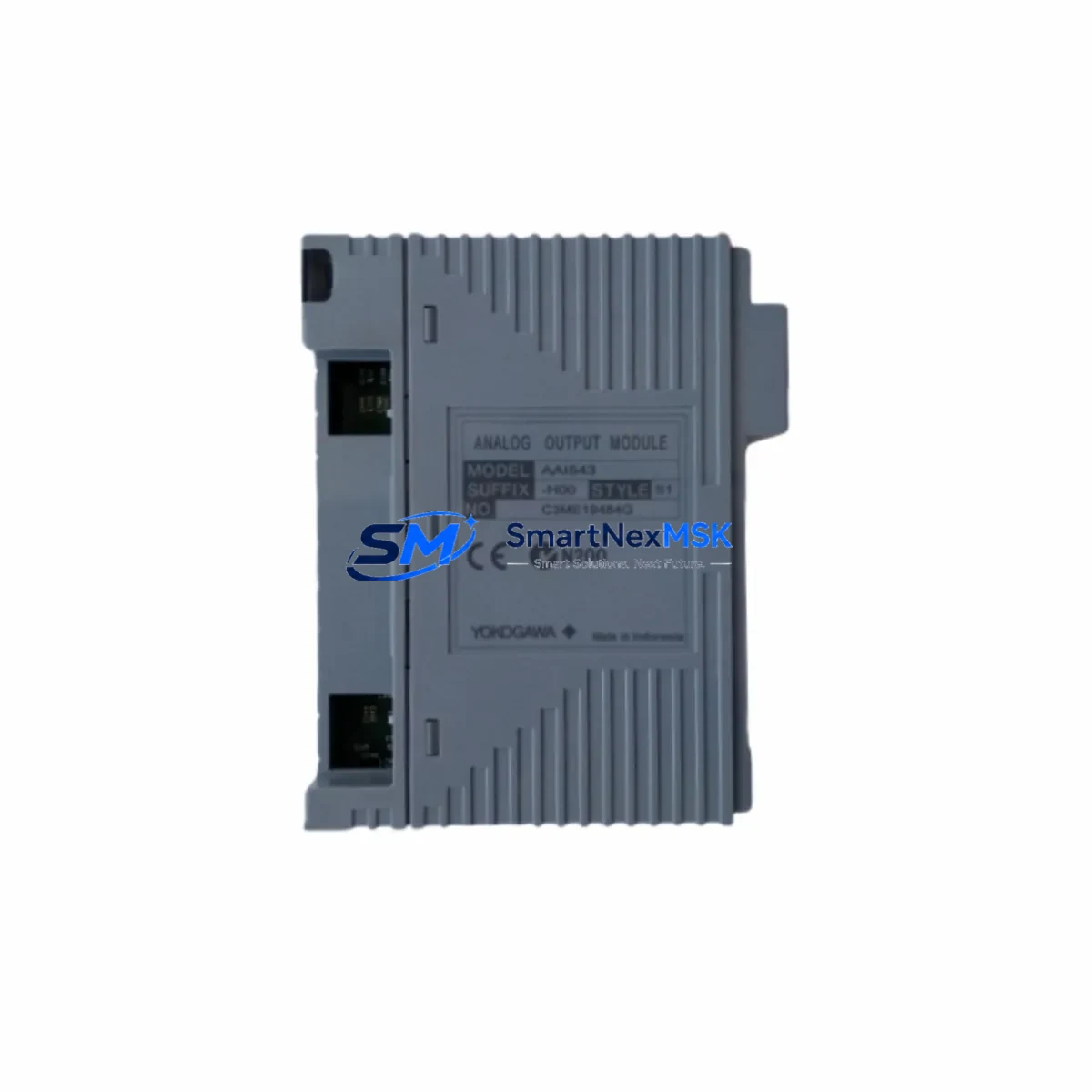
Yokogawa S2MMM843-SS1130 Retrofit-Ready I/O Module for CENTUM VP Control Systems
The Yokogawa S2MMM843-SS1130 is a field-proven DCS I/O module engineered for seamless integration into CENTUM VP distributed control system architectures. As legacy automation infrastructure ages and OEM support windows close, plant engineers increasingly rely on verified retrofit-ready replacements to sustain production continuity without committing to full platform migrations. This module — also cross-referenced as S2BN1D-11130 — is stocked, tested, and shipped with a 12-month warranty, making it a dependable choice for both emergency spare procurement and planned system upgrades.
Whether you are replacing a failed card in an operating control cabinet, expanding I/O capacity on an existing CENTUM VP rack, or migrating signal loops from a decommissioned CS 3000 system, the S2MMM843-SS1130 delivers the electrical and logical compatibility required to minimize engineering rework and reduce commissioning time on the plant floor.
Upgrade Compatibility Table
| Parameter | Details |
|---|---|
| SKU / Part Number | S2MMM843-SS1130 (Cross-ref: S2BN1D-11130) |
| Brand / Manufacturer | Yokogawa Electric Corporation |
| Compatible Platform | CENTUM VP (R4.x / R5.x / R6.x) |
| Replacement / Supersedes | S2BN1D-11130, legacy CENTUM CS 3000 equivalent I/O cards |
| Module Type | DCS I/O Module (Mixed / Multi-point) |
| Backplane Interface | CENTUM VP standard node bus; compatible with ANB10D / ANB10S node units |
| Communication Protocol | Vnet/IP (internal); HART pass-through supported on applicable channels |
| Power Supply Requirement | Supplied via backplane; verify node power budget before installation |
| Terminal / Wiring | Compatible with standard CENTUM VP terminal boards; verify TB model before ordering |
| Installation | Hot-swap capable on supported node configurations; confirm with site SOP |
| Module Address | Configured via CENTUM VP Engineering Environment (ENG); no hardware DIP switch required |
| Retrofit Recommendation | Direct drop-in for S2BN1D-11130; verify firmware revision compatibility in ENG |
| Commissioning Notes | Download tag database backup before swap; verify I/O assignment in FCS builder post-installation |
| Warranty | 12 Months — covers manufacturing defects; includes pre-shipment functional test report |
Retrofit Planning for Existing Automation Systems
A successful retrofit begins well before the module arrives on site. When planning a replacement of the S2MMM843-SS1130 or its predecessor S2BN1D-11130, engineers should first audit the node unit — typically an ANB10D or ANB10S — to confirm available slot positions and verify that the node power supply, such as the PW481 or PW482 power module, has sufficient headroom to support the additional I/O load. Overloaded node power budgets are a common cause of intermittent faults after card replacement and must be calculated before any hardware change is committed.
Terminal board compatibility is the next critical checkpoint. The S2MMM843-SS1130 connects to the field wiring via a dedicated terminal board — confirm whether your existing installation uses a TB811, TB851, or equivalent CENTUM VP terminal assembly. Mismatched terminal boards will require re-termination of field cables, which significantly extends downtime. Where possible, retain the original terminal board and replace only the I/O module card to preserve existing wiring.
For sites migrating from CENTUM CS 3000 to CENTUM VP, the I/O signal mapping must be re-validated in the CENTUM VP Engineering Environment. Tag names, engineering units, alarm limits, and HART device descriptors assigned to each channel should be exported from the legacy FCS builder and re-imported or manually re-entered into the new FCS configuration. The Vnet/IP communication architecture of CENTUM VP differs from the older V-net topology, so any BCV-type communication modules or ESB bus couplers in the existing cabinet may also require review or replacement as part of the migration scope.
I/O expansion scenarios — such as adding new measurement loops to an existing CENTUM VP node — should account for the total channel count across all installed modules, including AAI141 analog input cards, AAI543 analog output cards, and ADV151 digital input modules already occupying the node. Slot sequencing and module address assignments are managed entirely in software through the ENG station, but physical slot availability must be confirmed on the actual node hardware before procurement.
For HMI continuity, verify that all graphic displays in CENTUM VP HIS (Human Interface Station) referencing tags on the replaced module are functioning correctly after the swap. Tag binding errors on HMI faceplates are a frequent post-replacement issue that can be resolved by refreshing the HIS display database from the ENG station. If the site uses a Exaopc OPC server for third-party SCADA integration, re-scan the OPC tag list after module replacement to confirm all data points are live.
Downtime Control During System Migration
Minimizing unplanned downtime is the primary operational constraint in any DCS I/O replacement project. For the S2MMM843-SS1130, the recommended approach is a pre-staged hot-swap procedure: configure the replacement module fully in the CENTUM VP ENG environment before the maintenance window opens, so that the FCS recognizes the new card immediately upon insertion without requiring an FCS download that would interrupt running control loops.
Before the swap window, take a full FCS backup from the ENG station and store it on an isolated engineering PC. This preserves the complete control logic, I/O tag assignments, tuning parameters, and alarm configurations. If the replacement module requires a firmware update to match the running FCS revision, perform this update on the bench using the CENTUM VP maintenance tool before bringing the card to the plant floor — never update firmware on a live node.
During the swap, place the affected control loops in manual mode at the HIS operator station before removing the failed card. This prevents the FCS from generating spurious output commands on channels that momentarily lose their I/O reference. For critical loops controlling pressure, temperature, or flow in hazardous areas, coordinate with the operations team to confirm that manual setpoints are safe and stable before proceeding.
After insertion of the S2MMM843-SS1130, verify channel-by-channel I/O status in the CENTUM VP FCS diagnostic view before returning loops to automatic. Confirm that HART communication is re-established on any smart field instruments connected to the replaced module, and check that all alarm limits are active and correctly configured. A structured post-swap checklist — covering power status, communication link, I/O scan rate, and HMI display verification — reduces the risk of overlooked faults and supports a clean handover to the operations team.
Retrofit Support FAQ
Q1: Is the S2MMM843-SS1130 a direct replacement for the S2BN1D-11130?
Yes. The S2MMM843-SS1130 is the current active part number that supersedes the S2BN1D-11130. Both modules share the same backplane connector, terminal board interface, and CENTUM VP software configuration. No wiring changes are required when replacing S2BN1D-11130 with S2MMM843-SS1130, provided the terminal board model is unchanged. Confirm the firmware revision in the CENTUM VP ENG environment to ensure compatibility with your running FCS version.
Q2: What pre-shipment testing is performed on this module?
Each S2MMM843-SS1130 unit undergoes a functional power-on test and I/O channel verification before dispatch. A test report is available upon request. Units are shipped in anti-static packaging with protective slot covers installed. The 12-month warranty covers manufacturing defects and functional failures under normal operating conditions from the date of shipment.
Q3: Can this module be installed without taking the CENTUM VP FCS offline?
Hot-swap installation is supported on CENTUM VP nodes that are configured for redundant or hot-standby I/O operation. For simplex node configurations, a brief FCS I/O interruption on the affected node is expected during card removal and insertion. Place all loops on the affected node in manual mode before proceeding. Consult your site’s CENTUM VP system configuration documentation and Yokogawa’s hot-swap procedure guidelines before attempting live replacement.
Q4: What information do I need to provide when ordering to confirm compatibility?
Please provide: (1) your CENTUM VP system revision (R4 / R5 / R6), (2) the node unit model (e.g., ANB10D), (3) the existing terminal board model, and (4) the current part number of the module being replaced. Our technical team will confirm compatibility and advise on any firmware or accessory requirements before shipment.
© 2026 SMARTNEXMSK. All rights reserved.
Original Source: https://smartnexmsk.com
Contact: [email protected] | +86 18259474341



