
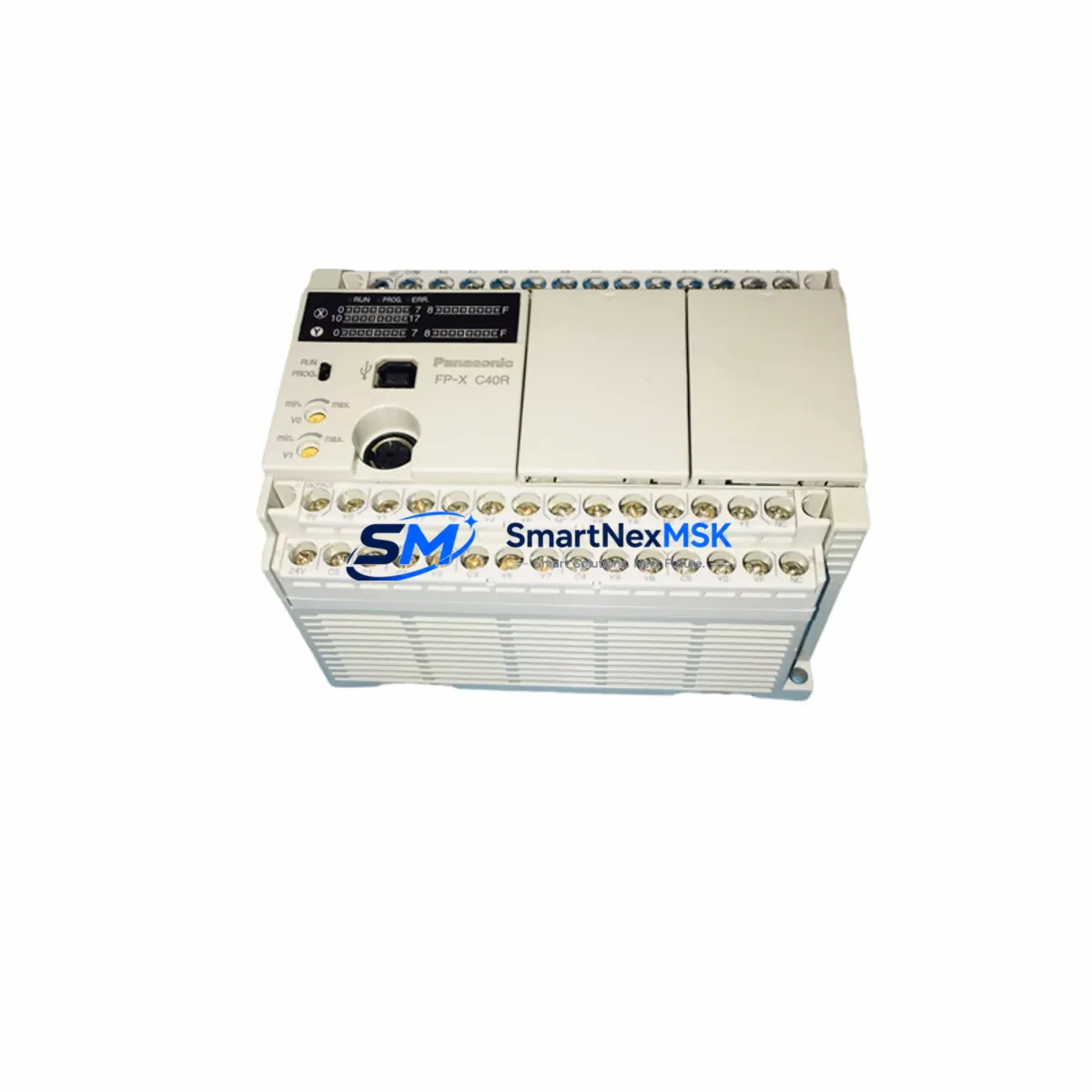
YOKOGAWA S9680DG-00 Retrofit-Ready DO Module for CENTUM Control Systems
The YOKOGAWA S9680DG-00 is a digital output (DO) module engineered for the CENTUM distributed control system (DCS) platform. As legacy CENTUM CS 1000, CS 3000, and VP installations age into their second and third decades of operation, the S9680DG-00 has become one of the most sought-after retrofit components for control engineers managing planned upgrades, emergency replacements, and phased modernization programs. SMARTNEXMSK maintains verified in-stock inventory of the S9680DG-00 with full pre-shipment functional testing and a 12-month warranty on every unit.
Upgrade Compatibility Table
| Parameter | Details |
|---|---|
| SKU / Part Number | S9680DG-00 |
| Manufacturer | YOKOGAWA Electric Corporation |
| Compatible Platform | CENTUM CS 1000, CS 3000, VP Series |
| Module Type | Digital Output (DO) Module |
| Backplane Interface | CENTUM standard node bus / field control station (FCS) backplane |
| Installation | Direct slot insertion into CENTUM FCS node unit; no mechanical modification required |
| Communication Compatibility | Vnet/IP, Vnet (legacy), ESB bus — platform dependent |
| Replacement Recommendation | Direct drop-in for same-series DO modules; verify slot address and I/O map before hot-swap |
| Commissioning Notes | Module address must match original configuration in CENTUM Engineering Environment (CEE); confirm DO channel assignments in CENTUM Builder before energizing outputs |
| Warranty | 12 Months — covers functional failure under normal operating conditions |
Retrofit Planning for Existing Automation Systems
Replacing the S9680DG-00 in an operating plant requires a structured approach that accounts for the full scope of the CENTUM node architecture. The module resides within a field control station (FCS) node unit, sharing a backplane with companion modules such as the S9680AI-00 analog input module, S9680AO-00 analog output module, and S9680DI-00 digital input module. Before scheduling the replacement window, engineers should audit the node unit’s power supply module — typically an S9680PS-00 or equivalent redundant power unit — to confirm that the available power budget accommodates the S9680DG-00’s inrush and steady-state draw without triggering under-voltage alarms on adjacent I/O modules.
Terminal wiring is a critical checkpoint. The S9680DG-00 connects to field devices through a marshalling cabinet or directly via a terminal block assembly. Before removal of the legacy module, technicians should photograph and document all terminal assignments, cross-referencing against the as-built loop drawings. Where the original wiring used a YOKOGAWA TB (terminal block) adapter or a dedicated field terminal assembly, confirm that the connector pinout of the replacement S9680DG-00 matches the installed wiring harness. In many CENTUM CS 3000 installations, the terminal block is a separate field wiring assembly that remains in place during module swap, significantly reducing rewiring time.
Module address configuration is handled within the CENTUM Engineering Environment (CEE) or CENTUM VP Engineering software. The replacement S9680DG-00 must be assigned the identical node number, slot number, and I/O channel map as the module it replaces. Failure to match the address will result in the FCS reporting a hardware mismatch alarm and suppressing output commands to the affected channels. If the plant is running a CENTUM CS 3000 R3 or earlier firmware revision, verify that the engineering database has not been modified since the original module was commissioned — any undocumented changes to the I/O builder will need to be reconciled before the new module is brought online.
For sites migrating from CENTUM CS 1000 to CENTUM VP, the S9680DG-00 may serve as an interim I/O module during a phased migration where the CENTUM VP FCS is installed in parallel with the legacy CS 1000 controller. In this topology, the Vnet/IP communication module and the ESB interface unit must both be confirmed operational before the new FCS assumes control authority. HMI screens built in CENTUM VP HIS (Human Interface Station) should be validated against the new I/O tag assignments to prevent display mismatches during the cutover window.
Sites operating FOUNDATION Fieldbus or HART-enabled field instruments alongside conventional DO channels should also verify that the S9680DG-00’s output channels are correctly mapped in the CENTUM FDT/DTM environment. Where a YOKOGAWA AFS (Advanced Field System) or remote I/O unit is part of the control architecture, confirm that the DO module’s channel assignments do not conflict with remote I/O node addresses already registered in the FCS configuration.
Downtime Control During System Migration
Minimizing unplanned downtime during an S9680DG-00 replacement begins with pre-staging. SMARTNEXMSK ships each unit with a pre-shipment functional test report, allowing the site team to confirm module health before the maintenance window opens. Upon receipt, the replacement module should be stored in an ESD-safe environment and visually inspected for transit damage to the backplane connector and front-panel indicators.
During the replacement window, the recommended sequence is: (1) place the affected FCS node into manual control mode via the CENTUM HIS operator station to freeze output states and prevent process upsets; (2) de-energize the node unit’s field power circuit — not the entire FCS — to isolate the DO module’s output terminals while preserving the FCS controller’s program execution and Vnet/IP communication link; (3) extract the S9680DG-00 from its slot, insert the replacement unit, and confirm the front-panel LED status sequence matches the expected initialization pattern; (4) restore field power and verify that all DO channel states reported in the CENTUM HIS match the pre-swap baseline; (5) return the FCS node to automatic control mode and monitor for alarm suppression clearance.
This procedure preserves the original program logic resident in the FCS controller memory — no program download is required for a like-for-like module replacement. The CENTUM FCS retains its control database in non-volatile memory independent of the I/O module hardware, so the replacement S9680DG-00 inherits the existing tag assignments and output logic immediately upon initialization. Total planned downtime for a single-module swap in a well-prepared CENTUM installation is typically 15–45 minutes, depending on terminal block access and field verification requirements.
Retrofit Support FAQ
Q1: Is the S9680DG-00 a direct replacement for the same part number from an older CENTUM CS 3000 installation?
A: Yes. The S9680DG-00 is designed for direct slot-compatible replacement within the CENTUM CS 3000 and CENTUM VP FCS node units. Confirm the slot address and I/O channel map in CEE before insertion. No hardware modification is required if the terminal block assembly remains in place.
Q2: What commissioning steps are required after installing the replacement module?
A: After physical installation, verify that the module’s front-panel status LEDs indicate normal operation (typically a steady green RUN indicator). In the CENTUM Engineering Environment, confirm that the FCS hardware configuration reflects the correct module type and slot assignment. Perform a channel-by-channel output verification from the HIS operator station before returning the node to automatic control.
Q3: Can the S9680DG-00 be used in a CENTUM CS 1000 system, or is it limited to CS 3000 and VP?
A: Compatibility depends on the specific FCS node unit and backplane revision installed in the CS 1000 system. Contact SMARTNEXMSK with your FCS model number and node unit revision for a confirmed compatibility assessment before ordering.
Q4: What does the 12-month warranty cover, and what is the return process?
A: The 12-month warranty covers functional failure of the S9680DG-00 under normal operating conditions, including backplane communication faults, output channel failures, and power regulation issues attributable to the module. Physical damage caused by incorrect installation, over-voltage, or ESD is excluded. To initiate a warranty claim, contact [email protected] with the order number and a description of the fault. SMARTNEXMSK will arrange return shipping and provide a replacement or repaired unit within the agreed lead time.
© 2026 SMARTNEXMSK. All rights reserved.
Original Source: https://smartnexmsk.com
Contact: [email protected] | +86 18259474341



