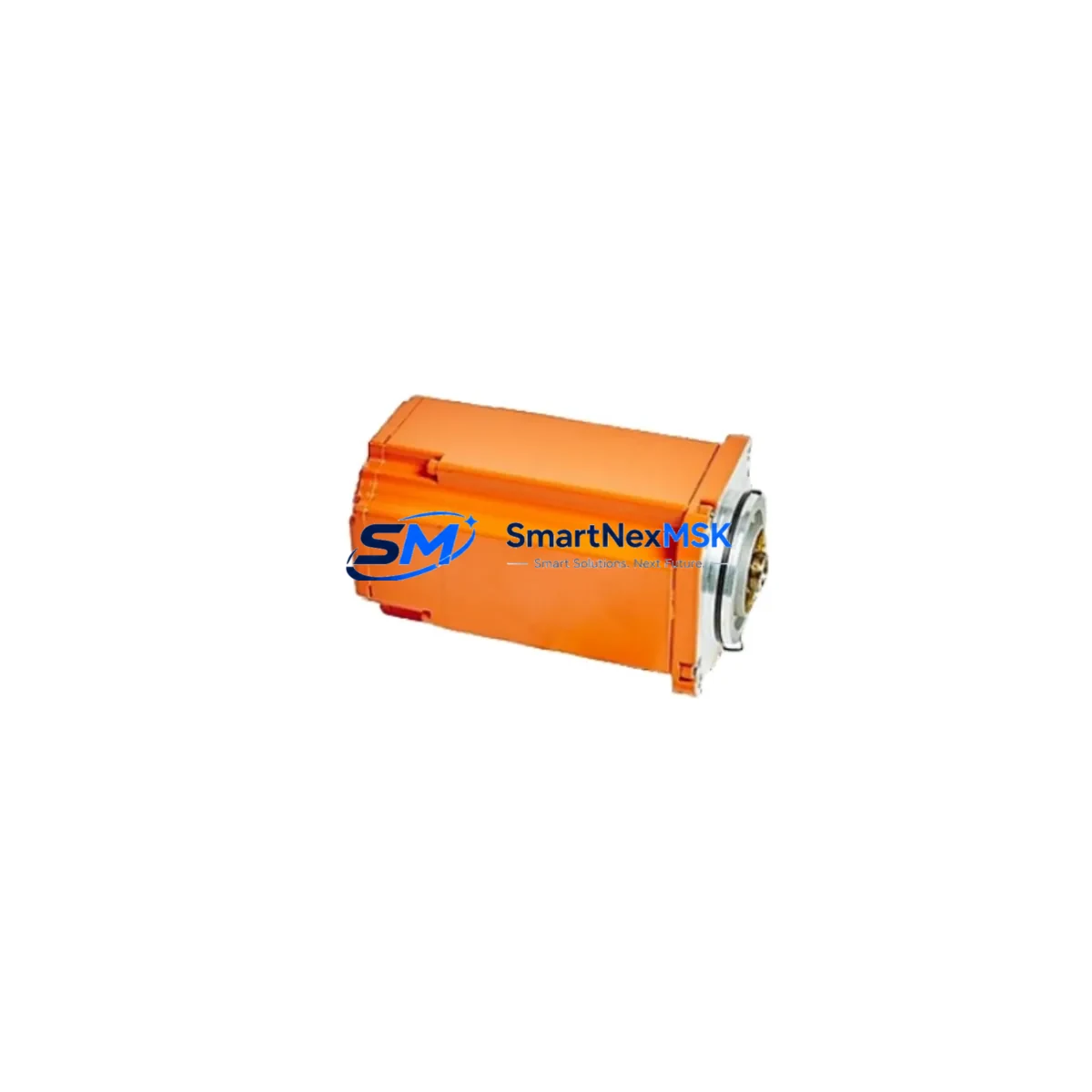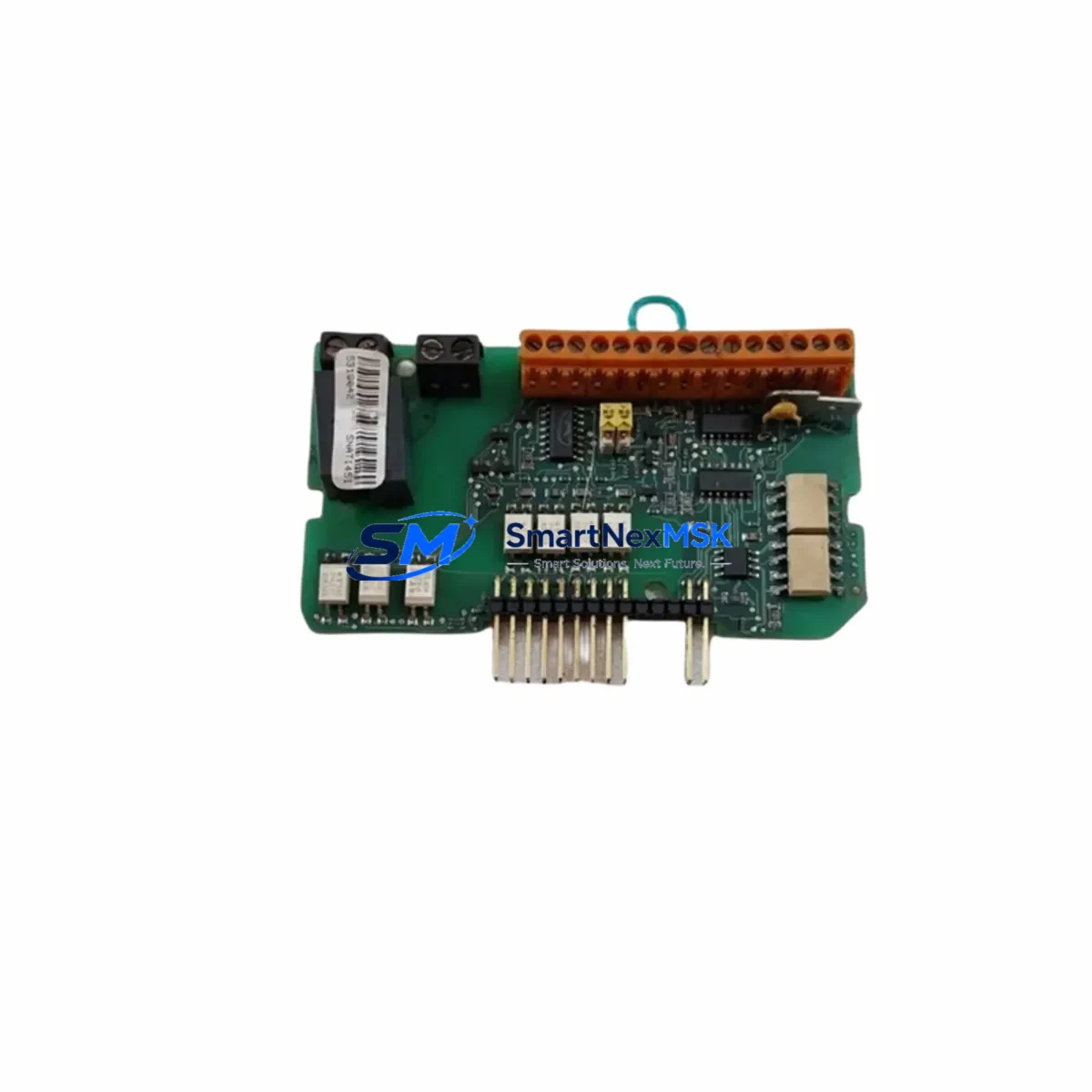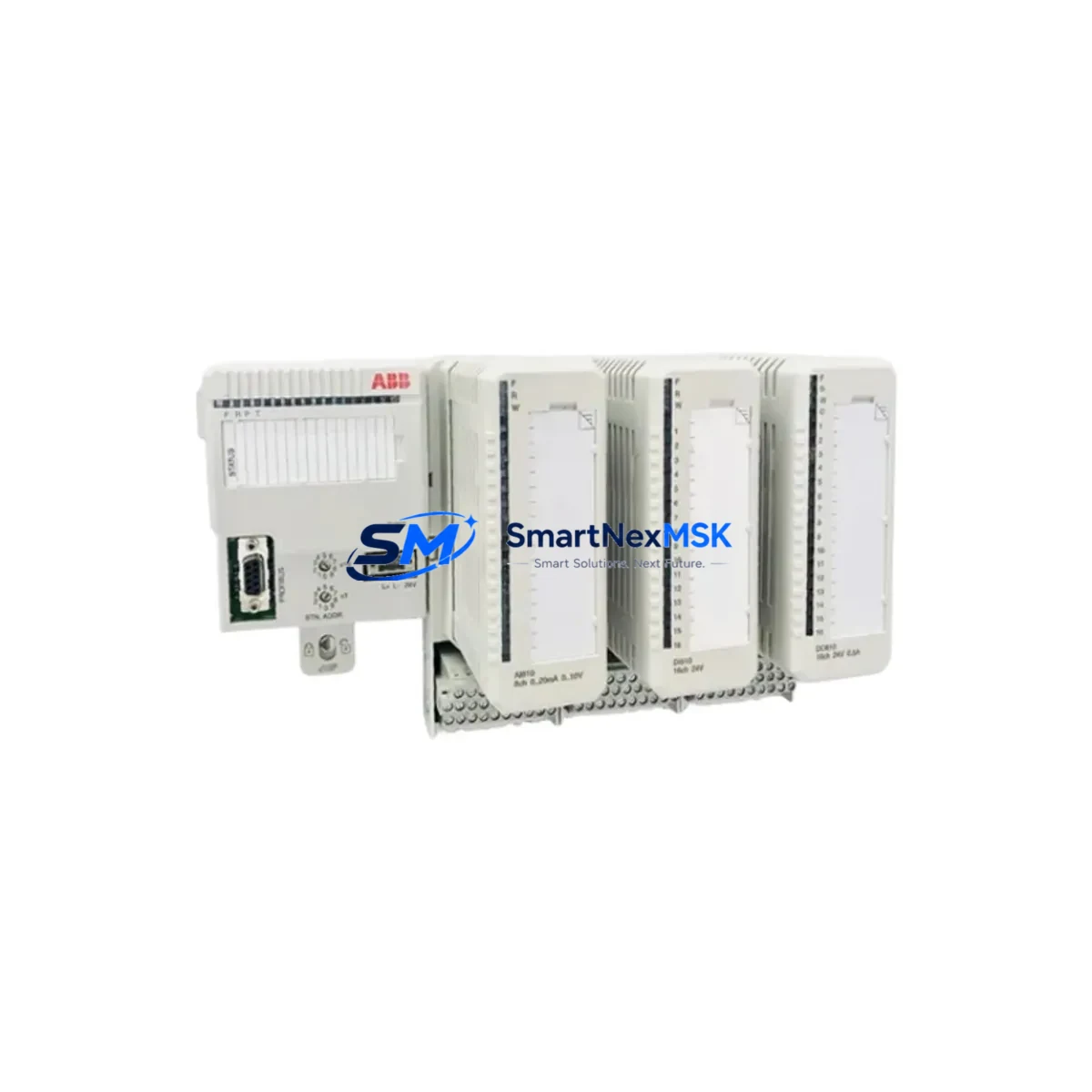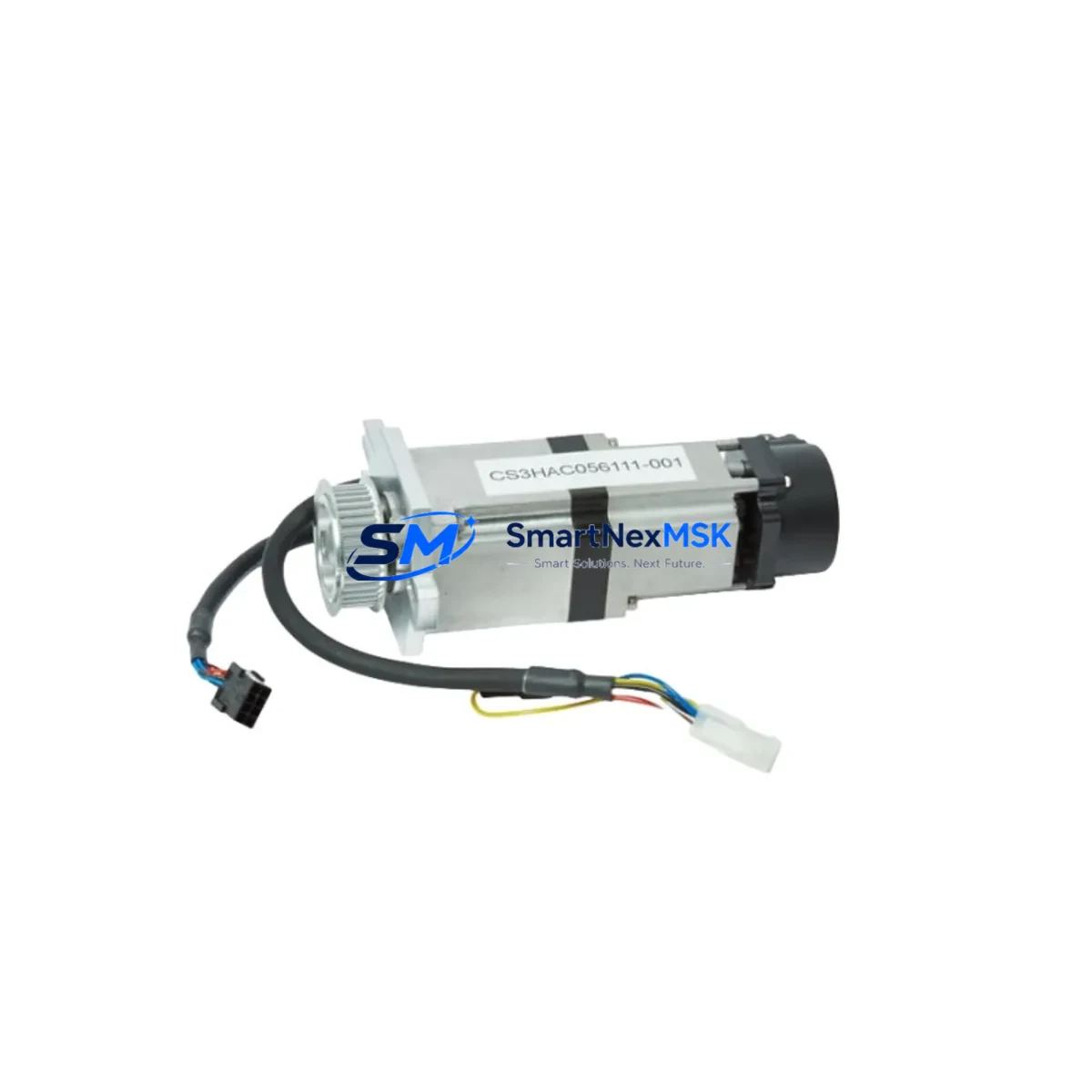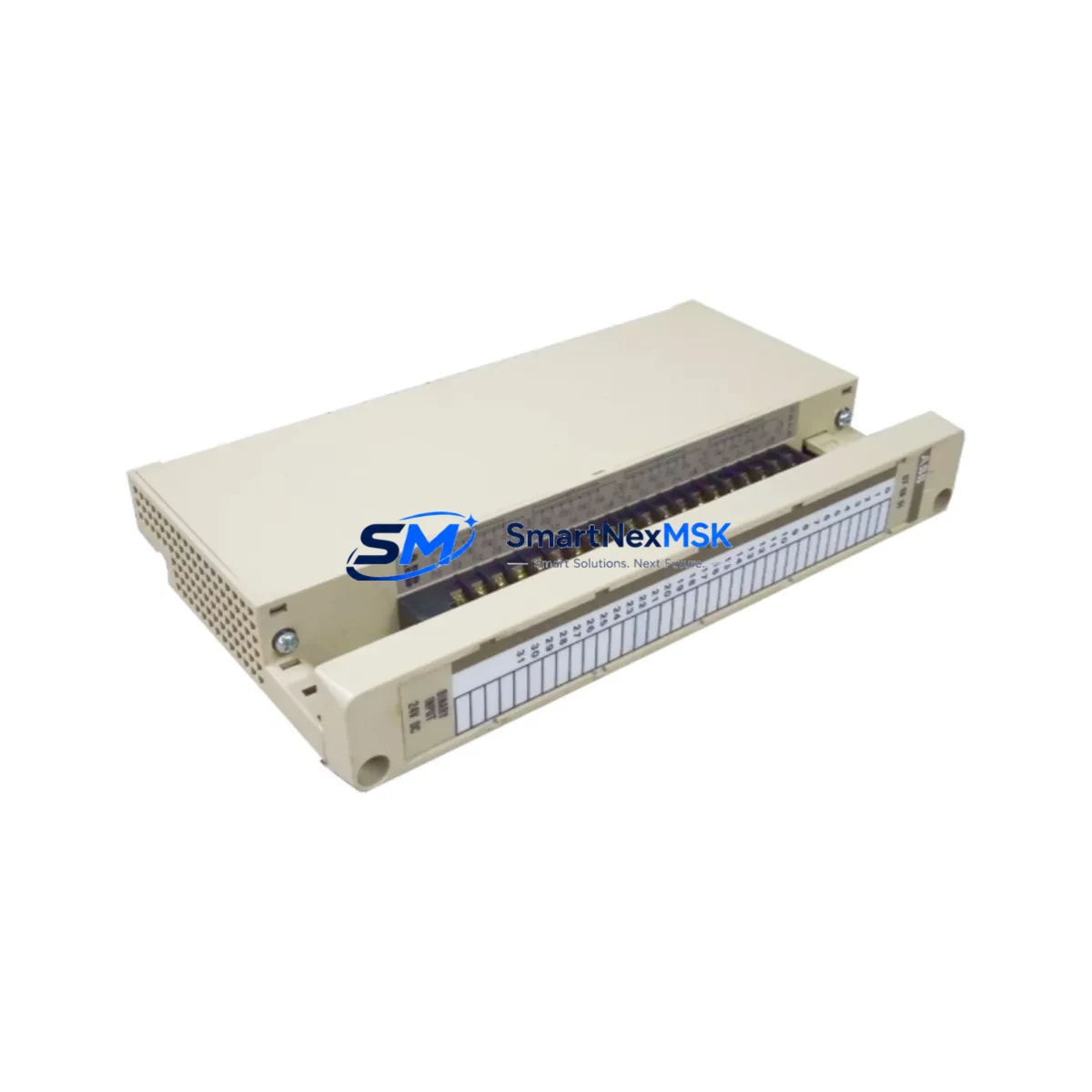
ABB 07EB60R1 Maintenance-Ready Spare for AC500 Automation
The ABB 07EB60R1 is a 16-channel digital input module designed for the ABB AC500 PLC platform — one of the most widely deployed programmable logic controller families in industrial automation, process control, and infrastructure applications. As a maintenance-ready original spare, the 07EB60R1 is sourced, inspected, and dispatched to support rapid fault recovery, planned overhaul cycles, and long-term system continuity for facilities that cannot afford extended downtime.
For maintenance engineers managing aging AC500 control cabinets, the 07EB60R1 represents a critical node in the digital input chain. Its 16 discrete input channels interface directly with field sensors, limit switches, pushbuttons, and proximity detectors. When this module degrades or fails — often presenting as intermittent input loss, channel-specific faults, or complete I/O blackout — the impact on process visibility is immediate. Stocking a verified replacement unit eliminates the lead-time risk that turns a minor fault into a multi-day production halt.
Procurement engineers sourcing spare parts for AC500-based systems will find the 07EB60R1 fully compatible with the AC500 V2 and V3 CPU families, including the PM571, PM581, PM591, and PM595 processors. The module slots into standard AC500 I/O racks without firmware modification, making like-for-like replacement straightforward even under time pressure.
Spare Maintenance Table
| Parameter | Specification |
|---|---|
| Part Number | 07EB60R1 |
| Brand | ABB |
| Series | AC500 |
| Module Type | 16-Channel Digital Input Module |
| Input Voltage | 24 V DC (IEC 61131-2 Type 1/3) |
| Number of Channels | 16 DI |
| Input Signal Level | Logic 0: <5 V DC; Logic 1: >15 V DC |
| Isolation | Optocoupler isolation, channel-to-bus |
| Backplane Interface | AC500 I/O bus (direct rack mount) |
| Compatible CPUs | PM571, PM581, PM591, PM595 (AC500 V2/V3) |
| Operating Temperature | -25 °C to +60 °C |
| Protection Rating | IP20 |
| Country of Origin | Germany |
| Mounting | AC500 I/O rack, DIN rail via rack |
| Certifications | CE, UL, cUL |
| Warranty | 12 Months — tested before dispatch |
| Condition | Original, unused or refurbished-to-spec |
| Shipping | Worldwide, ESD-safe packaging |
Maintenance Planning for Continuous Operation
When a 07EB60R1 digital input module is flagged for replacement during a scheduled inspection or emergency fault response, experienced maintenance teams treat the event as a trigger for a broader cabinet audit. The AC500 control cabinet housing this module typically contains several interdependent components whose condition directly affects the reliability of the replacement.
Begin with the 24 V DC power supply module (such as the ABB CP-E 24/5.0 or equivalent) that feeds the I/O rack. A degraded power supply delivering marginal voltage will cause the new 07EB60R1 to exhibit the same erratic input behavior as the failed unit, leading to misdiagnosis. Verify output voltage under load before inserting the replacement module.
Next, inspect the terminal blocks and field wiring connected to the 07EB60R1’s input channels. Loose ferrules, corroded terminals, or undersized conductors are common root causes of intermittent digital input faults. The ABB TB511-ETH or TB521-ETH terminal base units used in AC500 I/O assemblies should be checked for secure seating and clean contact surfaces.
Review the AC500 CPU module (PM571/PM581/PM591/PM595) diagnostic logs for any recorded I/O bus communication errors prior to the module failure. Persistent bus errors may indicate a failing backplane connector or a CPU firmware issue that will affect the replacement module. If the system uses an AC500 communication module such as the CM572-DP (PROFIBUS) or CM579-ETHCAT (EtherCAT), verify that fieldbus communication remains stable after the I/O swap.
For facilities running mixed I/O configurations, also inspect adjacent digital output modules (such as the 07EB61R1 or 07EB63R1) and any analog input modules (DA501 or AI523) sharing the same rack. Thermal stress and vibration affect all modules in a rack equally, so a failed input module is often an early indicator of broader I/O degradation.
Where the control system interfaces with field instrumentation through signal isolators or signal conditioners, verify that isolator output levels remain within the 07EB60R1’s input threshold range. A drifting isolator can cause false logic states that appear as module faults. Finally, check any miniature circuit breakers or fuse terminals (such as ABB S200 series MCBs) protecting the 24 V input circuits — a nuisance trip on a protection device is frequently misread as a module failure during initial fault isolation.
Site Replacement Workflow
Step 1 — Isolate and document. Before removing the 07EB60R1, capture the current I/O mapping from the AC500 programming tool (Automation Builder or PS501 Control Builder Plus). Record channel assignments, filter times, and any force values active on the module. This prevents configuration loss during the swap.
Step 2 — De-energize safely. Isolate the 24 V DC supply to the I/O rack using the cabinet’s main isolator or the dedicated I/O power circuit breaker. Confirm absence of voltage on the module’s input terminals before proceeding. Follow site LOTO (Lockout/Tagout) procedures.
Step 3 — Remove and inspect. Release the module locking tab and slide the 07EB60R1 out of the rack. Inspect the backplane connector pins for damage or contamination. Clean with isopropyl alcohol if required before inserting the replacement.
Step 4 — Insert replacement and verify seating. Slide the new 07EB60R1 into the same rack slot. Confirm the locking tab engages fully. Reconnect field wiring to the terminal base, verifying correct channel-to-terminal mapping against the documented I/O schedule.
Step 5 — Power up and test. Re-energize the I/O rack. The AC500 CPU should automatically recognize the replacement module without requiring a program download in most configurations. Verify all 16 input channels report correct logic states by exercising each field device. Clear any diagnostic alarms in the CPU and confirm normal operation before returning the system to production.
Step 6 — Update maintenance records. Log the replacement date, module serial number, and any observations about the failed unit. Initiate a replenishment order to restore the spare parts buffer — a single-unit spare stock for a critical I/O module is insufficient for facilities with multiple AC500 systems.
Spare Parts Support FAQ
Q: Is the 07EB60R1 compatible with both AC500 V2 and V3 CPU generations?
A: Yes. The 07EB60R1 is compatible with the full range of AC500 V2 and V3 CPU modules, including PM571, PM581, PM591, and PM595. No hardware or firmware modification is required for like-for-like replacement within the same rack configuration.
Q: How is each unit tested before shipment?
A: Every 07EB60R1 dispatched by SMARTNEXMSK undergoes functional verification including power-on self-test, channel continuity check, and backplane communication validation. Units are shipped in ESD-safe packaging with a test report available on request. A 12-month warranty covers all dispatched units against manufacturing defects and functional failure.
Q: What is the recommended spare parts stocking strategy for AC500 digital input modules?
A: For facilities operating three or more AC500 racks, maintaining a minimum of two 07EB60R1 units in the on-site spare parts store is recommended. High-criticality processes (continuous production, utilities, water treatment) should consider a three-unit buffer to cover simultaneous failures and replenishment lead time. Modules stored in a climate-controlled environment with ESD protection retain full functionality for five or more years.
Q: Can the 07EB60R1 replace older or discontinued ABB AC500 digital input variants?
A: The 07EB60R1 is the current production reference for this module class within the AC500 family. It is backward compatible with earlier AC500 rack assemblies. For legacy systems using pre-V2 hardware, compatibility should be confirmed against the specific CPU firmware version and rack type before ordering. SMARTNEXMSK’s technical team can assist with compatibility verification prior to dispatch.
© 2026 SMARTNEXMSK. All rights reserved.
Original Source: https://smartnexmsk.com
Contact: [email protected] | +86 18259474341