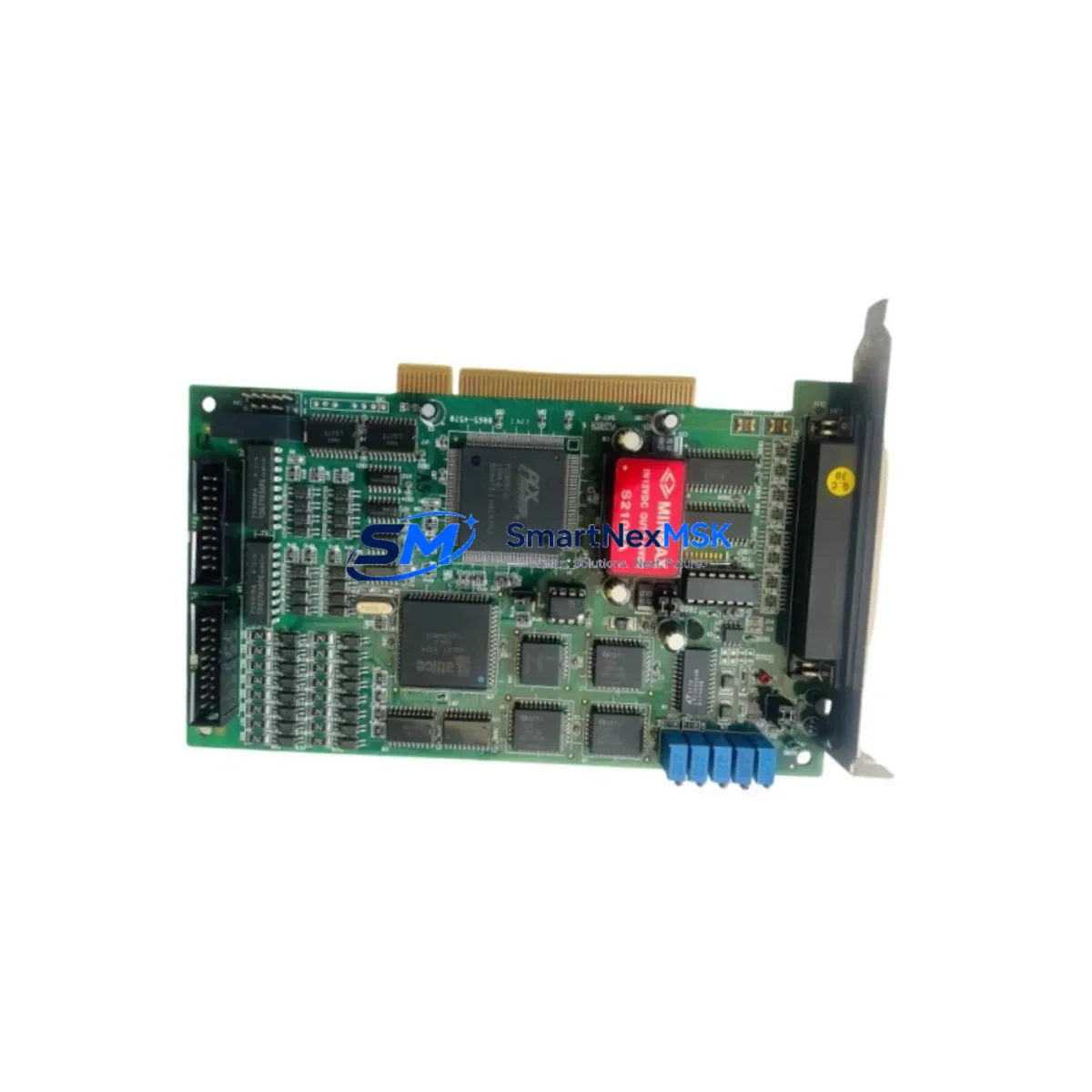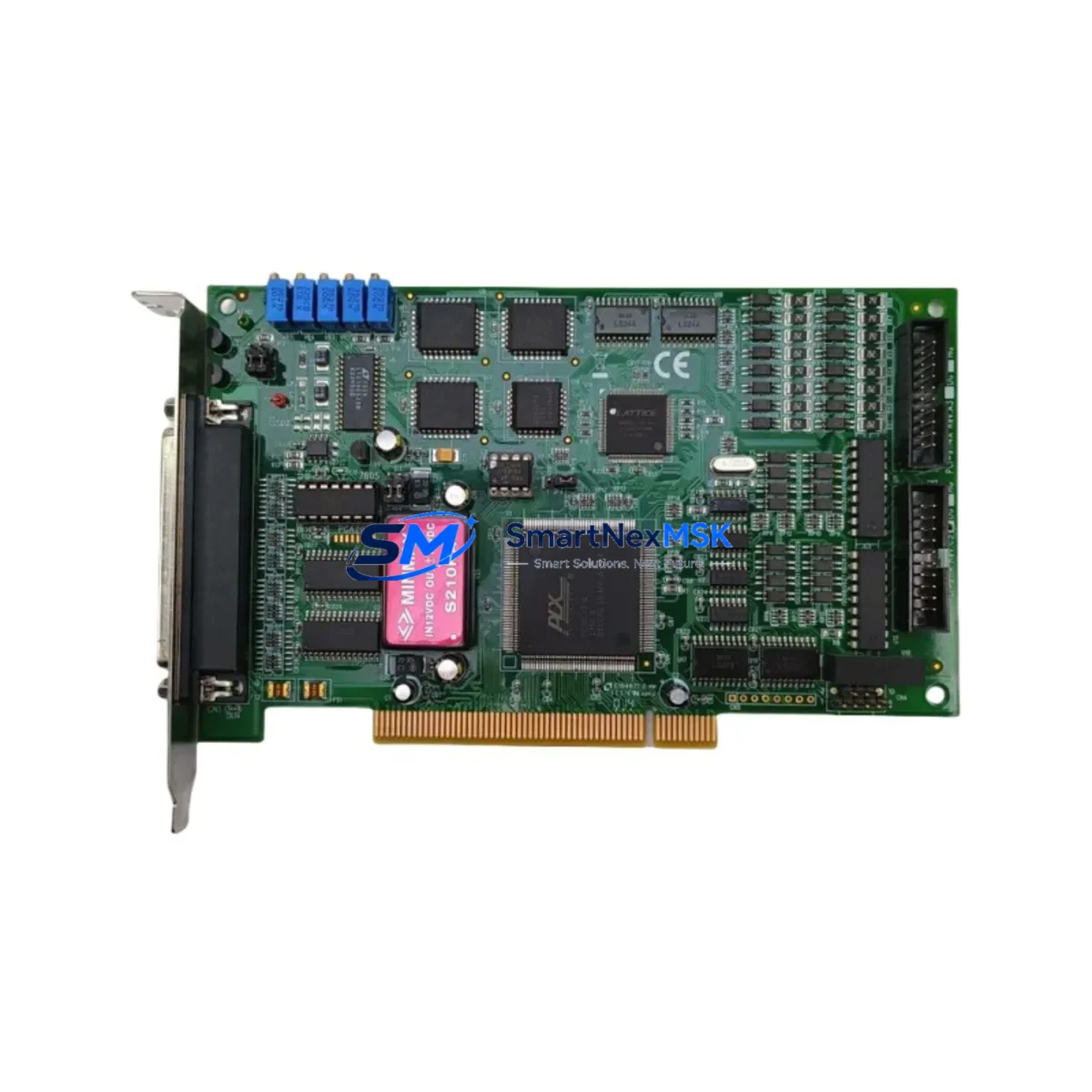
ADLINK PCI-9810 Maintenance-Ready Spare for PCI Automation
Unplanned downtime in industrial data acquisition systems is one of the most costly disruptions a maintenance team can face. The ADLINK PCI-9810 is a 16-channel, 12-bit multifunction PCI data acquisition card widely deployed in process monitoring, machine condition monitoring, laboratory automation, and factory floor control systems. When this card fails or reaches end-of-service life, having a verified, original spare on hand is the fastest path to restoring full system operation without reconfiguring software drivers or rewiring signal inputs.
At SMARTNEXMSK, we supply the PCI-9810 as a maintenance-ready spare — fully tested before shipment, packaged for safe transport, and backed by a 12-month warranty. Whether you are managing a scheduled replacement cycle, responding to an emergency fault, or building a strategic spare parts inventory for aging PCI-bus control systems, this unit ships promptly to minimize your exposure to production loss.
Spare Maintenance Table
| Parameter | Specification |
|---|---|
| Model / SKU | PCI-9810 |
| Brand | ADLINK Technology |
| Series | PCI Multifunction DAQ Series |
| Analog Input Channels | 16 Single-Ended / 8 Differential |
| ADC Resolution | 12-bit |
| Sampling Rate | Up to 100 kS/s |
| Input Range | ±10 V, ±5 V, ±2.5 V, ±1.25 V (programmable) |
| Digital I/O | 16-ch TTL-compatible DIO |
| Bus Interface | 32-bit PCI (Universal PCI, 3.3 V / 5 V) |
| Compatibility | Windows XP/7/10, Linux; replaces legacy PCI-9810 installations |
| Origin | Taiwan |
| Product Weight | 240 g |
| Application Environment | Industrial control cabinets, laboratory automation, process monitoring |
| Installation | Full-length PCI slot; driver-compatible with existing ADLINK DAQPilot / DAQ-LVIEW software |
| Maintenance Recommendation | Replace at first sign of ADC drift, channel dropout, or IRQ conflict; inspect PCI slot contacts and backplane seating annually |
| Warranty | 12 Months — tested and verified before shipment |
Maintenance Planning for Continuous Operation
The PCI-9810 rarely fails in isolation. In most industrial installations, this card operates within a broader signal acquisition and control architecture. When replacing the PCI-9810, a thorough maintenance engineer will simultaneously inspect the surrounding system to prevent repeat failures and ensure the replacement card performs to specification from day one.
Begin with the PC-based industrial host or rack-mount controller housing the PCI-9810. Verify that the PCI backplane is clean, free of oxidation, and that the slot retains firm card contact. A loose or corroded PCI slot is a common root cause of intermittent DAQ faults that are misdiagnosed as card failure. Next, inspect the signal conditioning front-end: if the system uses an ADLINK ACLD-9182 or similar screw-terminal daughter board connected via a 68-pin SCSI cable, check the cable for continuity and the terminal block for loose wiring or corrosion on analog input channels.
For systems where the PCI-9810 monitors 4–20 mA process signals, verify that the associated signal isolators — such as DIN-rail mounted loop-powered isolators or active signal conditioners — are functioning within specification. A failed isolator can inject noise or offset errors that damage ADC inputs over time. Similarly, inspect the 24 VDC power supply feeding the signal conditioning rail; voltage ripple above 50 mV peak-to-peak is sufficient to degrade 12-bit ADC accuracy.
If the PCI-9810 is used alongside a PLC or DCS system — for example, as a supplementary high-speed acquisition channel feeding data to a Siemens S7-300 or Mitsubishi Q-series controller — confirm that the communication interface between the PC host and the PLC (typically via OPC server, Modbus TCP, or shared memory) remains intact after the card swap. Driver reinstallation can reset COM port assignments or interrupt OPC tag mappings.
Also review the digital I/O wiring on the PCI-9810’s 16-channel TTL DIO port. Relay output modules, optocoupler isolation boards, and terminal relay assemblies connected to these lines should be tested for proper switching and isolation resistance. Fuse holders on the DIO output lines — particularly for inductive loads — should be inspected and fuses replaced as part of the maintenance event. Finally, if the system includes an ADLINK PCI-9812, PCI-9816, or PCI-9846 in the same chassis for higher-channel-count or higher-speed acquisition, confirm that IRQ sharing between cards is correctly managed in the BIOS and OS device manager to avoid resource conflicts after the PCI-9810 replacement.
Site Replacement Workflow
Step 1 — Pre-replacement verification: Before powering down, document the current channel configuration, gain settings, sampling rate, and trigger mode using the existing DAQPilot or LabVIEW configuration file. Screenshot or export the device manager entry to confirm the current IRQ and memory address assignments.
Step 2 — Safe shutdown and ESD precautions: Power down the host PC and all connected signal sources. Disconnect the 68-pin SCSI cable from the PCI-9810. Use an ESD wrist strap when handling the replacement card. PCI DAQ cards are sensitive to electrostatic discharge; even a brief ungrounded touch can damage ADC input stages.
Step 3 — Physical installation: Seat the replacement PCI-9810 firmly into the same PCI slot. If the original slot showed signs of wear or oxidation, clean with isopropyl alcohol and allow to dry fully before insertion. Secure the card bracket with the retaining screw.
Step 4 — Driver and software restoration: Power on the host. If the OS does not automatically recognize the card, install the ADLINK DAQ driver package. Restore the saved channel configuration. Verify that the IRQ assignment matches the pre-replacement record. Run a self-test using DAQPilot to confirm all 16 analog input channels are reading within expected ranges before reconnecting field wiring.
Step 5 — Signal reconnection and functional test: Reconnect the 68-pin SCSI cable and terminal board. Apply known reference signals to at least 4 analog input channels and verify ADC output accuracy. Test all DIO channels for correct switching. Document the replacement date, firmware/driver version, and test results in the maintenance log.
This workflow minimizes system downtime to under 2 hours for a prepared maintenance team and ensures the replacement PCI-9810 is fully validated before returning the system to production.
Spare Parts Support FAQ
Q1: Is this PCI-9810 an original ADLINK unit or a compatible substitute?
This is an original ADLINK Technology PCI-9810 unit sourced through authorized industrial supply channels. It is not a clone, counterfeit, or third-party compatible substitute. Each unit is individually tested for ADC accuracy, DIO functionality, and PCI bus communication before shipment.
Q2: How do I confirm compatibility with my existing system before ordering?
The PCI-9810 is a direct replacement for any existing PCI-9810 installation. It uses the same 32-bit Universal PCI interface, the same 68-pin SCSI connector pinout, and is supported by the same ADLINK driver package. If your system runs a custom LabVIEW or DAQmx-based application, the replacement card will be recognized without software modification. For systems using older Windows XP drivers, contact us to confirm driver version availability before ordering.
Q3: What does the 12-month warranty cover, and what is the claims process?
The 12-month warranty covers manufacturing defects, ADC channel failure, DIO malfunction, and PCI bus communication faults under normal operating conditions. It does not cover damage from incorrect installation, ESD mishandling, overvoltage on analog inputs, or physical impact. To initiate a warranty claim, contact [email protected] with your order number, a description of the fault, and photos of the installed card. Replacement or repair is processed within 5–10 business days of receiving the returned unit.
Q4: Can you supply multiple PCI-9810 units for a spare parts inventory program?
Yes. We support bulk spare parts procurement for maintenance departments managing multiple PCI-bus DAQ installations. Volume pricing is available for orders of 3 or more units. We can also assist with building a broader spare parts list covering related ADLINK PCI-series cards, signal conditioning accessories, and cabling to support a comprehensive control cabinet spare inventory. Contact us at [email protected] or +86 18259474341 to discuss your inventory requirements.
© 2026 SMARTNEXMSK. All rights reserved.
Original Source: https://smartnexmsk.com
Contact: [email protected] | +86 18259474341