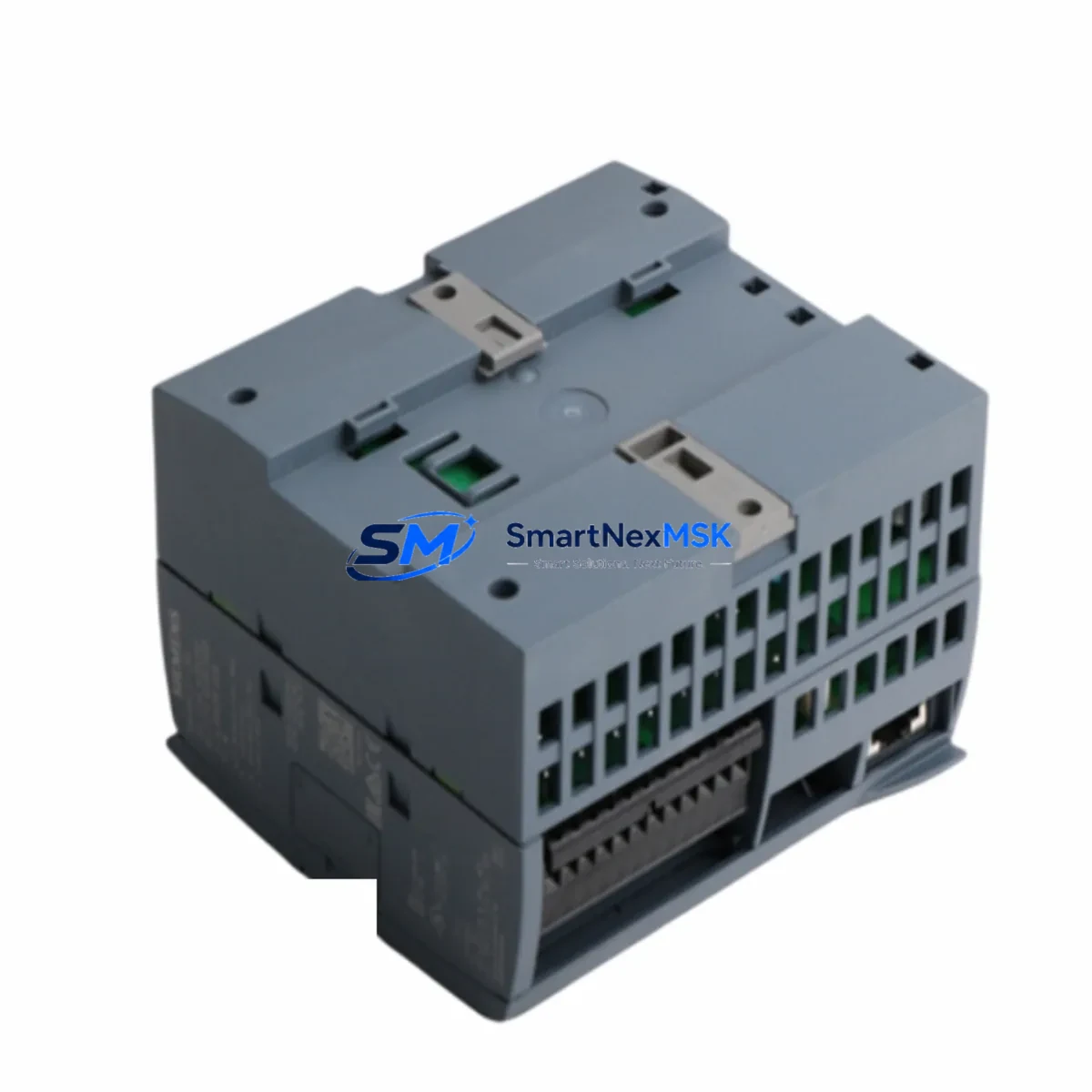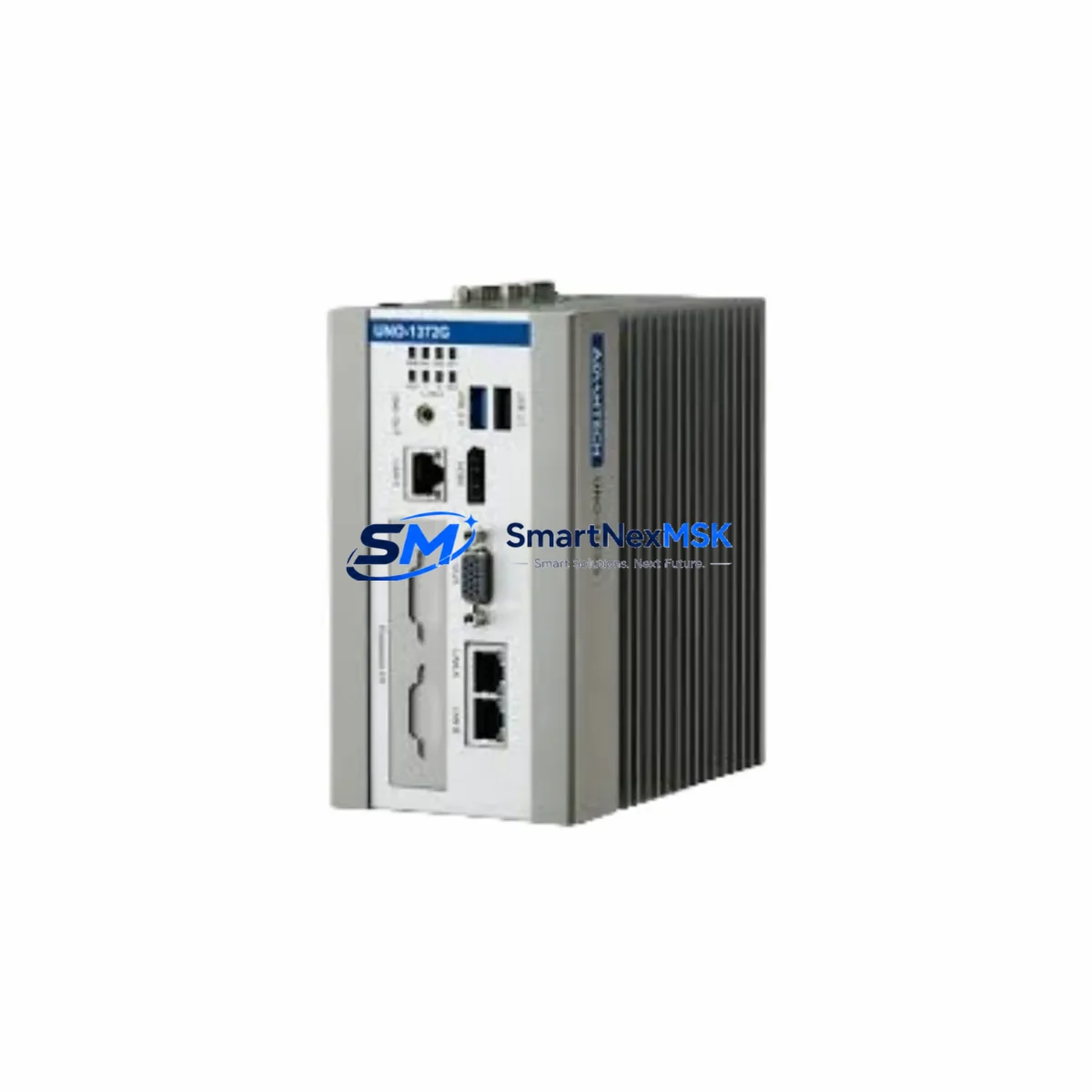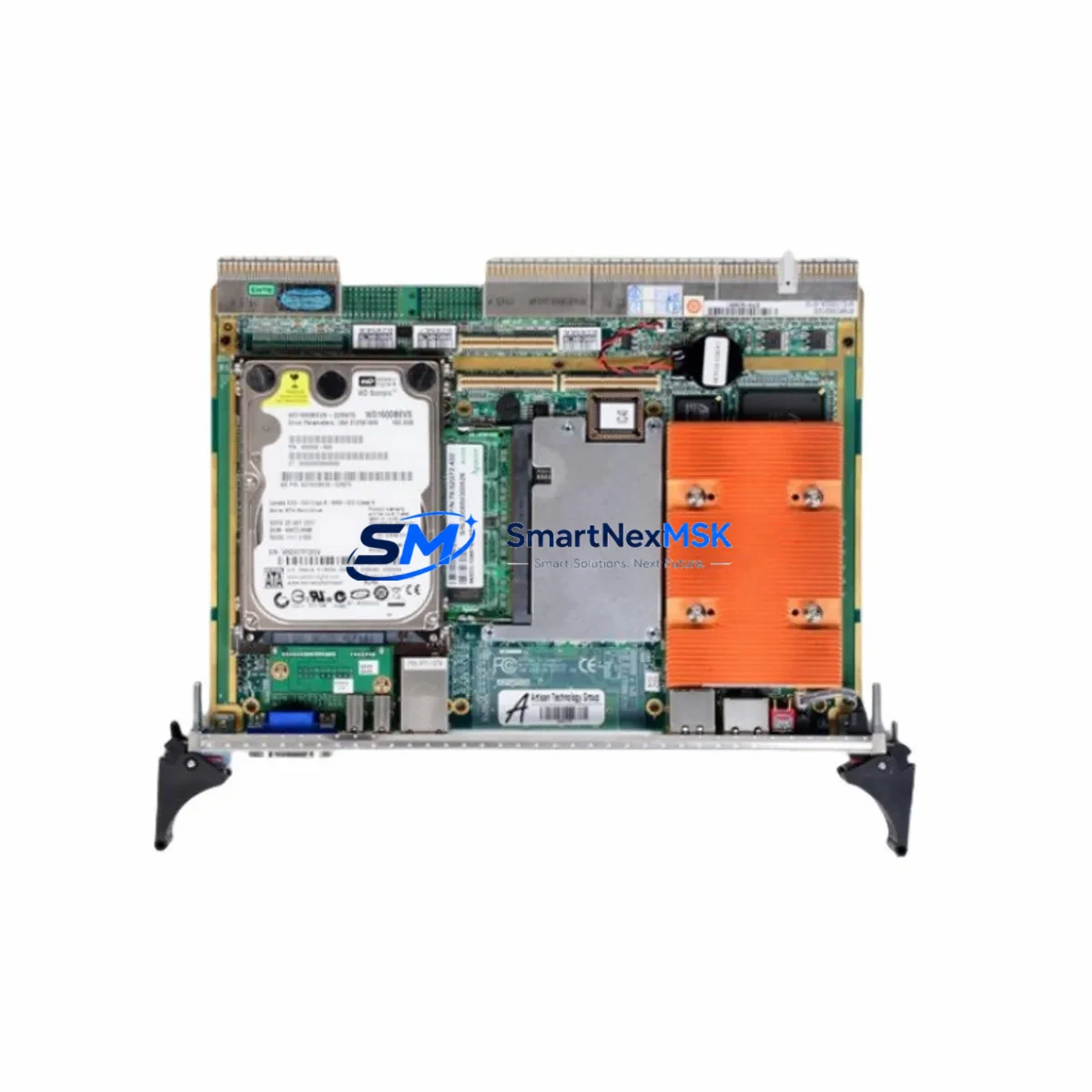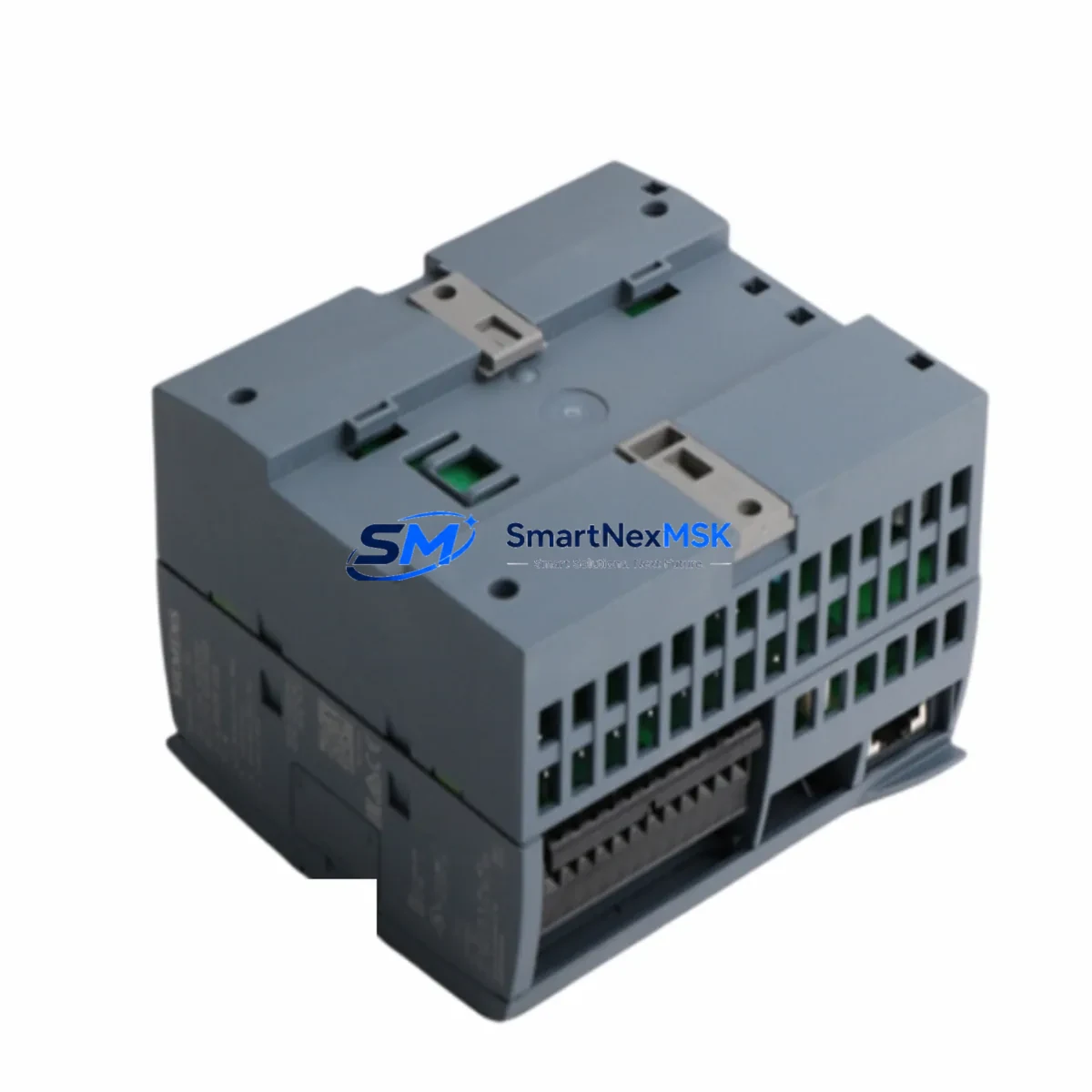
ADVANTECH 610H IPC-610L E5300 Maintenance-Ready Spare for IPC-610 Series Automation
The ADVANTECH 610H IPC-610L E5300 is a critical spare component for industrial PC-based control systems built on the IPC-610 platform. Designed for maintenance engineers managing continuous production lines, SCADA workstations, and distributed control cabinets, this spare part enables rapid in-situ replacement with minimal downtime. Whether you are executing a planned shutdown, responding to an unscheduled fault, or building a strategic spare parts buffer, the 610H IPC-610L E5300 delivers verified compatibility, original-grade quality, and the reliability your operation demands.
Industrial facilities running ADVANTECH IPC-610 Series chassis — including the IPC-610L, IPC-610H, and IPC-610MB variants — depend on this component to sustain uptime across demanding environments: automotive assembly, semiconductor fabrication, food and beverage processing, water treatment, and power generation. The E5300 processor module integrates directly into the IPC-610 backplane architecture, making it a direct, drop-in replacement for aging or failed units without requiring firmware reconfiguration or OS reinstallation in most deployment scenarios.
From a procurement engineering perspective, sourcing this spare through a verified B2B channel ensures traceability, original packaging, and a documented 12-month warranty — all essential for ISO-compliant maintenance records and audit readiness.
Spare Maintenance Table
| Parameter | Specification / Value |
|---|---|
| SKU | 610H IPC-610L E5300 |
| Brand | ADVANTECH |
| Series | IPC-610 (IPC-610L / IPC-610H / IPC-610MB) |
| Product Type | Industrial IPC Spare Part — Processor / Compute Module |
| Processor | Intel Pentium E5300 Dual-Core (inferred from SKU) |
| Form Factor | IPC-610 Chassis Compatible — ATX / PICMG Backplane |
| Origin | Taiwan (ADVANTECH HQ) |
| Operating Voltage | ATX 12V / 5V (chassis PSU dependent) |
| Operating Temperature | 0°C to 60°C (industrial grade) |
| Application Environment | Factory automation, SCADA, DCS, process control, MES |
| Compatibility | ADVANTECH IPC-610 Series chassis and backplanes |
| Installation | Direct board-level replacement; standard IPC-610 mounting |
| Maintenance Recommendation | Replace every 5–8 years or upon thermal/performance fault detection |
| Warranty | 12 Months — covers manufacturing defects, DOA, and functional failure |
| Testing | Function-tested and burn-in verified prior to shipment |
| Packaging | Anti-static ESD bag, original carton, foam-protected |
Maintenance Planning for Continuous Operation
When replacing the ADVANTECH 610H IPC-610L E5300 in a live control cabinet, maintenance engineers should treat the event as a full cabinet health audit. The IPC-610 chassis is typically the nerve center of a machine control loop, and a processor-level failure often signals stress on adjacent components that share the same power rail or communication bus.
Begin by inspecting the IPC-610 chassis power supply unit (PSU) — commonly the ADVANTECH PS-250W or PS-300W series — for output voltage drift, capacitor bulge, or fan bearing noise. A degraded PSU is frequently the root cause of processor instability. Next, check the IPC-610 backplane (e.g., ADVANTECH PCA-6114P4 or PCA-6108P4) for slot contact oxidation and PCIe/ISA connector integrity.
For systems integrated with field I/O, inspect the ADAM-4000 or ADAM-6000 series remote I/O modules connected via RS-485 or Ethernet. Signal integrity issues at the I/O layer can cause false fault codes that are misdiagnosed as processor failures. Similarly, review the ADVANTECH PCM-3718H or PCM-3724 data acquisition cards seated in the backplane for loose seating or thermal damage.
Communication continuity is equally critical: verify the MIC-3612 or PCM-3680 CAN/serial communication cards for correct baud rate configuration and cable termination. If the IPC-610 system interfaces with a Siemens S7-300/S7-400 PLC or an ABB AC500 controller via Profibus or Modbus, confirm that the communication gateway or protocol converter is functioning within spec after the board swap.
HMI continuity should also be validated: if the IPC-610 drives a Weintek MT8000 or ADVANTECH WebOP series HMI panel, confirm display signal output and touch response after replacement. Finally, check signal isolators and surge protection modules on analog input channels — these are often overlooked during corrective maintenance but are critical for protecting the new spare from repeat failure.
A complete spare parts kit for an IPC-610-based control station should include: the processor module (610H IPC-610L E5300), a backup PSU, one spare backplane, at least one I/O acquisition card, and a communication interface card. This kit approach reduces mean time to repair (MTTR) from hours to under 30 minutes.
Site Replacement Workflow
Step 1 — Pre-Replacement Verification: Confirm the failed unit’s SKU against the chassis label and system BOM. Cross-reference with the ADVANTECH IPC-610 product manual to validate board revision compatibility. The 610H IPC-610L E5300 is a direct replacement for earlier E5200 and E5300-based configurations in the same chassis family.
Step 2 — Safe Isolation: Follow LOTO (Lockout/Tagout) procedures. Power down the IPC-610 chassis via the main breaker. Discharge residual capacitor energy by waiting 60 seconds after shutdown before opening the chassis.
Step 3 — Board Extraction: Remove the retention bracket screws, slide the processor board out of the backplane slot, and place it in an ESD-safe bag. Document the slot position and any jumper settings before removal.
Step 4 — New Board Installation: Insert the 610H IPC-610L E5300 into the same backplane slot. Verify jumper settings match the extracted board. Secure the retention bracket and reconnect all peripheral cables (SATA, USB, VGA, COM ports).
Step 5 — Power-On and Functional Test: Apply power and observe POST sequence. Confirm OS boot, I/O communication, HMI display output, and PLC/DCS communication link restoration. Log the replacement in the CMMS (Computerized Maintenance Management System) with the new board serial number and warranty start date.
Step 6 — Return to Service: Resume production only after all control loops have been verified in manual mode. Archive the replaced board for failure analysis if required by your quality system.
Spare Parts Support FAQ
Q1: Is the ADVANTECH 610H IPC-610L E5300 compatible with all IPC-610 chassis variants?
The 610H IPC-610L E5300 is designed for the IPC-610 platform family, including the IPC-610L and IPC-610H chassis. Compatibility with specific backplane revisions (e.g., PCA-6114P4 vs. PCA-6108P4) should be confirmed against your chassis documentation. Contact our technical team with your chassis serial number for pre-shipment compatibility verification.
Q2: What does the 12-month warranty cover, and how is it claimed?
The 12-month warranty covers manufacturing defects, dead-on-arrival (DOA) failures, and functional faults under normal operating conditions. It does not cover physical damage, incorrect installation, or overvoltage events. To claim warranty, contact [email protected] with your order number, fault description, and photographic evidence. Replacement or repair will be arranged within 5 business days of claim approval.
Q3: How do you verify the spare part before shipment?
Every unit undergoes function testing and burn-in verification before dispatch. We inspect for POST completion, memory detection, I/O port functionality, and thermal stability under load. A test report is available upon request for critical procurement requirements.
Q4: What is the recommended inventory strategy for IPC-610 spare parts?
For facilities running 3 or more IPC-610-based control stations, we recommend maintaining a minimum of 2 processor spare units, 1 backup PSU, and 1 spare backplane on-site. For single-station critical systems (e.g., SCADA servers or batch control PCs), a 1:1 hot-spare strategy is advisable. Long-term supply agreements are available for OEMs and system integrators requiring guaranteed stock over 12–36 month horizons.
© 2026 SMARTNEXMSK. All rights reserved.
Original Source: https://smartnexmsk.com
Contact: [email protected] | +86 18259474341