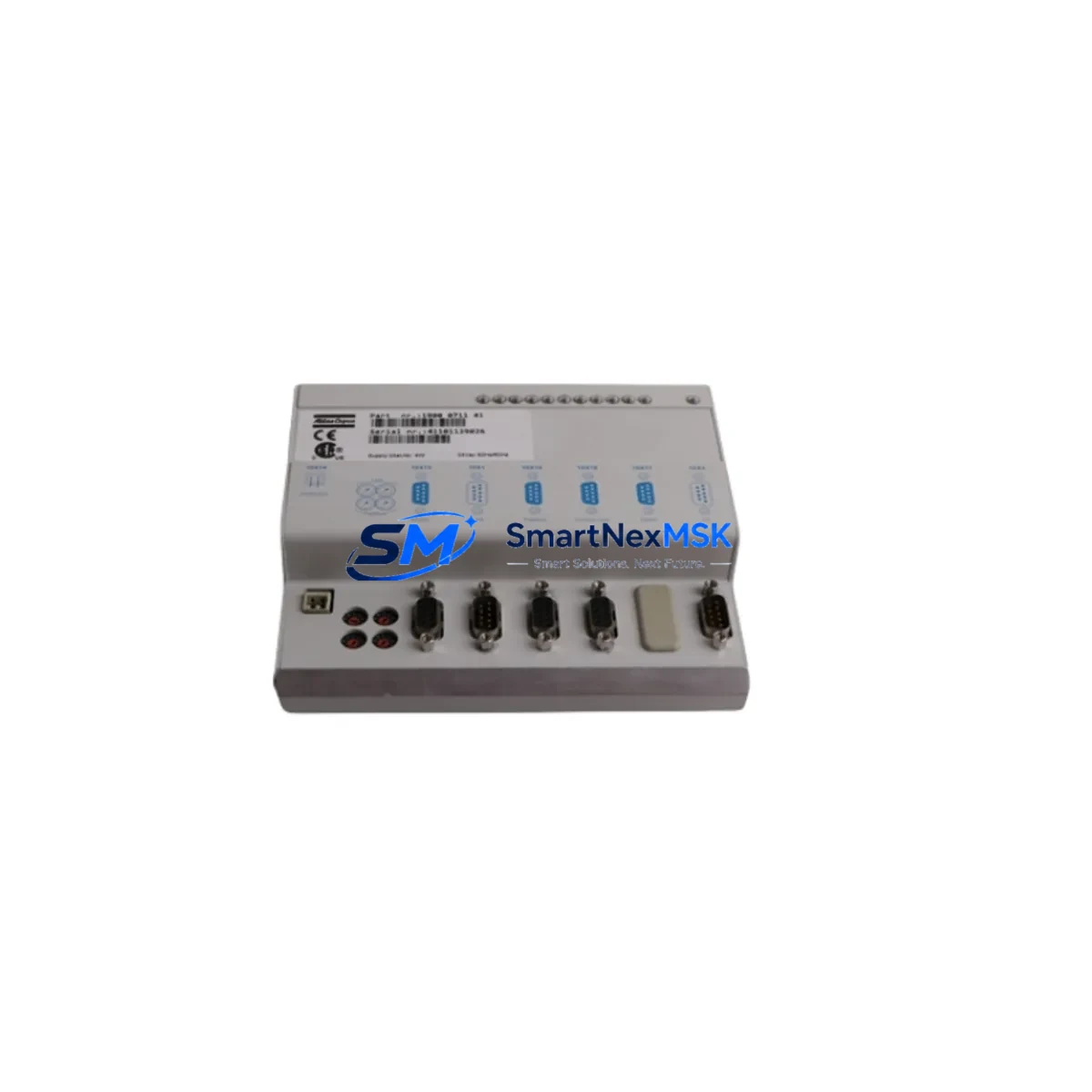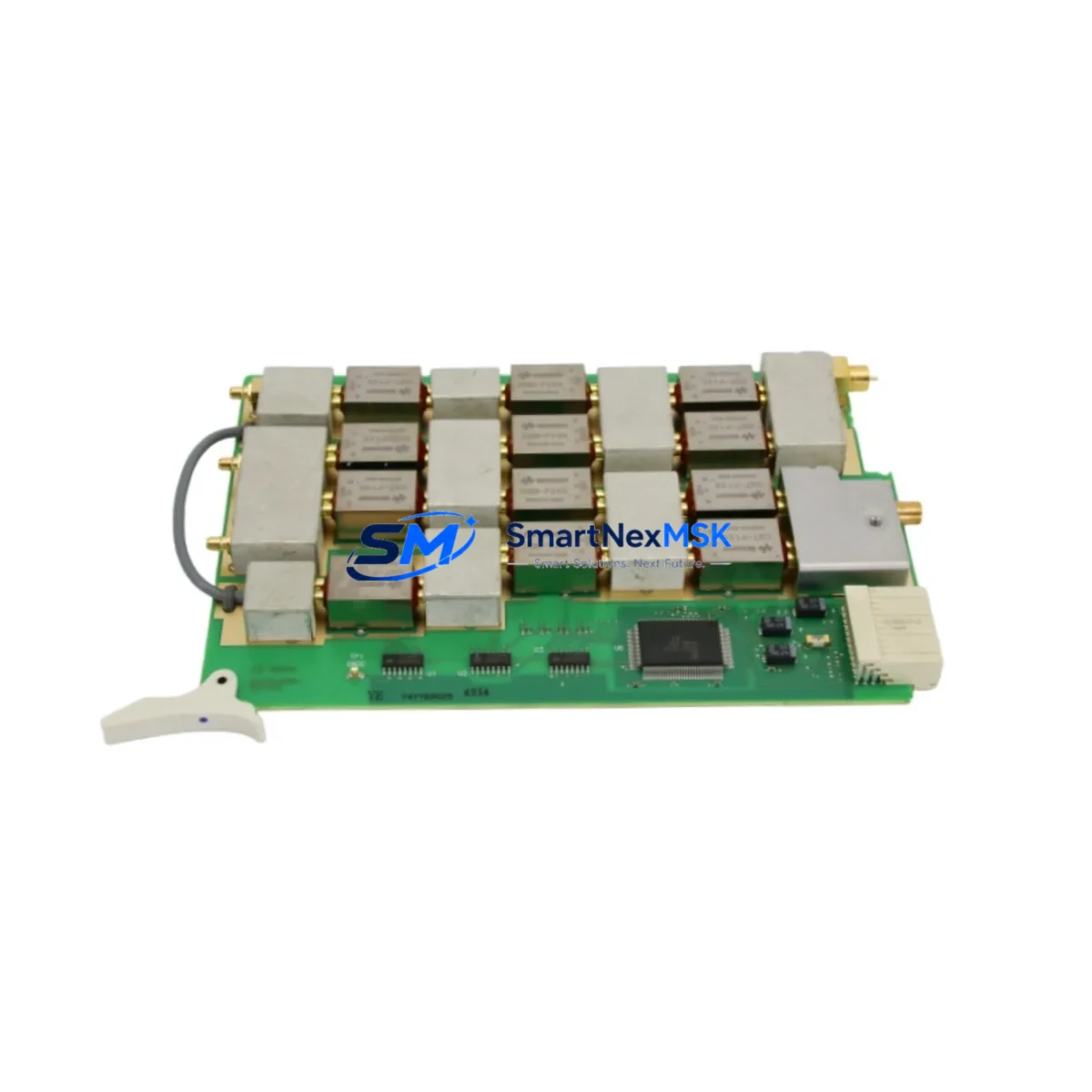
Agilent 33-5013 Maintenance-Ready Spare for HP 8300D Automation
The Agilent 33-5013 is an original signal interconnect module designed for the HP 8300D Automated Test Equipment (ATE) platform. For maintenance engineers managing aging ATE infrastructure, this spare part represents a critical line of defense against unplanned downtime. Whether you are executing a scheduled preventive maintenance cycle, responding to a fault isolation event, or building a strategic spare parts inventory for a long-running test system, the 33-5013 delivers verified OEM-grade performance with the reliability your production environment demands.
Sourced directly from original Agilent manufacturing channels, each unit undergoes pre-shipment functional verification to confirm signal integrity, connector alignment, and electrical continuity before dispatch. With a 12-month warranty and documented compatibility with the HP 8300D platform, this module is the preferred choice for procurement engineers seeking a dependable, long-term supply solution for ATE signal path maintenance.
Spare Maintenance Table
| Parameter | Specification / Detail |
|---|---|
| Part Number / SKU | 33-5013 |
| Brand | Agilent Technologies (Keysight) |
| Series / Platform | HP 8300D ATE System |
| Module Type | Signal Interconnect / Pin Board Module |
| Origin | United States (Original OEM) |
| Compatibility | HP 8300D, Agilent 8300 Series ATE Platforms |
| Application Environment | Industrial ATE, Semiconductor Test, Defense Electronics Test |
| Installation | Direct OEM replacement; no firmware modification required |
| Pre-Shipment Testing | Functional verification, continuity check, signal path validation |
| Condition | Original Spare (New / Refurbished OEM-grade, as specified) |
| Weight | 2,600 g |
| Warranty | 12 Months |
| Lead Time | In-stock; ships within 1–3 business days |
| Long-Term Supply | Available; contact for volume and blanket order pricing |
Maintenance Planning for Continuous Operation
When a signal interconnect module such as the Agilent 33-5013 is flagged during a routine ATE cabinet inspection or fault isolation procedure, experienced maintenance engineers know that the root cause is rarely isolated to a single component. A disciplined replacement workflow requires a broader assessment of the surrounding signal chain and power distribution architecture.
Begin by verifying the integrity of the HP 8300D mainframe backplane and its associated slot connectors, as intermittent contact faults at the backplane level can accelerate wear on interconnect pin boards. Inspect the ATE system power supply modules — particularly the DC bus regulators feeding the signal conditioning circuits — since voltage ripple or transient spikes are a leading cause of premature interconnect degradation. If the system uses Agilent relay multiplexer cards (such as those in the 34970A or 3499 series) in the same test rack, verify relay contact resistance and coil drive voltage, as relay chatter can introduce noise into the signal path that stresses interconnect modules over time.
For systems with active GPIB or LAN instrument communication buses, confirm that the Agilent 82357B USB/GPIB interface or equivalent communication adapter is functioning correctly, as communication faults are frequently misdiagnosed as signal path hardware failures. Check the terminal block assemblies and wiring harnesses connecting the DUT (Device Under Test) interface to the 8300D chassis — corroded terminals or loose crimps will re-introduce signal integrity issues even after a successful module replacement.
If the system includes signal isolation amplifiers or analog signal conditioners in the measurement loop, inspect these for drift or calibration deviation. Similarly, review the fuse and circuit protection assemblies within the ATE cabinet; a blown protection fuse upstream of the interconnect module is a common finding during post-fault inspections. For systems with HMI panels or operator interface terminals integrated into the test station, verify that display and control signals are not affected by the interconnect fault before closing the maintenance work order. Finally, document the replacement in your CMMS (Computerized Maintenance Management System) and update the spare parts BOM to reflect the 33-5013 as a stocked critical spare.
Site Replacement Workflow
Step 1 — Fault Confirmation: Use the HP 8300D built-in self-test or an external signal tracer to confirm that the 33-5013 interconnect module is the source of the signal path fault. Document the failure mode (open circuit, intermittent contact, or signal degradation) before proceeding.
Step 2 — Safe Isolation: Power down the ATE mainframe following the HP 8300D shutdown sequence. Discharge any residual bus voltage and apply lockout/tagout (LOTO) per your site safety procedure. Remove the faulty 33-5013 module from its slot, noting the connector orientation and any cable routing for reference during reinstallation.
Step 3 — Replacement Installation: Insert the new Agilent 33-5013 spare into the designated slot. Verify that all pin connectors are fully seated and that the module locking mechanism is engaged. Reconnect any associated wiring harnesses or ribbon cables, confirming correct orientation against the system schematic.
Step 4 — System Verification: Power up the HP 8300D mainframe and run the full self-test sequence. Execute a signal path verification routine using a known-good reference signal to confirm that the replacement module is performing within specification. Compare results against the pre-fault baseline if available.
Step 5 — Documentation and Stock Replenishment: Record the replacement event in your maintenance log, including the date, technician ID, failure mode, and part number. Immediately initiate a replenishment order for the consumed 33-5013 spare to maintain your minimum stock level. Contact [email protected] or +86 18259474341 for fast restocking and volume pricing.
Spare Parts Support FAQ
Q1: Is the Agilent 33-5013 a direct drop-in replacement for the original HP 8300D module?
Yes. The 33-5013 is an original Agilent spare part manufactured to the same specification as the unit installed at the factory. No firmware updates, hardware modifications, or recalibration of the host system are required for a standard replacement. Compatibility with the HP 8300D platform is verified prior to shipment.
Q2: What pre-shipment testing is performed on each unit?
Every 33-5013 unit dispatched from our warehouse undergoes functional verification including electrical continuity testing, signal path integrity checks, and connector pin inspection. A test record is available upon request. Units that do not pass all verification criteria are not shipped.
Q3: What does the 12-month warranty cover, and how is a warranty claim processed?
The 12-month warranty covers manufacturing defects, premature electrical failure under normal operating conditions, and connector integrity. It does not cover damage resulting from incorrect installation, overvoltage events, or physical mishandling. To initiate a warranty claim, contact [email protected] with your order number, a description of the failure mode, and photographic evidence. Replacement or repair will be arranged within 5 business days of claim confirmation.
Q4: Can you support long-term or blanket purchase agreements for the 33-5013?
Yes. For maintenance teams managing multiple HP 8300D systems or operating under a multi-year service contract, we offer blanket purchase agreements, reserved stock allocation, and priority dispatch arrangements. Contact our sales team to discuss volume pricing, lead time guarantees, and consignment stocking options tailored to your maintenance schedule.
© 2026 SMARTNEXMSK. All rights reserved.
Original Source: https://smartnexmsk.com
Contact: [email protected] | +86 18259474341