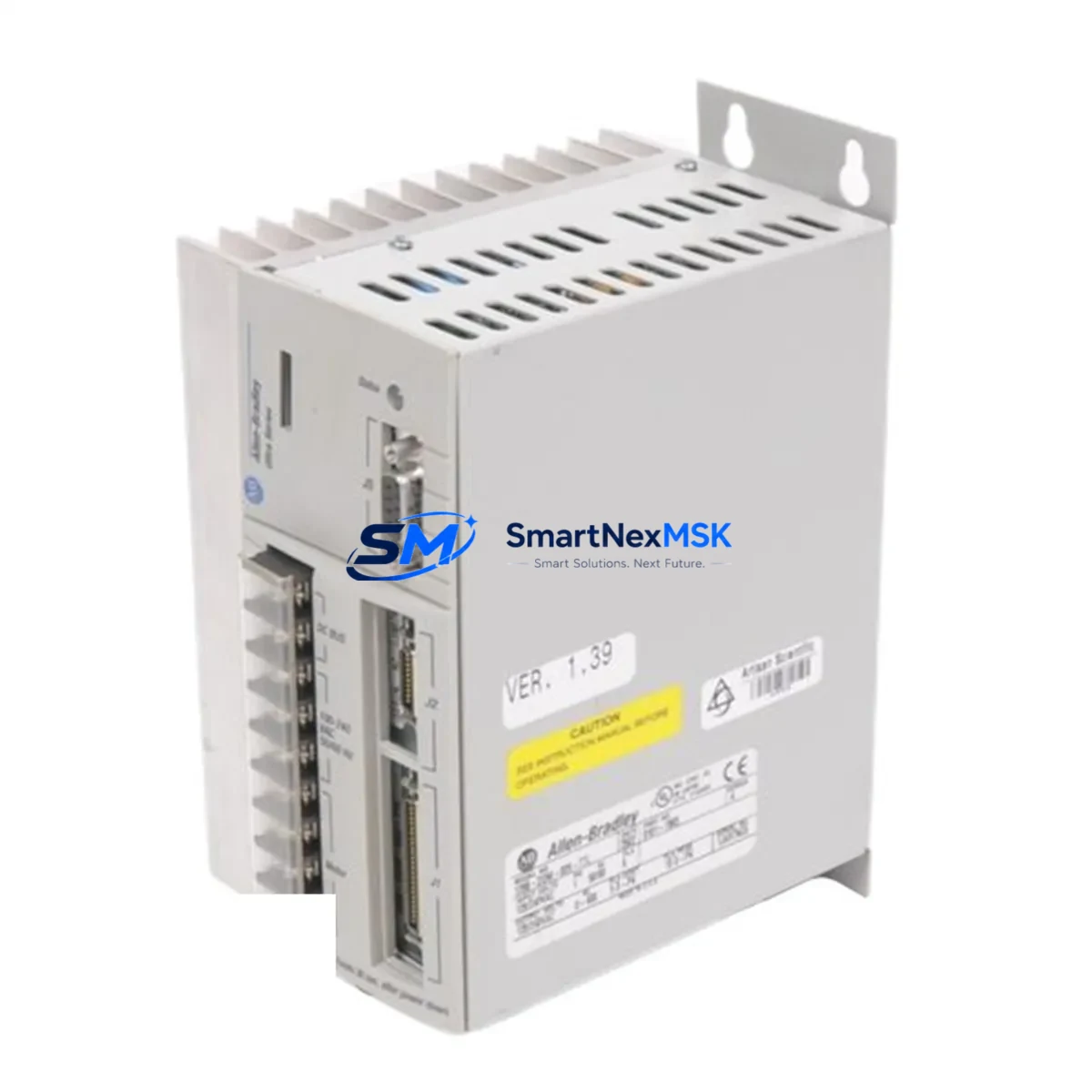
Allen-Bradley 1398-DDM-009 Retrofit-Ready Digital Servo Drive: Compatible Modernization for ULTRA 100 Series Control Systems
The Allen-Bradley 1398-DDM-009 is a digital servo drive engineered for the ULTRA 100 Series motion control platform. As legacy automation lines face increasing pressure from discontinued spare parts, aging backplane infrastructure, and obsolete communication protocols, the 1398-DDM-009 remains one of the most sought-after retrofit components for engineers tasked with keeping existing servo axes operational without a full system overhaul.
This unit delivers precise torque and velocity control for servo motor axes integrated into Rockwell Automation control architectures. Whether you are replacing a failed drive in a packaging line, upgrading a multi-axis CNC cell, or migrating a legacy motion system to a more maintainable configuration, the 1398-DDM-009 provides a verified, drop-in compatible solution that preserves your existing wiring harness, motor feedback connections, and PLC program logic.
Before installing a replacement 1398-DDM-009, engineers should confirm the following: the DC bus voltage and power supply capacity of the existing 1398-PDM power distribution module, the encoder feedback type (incremental or absolute) used by the connected servo motor, the axis address DIP switch settings on the original drive, and the communication link configuration between the drive and the upstream 1747-SN or 1771-SDN Scanner Module. Mismatched axis addressing is one of the most common causes of commissioning delays during drive replacement, and it can be resolved in minutes with the correct parameter map from the original drive’s EEPROM backup.
The 1398-DDM-009 interfaces directly with the ULTRA 100 Series rack and backplane. When planning a retrofit, verify that the existing 1398-MB1 or 1398-MB3 mounting base is undamaged and that the backplane connector pins are clean and properly seated. If the mounting base shows signs of thermal stress or connector wear, replacing it alongside the drive eliminates a common source of intermittent faults post-installation.
For sites running multi-axis configurations, the 1398-DDM-009 operates in coordination with other drives on the same DC bus. Engineers should audit the total bus load across all active axes before commissioning a replacement unit. If the system also includes a 1398-DDM-019 or 1398-DDM-075 on adjacent axes, confirm that the shared bus capacitance and regenerative braking load remain within the rated capacity of the 1398-PDM power module.
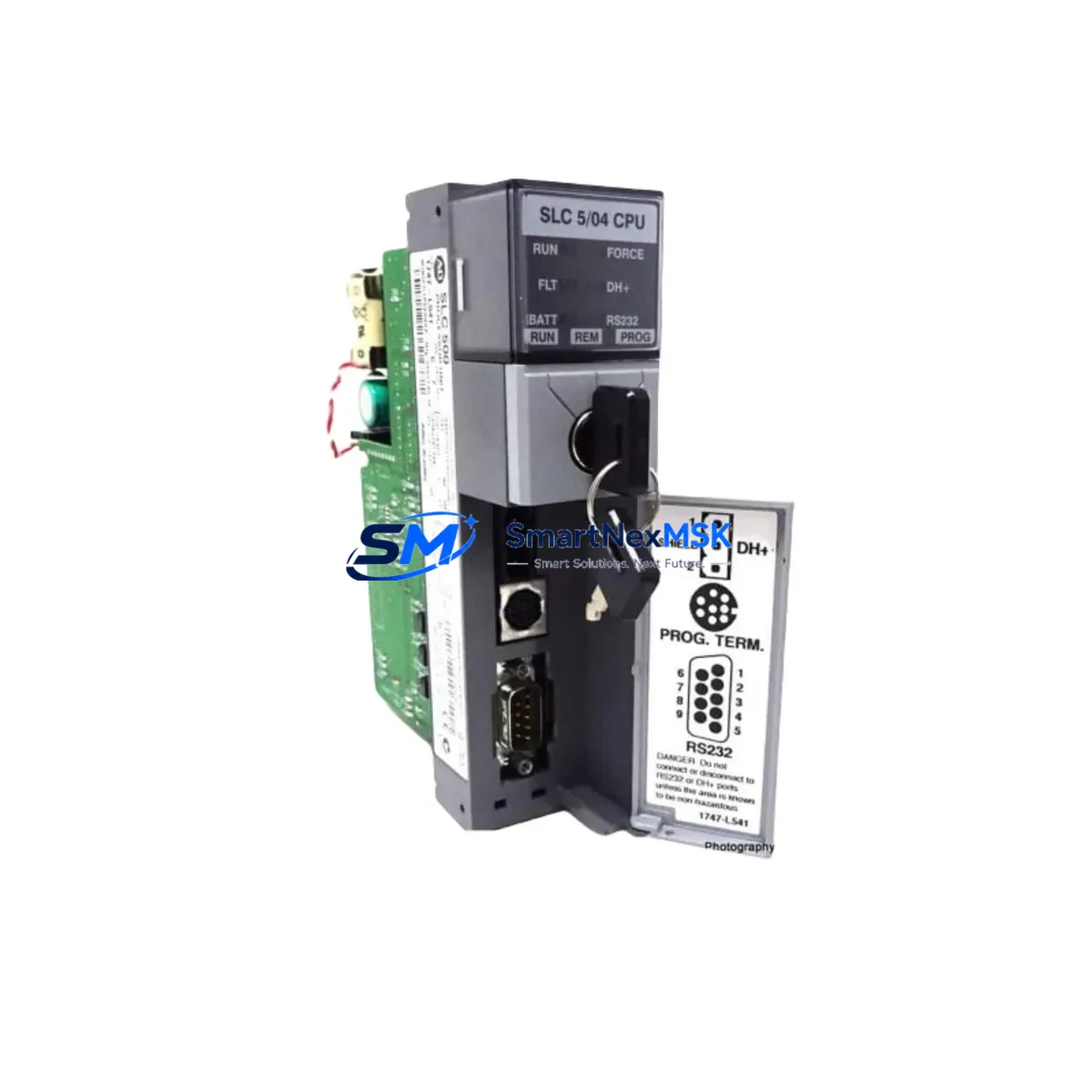
Communication between the 1398-DDM-009 and the host controller — typically a 1747-L553 SLC 5/05 or a 1756-L63 ControlLogix processor — is managed through the 1771-SDN DeviceNet Scanner or a 1747-SDN module. Before swapping the drive, export and archive the existing RSLogix 5 or RSLogix 500 program, including all motion task routines and axis configuration blocks. This ensures that parameter restoration after drive replacement is systematic and auditable, reducing the risk of unintended axis behavior during the first powered test.
HMI screens connected to the motion system — whether a 2711P PanelView Plus terminal or a legacy 2711 PanelView — should be reviewed for any drive-specific fault code displays or axis status indicators that reference the drive’s node address. If the replacement drive is assigned a different node address than the original, HMI tag bindings may require updating before the system is returned to production.
All units supplied by SMARTNEXMSK are functionally tested prior to shipment. Each 1398-DDM-009 is verified for DC bus regulation, encoder feedback signal integrity, and communication handshake with a compatible scanner module. Units are shipped with original-style packaging and include a 12-month warranty covering manufacturing defects and functional failures under normal operating conditions.
Upgrade Compatibility Table
| Parameter | Detail |
|---|---|
| SKU / Part Number | 1398-DDM-009 |
| Brand / Manufacturer | Allen-Bradley (Rockwell Automation) |
| Series | ULTRA 100 Digital Servo Drive |
| Drive Type | Digital Servo Drive (Torque / Velocity Control) |
| Continuous Output Current | 9 A RMS |
| DC Bus Input | Shared DC bus via 1398-PDM Power Distribution Module |
| Feedback Interface | Incremental encoder (compatible with standard ULTRA 100 motor feedback) |
| Communication Protocol | DeviceNet (via 1771-SDN or 1747-SDN Scanner) |
| Backplane / Rack | 1398-MB1 / 1398-MB3 Mounting Base |
| Compatible Controllers | SLC 5/05 (1747-L553), ControlLogix (1756-L6x series) |
| Compatible HMI | PanelView 2711 / PanelView Plus 2711P |
| Replacement Compatibility | Direct drop-in for failed or obsolete 1398-DDM-009 units |
| Installation Requirement | Verify axis address DIP switches, DC bus load, and encoder wiring before power-on |
| Commissioning Note | Restore axis parameters from RSLogix backup; confirm DeviceNet node address |
| Warranty | 12 Months — covers manufacturing defects and functional failures |
| Pre-Shipment Test | DC bus regulation, encoder signal, DeviceNet handshake verified |
| Lead Time | In stock — ships within 1–3 business days |
Retrofit Planning for Existing Automation Systems
A successful 1398-DDM-009 retrofit begins well before the replacement unit arrives on site. The first step is a full audit of the existing control cabinet: document the current wiring of the motor power cable, the encoder feedback connector pinout, and the DeviceNet drop cable routing from the 1747-SDN scanner to the drive’s node connector. Photograph the DIP switch positions on the original drive before removal — these settings encode the axis node address and must be replicated exactly on the replacement unit to avoid DeviceNet address conflicts.
Next, verify the health of the shared DC bus. The 1398-PDM power distribution module feeds the DC bus to all drives in the rack. If the original drive failed due to an overcurrent event or a bus fault, inspect the 1398-PDM for signs of damage before installing the replacement. A faulty power module will damage a new drive within minutes of power-on. Similarly, check the 1398-MB1 or 1398-MB3 mounting base for bent connector pins or heat discoloration around the backplane interface.
For multi-axis systems, the 1398-DDM-009 may share a rack with a 1398-DDM-019 (19 A axis) or a 1398-DDM-075 (75 A axis) on adjacent slots. Confirm that the total continuous current demand across all active axes does not exceed the rated output of the 1398-PDM. If the system is also equipped with a 1398-SR regenerative shunt module, verify that the shunt resistor is functional and correctly sized for the combined regenerative load of all axes during deceleration cycles.
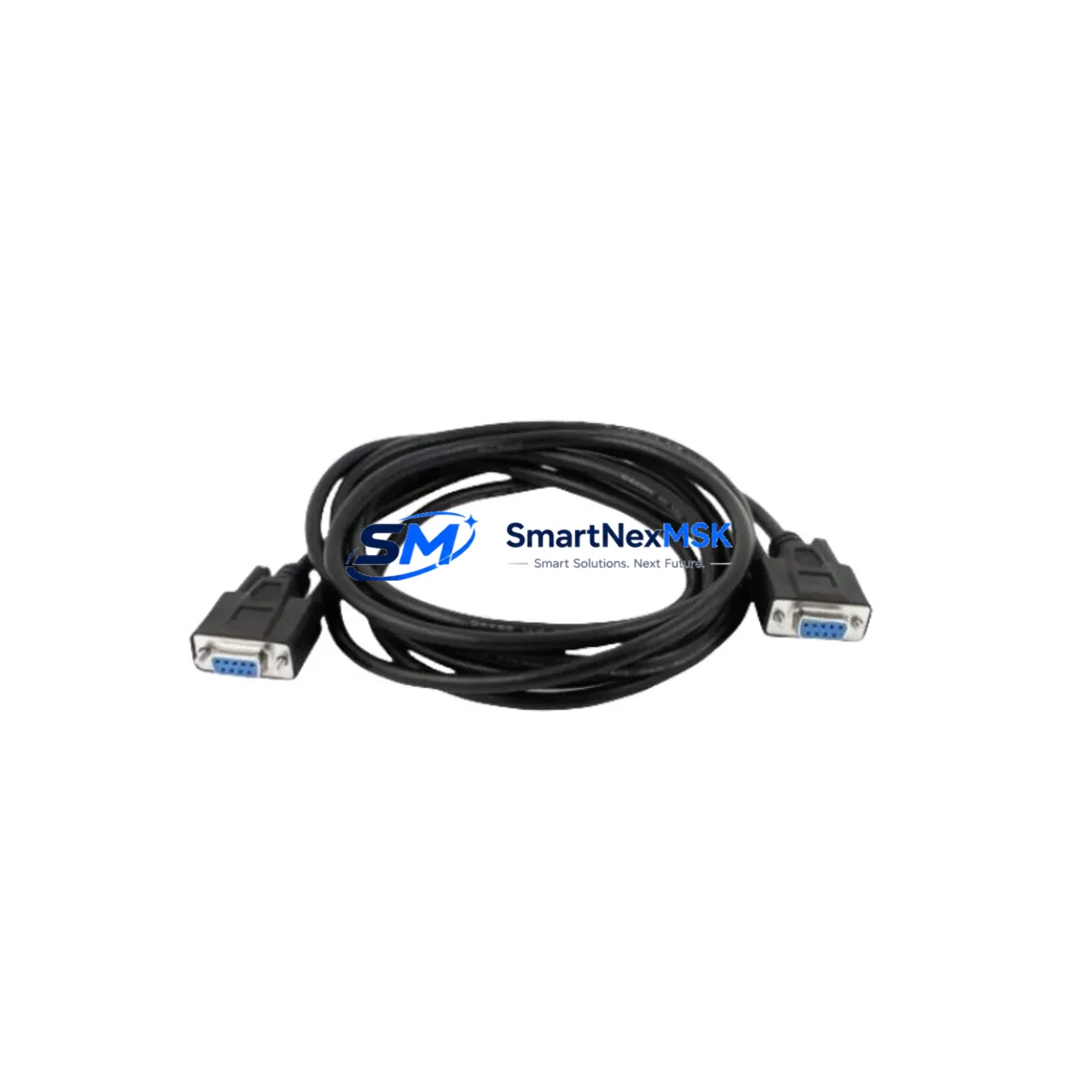
On the controller side, open the RSLogix 5 or RSLogix 500 project and locate the motion configuration block for the affected axis. Export the axis parameter file — including velocity limits, torque limits, position error tolerance, and PID gains — before disconnecting the original drive. After installing the 1398-DDM-009 replacement, restore these parameters via the programming cable (1784-PCD or 1784-U2DHP) before enabling the axis. Do not rely on default factory parameters for a production axis; always restore from a verified backup.
If the system includes a 2711P PanelView Plus HMI with axis status displays, confirm that the HMI project references the correct DeviceNet node address for the replaced drive. If the node address was changed during replacement, update the HMI tag database and download the revised project to the terminal before returning the line to production. For sites using a 1756-ENBT EtherNet/IP bridge module to connect the ControlLogix backplane to the DeviceNet network, verify that the bridge module’s routing table correctly maps the replaced axis after the drive swap.
Downtime Control During System Migration
Minimizing unplanned downtime during a 1398-DDM-009 replacement requires preparation that begins before the drive fails. Maintain a current RSLogix backup of all motion programs on a secure network share, and document the axis parameter file for every servo axis in the system. When a drive fault occurs, a prepared team can complete the physical swap, parameter restore, and DeviceNet recommissioning in under two hours — compared to a full day or more for an unprepared site.
During the replacement window, place the affected axis in a safe, de-energized state using the E-stop circuit and lockout/tagout procedure. Do not attempt to hot-swap the drive while the DC bus is energized. After installing the replacement 1398-DDM-009, power up the 1398-PDM first and verify that the DC bus voltage stabilizes within specification before enabling the drive. Use the RSLogix diagnostic screen to confirm that the drive is online on the DeviceNet network and that the axis status word shows no active faults before issuing the first motion command.
For critical production lines where even a two-hour outage is unacceptable, consider maintaining a pre-configured spare 1398-DDM-009 with the correct DIP switch settings and a pre-loaded parameter file. SMARTNEXMSK can supply pre-tested units with customer-specified axis configurations on request, reducing on-site commissioning time to a physical swap and a single parameter verification step. This approach is particularly effective for food and beverage, pharmaceutical, and automotive assembly lines where servo axis availability directly impacts production throughput.
After the replacement drive is online and the axis is confirmed operational, run the system through a full motion cycle at reduced speed before returning to full production rate. Monitor the DC bus voltage, drive temperature, and encoder feedback signal quality during the first 30 minutes of operation. Log any fault codes and compare them against the pre-failure baseline to confirm that the root cause of the original failure has been addressed.
Retrofit Support FAQ
Q: Is the 1398-DDM-009 a direct replacement for the original Allen-Bradley unit?
A: Yes. The 1398-DDM-009 supplied by SMARTNEXMSK is functionally equivalent to the original Allen-Bradley production unit. It uses the same backplane connector, the same DeviceNet communication interface, and the same encoder feedback pinout. No wiring modifications are required for a standard replacement. Axis parameters must be restored from an RSLogix backup after installation.
Q: What commissioning steps are required after installing the replacement drive?
A: Set the DIP switches to match the original axis node address, restore the axis parameter file via RSLogix, verify the DeviceNet node is online using the 1747-SDN or 1771-SDN scanner diagnostic, and run a low-speed motion test before returning to full production. If the system includes a 2711P PanelView Plus HMI, confirm that axis status tags are updating correctly before releasing the line.
Q: What does the 12-month warranty cover?
A: The 12-month warranty covers manufacturing defects and functional failures under normal operating conditions, including DC bus regulation faults, encoder interface failures, and DeviceNet communication errors attributable to the drive hardware. It does not cover damage caused by incorrect installation, overvoltage events, or failure to follow the commissioning procedure. Warranty claims are processed within 5 business days of receipt of the returned unit.
Q: Can SMARTNEXMSK supply other ULTRA 100 Series components for a complete system retrofit?
A: Yes. In addition to the 1398-DDM-009, SMARTNEXMSK maintains stock of related ULTRA 100 components including the 1398-PDM power distribution module, 1398-MB1 and 1398-MB3 mounting bases, 1398-DDM-019 and 1398-DDM-075 higher-current drive variants, and 1398-SR regenerative shunt modules. Compatible controller and communication components including the 1747-SDN DeviceNet Scanner and 1784-U2DHP USB programming cable are also available. Contact our technical sales team for multi-component retrofit quotations.
© 2026 SMARTNEXMSK. All rights reserved.
Original Source: https://smartnexmsk.com
Contact: [email protected] | +86 18259474341