
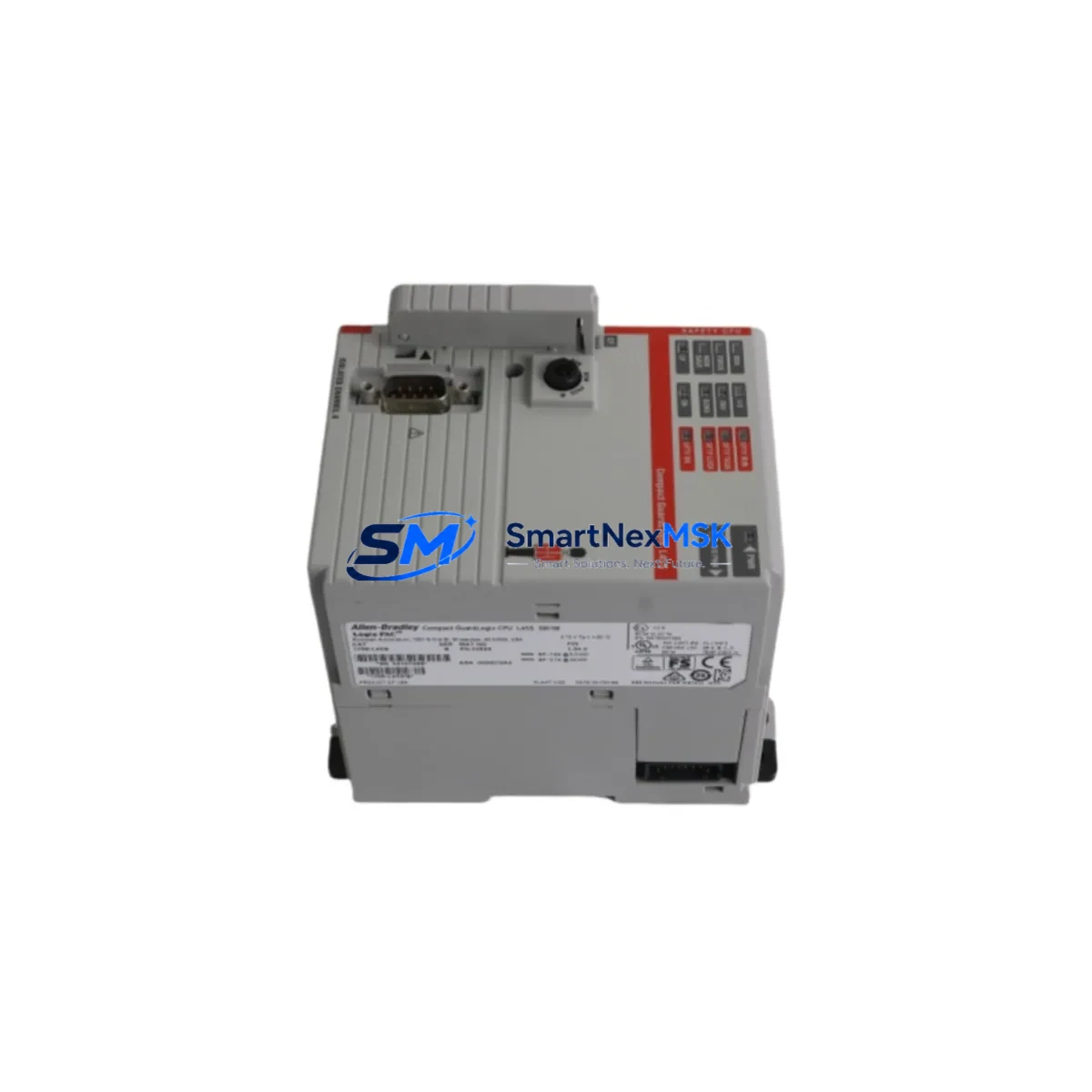
Allen-Bradley 1768-L45 Spare for CompactLogix Automation: Spare Replacement & Industrial Downtime Risk Control
The Allen-Bradley 1768-L45 is a CompactLogix 5370 series programmable logic controller designed for mid-range discrete and process control applications. As a maintenance-ready spare, the 1768-L45 is a critical component in any industrial facility running Rockwell Automation control architectures. Whether you are managing a planned shutdown, responding to an unscheduled fault, or building out your site spare parts inventory, having a verified original 1768-L45 on hand is essential to minimizing production downtime and protecting system continuity.
At SMARTNEXMSK, every 1768-L45 unit is sourced as an original spare, subjected to pre-shipment functional testing, and backed by a 12-month warranty. We supply maintenance engineers and procurement teams across manufacturing, oil & gas, water treatment, automotive, and food processing industries with reliable, spec-accurate replacement controllers that integrate directly into existing 1768 series control cabinets without re-engineering.
Spare Maintenance Table
| Parameter | Specification |
|---|---|
| SKU / Part Number | 1768-L45 |
| Brand | Allen-Bradley (Rockwell Automation) |
| Series | CompactLogix 5370 / 1768 Series |
| Product Type | PLC Controller (Programmable Logic Controller) |
| Memory | 2 MB user memory (program + data) |
| I/O Capacity | Up to 16 local I/O modules; supports distributed I/O via EtherNet/IP |
| Communication Ports | EtherNet/IP (dual-port), USB programming port |
| Power Supply Compatibility | 1768-PA3 / 1768-PB3 series power supply modules |
| Operating Temperature | 0°C to 60°C (32°F to 140°F) |
| Storage Temperature | -40°C to 85°C |
| Relative Humidity | 5% to 95% non-condensing |
| Mounting | DIN rail or panel mount via 1768 series chassis |
| Origin | USA (Allen-Bradley / Rockwell Automation) |
| Compatibility | 1768 series I/O modules, 1769 CompactLogix expansion, Studio 5000 / RSLogix 5000 |
| Firmware | Compatible with current Studio 5000 Logix Designer firmware versions |
| Condition | Original spare — new or surplus, pre-shipment tested |
| Warranty | 12 months from date of shipment |
| Lead Time | In-stock units ship within 1–3 business days |
Maintenance Planning for Continuous Operation
When a 1768-L45 controller fails or is flagged during a scheduled inspection, the replacement process should be treated as a system-level event — not an isolated component swap. Maintenance engineers should use the opportunity to audit the entire control cabinet and associated electrical circuit for wear, compatibility drift, and latent faults that could trigger the next unplanned outage.
Begin with the 1768-PA3 or 1768-PB3 power supply module, which directly feeds the 1768-L45 backplane. A degraded power supply is one of the most common root causes of controller instability and should be inspected or replaced concurrently. Next, verify the condition of all 1768 series local I/O modules — including digital input, digital output, and analog I/O cards — as these share the same backplane and are subject to the same environmental stresses as the CPU.
For systems using distributed I/O over EtherNet/IP, inspect the 1734 POINT I/O adapters and associated terminal bases for corrosion, loose wiring, and firmware version alignment. If the control system includes motion control, check the 1768-M04SE servo drive interface module for communication integrity and axis configuration retention after the controller swap.
Communication infrastructure should not be overlooked. Inspect EtherNet/IP managed switches and verify that IP addressing, subnet masks, and device-level ring (DLR) topology settings are correctly documented before removing the 1768-L45. For legacy installations that include 1747 SLC 500 or 1785 PLC-5 components on the same network or in adjacent panels, confirm that gateway configurations and message routing paths remain intact post-replacement.
Relay output modules such as the 1769-OW16 and associated terminal blocks should be checked for contact wear, especially in high-cycle applications. Fuse holders and DIN rail-mounted circuit breakers feeding the 24VDC control circuit should be tested for continuity and rated current capacity. If the installation includes signal isolators or loop-powered transmitters on analog input channels, verify 4–20 mA loop integrity before commissioning the replacement controller.
For facilities running PanelView Plus HMI terminals connected to the 1768-L45 via EtherNet/IP, confirm that the HMI project file references the correct controller IP address and that all tag bindings are validated after the swap. Procurement engineers should ensure that the site spare parts list is updated to include at least one 1768-L45 unit, one 1768-PA3 power supply, and a set of critical I/O modules to support rapid recovery from future faults.
Site Replacement Workflow
Step 1 — Pre-Replacement Documentation: Before removing the failed 1768-L45, use RSLogix 5000 or Studio 5000 Logix Designer to upload and save the current program, including all force tables, tag databases, and motion group configurations. Confirm the firmware revision of the existing controller and ensure the replacement unit is loaded with a compatible or identical firmware version prior to installation.
Step 2 — Power Isolation and Safe State: Follow your site’s lockout/tagout (LOTO) procedure. De-energize the 1768-PA3 power supply and confirm zero-energy state on all I/O modules before removing the controller from the 1768 backplane. Label all communication cables and Ethernet connections before disconnection.
Step 3 — Physical Replacement: Seat the replacement 1768-L45 into the backplane slot, ensuring the backplane connector is fully engaged. Reconnect the USB programming cable and restore Ethernet connections. Power up the 1768-PA3 and verify that the controller enters the correct startup state (RUN or PROGRAM mode as required).
Step 4 — Program Download and Verification: Download the saved program to the replacement controller using Studio 5000. Verify all I/O module status indicators, confirm analog channel calibration, and test all critical output interlocks before returning the system to automatic operation. Document the replacement event in your CMMS with the new unit’s serial number and installation date.
Step 5 — System Compatibility Confirmation: Confirm that the replacement 1768-L45 is recognized by all networked devices — including HMI terminals, SCADA systems, and remote I/O adapters — and that no unresolved faults appear in the controller’s fault log after a full I/O scan cycle.
Spare Parts Support FAQ
Q1: Is the 1768-L45 supplied by SMARTNEXMSK an original Allen-Bradley component?
Yes. All 1768-L45 units are sourced as original Allen-Bradley (Rockwell Automation) spare parts. Each unit undergoes pre-shipment functional testing to verify power-on behavior, communication port integrity, and backplane interface operation. A 12-month warranty is included from the date of shipment.
Q2: What is the recommended spare parts inventory strategy for the 1768-L45?
For facilities with multiple CompactLogix 1768 series systems, we recommend maintaining a minimum of one 1768-L45 controller and one 1768-PA3 power supply as on-site cold spares. For high-criticality lines with no redundancy, consider a hot-standby spare strategy. Procurement engineers should review spare parts lists annually and replace any units that have been in storage for more than five years.
Q3: Can the 1768-L45 replacement be performed without re-engineering the existing control program?
Yes, provided the replacement unit is loaded with the same or a compatible firmware revision as the original controller. The 1768-L45 uses the same hardware architecture and backplane interface as other 1768 series controllers, allowing direct program download from Studio 5000 without modification to I/O module configurations or tag databases in most standard replacement scenarios.
Q4: What shipping and testing standards apply to SMARTNEXMSK spare parts orders?
All units are tested prior to shipment for basic operational integrity. Orders are packaged in anti-static, shock-resistant materials suitable for international freight. Standard lead time for in-stock units is 1–3 business days. Express shipping options are available for emergency maintenance situations. All shipments include a packing list with part number, serial number, and warranty start date documentation.
© 2026 SMARTNEXMSK. All rights reserved.
Original Source: https://smartnexmsk.com
Contact: [email protected] | +86 18259474341



