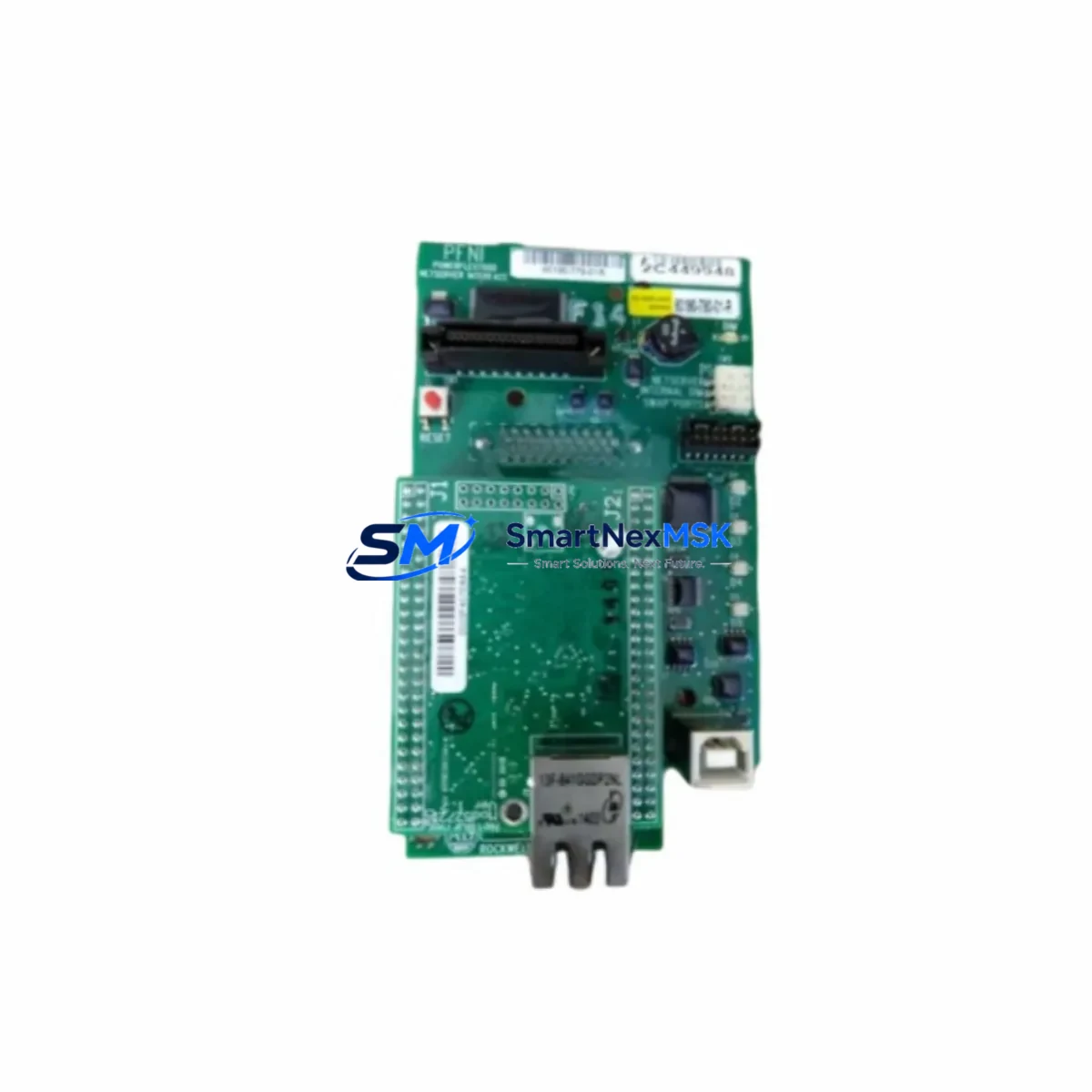
Allen-Bradley 1785-ME16 Retrofit-Ready Memory Module for PLC-5 Control Systems
The Allen-Bradley 1785-ME16 is a 16K EEPROM memory module engineered for the PLC-5 programmable controller family — one of Rockwell Automation’s most widely deployed legacy control platforms. As original 1785-ME16 units reach end-of-life and factory-new stock becomes increasingly scarce, industrial facilities operating PLC-5 based control systems face mounting pressure to source reliable, program-compatible replacements that can be installed without rewriting ladder logic or reconfiguring I/O maps. SMARTNEXMSK maintains verified inventory of the 1785-ME16 to support exactly these retrofit and continuity scenarios, with each unit subject to pre-shipment functional testing and backed by a 12-month warranty.
Whether you are managing a planned control system upgrade, responding to an unplanned module failure, or building a strategic spare-parts buffer for a critical production line, the 1785-ME16 provides a direct, drop-in memory solution that preserves your existing PLC-5 program structure, retaining all rung logic, data table configurations, and I/O force conditions without modification.
Upgrade Compatibility Table
| Parameter | Details |
|---|---|
| Compatible Controller | Allen-Bradley PLC-5 Series (PLC-5/10, PLC-5/15, PLC-5/20, PLC-5/30, PLC-5/40, PLC-5/60, PLC-5/80) |
| Memory Capacity | 16K Words EEPROM |
| Installation Interface | Direct plug-in to PLC-5 processor memory slot — no adapter required |
| Communication Compatibility | Compatible with DH+, DH-485, and Remote I/O (RIO) network configurations |
| Replacement Scope | Drop-in replacement for original 1785-ME16; also compatible as upgrade path from 1785-ME8 (8K) modules |
| Program Retention | Non-volatile EEPROM — retains program on power loss without battery dependency |
| Commissioning Requirement | Load program via RSLogix 5 or 6200 Series programming software; verify I/O configuration and data table integrity post-installation |
| Warranty | 12 Months — covers functional defects under normal operating conditions |
Retrofit Planning for Existing Automation Systems
Retrofitting a PLC-5 control system requires careful coordination across multiple hardware and software layers. The 1785-ME16 sits at the center of this process as the program storage medium, but a successful retrofit depends on verifying the health and compatibility of the surrounding system components before and after module replacement.
Begin by auditing the PLC-5 chassis and backplane. Common PLC-5 rack configurations use the 1771-A1B, 1771-A2B, 1771-A3B, or 1771-A4B chassis, and the backplane slot assignment for the processor module must be confirmed before removal. If the processor itself — such as a 1785-L40B or 1785-L80B — is also being replaced as part of a broader upgrade, the memory module swap should be sequenced after the processor is seated and powered, to allow a clean program load via the 1784-KTX or 1784-PCMK programming cable.
Power supply capacity is a critical checkpoint. The 1771-P4S or 1771-P7 power supply units commonly paired with PLC-5 racks must be verified to have sufficient current headroom after accounting for all installed I/O modules. Adding or replacing modules — including analog input modules such as the 1771-IFE or digital output modules such as the 1771-OBD — can shift the total current draw and trigger nuisance faults if the power budget is not recalculated.
Terminal wiring and I/O module addressing must be validated against the existing program’s I/O map. In PLC-5 systems, I/O addresses are rack-and-slot based, and any physical relocation of modules — even within the same chassis — will invalidate address references in the ladder program unless the I/O configuration is updated in RSLogix 5 and the program is re-downloaded to the 1785-ME16. For systems using Remote I/O adapters such as the 1771-ASB, the remote rack addressing must also be confirmed to match the scanner configuration in the processor.
Communication link integrity should be verified across the DH+ or DH-485 network. Node address conflicts, termination resistor placement, and cable shielding are common sources of intermittent communication faults that surface during commissioning after a memory module replacement. If the system includes a 1784-KTX or 1784-PKTX Data Highway Plus interface card for programming or SCADA connectivity, confirm that the card’s node address does not conflict with the PLC-5 processor or any connected PanelView HMI terminals.
HMI screen validation is a frequently overlooked step. PanelView 550, PanelView 900, or PanelView 1000 terminals connected via DH+ or DH-485 reference specific data table addresses in the PLC-5 program. After loading the program to the 1785-ME16, cycle through all HMI screens to confirm that tag references resolve correctly and that no communication timeout alarms are active. If the HMI application file has been modified since the last program backup, reconcile the HMI and PLC program versions before returning the system to production.
Downtime Control During System Migration
Minimizing unplanned downtime during a 1785-ME16 replacement or PLC-5 memory upgrade requires a structured pre-outage preparation protocol. Before taking the system offline, use RSLogix 5 to perform a full program upload from the existing processor and save the .RSS file to a secure, version-controlled backup location. Document the current I/O force table status and clear all forces before initiating the module swap to prevent unexpected actuator movement on power-up.
If the control system supports a hot-standby or redundant processor configuration — common in larger PLC-5/80 installations — coordinate the switchover sequence with the operations team to transfer control to the standby processor before beginning work on the primary chassis. This approach can reduce the effective control interruption to under five minutes for a memory module swap, provided the standby processor’s program is synchronized and verified in advance.
After installing the 1785-ME16 and loading the program, perform a controlled power cycle and monitor the processor status indicators through the full startup sequence. Confirm that the RUN light is steady, the FAULT light is off, and that all I/O modules report healthy status before releasing the system to automatic mode. For systems with safety-critical interlocks, conduct a point-by-point I/O verification against the original wiring diagrams before resuming production.
SMARTNEXMSK ships the 1785-ME16 with a pre-shipment test report confirming EEPROM read/write integrity and module identification. This documentation supports your internal commissioning records and quality audit trail.
Retrofit Support FAQ
Q: Is the 1785-ME16 a direct replacement for the original Allen-Bradley part, or are there hardware revisions I need to account for?
A: The 1785-ME16 supplied by SMARTNEXMSK is functionally equivalent to the original Rockwell Automation catalog number. It is compatible with all PLC-5 processor variants that support 16K EEPROM memory. If your existing processor is currently fitted with a 1785-ME8 (8K) module, the 1785-ME16 is a direct upgrade — no processor firmware change is required, and the additional memory capacity is automatically recognized by the PLC-5 operating system.
Q: What programming software and cable do I need to load my program onto the 1785-ME16 after installation?
A: RSLogix 5 (version 7.x or later recommended) is the standard programming environment for PLC-5 processors. Connection to the processor is made via a 1784-KTX, 1784-PCMK, or 1784-U2DHP interface cable, depending on your workstation’s available ports. Ensure your .RSS backup file is accessible before beginning the installation, and verify the processor’s communication channel settings match your programming cable configuration.
Q: How do I verify that the replacement 1785-ME16 is functioning correctly before returning the system to production?
A: After loading the program, confirm the processor enters RUN mode without faults, verify the I/O status display in RSLogix 5 shows all modules online, and perform a manual I/O check against your wiring documentation. Each 1785-ME16 shipped by SMARTNEXMSK includes a pre-shipment functional test report. If any fault codes appear during commissioning, our technical support team is available to assist with diagnostics.
Q: What warranty coverage applies to the 1785-ME16, and what does it include?
A: All 1785-ME16 units supplied by SMARTNEXMSK carry a 12-month warranty covering functional defects under normal operating conditions. The warranty covers EEPROM read/write failure, module identification errors, and backplane communication faults attributable to the module. Physical damage resulting from incorrect installation, overvoltage, or environmental exposure is excluded. Warranty claims are processed with priority turnaround to minimize your system downtime.
© 2026 SMARTNEXMSK. All rights reserved.
Original Source: https://smartnexmsk.com
Contact: [email protected] | +86 18259474341