
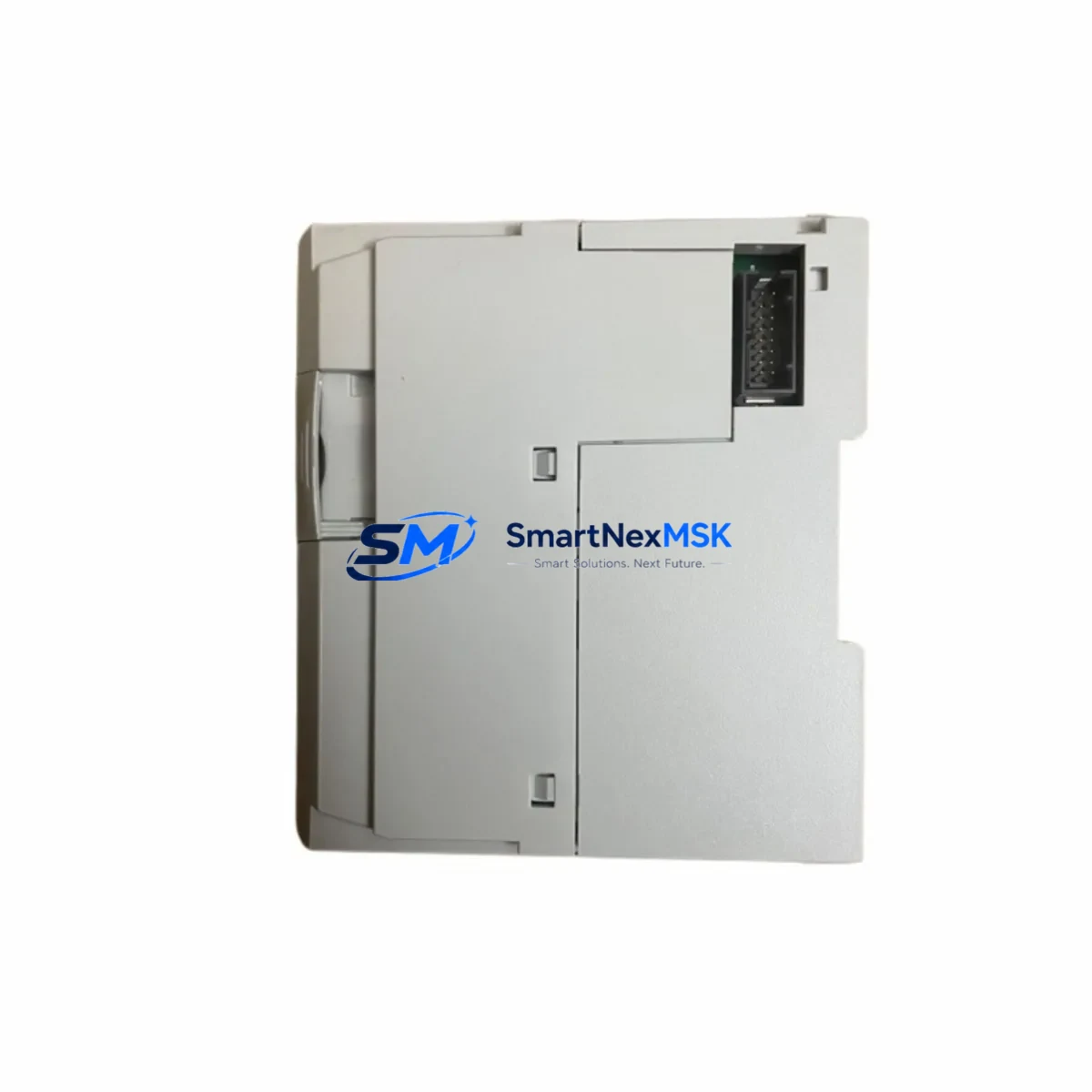
Allen-Bradley 1769-L19ER-BB1B Maintenance-Ready Spare CompactLogix 5370: Spare Replacement for Industrial Downtime Control
The Allen-Bradley 1769-L19ER-BB1B is a CompactLogix 5370 L1 series programmable logic controller (PLC) engineered for compact, high-performance machine-level automation. As a maintenance-ready original spare, this unit is sourced, inspected, and dispatched to support rapid field replacement in manufacturing lines, packaging systems, conveyor controls, and process automation environments where unplanned downtime carries significant operational cost.
Maintenance engineers and procurement teams managing aging CompactLogix installations rely on pre-stocked 1769-L19ER-BB1B units to eliminate lead-time risk. When a controller fault occurs — whether from firmware corruption, hardware failure, or surge damage — having a verified spare on the shelf reduces mean time to repair (MTTR) from days to hours. This unit ships with full functional testing documentation and is backed by a 12-month warranty covering manufacturing defects and operational failures under normal industrial conditions.
Spare Maintenance Table
| Parameter | Specification |
|---|---|
| Part Number / SKU | 1769-L19ER-BB1B |
| Brand | Allen-Bradley (Rockwell Automation) |
| Series | CompactLogix 5370 L1 |
| Product Type | PLC Controller |
| Processor Memory | 1 MB (user memory) |
| I/O Capacity | Up to 16 axes of motion; supports up to 8 local I/O modules |
| Communication Ports | Dual EtherNet/IP ports (embedded switch), USB programming port |
| Power Supply Input | 24V DC (external supply required) |
| Operating Temperature | 0°C to 60°C (32°F to 140°F) |
| Mounting | DIN rail or panel mount |
| Compatibility | 1769 CompactLogix I/O modules, Studio 5000 Logix Designer |
| Certifications | UL, CE, RCM |
| Origin | USA |
| Condition | Original spare, functionally tested |
| Warranty | 12 Months — covers manufacturing defects and operational failure |
Maintenance Planning for Continuous Operation
When replacing a 1769-L19ER-BB1B in the field, a thorough inspection of the surrounding control cabinet is essential to prevent repeat failures and ensure system stability. Maintenance engineers should begin by verifying the 24V DC power supply feeding the controller — a degraded or undersized supply is a common root cause of controller resets and communication faults. Units such as the 1606-XLP power supply series are frequently paired with CompactLogix L1 systems and should be load-tested during any planned maintenance window.
Next, inspect all 1769 series I/O modules installed in the local chassis. Digital input modules (e.g., 1769-IQ16) and digital output modules (e.g., 1769-OB16) should be checked for blown fuses, damaged field wiring terminals, and LED fault indicators. Analog I/O modules such as the 1769-IF4 or 1769-OF4 require calibration verification after a controller swap to ensure signal accuracy is maintained across the process loop.
The EtherNet/IP network infrastructure connected to the 1769-L19ER-BB1B should also be audited. Managed switches, patch cables, and RJ45 connectors in industrial environments are subject to vibration and thermal cycling — any intermittent connection can cause I/O communication faults that mimic controller failure. Verify that IP address configuration and subnet settings are correctly restored after the replacement unit is installed.
For systems using motion control, check the Kinetix servo drive connections and feedback cables. The 1769-L19ER-BB1B supports CIP Motion over EtherNet/IP, and any axis configuration stored in the controller program must be verified against the physical drive parameters after a controller replacement. Additionally, inspect the 1769-ECR end cap resistor and any 1769-CRL/CRR bus expansion cables for physical damage or corrosion.
Terminal blocks and wiring ferrules throughout the cabinet should be torqued to specification and inspected for discoloration or heat damage — signs of overload conditions that may have contributed to the original controller failure. If the system includes a PanelView HMI (such as the PanelView Plus 7 or PanelView Component series), verify that the HMI communication path to the new controller is re-established and that all tag references are intact. Finally, review any surge protection devices or 24V DC fuse blocks protecting the controller’s I/O circuits, replacing any that show signs of degradation.
Site Replacement Workflow
Replacing a 1769-L19ER-BB1B in a live production environment requires a structured approach to minimize downtime and avoid configuration errors. Before removing the failed unit, use Studio 5000 Logix Designer to export a backup of the controller program, including all tag databases, motion configurations, and I/O module definitions. If the controller is unresponsive, retrieve the last known-good program backup from your version control archive or engineering workstation.
Power down the control cabinet following your site’s lockout/tagout (LOTO) procedure. Remove the failed 1769-L19ER-BB1B by disconnecting the USB programming cable, EtherNet/IP patch cables, and the 24V DC power input. Slide the controller off the DIN rail and note the position of any adjacent 1769 I/O modules to ensure correct reassembly.
Install the replacement 1769-L19ER-BB1B, reconnect all cables, and restore power. Use Studio 5000 to download the backed-up program to the new controller, verify the I/O module configuration matches the physical chassis layout, and confirm that all EtherNet/IP nodes are online. Perform a controlled test cycle before returning the machine to production. This workflow is compatible with both direct 1769-L19ER-BB1B-to-1769-L19ER-BB1B replacements and cross-upgrades from earlier CompactLogix L1 variants such as the 1769-L16ER-BB1B, maintaining full system compatibility and reducing the risk of re-commissioning delays.
Spare Parts Support FAQ
Q1: Is the 1769-L19ER-BB1B a direct drop-in replacement for other CompactLogix 5370 L1 models?
The 1769-L19ER-BB1B is compatible with the CompactLogix 5370 L1 family and uses the same 1769 I/O bus architecture. Cross-compatibility with adjacent L1 variants (such as the 1769-L16ER-BB1B or 1769-L24ER-QB1B) depends on memory requirements and I/O count. Always verify the program’s memory usage and axis count against the replacement unit’s specifications before installation.
Q2: What pre-shipment testing is performed on this spare unit?
Each 1769-L19ER-BB1B spare undergoes functional power-on testing, communication port verification, and firmware version confirmation prior to dispatch. Units are packaged in anti-static protective materials with inspection documentation included. The 12-month warranty covers failures arising from manufacturing defects or normal operational use.
Q3: How should I manage 1769-L19ER-BB1B inventory for a multi-line facility?
For facilities operating multiple CompactLogix L1-based lines, a minimum stock of one spare controller per production zone is recommended. Given the controller’s role as the central program execution and I/O coordination node, a single unplanned failure without a spare on hand can halt an entire production cell. Pairing the controller spare with pre-configured I/O module spares (1769-IQ16, 1769-OB16) and a current program backup on a dedicated engineering laptop significantly reduces recovery time.
Q4: Can this unit be used to extend the life of an older CompactLogix installation?
Yes. The 1769-L19ER-BB1B is well-suited for life-extension programs on existing CompactLogix 5370 L1 installations. It supports current Studio 5000 firmware versions while maintaining backward compatibility with established 1769 I/O module configurations. For facilities deferring a full system upgrade, maintaining a stocked spare of this controller is a cost-effective strategy to sustain production continuity without re-engineering the control architecture.
© 2026 SMARTNEXMSK. All rights reserved.
Original Source: https://smartnexmsk.com
Contact: [email protected] | +86 18259474341



