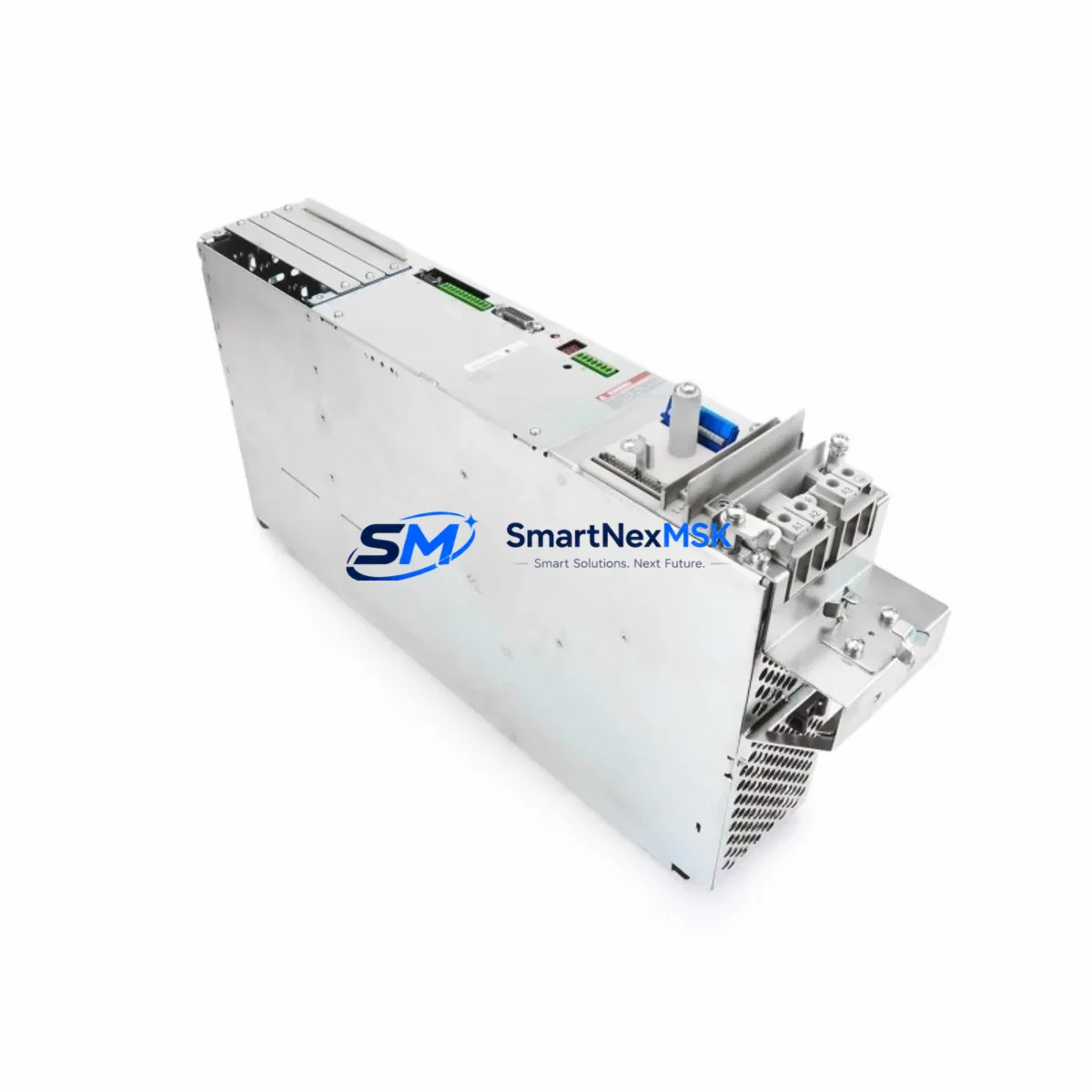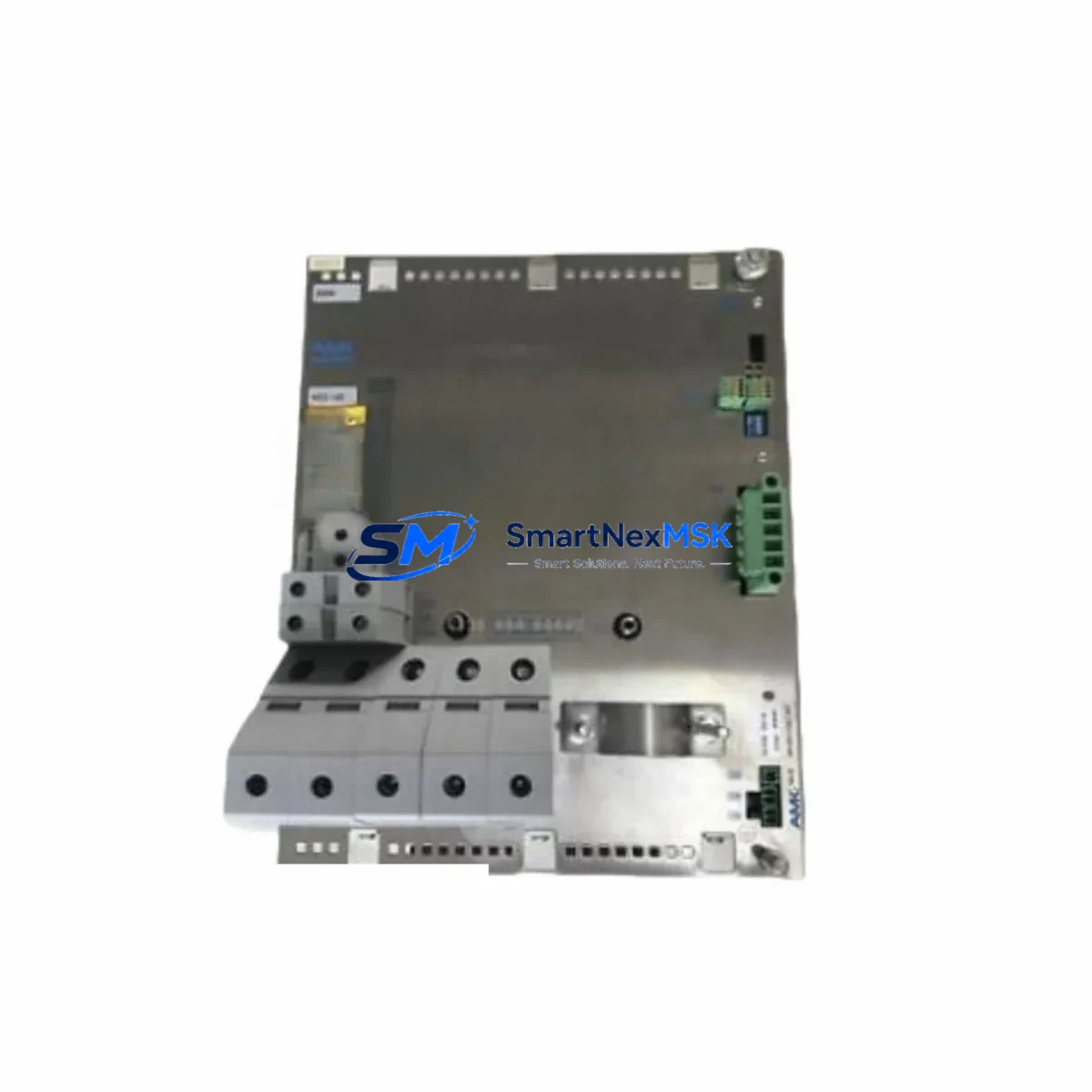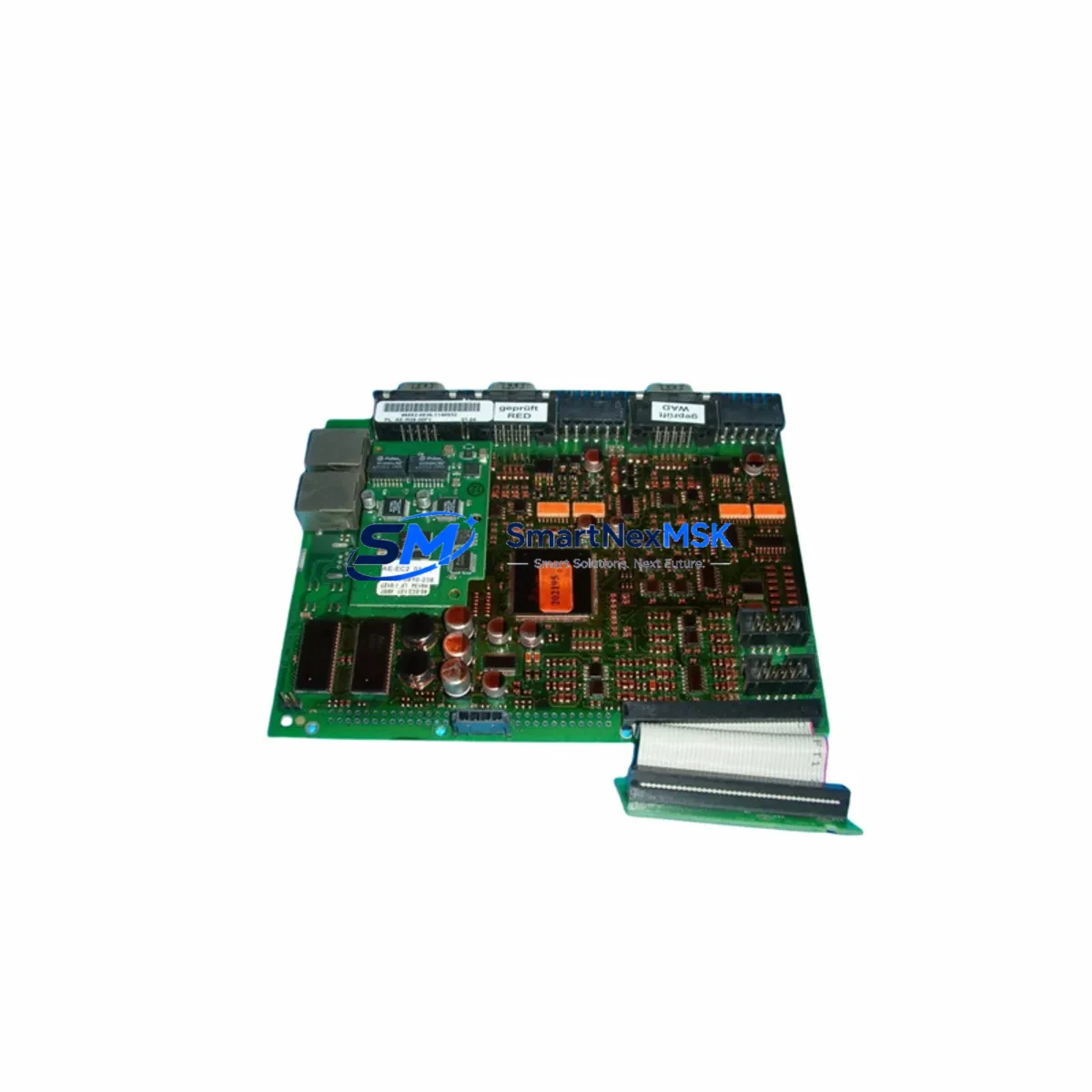
AMK KW-EC1 AE-ETC-1.01 Retrofit-Ready EtherCAT Controller for AMKASYN KW Control Systems
The AMK KW-EC1 AE-ETC-1.01 is a high-performance EtherCAT motion controller designed as a direct retrofit replacement for legacy AMKASYN KW series drive systems. As production lines age and original AMK components reach end-of-life, the KW-EC1 AE-ETC-1.01 provides a validated upgrade path that preserves existing wiring infrastructure, minimizes reprogramming effort, and restores full motion control capability with modern EtherCAT communication. Whether you are recovering from an unplanned failure, executing a planned modernization, or building a spare-parts inventory for critical machinery, this module delivers the compatibility and reliability your operation demands.
Sourced from verified supply channels and subject to pre-shipment functional testing, each unit ships with a 12-month warranty covering manufacturing defects and operational failures under normal industrial use conditions. SMARTNEXMSK maintains in-stock inventory to support urgent replacement scenarios with fast global dispatch.
Upgrade Compatibility Table
| Parameter | Legacy AMKASYN KW Series | AMK KW-EC1 AE-ETC-1.01 | Retrofit Notes |
|---|---|---|---|
| Communication Protocol | Proprietary AMK SERCOS / CAN | EtherCAT (IEC 61158) | Master controller must support EtherCAT; update network topology accordingly |
| Backplane Interface | AMK KW-series rack slot | Compatible KW-series rack slot | Verify rack generation; AMK IDC backplane connectors are mechanically compatible |
| Power Supply Requirement | 24 VDC logic / DC bus per KW spec | 24 VDC logic / DC bus per KW-EC1 spec | Confirm PSU capacity; add AMK AMKASYN KW-BE power supply buffer if required |
| Terminal Wiring | X1/X2 terminal block per legacy pinout | X1/X2 terminal block — same pinout | Direct re-use of existing cable harness; verify encoder feedback connector type |
| Module Address / Node ID | DIP switch or rotary encoder | EtherCAT node address via software | Reassign node address in EtherCAT master (e.g., Beckhoff TwinCAT or Siemens SIMATIC) |
| Program Compatibility | AMK AIPEX Pro / legacy PLC ladder | AMK AIPEX Pro (current version) | Export and re-import axis parameters; verify motion profile scaling |
| HMI Screen Mapping | Legacy HMI tag addresses | Updated EtherCAT object dictionary | Remap HMI tags to new PDO addresses; test all operator screens before go-live |
| Installation Format | DIN rail / rack mount | DIN rail / rack mount | No mechanical modification required |
| Warranty | OEM warranty (expired) | 12 Months from shipment date | Covers manufacturing defects and operational failure under normal use |
Retrofit Planning for Existing Automation Systems
A successful retrofit of the AMK KW-EC1 AE-ETC-1.01 into an existing control cabinet begins well before the module arrives on site. Engineers should start by auditing the current rack configuration: identify the AMK IDC backplane or KW-series rack in use, confirm available slot positions, and document the existing wiring harness connected to the legacy drive module. In many installations, the original AMK AMKASYN KW-BE power supply module remains serviceable and can continue to supply the DC bus and 24 VDC logic rail to the new KW-EC1 without modification.
Next, assess the communication infrastructure. The KW-EC1 AE-ETC-1.01 communicates exclusively over EtherCAT, which means the upstream PLC or motion controller must be EtherCAT-capable. Sites running older AMK SERCOS or CAN-based masters will need to introduce an EtherCAT master — commonly a Beckhoff CX series IPC or a Siemens SIMATIC S7-1500 with CM 4xIE/EtherCAT communication module — as part of the upgrade scope. The EtherCAT network cable (Cat5e or Cat6 shielded) should be routed from the master to the KW-EC1 IN port, with the OUT port available for daisy-chaining additional EtherCAT slaves such as AMK AIO I/O expansion modules or third-party EtherCAT terminals.
Terminal wiring for the servo motor feedback and power connections follows the same X1/X2 pinout as the legacy AMKASYN KW module, allowing the existing motor cable and encoder cable to be reconnected directly. However, engineers should inspect the encoder connector type: if the legacy system used a 15-pin D-sub resolver interface, confirm that the KW-EC1 firmware supports the same resolver type or plan for an AMK encoder adapter cable. For multi-axis cabinets, each axis slot should be individually verified before powering the rack.
I/O expansion requirements should also be reviewed at this stage. If the legacy system relied on discrete I/O points integrated into the drive module, consider adding an AMK AIO-04/08 I/O module to the rack or connecting EtherCAT-based remote I/O terminals to maintain the same signal count. For safety-rated I/O, an AMK safety module compatible with the KW rack may be required to preserve STO (Safe Torque Off) and SS1 (Safe Stop 1) functionality mandated by the machine’s safety assessment.
Programming migration is handled through AMK AIPEX Pro software. Export the axis parameter set from the legacy drive using the backup utility, then import into the new KW-EC1 project. Review all motion profile parameters — acceleration ramps, velocity limits, position window tolerances — and adjust for any differences in firmware version. If the original program was written for a Siemens or Beckhoff PLC, the EtherCAT PDO mapping must be updated to reflect the KW-EC1 object dictionary before the program is downloaded. A USB programming cable compatible with the AMK service interface is recommended for initial parameter upload and diagnostic access during commissioning.
Downtime Control During System Migration
Minimizing production downtime during a KW-EC1 retrofit requires a structured changeover plan. The recommended approach is to complete all pre-commissioning work — parameter backup, EtherCAT network configuration, HMI tag remapping, and bench-testing of the new module — before the scheduled maintenance window begins. Where possible, configure and test the KW-EC1 on a spare rack or test bench using the same motor and encoder as the production axis, confirming that the motion profile executes correctly before the production machine is touched.
During the changeover window, follow a documented sequence: isolate the axis, remove the legacy module, insert the KW-EC1 AE-ETC-1.01, reconnect the motor and encoder cables, connect the EtherCAT network cable, and power up the rack. The EtherCAT master should automatically detect the new node; assign the correct node address and load the pre-validated PDO configuration. Run the axis through a slow-speed jog cycle to confirm encoder feedback direction and motor phasing before restoring full-speed operation.
To protect the original program logic, always retain a full backup of the legacy PLC project and drive parameter file before making any changes. If the EtherCAT master is a Beckhoff TwinCAT system, use the TwinCAT System Manager to export the existing configuration as an XML file. For Siemens SIMATIC environments, save the project to a TIA Portal archive. These backups ensure that the original control logic can be restored within minutes if an unexpected issue arises during commissioning, keeping the risk of extended downtime to an absolute minimum.
For sites with no spare module on hand, SMARTNEXMSK offers priority dispatch on in-stock KW-EC1 AE-ETC-1.01 units, with same-day shipment available for orders confirmed before the daily cut-off. Each unit undergoes pre-shipment functional testing to verify EtherCAT communication, axis parameter upload, and power-on self-test before leaving the warehouse, reducing the risk of receiving a non-functional module during a critical repair.
Retrofit Support FAQ
Q1: Is the AMK KW-EC1 AE-ETC-1.01 a direct drop-in replacement for all AMKASYN KW series modules?
The KW-EC1 AE-ETC-1.01 is mechanically and electrically compatible with the AMKASYN KW rack slot and terminal pinout. However, because it uses EtherCAT rather than the legacy SERCOS or CAN interface, the upstream master controller must support EtherCAT. If your existing master does not, a communication module upgrade or master replacement is required as part of the retrofit scope. Contact our technical team with your full system configuration for a compatibility assessment before ordering.
Q2: What commissioning steps are required after installing the KW-EC1 AE-ETC-1.01?
After physical installation, assign the EtherCAT node address via the master configuration tool, load the axis parameter file using AMK AIPEX Pro, verify encoder feedback polarity with a slow-speed jog, and confirm all PDO mappings in the EtherCAT master project. Run a full motion cycle at reduced speed before restoring production speed. Document all parameter values and save a backup of the commissioned configuration for future reference.
Q3: Can I reuse the existing motor cables and encoder cables from the legacy AMKASYN KW installation?
In most cases, yes. The KW-EC1 AE-ETC-1.01 uses the same X1/X2 terminal block pinout as the legacy KW module, allowing direct reuse of the motor power cable. The encoder cable can typically be reused if the connector type matches the KW-EC1 feedback interface. Inspect the cable condition and connector pins before reuse, and replace any cables showing signs of insulation damage or connector wear.
Q4: What does the 12-month warranty cover, and how is a warranty claim processed?
The 12-month warranty covers manufacturing defects and operational failures under normal industrial use conditions from the date of shipment. It does not cover damage caused by incorrect installation, overvoltage, physical impact, or use outside the module’s rated specifications. To initiate a warranty claim, contact [email protected] with your order number, a description of the fault, and any available diagnostic data. SMARTNEXMSK will arrange return shipping and provide a replacement or repaired unit within the agreed service timeline.
© 2026 SMARTNEXMSK. All rights reserved.
Original Source: https://smartnexmsk.com
Contact: [email protected] | +86 18259474341