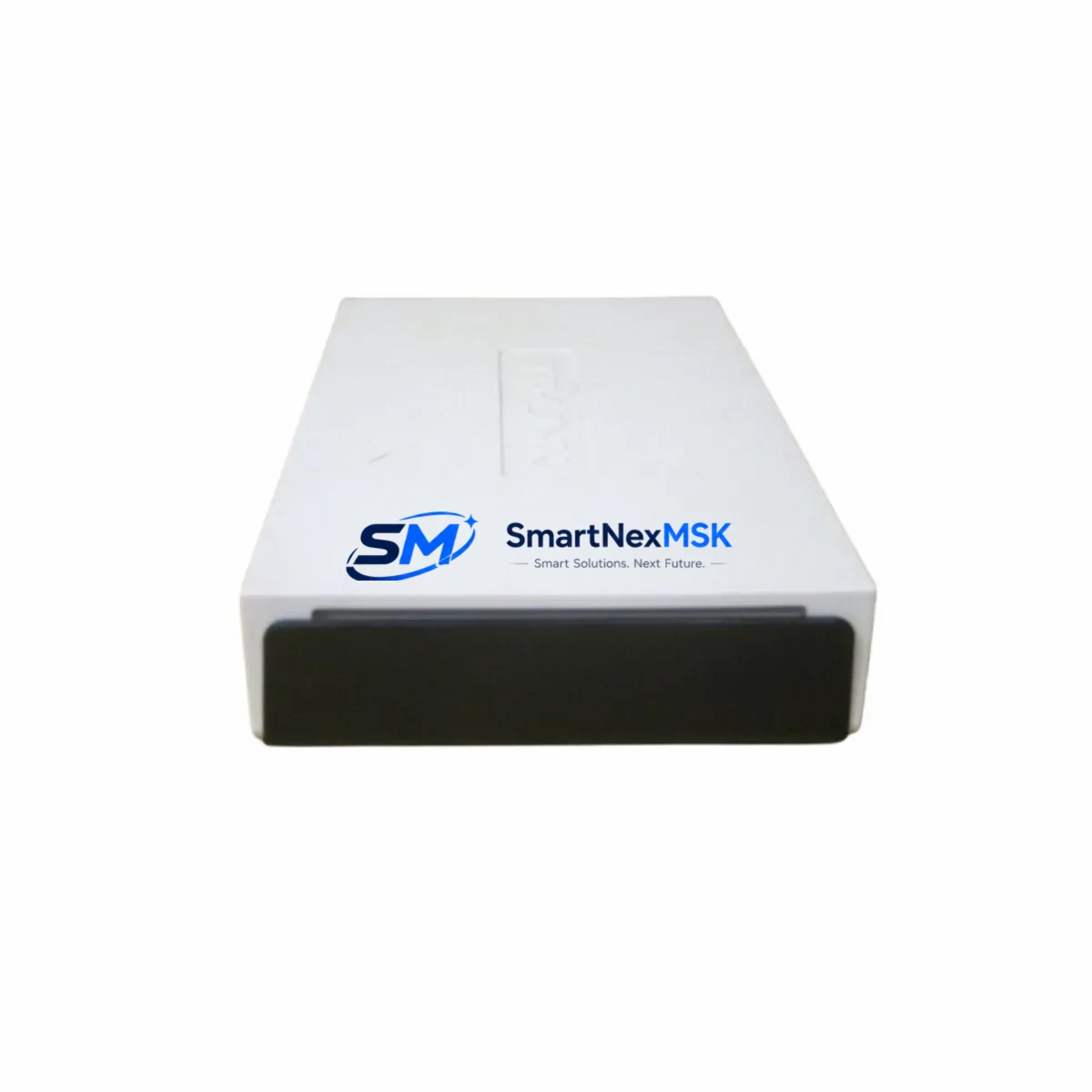
Applied Materials 0040-99705 Maintenance-Ready Spare V406: Spare Replacement & Industrial Downtime Risk Control
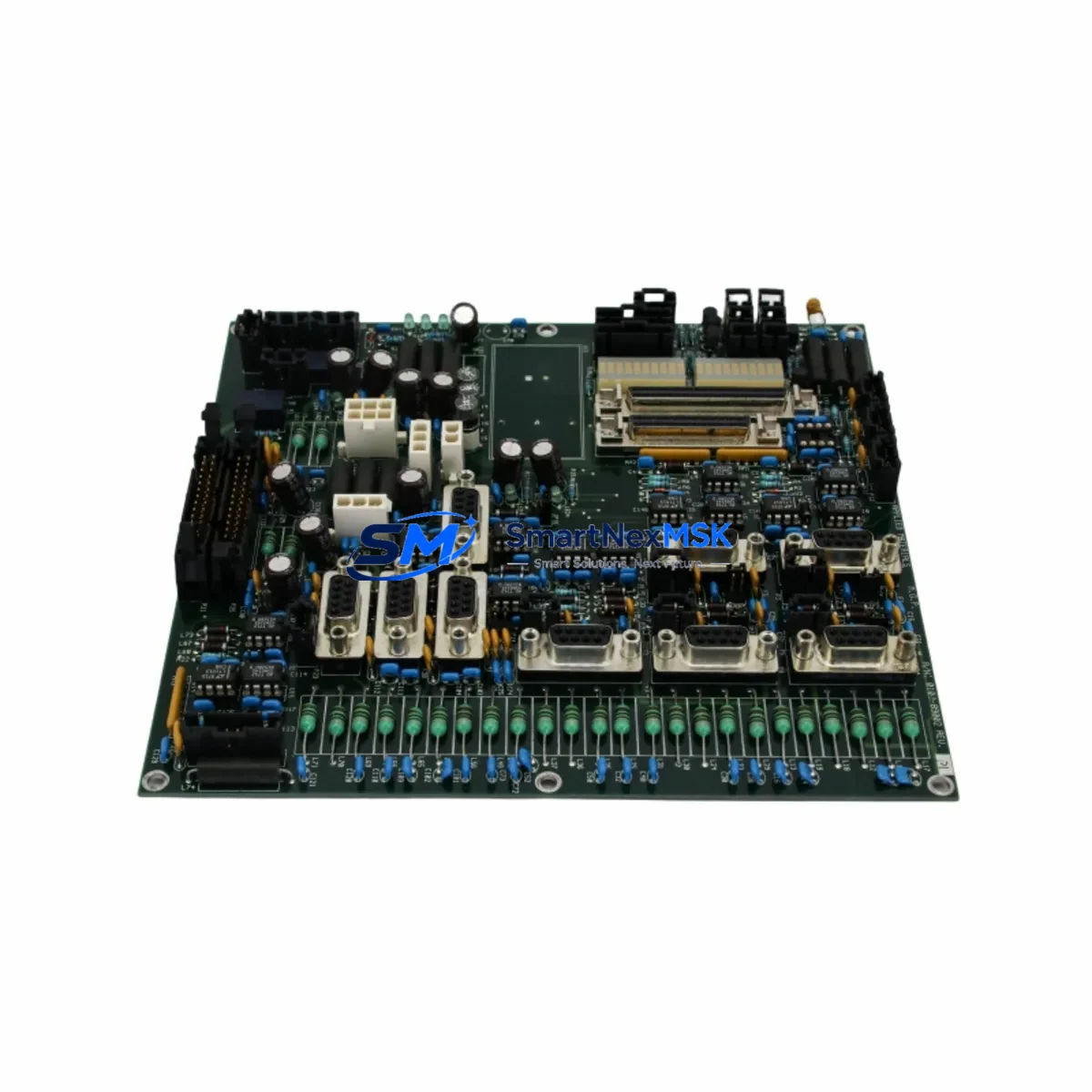
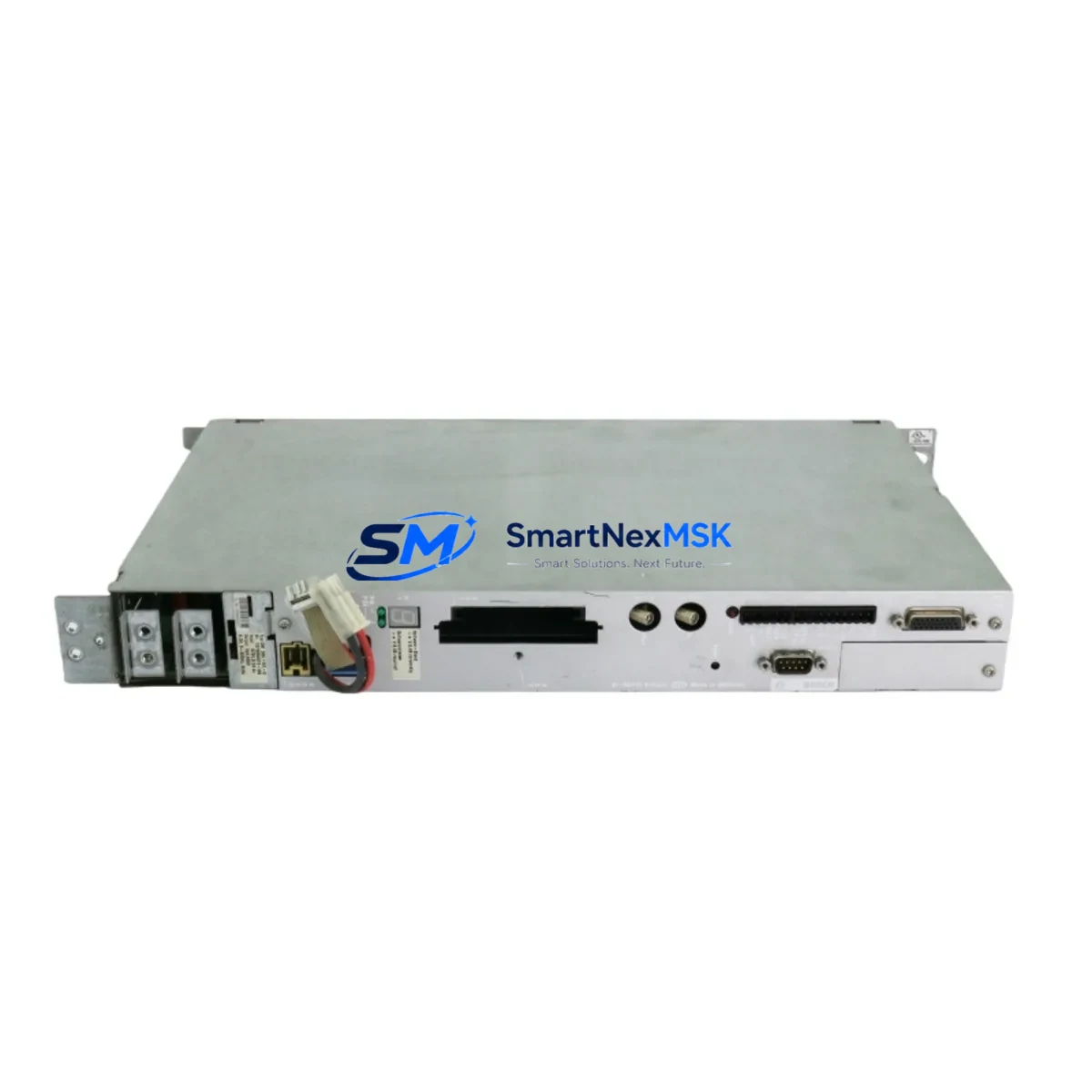
The Applied Materials 0040-99705 (V406-011E17, D-52134) is an original industrial Ethernet switch spare designed for V406-series semiconductor and process automation control systems. In high-availability manufacturing environments, unplanned network communication failures within a control cabinet can cascade into full-line shutdowns within minutes. Stocking a verified, pre-tested 0040-99705 replacement unit is a proven strategy for maintenance engineers to reduce mean time to repair (MTTR) and protect production continuity.
This unit supports the V406 platform’s managed Ethernet backbone, providing reliable data exchange between PLC racks, DCS controllers, HMI panels, and I/O subsystems. Whether you are executing a planned preventive maintenance cycle, responding to an emergency fault isolation event, or extending the operational life of an aging V406 control system, the 0040-99705 delivers a direct, configuration-compatible replacement that eliminates the need for firmware re-engineering or wiring modifications.
Maintenance and procurement engineers working on Applied Materials V406 platforms should treat this switch as a critical-path spare. Its role in sustaining Ethernet-based communication between the process controller, recipe management workstation, and field I/O nodes means that a single failed unit can interrupt data logging, alarm reporting, and interlock signaling simultaneously. Pre-positioning one or two units in your on-site spare parts inventory is a low-cost insurance policy against high-consequence downtime events.
Spare Maintenance Table
| Parameter | Specification / Detail |
|---|---|
| Part Number | 0040-99705 |
| Alternate Reference | V406-011E17 / D-52134 |
| Brand | Applied Materials |
| Series | V406 Automation Platform |
| Product Type | Industrial Managed Ethernet Switch |
| Application | Semiconductor process control, V406 control cabinet network backbone |
| Compatibility | Applied Materials V406 series control systems; direct drop-in replacement |
| Communication Protocol | Industrial Ethernet (managed switching) |
| Installation | DIN-rail or panel-mount; matches original V406 cabinet footprint |
| Operating Environment | Industrial control cabinet; temperature and EMC rated for fab environments |
| Origin | United States |
| Unit Weight | 2,600 g |
| Pre-Shipment Testing | Full functional test and port verification prior to dispatch |
| Warranty | 12 Months — covers manufacturing defects and functional failure |
| Lead Time | In-stock units ship within 1–3 business days |
| Long-Term Supply | Stable sourcing for legacy V406 platform lifecycle support |
Maintenance Planning for Continuous Operation
When a V406 control cabinet Ethernet switch such as the 0040-99705 is flagged during routine inspection or fault isolation, experienced maintenance engineers know that the network layer is rarely the only component under stress. A systematic cabinet inspection should accompany any switch replacement to prevent repeat failures and ensure full system restoration.
Begin by verifying the 24 VDC or 48 VDC power supply module feeding the switch rail — a degraded power supply with marginal output voltage is a common root cause of intermittent Ethernet link drops that are misdiagnosed as switch failures. Inspect the associated terminal blocks and DIN-rail power distribution fuses for signs of heat discoloration or loose terminations. Check the Ethernet patch cables and RJ45 connectors within the cabinet; in high-vibration semiconductor fab environments, connector fatigue is a frequent but overlooked failure mode.
On the control system side, review the V406 PLC rack’s communication module or network interface card for error counters and CRC fault logs — a failing communication module can corrupt traffic and accelerate switch wear. If the system includes a signal isolator or surge protection device on the Ethernet trunk line, inspect it for clamping degradation. For cabinets with integrated relay output modules handling interlock or alarm circuits, verify that relay coil voltages are within spec, as relay chatter can introduce electrical noise onto shared power rails.
If the V406 system connects to an HMI panel or operator workstation via this switch, confirm that the HMI’s network adapter settings and IP configuration remain intact after the switch replacement. Systems using PROFINET, EtherNet/IP, or Modbus TCP over this Ethernet backbone should be validated with a brief communication test before returning the line to production. Also inspect the I/O expansion modules and remote I/O nodes connected downstream — a switch replacement is an ideal opportunity to verify that all node addresses are responding correctly and that no I/O cards have accumulated fault histories during the period of network instability.
For aging V406 installations approaching end-of-support, consider stocking complementary spares alongside the 0040-99705: the V406 power supply module, the PLC CPU backup battery, Ethernet communication cards, I/O module spares for critical analog and digital channels, and the HMI display unit. A consolidated spare parts kit covering these components can reduce a multi-day emergency procurement event to a same-shift restoration.
Site Replacement Workflow
Step 1 — Fault Confirmation: Use the V406 system diagnostics or a network analyzer to confirm the 0040-99705 switch is the fault source. Document port link states, error counters, and any alarm codes logged by the process controller before powering down.
Step 2 — Safe Isolation: Follow your site’s lockout/tagout (LOTO) procedure. Isolate the control cabinet power feed. Label all Ethernet cables connected to the failed switch with port position tags before disconnection to ensure accurate reconnection to the replacement unit.
Step 3 — Physical Replacement: Remove the failed 0040-99705 from its mounting position. Install the replacement unit in the same orientation. The 0040-99705 is a direct mechanical and electrical replacement — no bracket modification or wiring adaptation is required for standard V406 cabinet configurations.
Step 4 — Cable Reconnection & Power-Up: Reconnect all Ethernet cables in their original port positions per your documentation. Restore cabinet power and observe link indicator LEDs on the replacement switch. All previously active ports should establish link within 30 seconds of power-up.
Step 5 — System Validation: Confirm communication between the PLC, HMI, and all I/O nodes. Run a brief process simulation or I/O check sequence to verify that all control loops, alarms, and interlocks are functioning correctly before releasing the system to production.
Step 6 — Documentation: Record the replacement in your maintenance management system (CMMS) with the new unit’s serial number, installation date, and test results. Update your spare parts inventory to trigger reorder of a replacement 0040-99705 unit to restore your buffer stock.
Spare Parts Support FAQ
Q1: Is the 0040-99705 a direct replacement for the original V406 Ethernet switch without configuration changes?
Yes. The 0040-99705 (V406-011E17) is designed as a direct drop-in replacement for the V406 platform’s managed Ethernet switch position. No firmware re-flashing or IP reconfiguration is required in standard V406 cabinet deployments. Port assignments and VLAN settings, if any, should be verified against your system’s network documentation before returning to service.
Q2: What does the 12-month warranty cover, and how is a warranty claim handled?
The 12-month warranty covers manufacturing defects and functional failure under normal industrial operating conditions. If the unit fails within the warranty period, contact our support team with the order reference and a description of the fault. We will arrange a replacement dispatch or technical assessment. Warranty does not cover damage caused by incorrect installation, overvoltage events, or physical impact.
Q3: How do you verify the unit before shipment, and what documentation is provided?
Every 0040-99705 unit undergoes a full functional test including port link verification, switching performance check, and visual inspection before dispatch. A test report and packing list are included with each shipment. Units are packed in anti-static and shock-resistant packaging suitable for international freight.
Q4: Can you support long-term or recurring supply for V406 platform lifecycle maintenance programs?
Yes. We maintain stable sourcing for Applied Materials V406 series spare parts to support customers running legacy systems beyond the original manufacturer’s active support period. Blanket purchase orders and scheduled delivery programs are available for maintenance teams managing multi-site V406 installations. Contact our sales team to discuss volume pricing and inventory reservation options.
© 2026 SMARTNEXMSK. All rights reserved.
Original Source: https://smartnexmsk.com
Contact: [email protected] | +86 18259474341