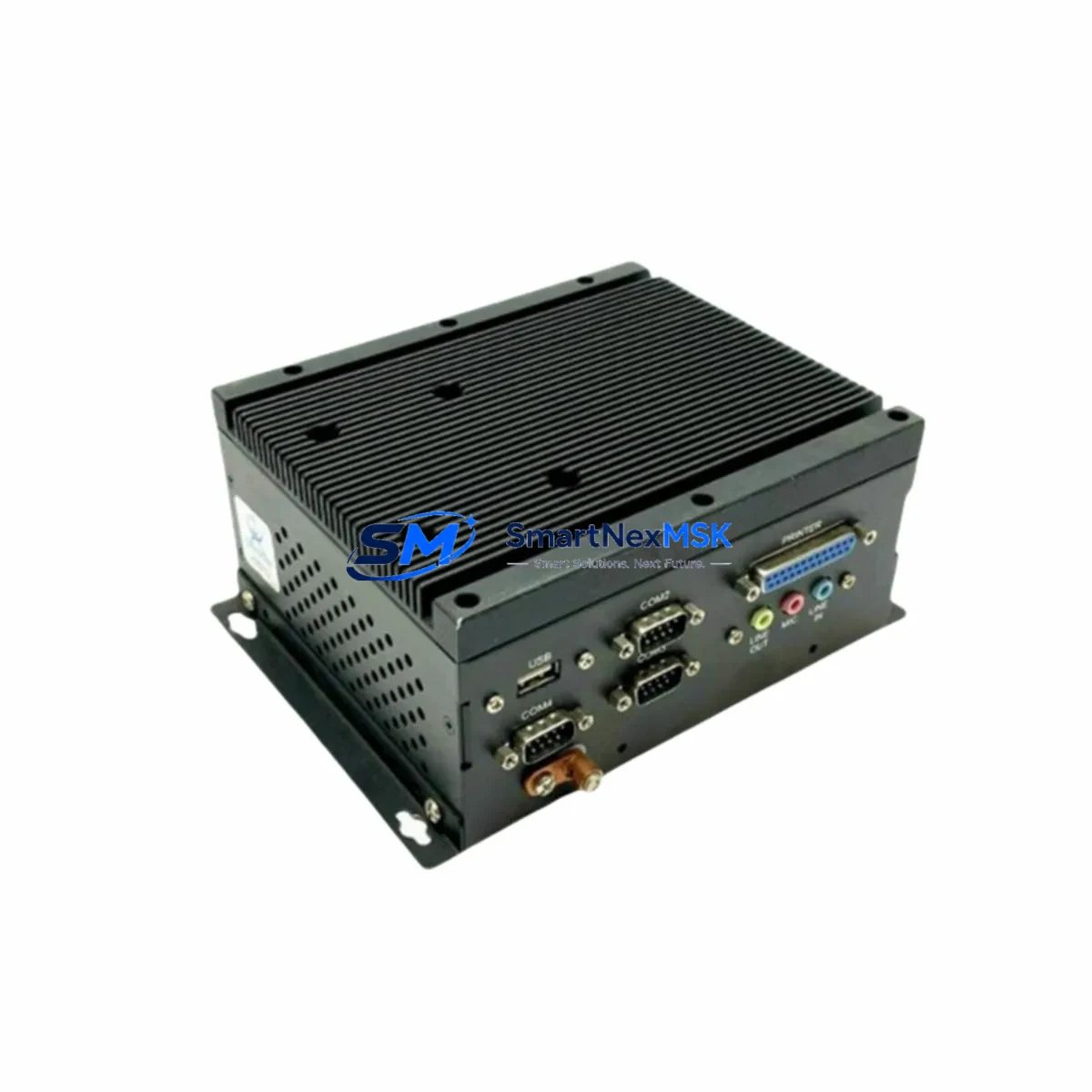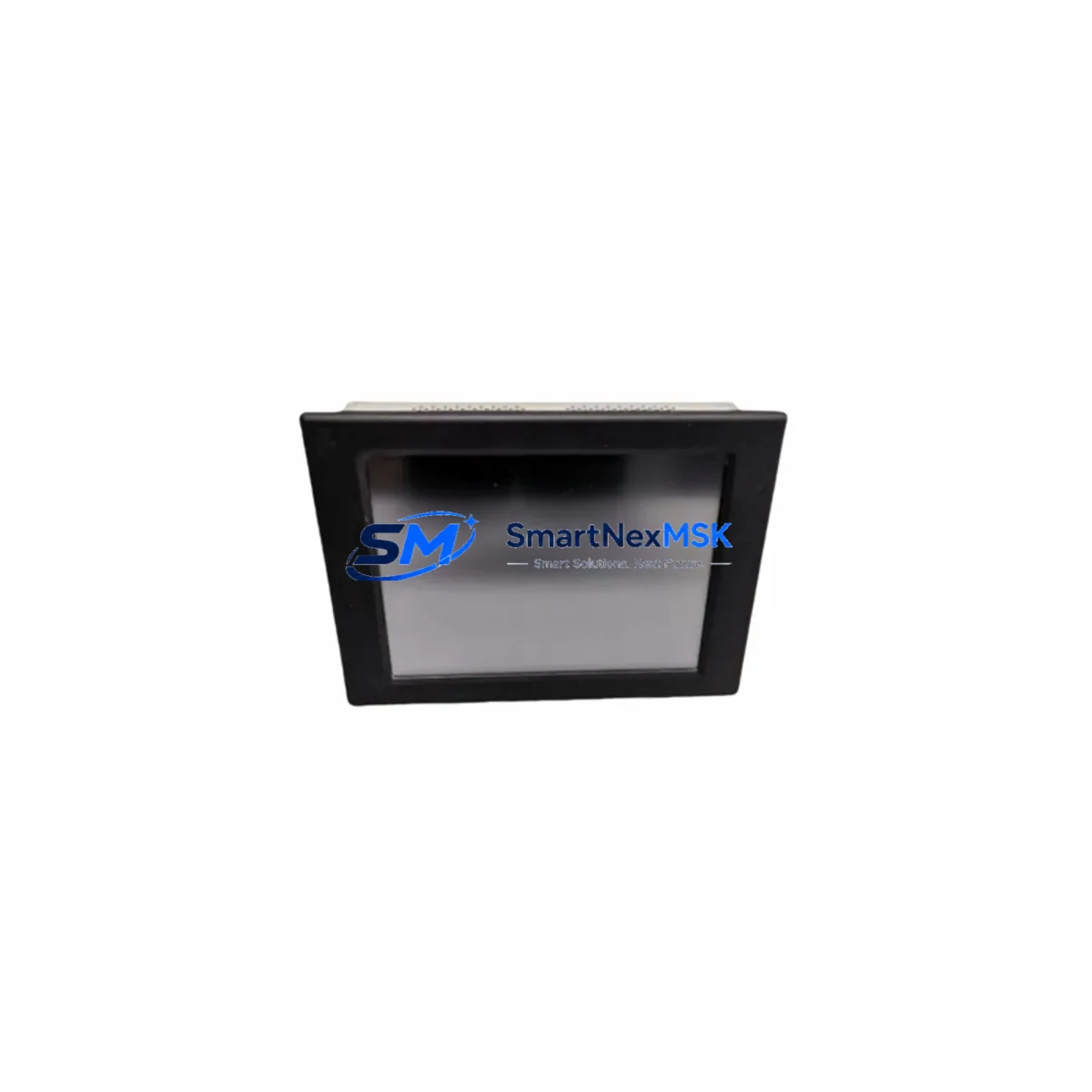
ARISTA ARP-2610A Retrofit-Ready HMI Panel PC for ARP-2610 Series Control Systems
The ARISTA ARP-2610A is a purpose-built industrial HMI Panel PC engineered as a direct retrofit replacement for the legacy ARP-2610 Series. Designed for engineers and system integrators managing aging control infrastructure, the ARP-2610A delivers a seamless upgrade path that preserves existing wiring layouts, communication protocols, and HMI screen logic — minimizing engineering rework and unplanned downtime during migration.
Whether you are modernizing a legacy SCADA workstation, upgrading a control cabinet HMI, or replacing a discontinued panel PC in a continuous-process environment, the ARP-2610A provides the mechanical compatibility, I/O density, and communication flexibility required for a controlled, low-risk cutover. Its IP65-rated front panel and fanless thermal design make it equally suited for harsh industrial environments including food processing, chemical plants, water treatment facilities, and discrete manufacturing lines.
Upgrade Compatibility Table
| Parameter | Legacy ARP-2610 | Retrofit ARP-2610A | Retrofit Notes |
|---|---|---|---|
| Form Factor | Panel-mount, front-bezel IP65 | Panel-mount, front-bezel IP65 | Direct cutout compatibility; no panel modification required |
| Display | TFT LCD, resistive touch | TFT LCD, resistive/capacitive touch | Verify HMI screen calibration after replacement |
| Communication Ports | RS-232, RS-485, Ethernet 10/100 | RS-232, RS-485, Gigabit Ethernet, USB | Map legacy COM port assignments to new port numbering in HMI project |
| Power Input | DC 12–24V | DC 12–24V wide-range | Confirm terminal polarity and cable gauge before energizing |
| Operating System | Windows CE / Embedded | Windows 10 IoT / Linux (configurable) | HMI runtime software migration required; verify driver compatibility |
| PLC Communication | Modbus RTU/TCP, proprietary drivers | Modbus RTU/TCP, OPC-UA, EtherNet/IP | Validate PLC tag mapping and communication timeout settings |
| Mounting | Standard panel cutout | Same cutout dimensions | Reuse existing mounting hardware where possible |
| Warranty | End-of-life / no support | 12-Month Warranty | Covered from date of shipment; includes DOA replacement |
Retrofit Planning for Existing Automation Systems
A successful ARP-2610A retrofit begins with a thorough audit of the existing control cabinet. Before removing the legacy ARP-2610, document all terminal wiring connections, COM port assignments, and Ethernet IP configurations. In most installations, the ARP-2610A shares the same DC power terminal layout, allowing direct reuse of existing power wiring — however, always verify input voltage range and confirm that the upstream power supply, such as a MEAN WELL SDR-120D-24 or equivalent DIN-rail PSU, can sustain the inrush current during boot.
For systems communicating with Siemens S7-300 or S7-400 PLCs via MPI or PROFIBUS-DP, the ARP-2610A’s expanded serial port set supports RS-485 at up to 12 Mbps, enabling continued use of existing PROFIBUS cables and connectors. If the legacy system used a CP 5611 PROFIBUS card or similar PC-based communication adapter, evaluate whether the new OS environment requires updated drivers or a protocol gateway such as an HMS Anybus Communicator to bridge legacy fieldbus to modern Ethernet-based protocols.
In Mitsubishi MELSEC Q-series or iQ-R environments, the ARP-2610A can interface directly via Ethernet using MC Protocol (SLMP), replacing older RS-232 serial links. Ensure that the QJ71E71-100 Ethernet module or equivalent is configured with the correct IP subnet and that the HMI project’s device addresses are remapped accordingly. For installations using GOT2000 series HMI screens in parallel, verify that the ARP-2610A does not conflict with existing GT Designer3 project files running on the same network segment.
Omron CJ2M or NX1P2 controller users should confirm that the EtherNet/IP scanner configuration on the NX-EIC202 coupler or the CJ1W-EIP21 unit is updated to recognize the ARP-2610A’s new MAC address after replacement. I/O expansion modules such as the CJ1W-ID211 input module or CJ1W-OD211 output module do not require reconfiguration, as they communicate through the backplane independently of the HMI.
For Rockwell Automation Allen-Bradley ControlLogix or CompactLogix environments, the ARP-2610A supports EtherNet/IP Class 1 and Class 3 messaging, enabling direct tag-based communication with 1756-L85E or 5069-L330ERM controllers without requiring a dedicated communication bridge. Verify that the Studio 5000 project’s HMI tag database is exported and re-imported into the new visualization runtime on the ARP-2610A.
Downtime Control During System Migration
Minimizing production interruption during an HMI retrofit requires a structured cutover plan. Begin by creating a full backup of the legacy ARP-2610’s HMI project files, including screen layouts, tag databases, alarm configurations, and communication driver settings. Store this backup on an external USB drive and a network share simultaneously before any hardware is disturbed.
Pre-configure the ARP-2610A offline: install the target HMI runtime software, import the migrated project, and perform a bench-level simulation against a test PLC or a software emulator to validate screen navigation, alarm triggers, and data logging functions. This offline validation phase typically reduces on-site commissioning time by 60–80%.
During the physical cutover window, label all terminal connections before disconnection, photograph the existing wiring, and use a structured reconnection checklist to restore power, communication, and I/O signal cables in sequence. Power up the ARP-2610A with the PLC in STOP mode, verify communication link establishment, then transition the PLC to RUN mode and confirm that all process values are displayed correctly on the new HMI before releasing the system to production.
For critical continuous-process applications, consider a parallel-run period of 24–72 hours where both the legacy and new HMI units are connected simultaneously (read-only mode on the legacy unit) to validate data consistency before full cutover. This approach is particularly effective in water treatment, chemical dosing, and power distribution applications where control continuity is non-negotiable.
Retrofit Support FAQ
Q1: Is the ARP-2610A a direct drop-in replacement for the ARP-2610 without panel modification?
Yes. The ARP-2610A maintains the same panel cutout dimensions as the legacy ARP-2610, allowing direct mechanical replacement without cutting or drilling. Front-bezel sealing gaskets are included to maintain IP65 ingress protection after installation.
Q2: Will my existing HMI project files run on the ARP-2610A without modification?
Project migration complexity depends on the original HMI runtime environment. Projects developed in WinCC flexible, FactoryTalk View ME, or GT Designer3 will require re-compilation for the target runtime on the ARP-2610A. Communication driver configurations, tag addresses, and screen logic are typically preserved, but OS-level driver updates and COM port remapping are commonly required. We recommend a pre-shipment project compatibility review — contact our technical team before ordering.
Q3: What does the 12-month warranty cover, and how is a warranty claim processed?
The 12-month warranty covers manufacturing defects, component failures under normal operating conditions, and DOA (dead-on-arrival) units. Warranty period begins from the date of shipment. To initiate a claim, contact [email protected] with your order number, failure description, and photos of the unit. Replacement units are dispatched within 3–5 business days upon claim approval.
Q4: Can the ARP-2610A be pre-tested and configured before shipment?
Yes. We offer pre-shipment functional testing and basic configuration services. Units are powered on, communication ports are verified, and OS integrity is confirmed before dispatch. If you provide your HMI project files and PLC communication parameters in advance, we can perform a pre-loaded configuration to further reduce on-site commissioning time. All tested units ship with a test report.
© 2026 SMARTNEXMSK. All rights reserved.
Original Source: https://smartnexmsk.com
Contact: [email protected] | +86 18259474341